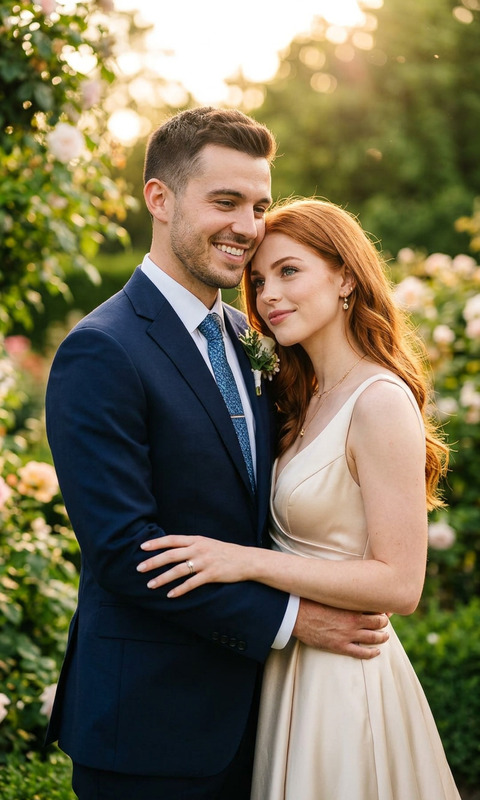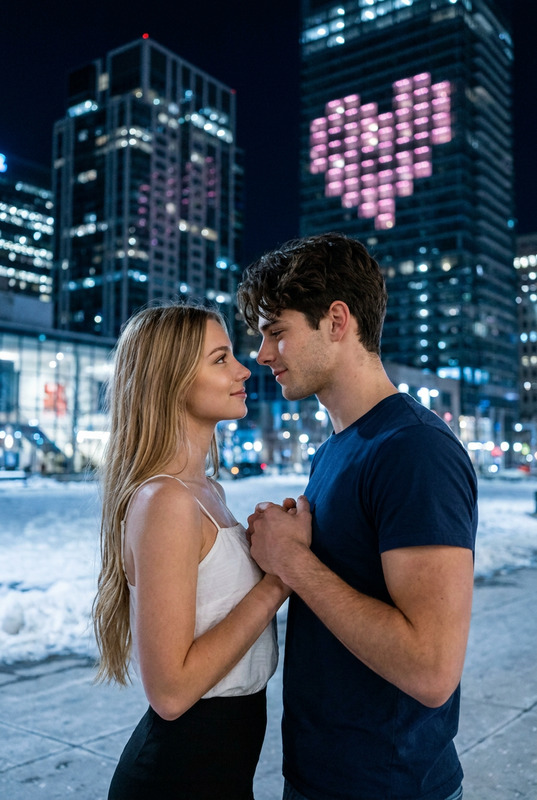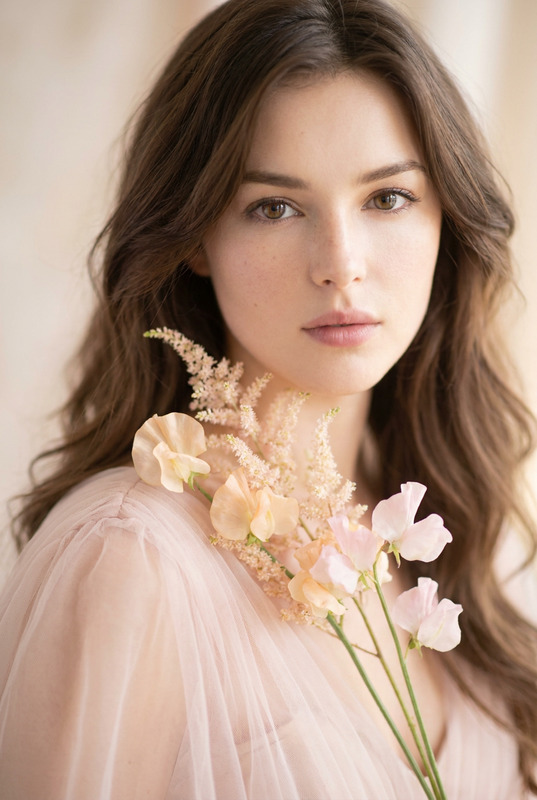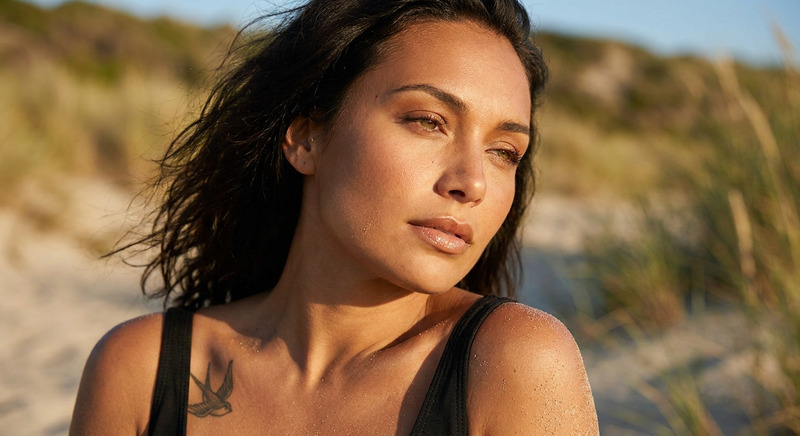
Heart to Heart
- Model
- Nano Banana Pro
- Image
- 848 × 1264 px
Prompt
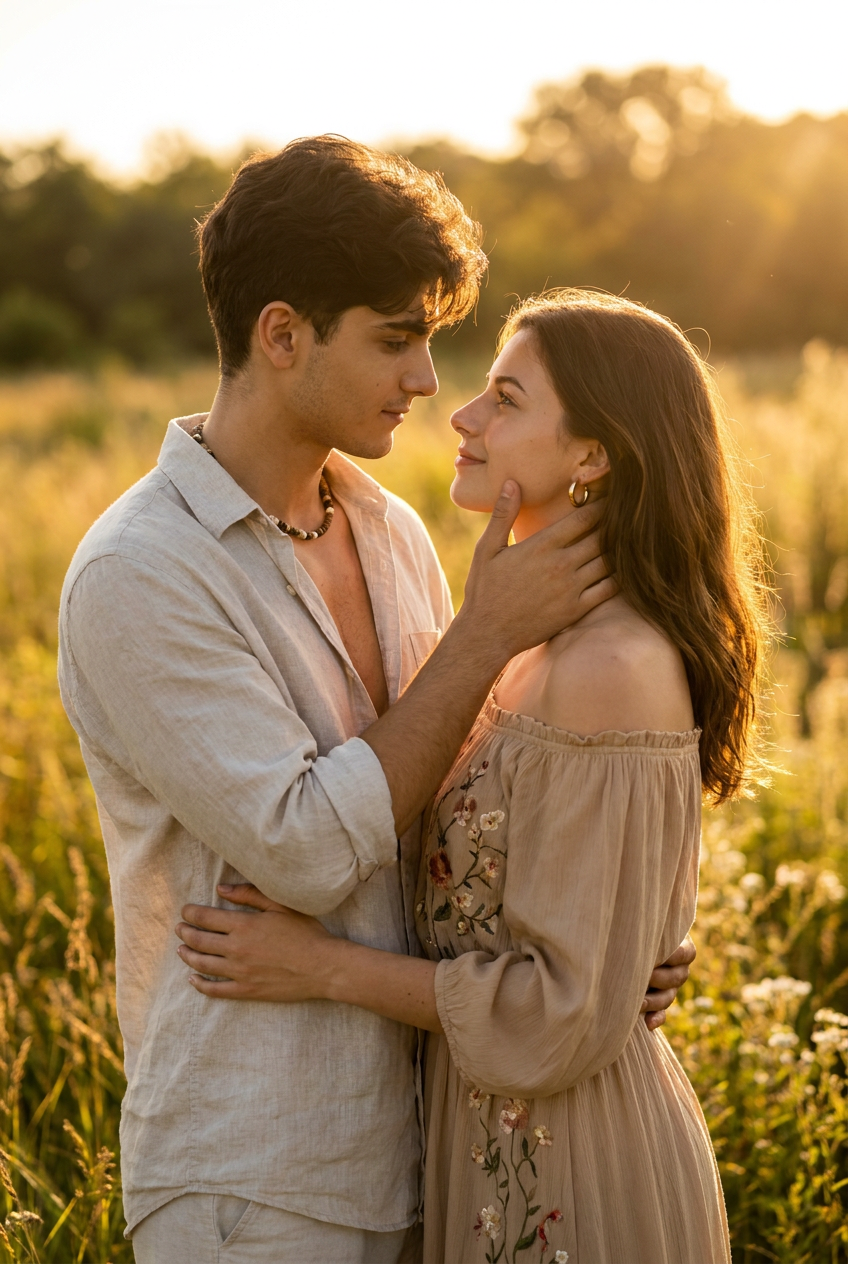
A dreamy, bohemian-style portrait of a young couple during golden hour. The man, wearing a light linen shirt unbuttoned slightly and a beaded necklace, gently holds the woman jawline as his other hand rests on her lower back. She wears a flowy off-shoulder beige dress with floral embroidery, gold hoop earrings, and minimal makeup. They share a quiet, emotional gaze under a warm sunset glow, with tall grass and wildflowers in the blurred background. Cinematic tones, Canon R6 with 85mm. Use the face from the uploaded reference image and preserve the same facial features - do not alter the face.
Any aspect ratio
Overview
The "Heart to Heart" template leverages the power of the AI Image Editor using the nano-banana-pro model. It's designed to craft a visually captivating, bohemian-style portrait of a couple during the golden hour. This template emphasizes realism while maintaining the original facial features of the uploaded reference image for perfect authenticity.
What It Does
This template enables the creation of a dreamy couple portrait, capturing the essence of a golden hour glow with cinematic tones. By using the AI Image Editor, it preserves the original facial features of the reference images while enhancing the overall aesthetics with detailed styling and a warm sunset backdrop.
Who It's For
The "Heart to Heart" template is ideal for photographers, content creators, and anyone in the visual arts looking to produce stunning, emotion-laden portraits. Whether you're working on a romantic series or looking to enhance your portfolio, this tool simplifies complex visual edits, much like our AI Face Editor product.
Summary
For creators keen on crafting emotional and visually compelling portraits, the "Heart to Heart" template offers a detailed and editable approach to enhance digital images with AI Image Generator capabilities while ensuring the true likeness of your subjects is maintained.
How To
Choose Your Template

Customize Your Inputs

Generate Your Portrait

Use Cases
Personal Photoshoots
- Capture intimate moments with cinematic quality
- Focus on natural lighting and detailed textures
Professional Portfolio
- Maintain subject likeness with artistic flair
- Easy integration into existing workflows
Event Photography
- Highlight romantic themes
- Provide clients with memorable keepsakes
Best Practices
Quality Reference Images
Use high-resolution images to ensure facial features are accurately preserved.Prompt Refinement
Adjust the descriptive elements in the prompt to ensure alignment with your creative vision.Lighting Adjustments
Utilize natural lighting cues in your prompt to enhance the golden hour effect effectively.