Golden Breeze
- Model
- Nano Banana Pro
- Image
- 1408 × 768 px
Prompt
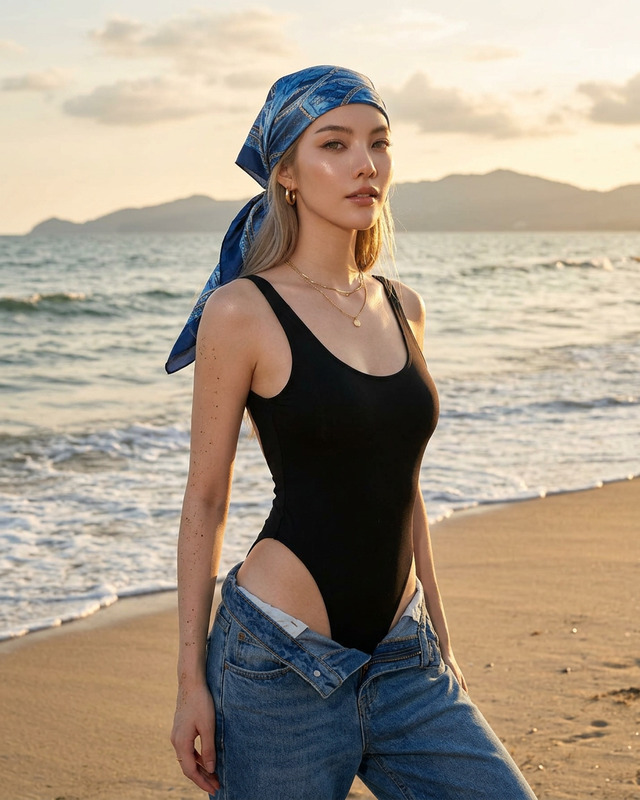
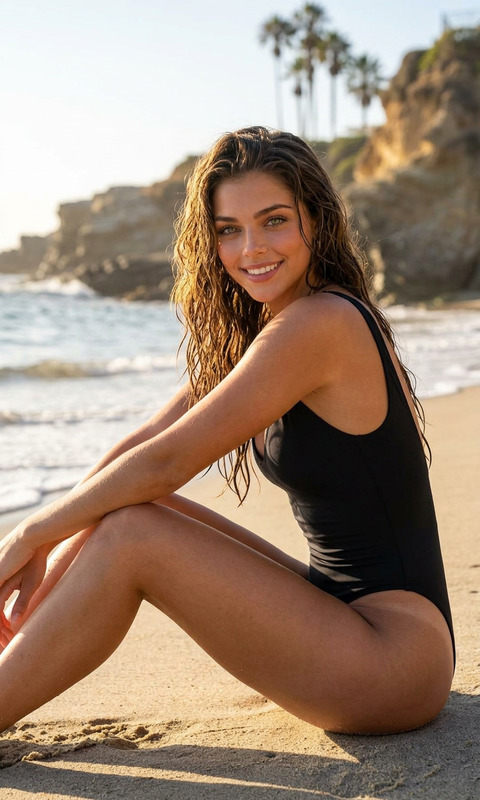
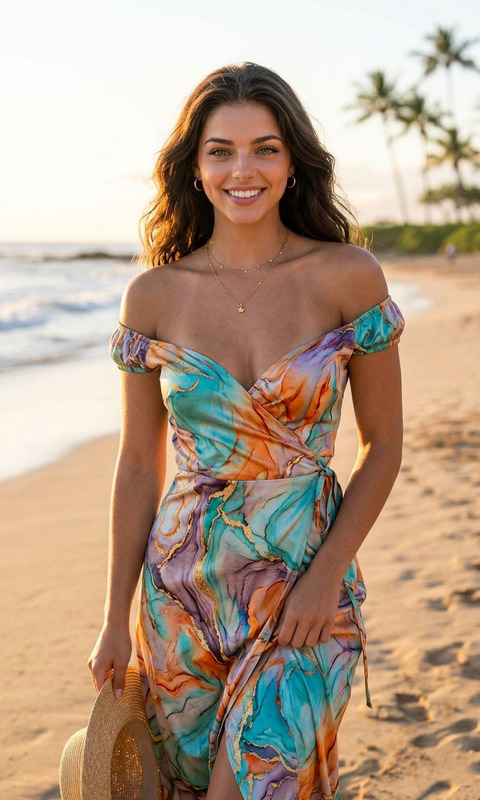
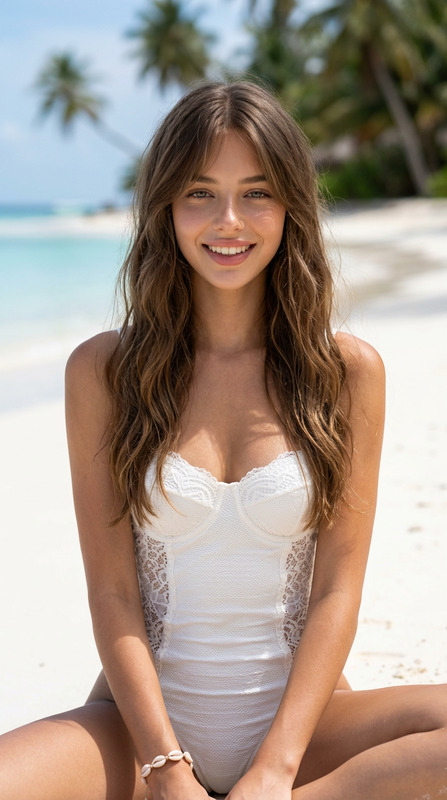
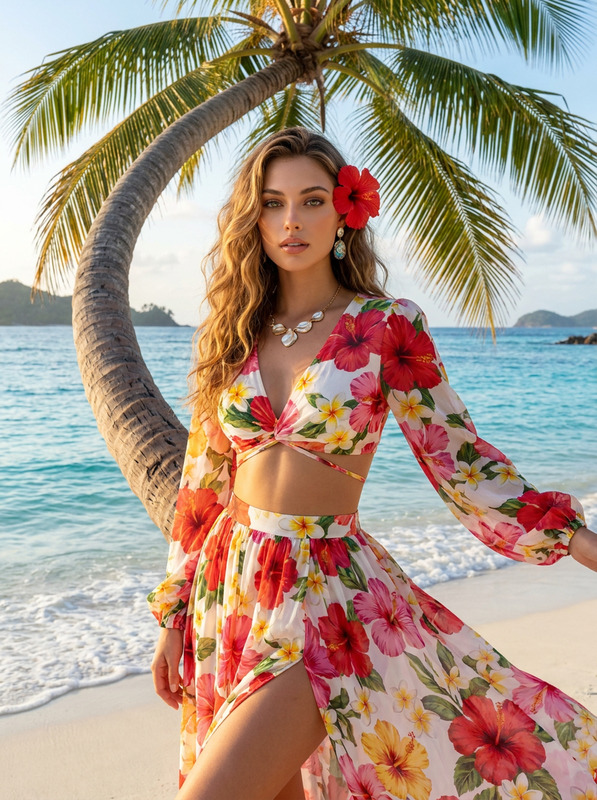
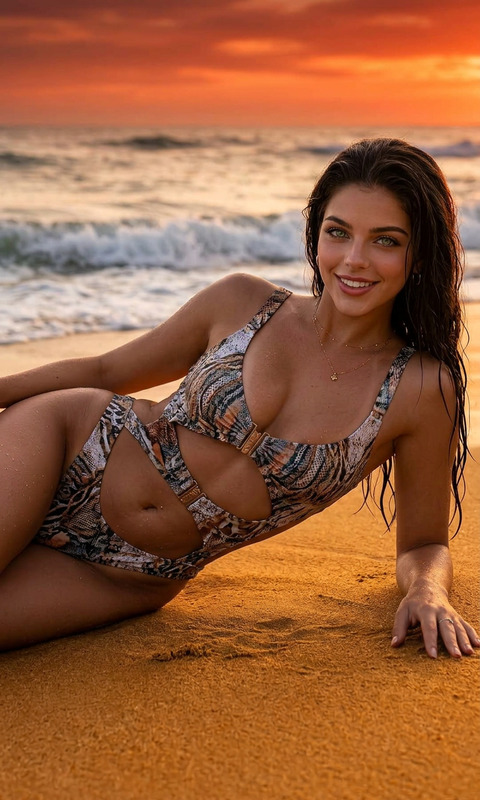
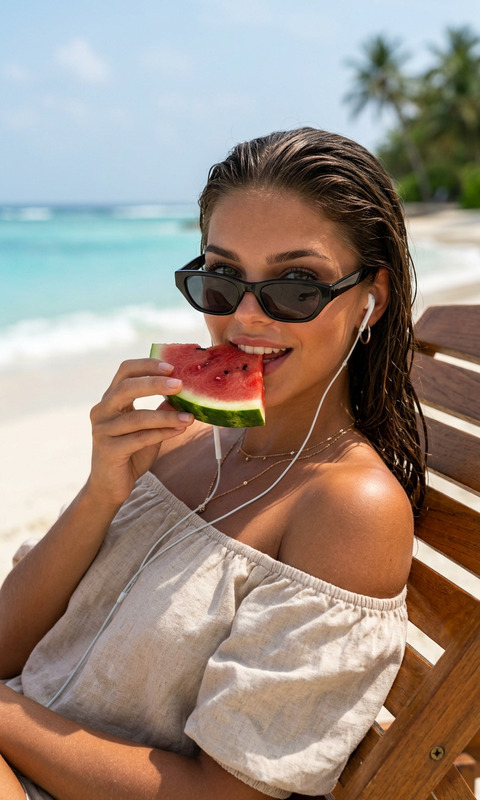
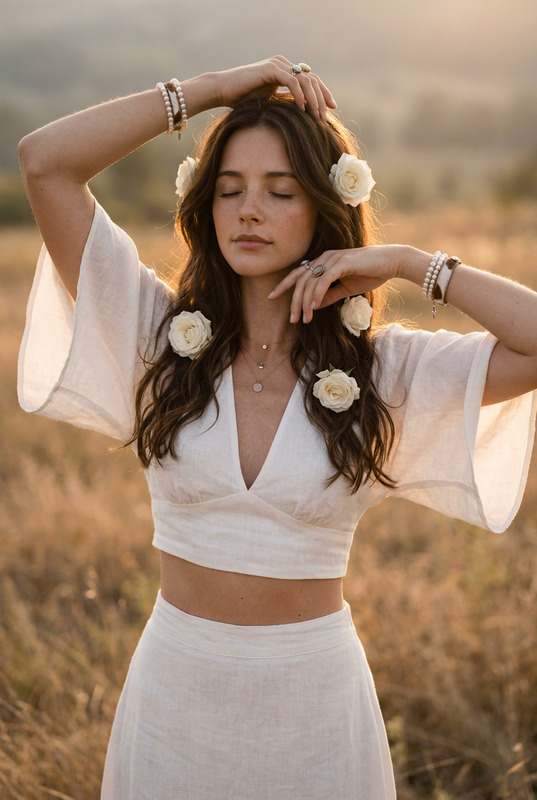
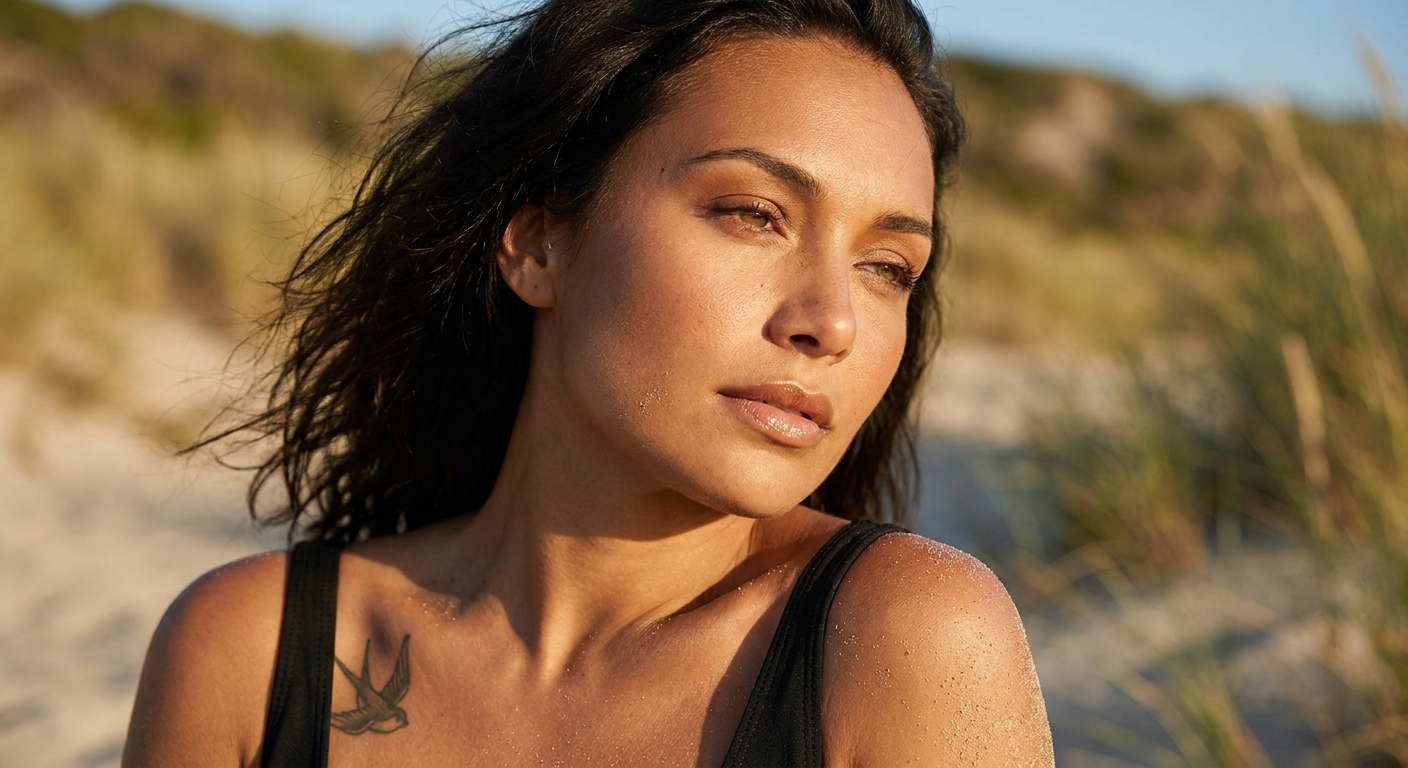
Use my reference imageHyperrealistic beauty portrait of a young woman with olive-toned, sun-tanned skin and long, dark brown, slightly tousled hair blowing across her face in the wind. Expressive hazel eyes with long lashes and perfectly shaped dark eyebrows. Full, glossy lips in a natural nude shade, subtle high-end makeup with a bronzy glow and soft contours. Her face is tilted slightly upwards, gazing dreamily into the distance. Fine sand clings to her shoulder and décolletage, evoking a summery beach atmosphere. A small, minimalist swallow tattoo is visible below her collarbone. The neckline of a black bikini or tank top is visible. Warm golden sunlight at golden hour, soft shadows, natural skin texture with visible pores, extremely detailed textures, photographed with an 85mm prime lens at f/1.8, shallow depth of field, creamy bokeh, editorial fashion shoot, luxurious aesthetic, high resolution, ultra-realistic, 8K, Vogue style.
Any aspect ratio
Overview
Transform your images into captivating portraits with the Golden Breeze template using the powerful capabilities of the AI Image Editor. This template leverages the nano-banana-pro model to bring your vision of hyperrealistic beauty to life with detailed textures and a luxurious aesthetic.
What It Does
The Golden Breeze template allows you to create vivid, editorial-quality portraits that highlight every detail, from expressive hazel eyes to a subtle, bronzy glow. By integrating high-resolution processing with features from the AI Headshot Generator, this template captures the essence of a warm beach atmosphere, enhancing natural skin textures and offering a high-end fashion shoot vibe.
Who It's For
This template is perfect for photographers, fashion editors, and digital artists who aim to produce stunning, detailed portraits. Whether you're creating content for a magazine spread or enhancing your online portfolio, the AI Image Upscaler lends an added layer of depth and clarity to your work, making it ideal for anyone seeking a professional-grade finish.
Summary
With the Golden Breeze template, achieve spectacular results that transport viewers straight to golden hour on a serene beach. Combined with tools like the AI Talking Photo, your images can be further animated, adding dynamic expression to still captures.
How To
Choose Your Template

Customize Your Design

Generate Your Image

Use Cases
Fashion Editorials
- Capture luxurious aesthetics
- Highlight intricate details in apparel and makeup
Online Portfolios
- Impress potential clients with detailed images
- Showcase creativity and style
Social Media Campaigns
- Attract more followers with fashion-forward imagery
- Tell captivating visual stories
Best Practices
Optimize Lighting
Adjust the lighting presets to match the mood of your image. Use the provided template settings as a base to create warm, appealing tones.Focus on Detail
Make the most of the nano-banana-pro model's strength in highlighting textures such as hair strands and skin pores for added realism.Leverage Depth of Field
Utilize the shallow depth of field settings to emphasize the subject, creating a creamy bokeh effect that draws attention to key elements.