Slavic Aesthetic
- Model
- Nano Banana 2
- Image
- 921 × 1152 px
Prompt
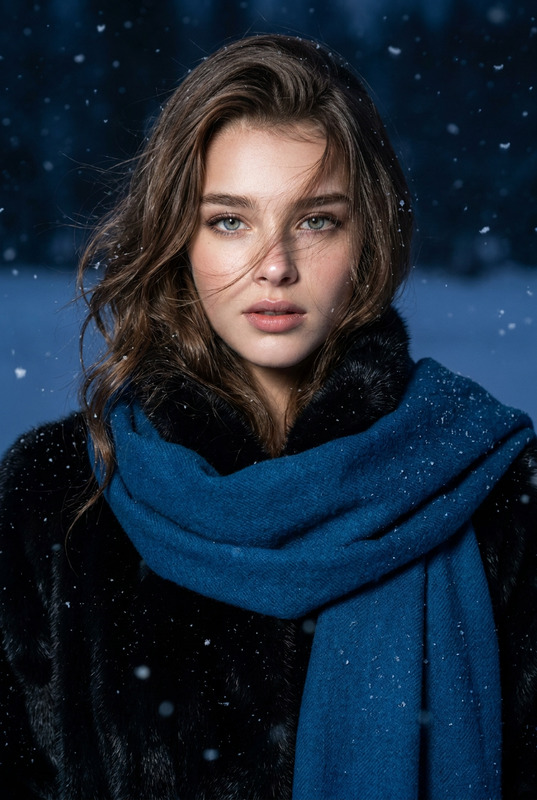
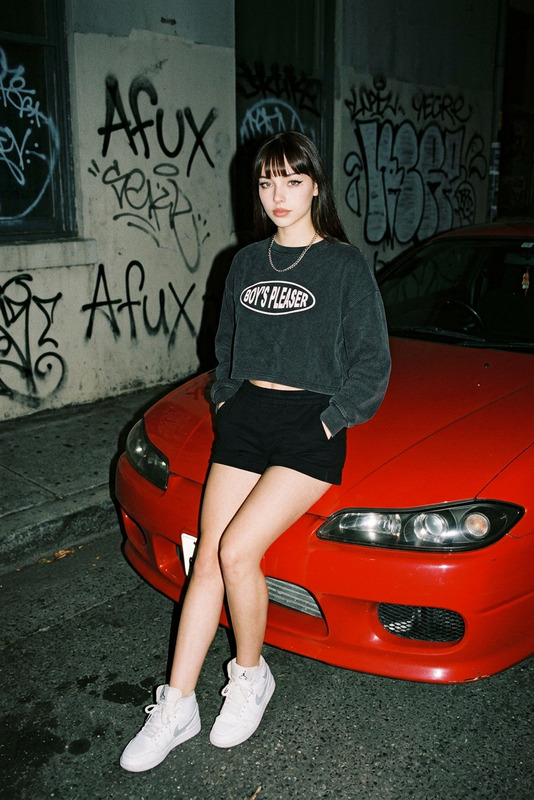
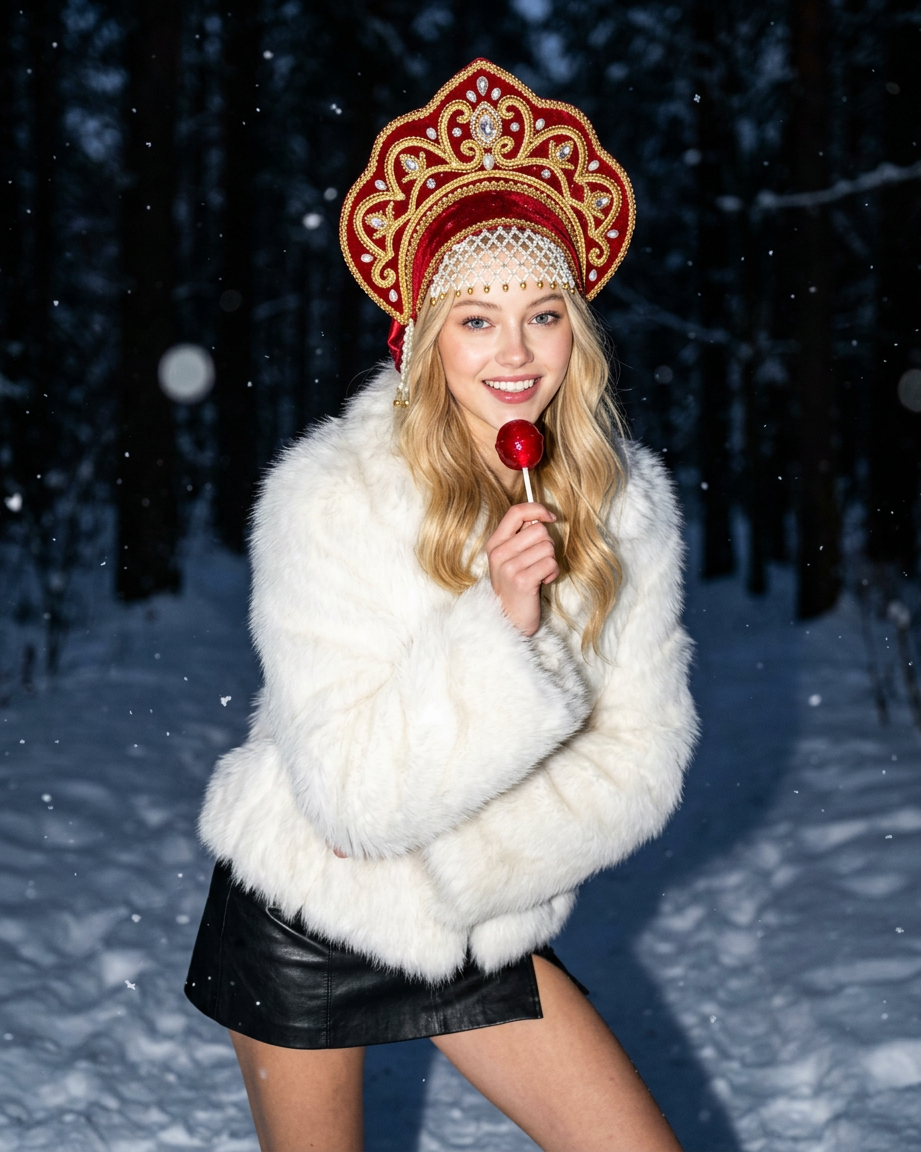
Photorealistic nighttime flash editorial: use an uploaded photo as a reference, preserve the face/proportions/hair, medium frame, camera angle just below the eyes. The character is in a dynamic fashion pose, looking into the camera with a confident grin, holding a glossy red lollipop. She is wearing a luxurious white fur coat over a black miniskirt and a large red kokoshnik with gold, pearls, and crystals; the background is a dark, snow-covered forest with falling snow and strong bokeh.
Any aspect ratio
Overview
The Slavic Aesthetic template captures the essence of photorealistic fashion photography with a unique Slavic twist. Leveraging the nano-banana-2 model, this template allows creators to transform standard photos into editorial-quality images that reflect the captivating charm of Slavic culture.
What It Does
This AI Image Editor template enhances your images by maintaining essential facial features and body proportions while incorporating the vibrant details of Slavic fashion. Perfect for creating standout visuals, it adds elements like a white fur coat and a bold red kokoshnik, set against a snowy forest backdrop.
Who It's For
Ideal for photographers, fashion designers, and digital artists aiming to produce impactful editorial images. Whether used for product launch visuals, marketing campaigns, or personal art projects, this template elevates your imagery with a cultural and artistic flair.
Summary
With the Slavic Aesthetic template, you can effortlessly turn any uploaded photo into a high-quality, fashion-forward image that embodies the richness and charm of Slavic style. It's an excellent tool for those wanting to make a cultural statement through imagery.
How-To
Choose Your Template

Customize the Details

Generate and Download

Use Cases
Fashion Magazines
- Enhances visual storytelling
- Highlights cultural fashion
Personal Projects
- Express unique artistic themes
- Create visually stunning narratives
Marketing Campaigns
- Elevate brand imagery
- Support product launches
Best Practices
Select High-Quality Source Images
Start with clear, high-resolution images to achieve the best results.Consider Lighting and Angles
Pay attention to lighting in your source photo to sync well with the flash editorial style.Review Cultural Elements
Familiarize yourself with Slavic fashion and culture to better tailor the design elements per your project.