Pulling Faces
- Model
- Nano Banana 2
- Image
- 784 × 1372 px
Prompt
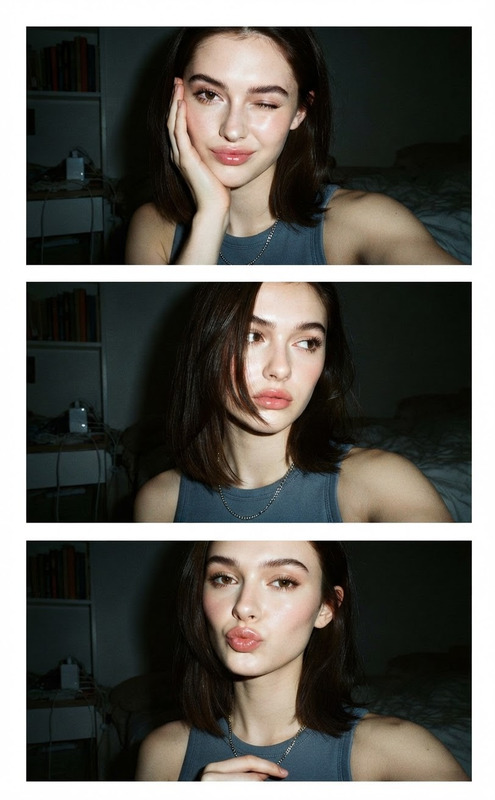
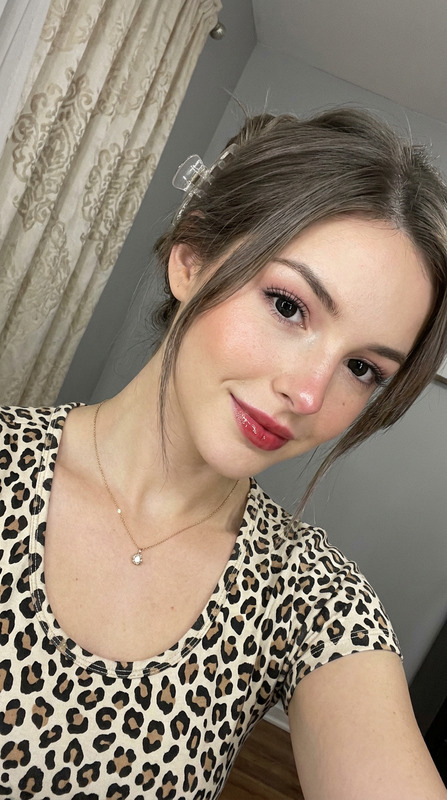
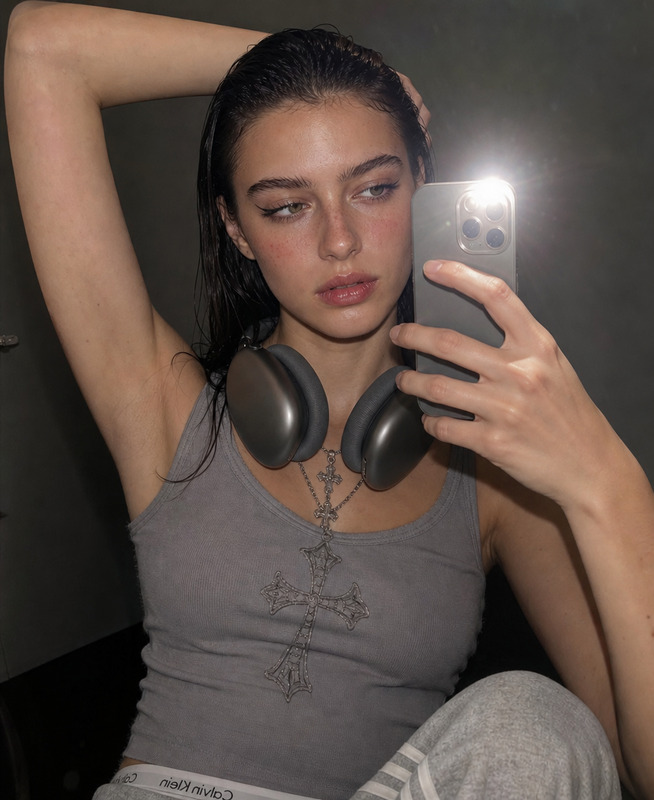
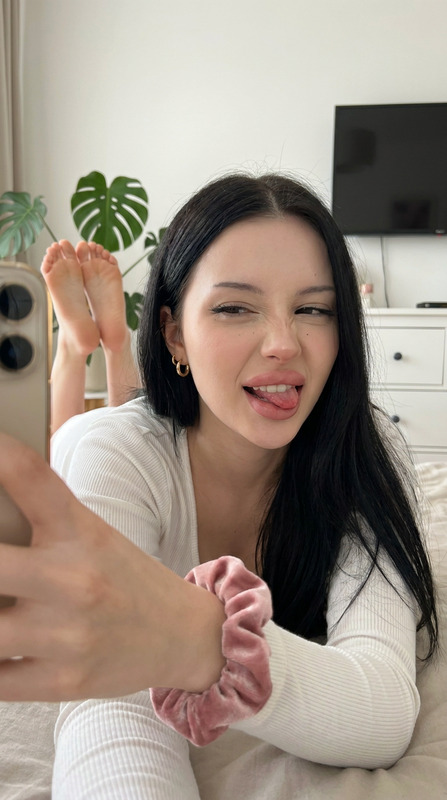
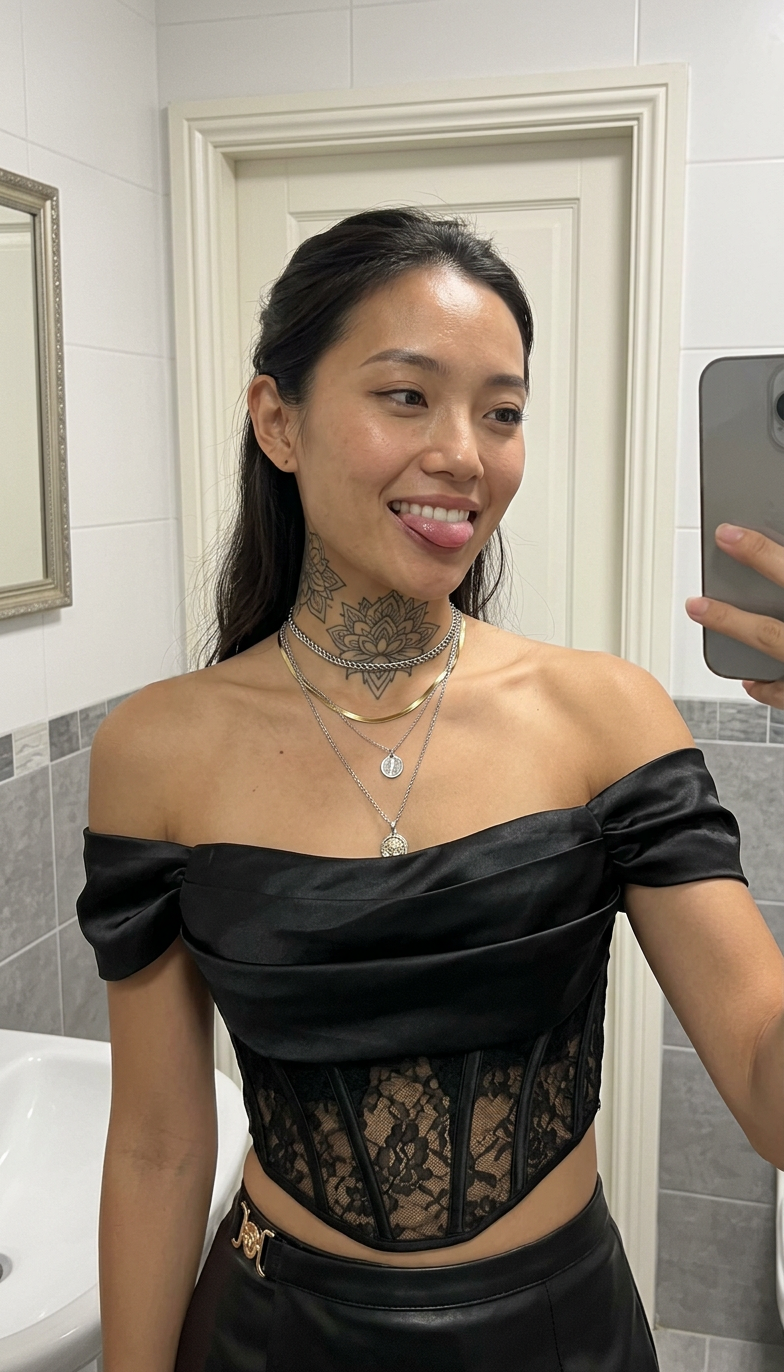
A selfie-style close up photo. girl with appearance as in the reference photo, wearing the outfit from the reference photo, with the neck tattoo from the reference photo, standing in a clean indoor bathroom with light walls, gray tiled walls, a white door in the background, soft indoor bathroom lighting, close-up selfie atmosphere, casual everyday setting, layered necklaces visible, relaxed confident expression, slightly tilted head, playful tongue-out expression, alternative aesthetic, close framing, iPhone photo, realistic skin texture, natural facial details, soft even lighting, sharp focus, realistic photo
Any aspect ratio
Overview
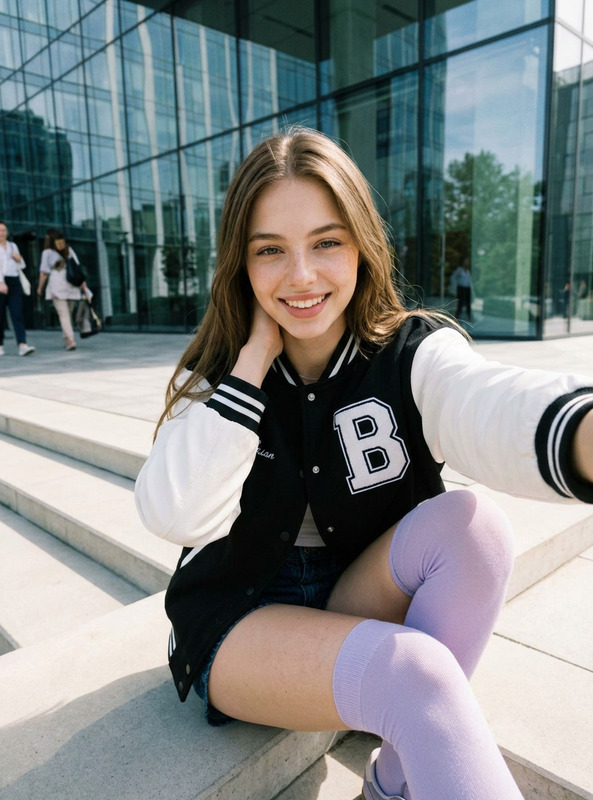
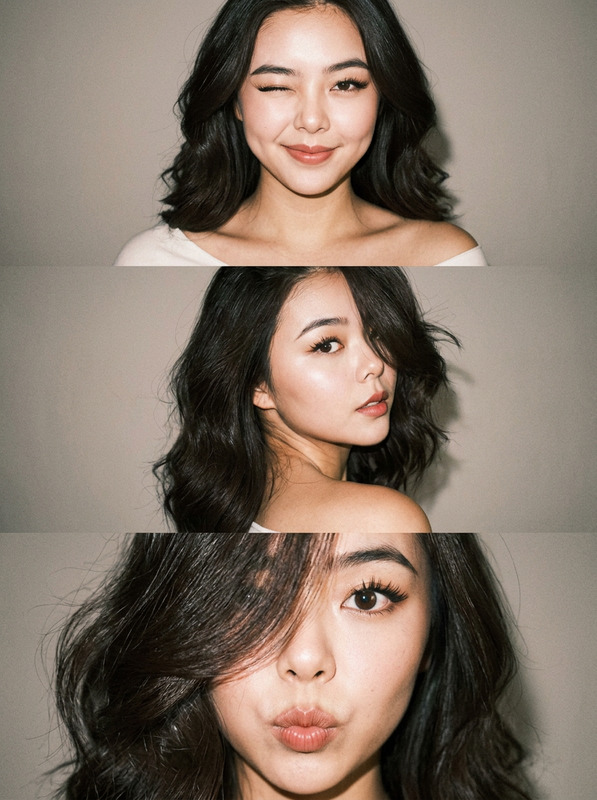
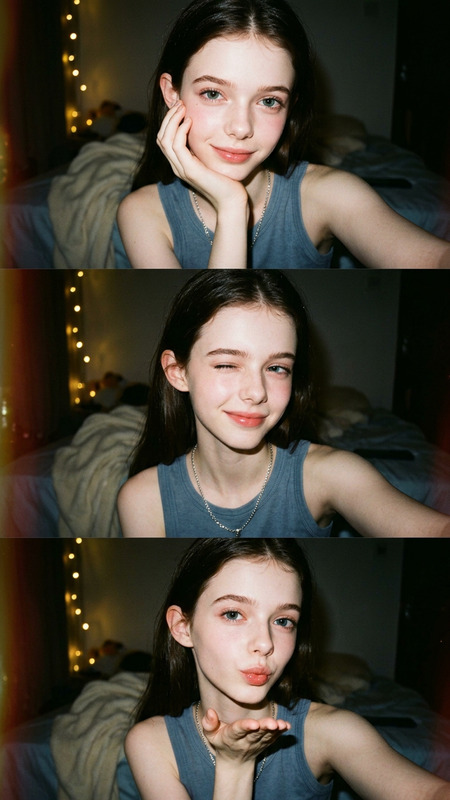
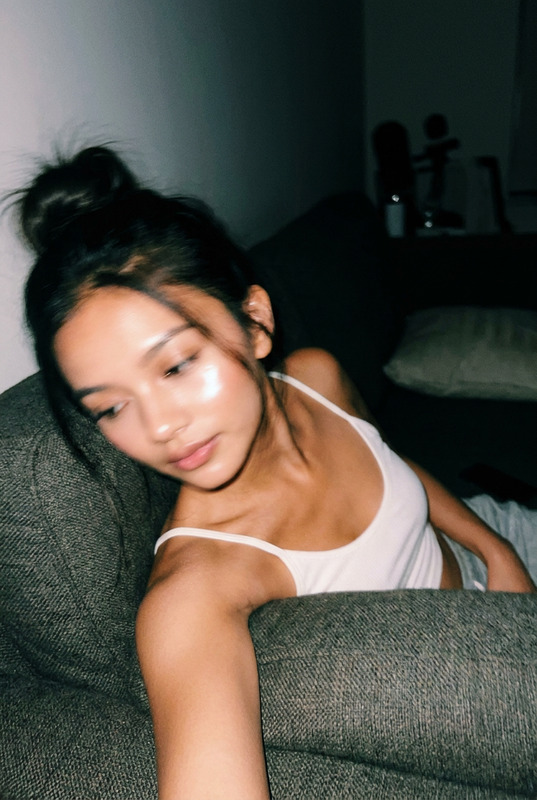
"Pulling Faces" offers a unique way to customize photos by merging style and surroundings to create compelling alternative aesthetic portraits. Use this AI Image Editor tool to transform everyday selfies into stunning images with accurately depicted features like tattoos and accessories in realistic settings.
What It Does
Combine a subject's photo elements with high-detail backgrounds and aesthetic styles, tailored for those wanting a personal touch in their photography. "Pulling Faces" applies the AI Image Generator technology to ensure each edited image maintains a natural appearance with realistic texture and lighting. Ideal for creating iPhone-quality selfies that stand out with an artistic twist.
Who It's For
This template caters to photography enthusiasts, social media influencers, and content creators who want to elevate their image game. Art directors and brand strategists can also benefit from using this tool to create alluring and realistic promotional content. Discover more about increasing your visual appeal with our AI Profile Picture Generator.
Summary
"Pulling Faces" is perfect for anyone looking to enhance selfie-style photos with a blend of personal and edgy aesthetics. This AI Image Editor leverages the nano-banana-2 model for sharp focus and vibrant realism, ensuring every portrait is as natural and captivating as possible.
How-To
Select the Template

Customize Your Inputs

Generate Your Image

Use Cases
Social Media Content Creation
- Instagram posts
- Profile updates
- Story highlights
Fashion and Lifestyle Blogs
- Outfit posts
- Lifestyle shoots
- Feature images
Marketing and Branding
- Ad campaigns
- Brand storytelling
- Product placements
Best Practices
Use Clear Reference Photos
Ensure your reference photos are high quality, as clarity ensures better AI performance and results.Match Lighting Conditions
Keep lighting consistent in both the reference and desired output to enhance realism.Focus on the Details
When setting prompts, be specific about attributes like tattoos and accessories for a truer representation.