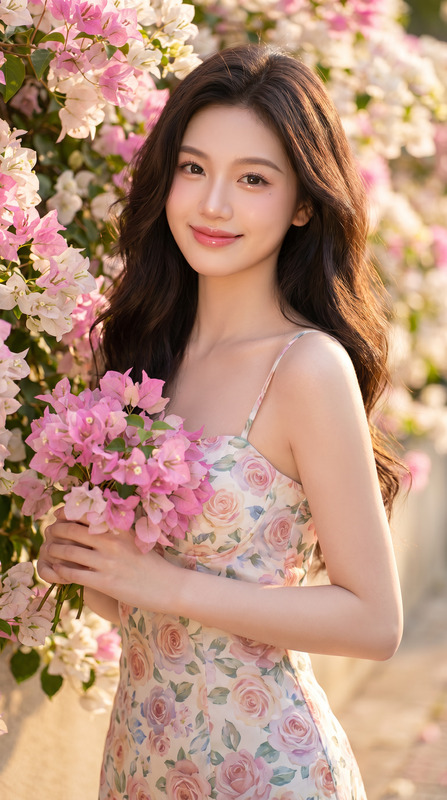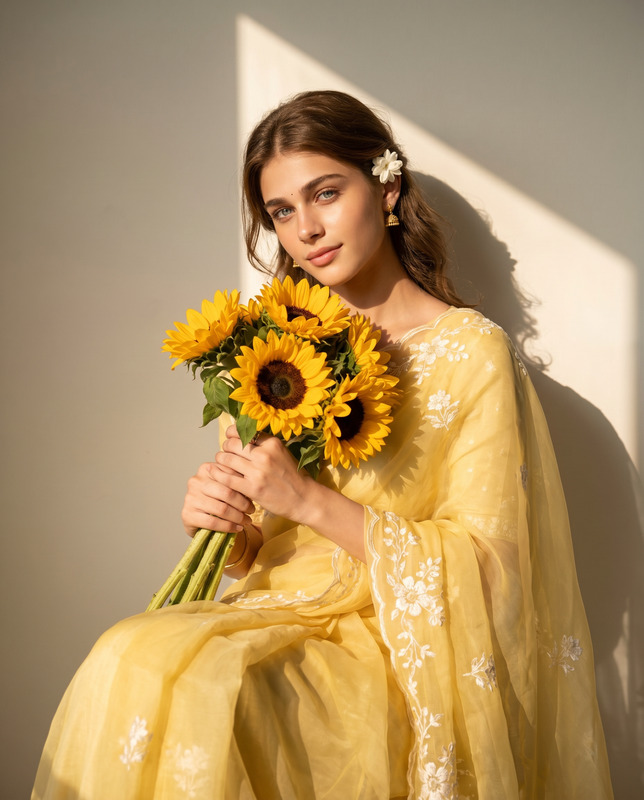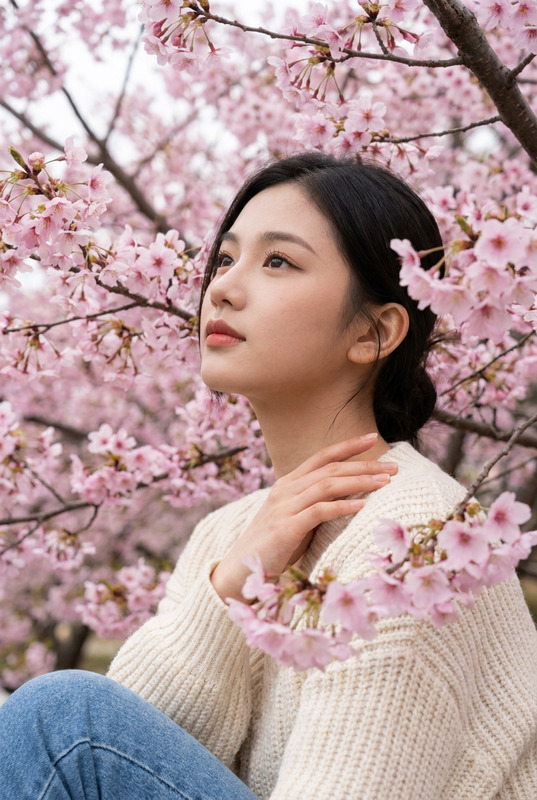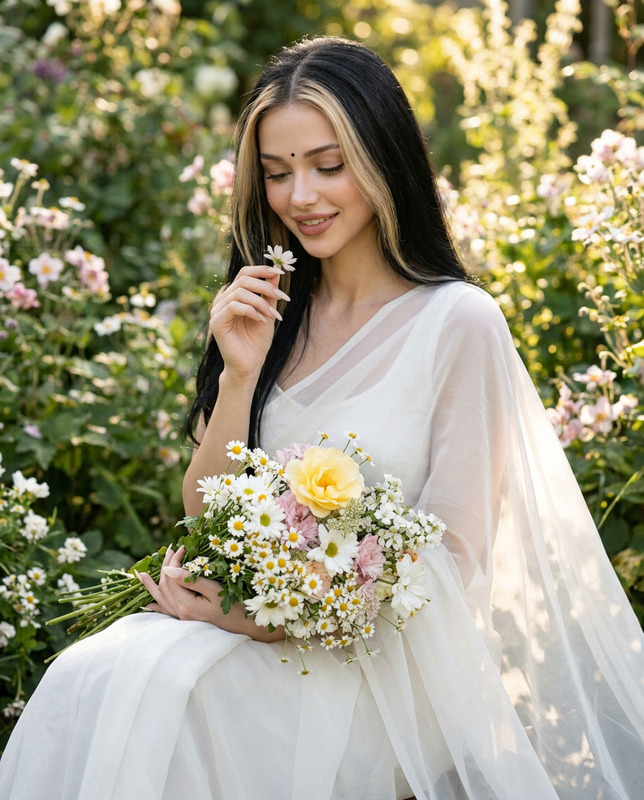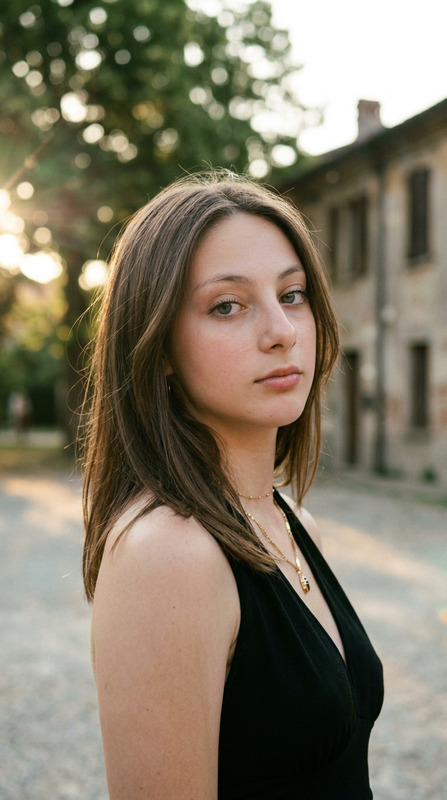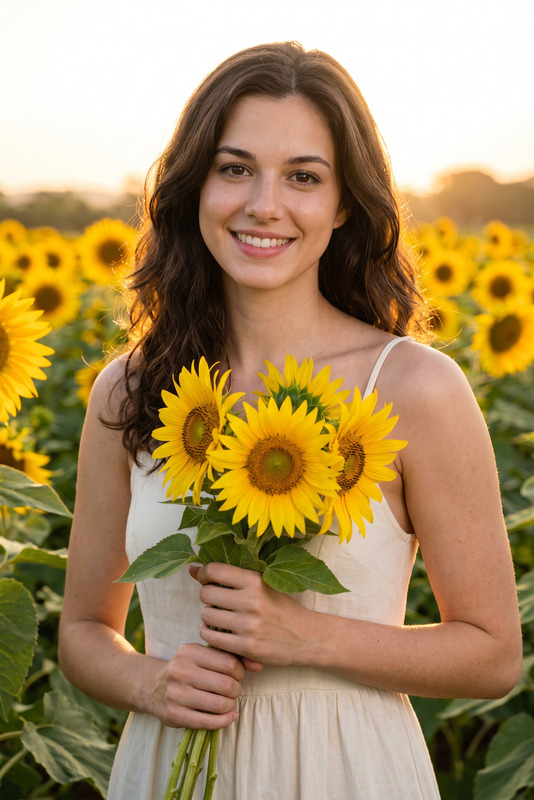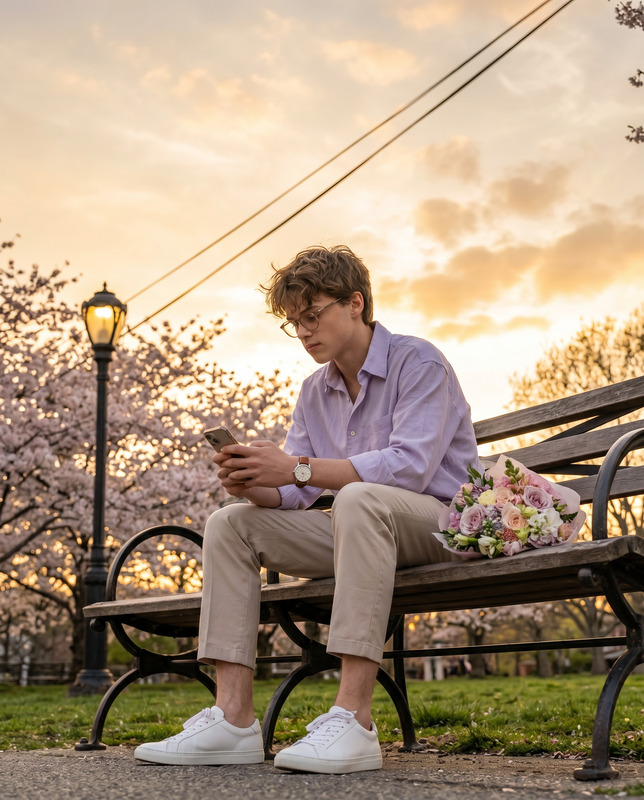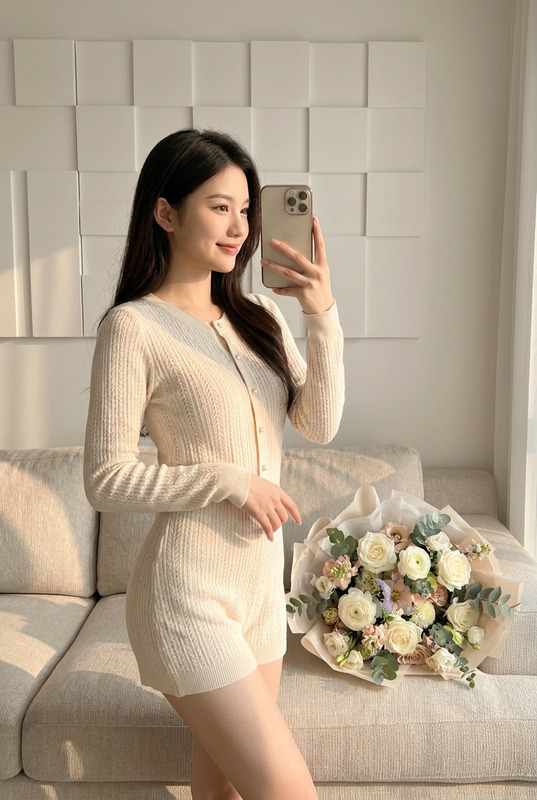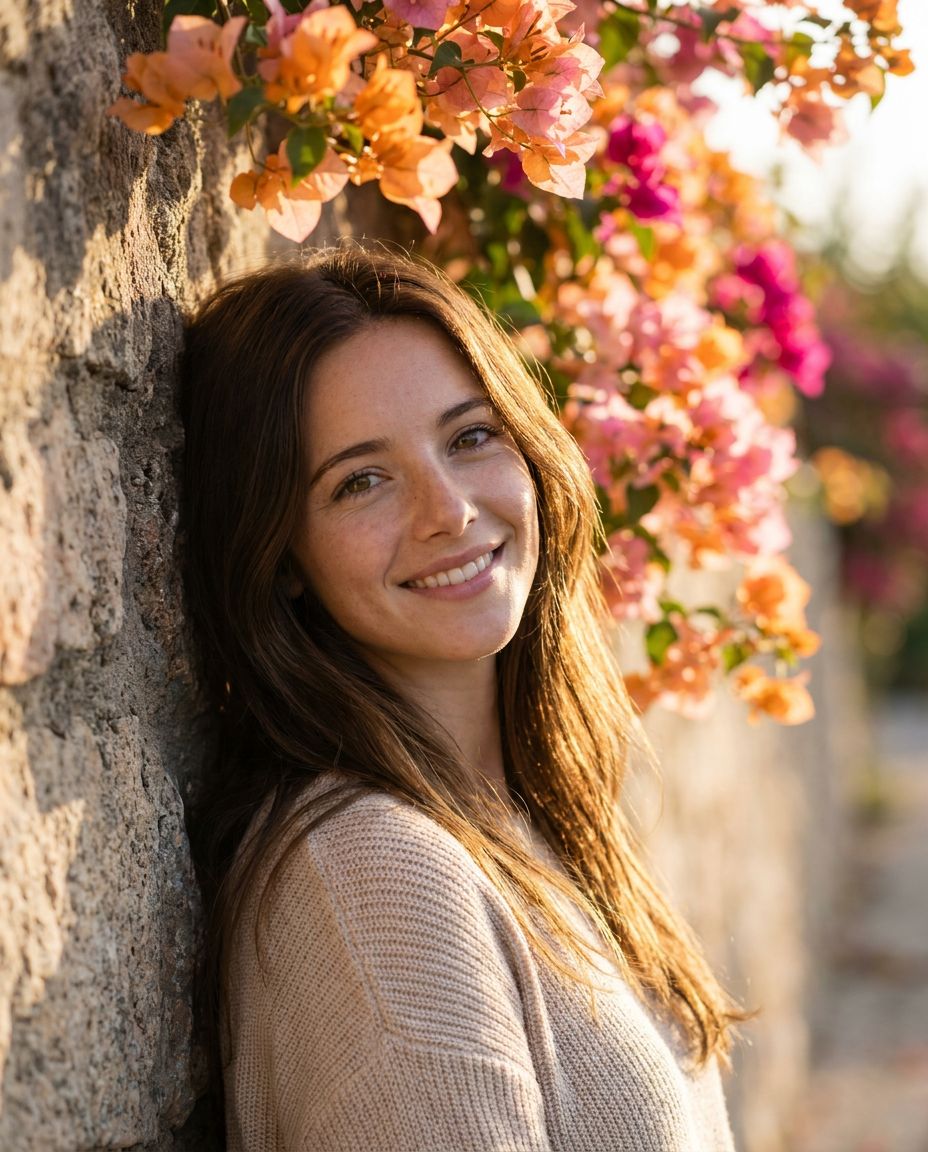
Golden hour floral portrait
- Model
- Nano Banana Pro
- Image
- 928 × 1152 px
Prompt
Use the uploaded image strictly ONLY for face and identity reference. Create an ultra-realistic, soft sunlit outdoor portrait of a person leaning gently against a textured stone wall covered with vibrant blooming bougainvillea flowers in shades of orange, pink, and magenta. The subject is positioned slightly angled toward the camera, with a relaxed posture and shoulders lightly touching the wall. Face & Expression: Natural, warm smile with a calm, approachable expression. Eyes softly engaged with the camera. Maintain natural skin texture with visible pores, no over-smoothing. Hair: Loose, naturally flowing hair with subtle movement, softly illuminated by backlighting, creating a gentle golden rim light along the edges. Outfit: Light beige knitted sweater with soft texture, minimal styling, cozy and casual aesthetic. Composition & Framing: Vertical portrait (4:5), medium close-up framing (from mid-torso to above head). Subject slightly right of center, with floral elements filling the upper background. Balanced negative space on the left side with depth. Lighting: Golden hour natural sunlight from behind and slightly to the side, creating a warm glow and soft highlights on hair and face. Gentle shadow falloff across the face, no harsh contrast. Subtle lens warmth and cinematic tone. Background: Shallow depth of field with creamy bokeh. Stone wall texture visible on the right. Colorful flowers cascading across the top and fading into blur toward the distance. Camera & Technical Details: 85mm lens, eye-level angle, f/1.8 aperture for strong subject-background separation, ultra-detailed, sharp focus on face, natural color grading, 8K resolution. Style: Cinematic lifestyle photography, soft romantic tone, natural color palette, warm highlights, dreamy atmosphere.
Any aspect ratio
Overview
The Golden Hour Floral Portrait template elevates your photography by transforming images into ultra-realistic, sunlit portraits. With a focus on natural skin textures and inviting expressions, this AI Image Editor template utilizes the power of the nano-banana-pro model to create serene and dreamy compositions.
What It Does
This template generates beautifully lit portraits with a blend of realism and artistic flair. By leveraging the golden hour lighting, it emphasizes warm tones and detailed textures. The resulting image presents a cozy, cinematic atmosphere, ideal for personal and professional photography projects.
Who It's For
Designed for photographers, social media enthusiasts, and content creators, this template is perfect for anyone who wants to add a soft, romantic touch to their portraits. It's also ideal for showcasing lifestyle photography in a natural and artistic manner.
Summary
Enhance your portraits with the Golden Hour Floral template, which captures the essence of warm, sunlit days. By focusing on composition and natural beauty, this tool transforms ordinary images into stunning pieces of art ideal for sharing across platforms.
How to Use
Choose Your Template

Customize Your Inputs

Generate Your Portrait

Use Cases
Social Media Content
- Utilize for Instagram, Facebook, and other platforms.
- Create engaging profile pictures or art for your timeline.
Portfolio Enhancement
- Add depth and variety to your photography portfolio.
- Use for client presentations and photography exhibitions.
Editorial Creations
- Perfect for lifestyle blogs and magazine spreads.
- Complement articles with visually appealing images.
Best Practices
Choose the Right Reference
Ensure the uploaded image aligns closely with the desired pose and expression to achieve the most accurate results.Utilize Natural Lighting
If possible, upload reference images captured during natural light hours to complement the golden hour effect.Maintain Composition Balance
Pay attention to the arrangement of floral elements in your image to harmonize with the natural setting and lighting.