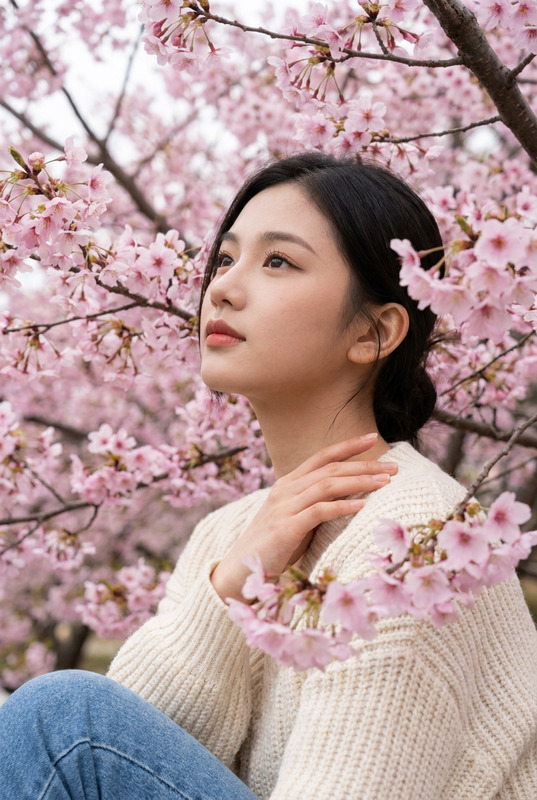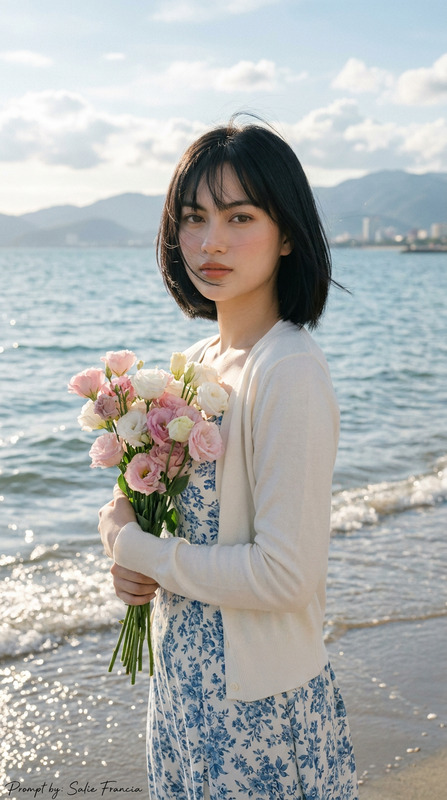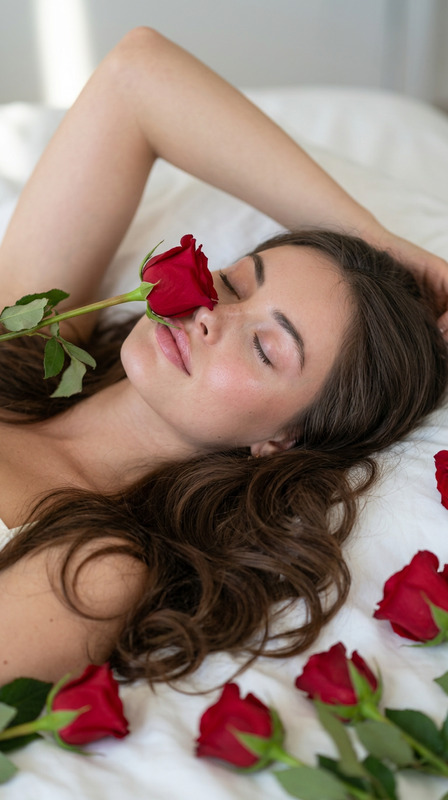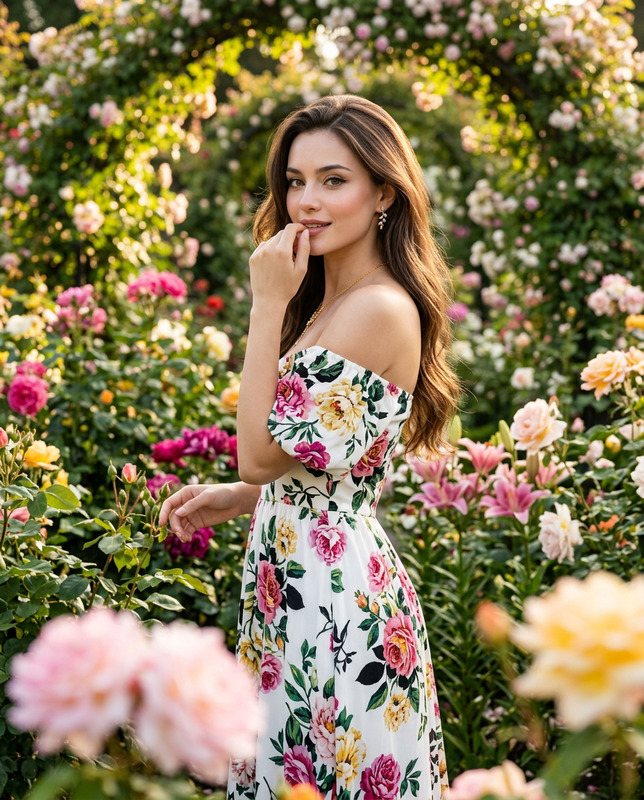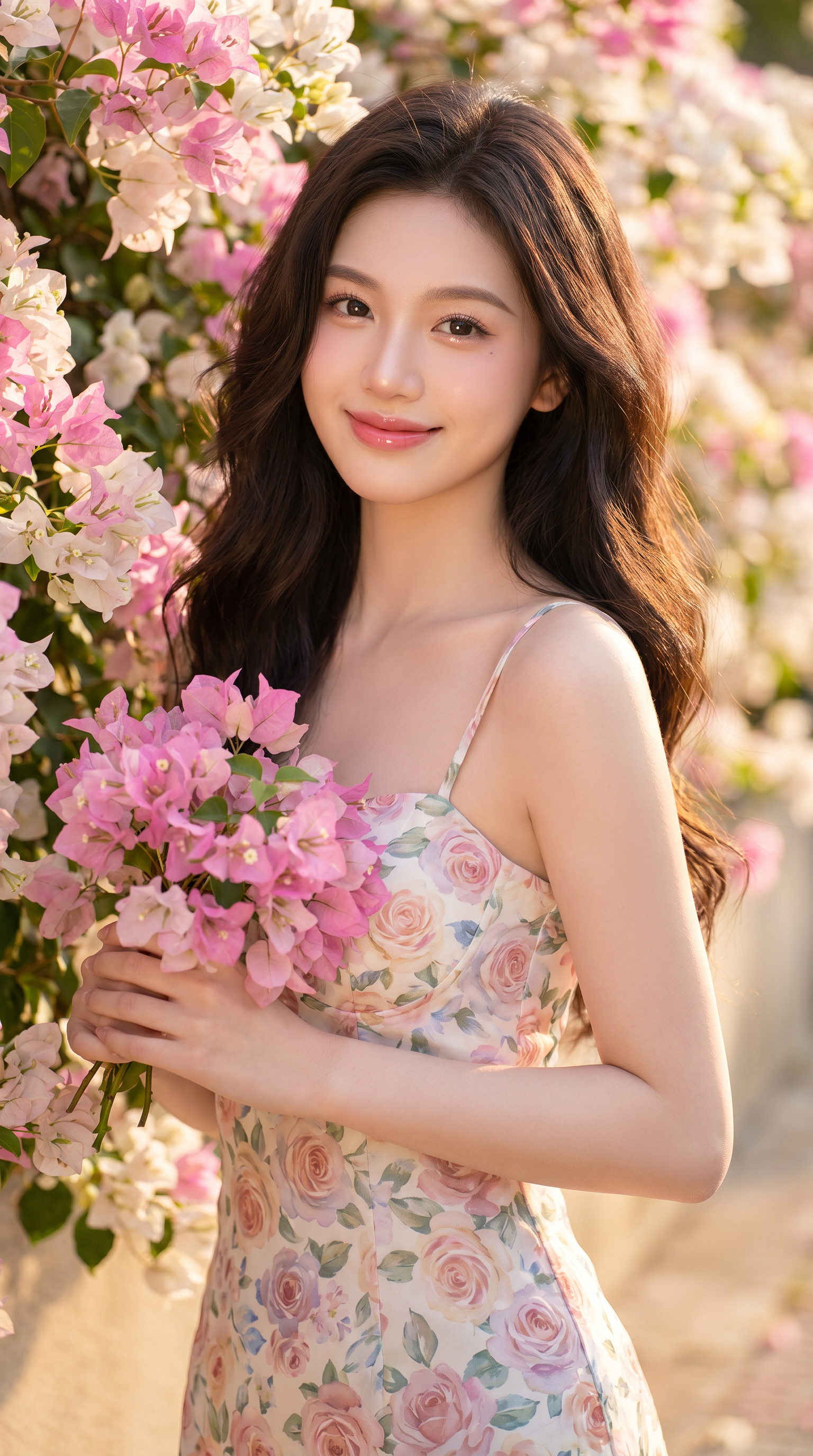
Floral Wall
- Model
- Nano Banana Pro
- Image
- 1536 × 2752 px
Prompt
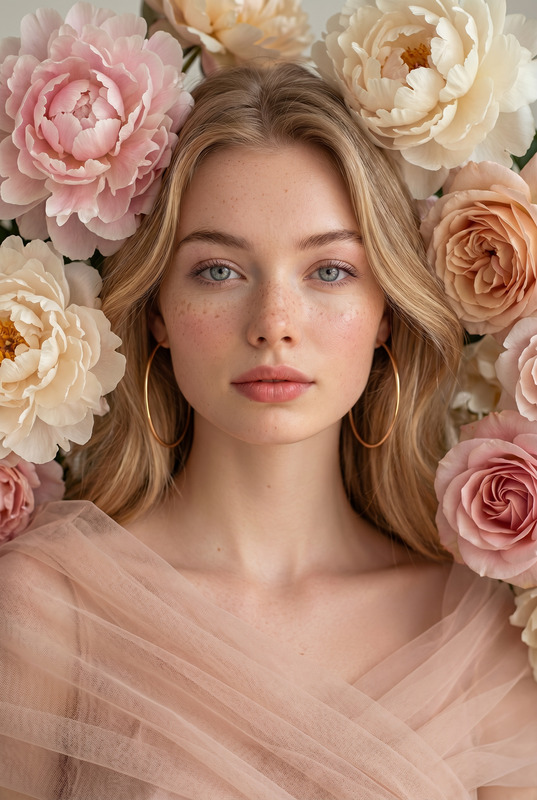
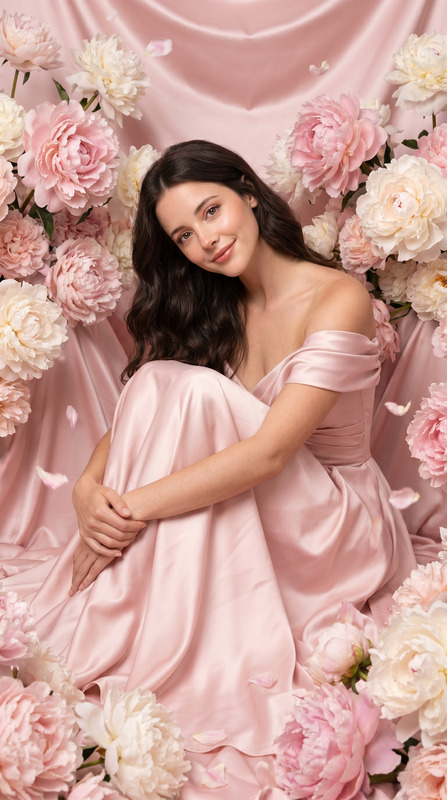
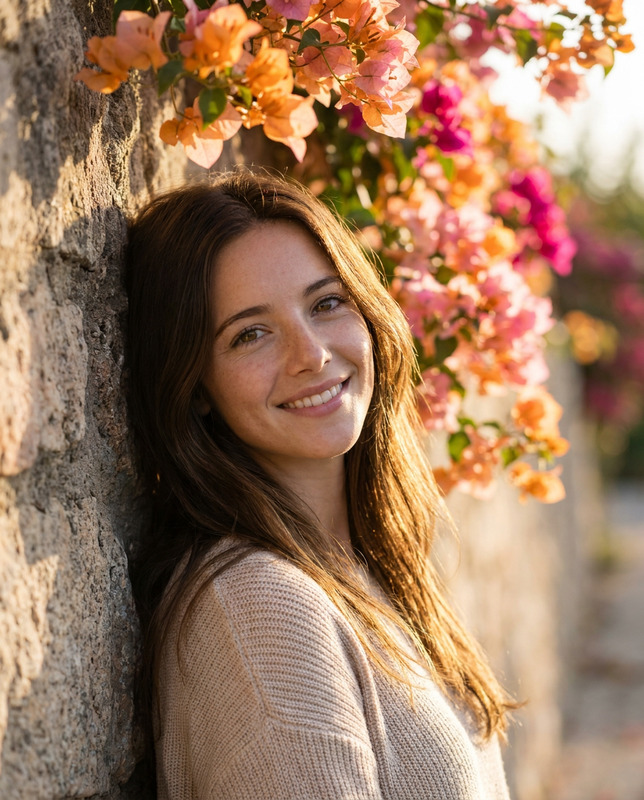
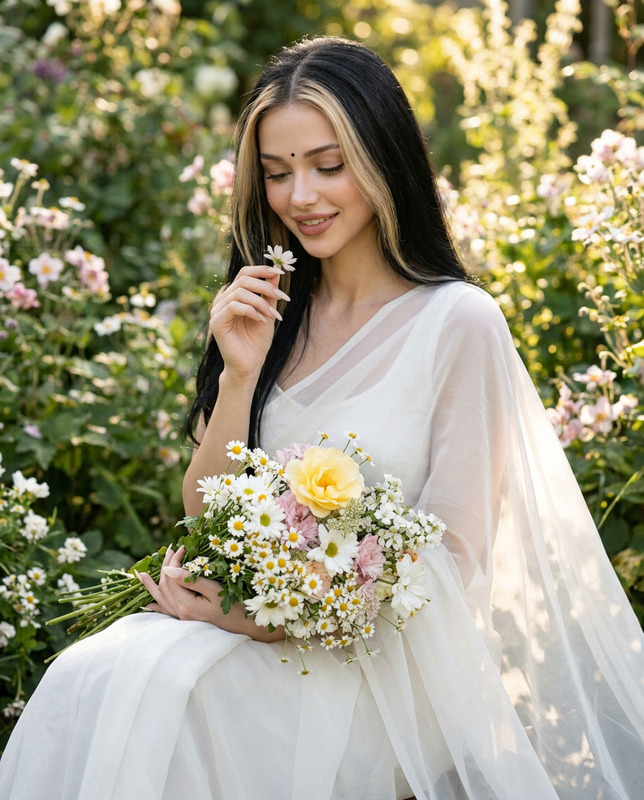
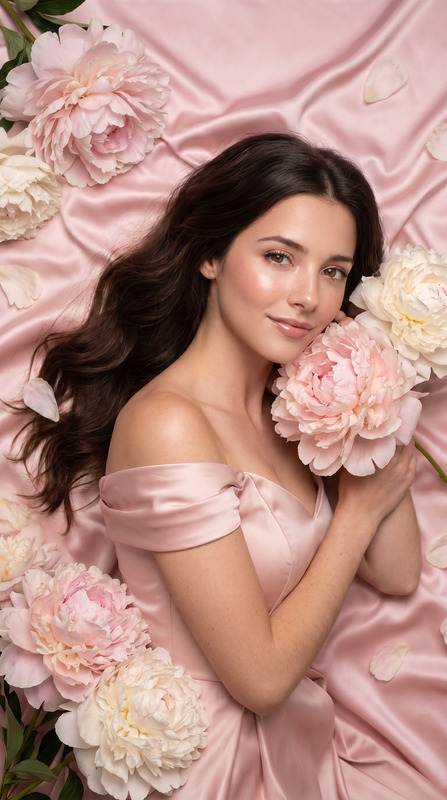
Create an ultra photorealistic portrait using the exact face from the original reference image 100% — do not alter the facial structure, eyes, nose, lips, skin texture, facial proportions, or any unique identity features in any way. Preserve the exact natural beauty and likeness of the reference face with high fidelity. Ultra high-resolution 8K, vertical aspect ratio 9:16. A beautiful young Asian woman standing gracefully beside a wall covered with blooming pink and white bougainvillea flowers. She has very fair pink-toned skin with a soft natural glow, delicate rosy cheeks, glossy soft pink lips, bright sparkling eyes, and a sweet feminine smile. Hair: Long dark brown wavy hair, thick, voluminous, soft, silky, naturally flowing around the shoulders and back. Elegant Korean-style loose waves with healthy shine. Makeup: Soft Korean beauty makeup with luminous porcelain skin, subtle pink blush, naturally defined brows, long curled eyelashes, glossy pink lips, youthful feminine appearance, fresh and romantic look. Clothing: Wearing a fitted floral spaghetti-strap dress with pastel rose patterns in pink, peach, blue, and soft cream tones. Elegant summer feminine fashion style with soft lightweight fabric gently hugging the body shape. Pose & Expression: Standing slightly sideways beside the flower wall while holding a bouquet of pink bougainvillea flowers softly in both hands near the waist. Relaxed shoulders, soft elegant posture, gentle charming smile, dreamy sparkling eyes looking directly at the camera. Camera Angle: Eye-level portrait shot, medium to half-body composition, captured with an 85mm portrait lens and shallow depth of field. Sharp focus on the face with creamy cinematic bokeh background. Background: Luxurious outdoor floral setting with blooming pink and white bougainvillea cascading naturally along a white wall, soft pastel floral atmosphere, dreamy romantic summer scenery. Lighting: Warm natural golden sunlight with soft diffused glow, gentle highlights on the skin and hair, realistic natural shadows, cinematic lighting enhancing the fair pink skin tone beautifully. Style: Ultra realistic Korean beauty photography, romantic floral portrait aesthetic, dreamy feminine atmosphere, cinematic depth of field, highly detailed realistic skin texture, luxury lifestyle fashion photography, pastel color grading, masterpiece quality, soft elegant mood, hyper detailed, visually stunning 8K
Any aspect ratio
Overview
The "Floral Wall" template leverages the powerful nano-banana-pro model to transform your portrait into an ultra-realistic masterpiece. Perfect for capturing the intricate details of a person's natural beauty amid a stunning floral setting, this AI Image Editor template is designed to maintain the exact likeness of the reference image without altering any identifiable features. Enjoy creating visuals that stand out in luxury lifestyle photography.
What It Does
"Floral Wall" ensures your portrait captures extremely high fidelity by focusing on hyper-realistic details. Whether it's the subtle pink blush on the cheeks or the intricate shine in the hair, this AI Image Editor template respects the integrity of the reference image while adding a touch of cinematic beauty. The final result delivers an 8K vertical portrait with exquisite detail thanks to the model's advanced capabilities.
Who It's For
This tool is ideal for photographers, digital artists, and fashion editorial creators who demand precision and quality. If your work involves creating stunning product visuals or high-end fashion photography with an emphasis on detail and realism, "Floral Wall" offers the perfect blend of artistry and technology.
Summary
"Floral Wall" is your go-to solution for achieving photorealistic portraits in high-resolution formats. Whether you're a seasoned professional or a creative enthusiast, the detail retention of the nano-banana-pro model will elevate your work. Dive into romantic, luxurious imagery by employing this template to its fullest potential.
How-To
Choose "Floral Wall" Template

Customize Your Inputs

Generate Your Ultra-Realistic Portrait

Key Use Cases
Luxury Fashion Photography
- Exquisite detail in facial features and clothing textures.
- Perfect for high-resolution magazine spreads.
Personalized Portraiture
- Preserve natural beauty with ultra-realistic rendering.
- Create lasting impressions with high-quality prints.
Online Galleries and Portfolios
- Showcase detailed artistic skills in photorealistic formats.
- Attract high-profile clients with engaging visuals.
Best Practices
Use High-Quality Reference Images
Starting with a high-resolution image guarantees better detail retention in the final output.Pay Attention to Lighting and Makeup Details
Slight adjustments to these factors can significantly impact the realism and aesthetic of your portrait.Experiment with Backgrounds and Poses
To fully utilize the template, try different floral settings and subject expressions to enhance diversity in your work.