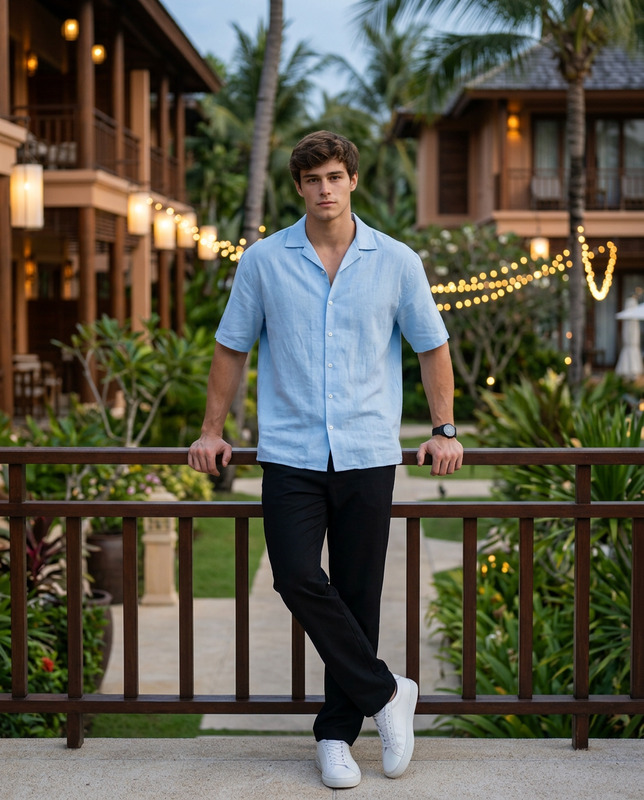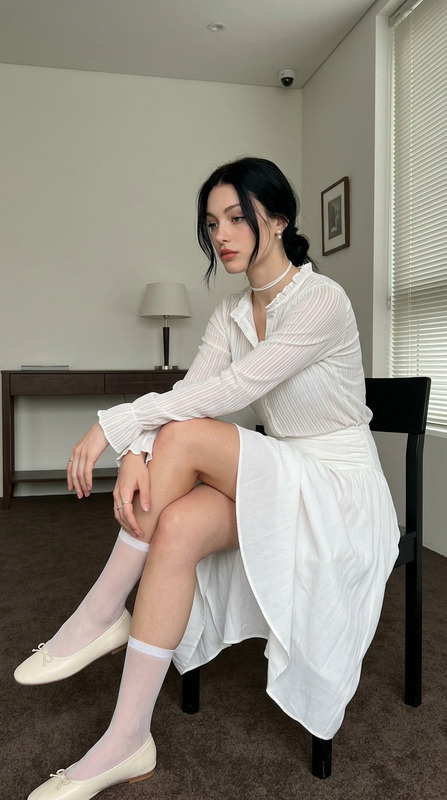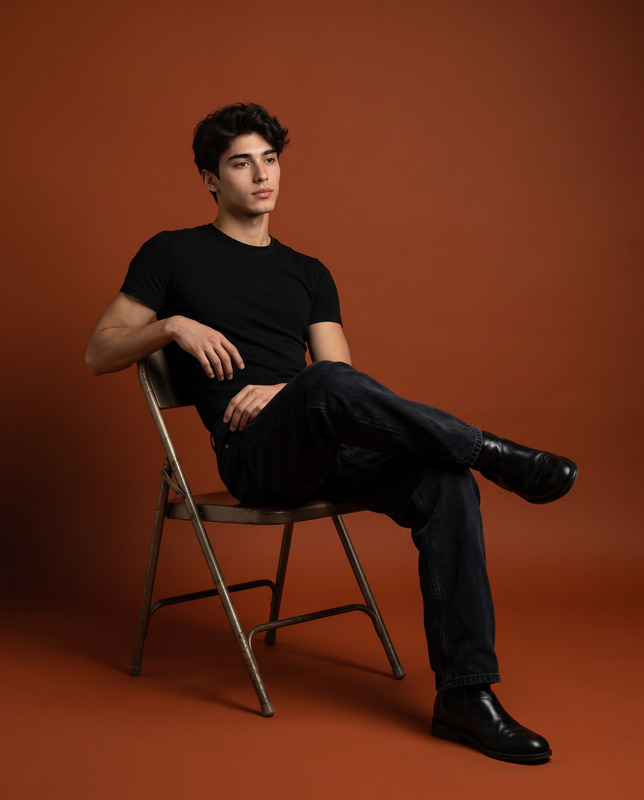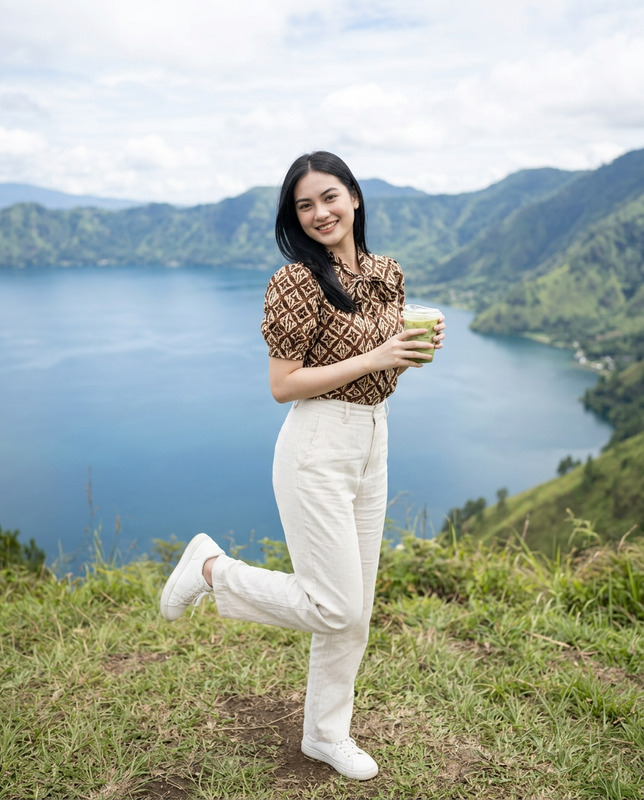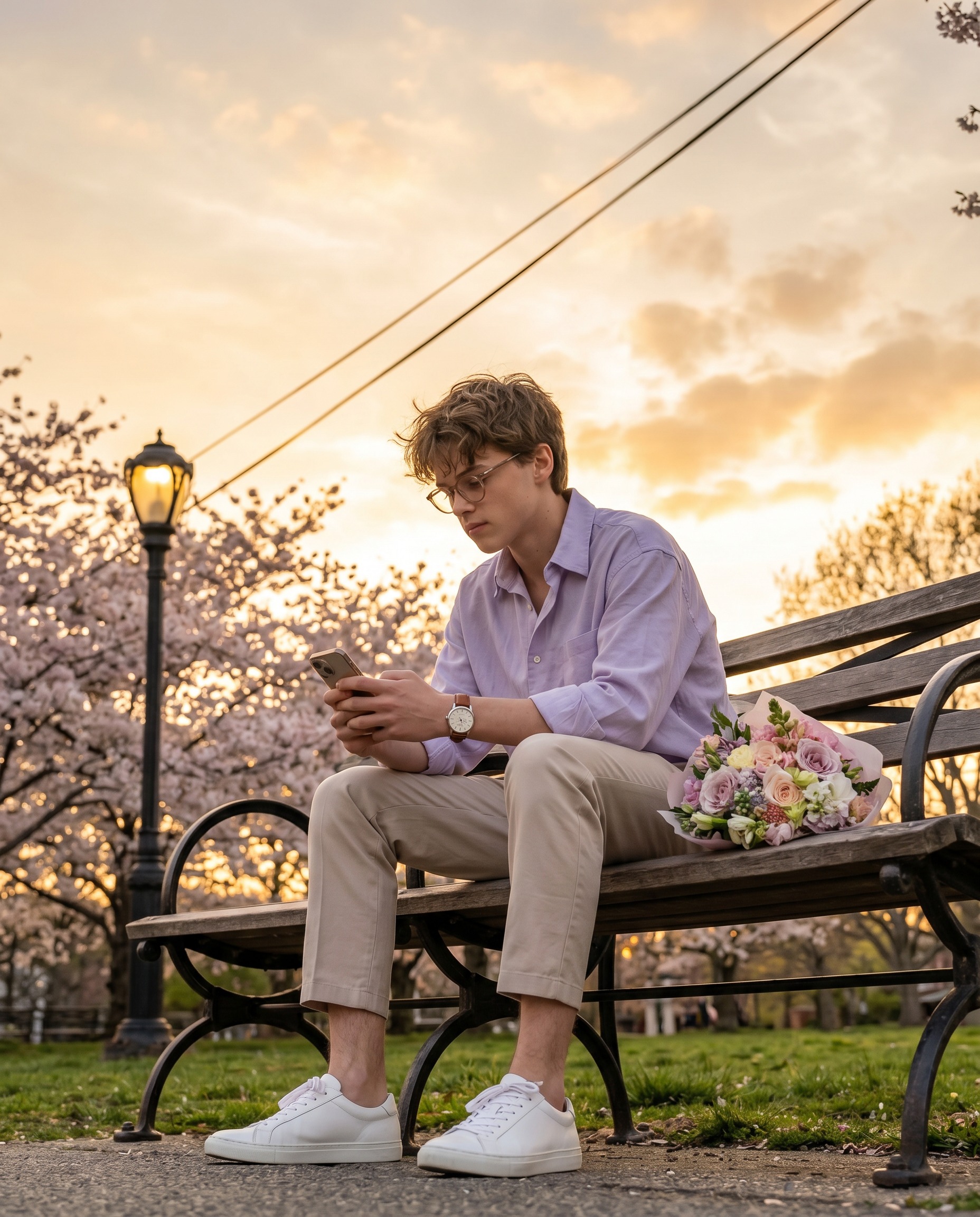
Cinematic vintage park
- Model
- Nano Banana 2
- Image
- 1856 × 2304 px
Prompt
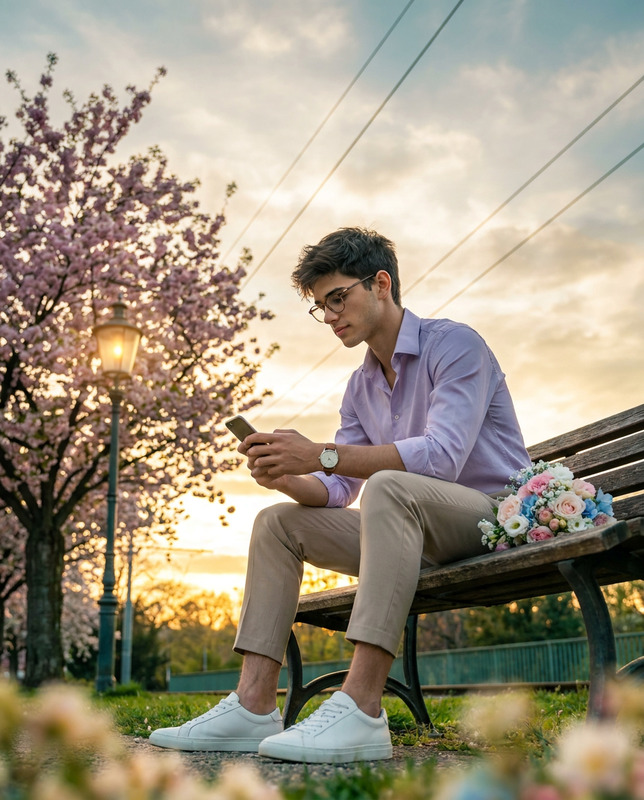
Create a cinematic, hyper-realistic full-body portrait using the uploaded image strictly as the ONLY face reference. The subject is seated on a vintage wooden park bench, body slightly angled to the right, looking down at a smartphone with a calm, focused expression. Outfit includes a light lavender purple button-down shirt (slightly relaxed fit), beige tailored trousers cropped above the ankle, clean white low-top sneakers, a minimal leather-strap wristwatch, and thin-framed eyeglasses. Hair is naturally styled with soft volume, slightly tousled. A floral bouquet with soft pastel tones (pink, white, and blue flowers) rests beside the subject on the bench. The environment is a peaceful outdoor park during golden hour, featuring a blooming cherry blossom tree and a vintage street lamp positioned on the left side of the frame. Thin overhead cables stretch diagonally across the scene. Composition prioritizes a large visible sky area — the upper portion of the frame is dominated by dramatic golden-hour sky with soft clouds and smooth gradients. The subject occupies the lower-middle portion of the frame, leaving generous headroom and open sky for a cinematic airy feel. Lighting is warm and cinematic — golden sunlight from the horizon combined with the subtle warm glow of the street lamp, creating rich highlights and soft teal-toned shadows. No overexposure; sky retains full detail and color depth. Camera angle is low-angle (slightly below bench level), looking upward, enhancing depth while naturally revealing more sky. Full-body framing (head-to-toe, feet fully visible, no cropping), subject slightly right of center with balanced negative space. Foreground includes creamy, out-of-focus bokeh elements (soft grass/flowers) to add depth. Use shallow depth of field with sharp subject detail and softly blurred background. Ultra-detailed textures, natural skin (no smoothing), realistic fabric folds, cinematic color grading. 8K resolution, RAW quality, professional photography. Aspect ratio 4:5.
Any aspect ratio
Overview
The "Cinematic Vintage Park" template for the AI Image Editor lets you craft hyper-realistic portraits that blend vintage style with cinematic flair. Using the advanced capabilities of the nano-banana-2 model, this tool is perfect for creating stunning visuals that capture every intricate detail of a serene park setting.
What It Does
This template transforms your uploaded face image into a complete, full-body portrait situated in a picturesque park scene during golden hour. It generates high-resolution images at 8K with RAW quality, ensuring professional-grade results. Key features include a carefully curated outfit, an engaging setting, and a balanced composition focusing on cinematic quality through detailed textures, realistic lighting, and dramatic skies.
Who It's For
Ideal for photographers, artists, and creative professionals seeking to explore product photography or add a vintage touch to their image collections. This template benefits those in search of tools for high-quality visual storytelling, including social media content creators, who want to stand out with cinematic, stylized visuals that grab attention.
Summary
Elevate your portrait photography with the "Cinematic Vintage Park" template, which combines artistic creativity and technical excellence. This template uses advanced AI to offer a seamless integration of your subject into a curated park environment, making your images perfect for fashion photography, artistic projects, and portfolio additions. The template effortlessly balances style with substance, making it a pivotal tool in any creative's arsenal.
How To
Choose Your Template

Customize Your Inputs

Generate Your Image

Use Cases
Creative Portrait Photography
- Professional photography portfolios
- Artistic interpretation pieces
- Family photo sessions
Social Media Content Creation
- Instagram stories and reels
- Facebook photo albums
- Pinterest boards
Marketing and Advertising
- Clothing line promotions
- Luxury brand advertisements
- Event marketing materials
Best Practices
Select High-Quality Images
Use high-resolution images as input to maintain clarity and detail throughout the editing process.Experiment with Angles
Try different angles or adjust the variables in the prompt to see how it impacts the depth and perspective of the final image.Leverage Lighting Effects
Make full use of the natural and artificial lighting effects described to elevate your image's visual impact.