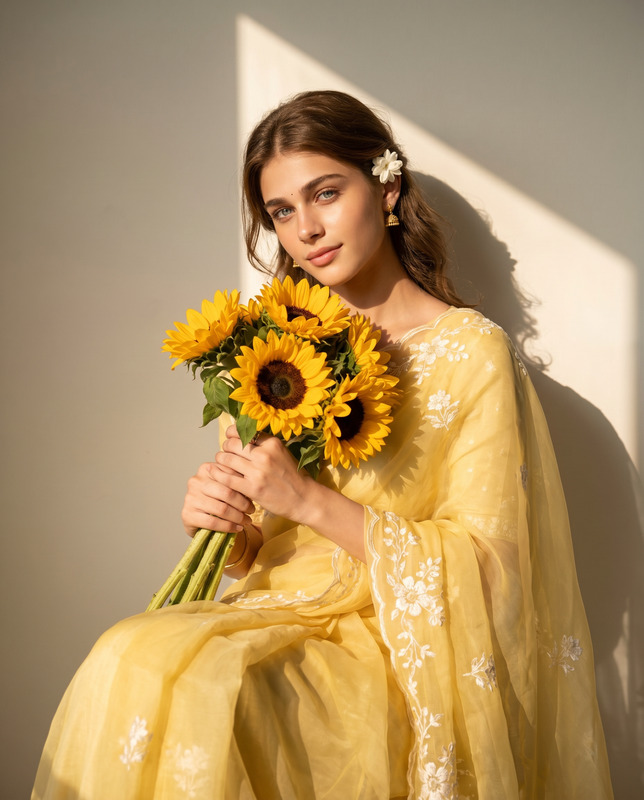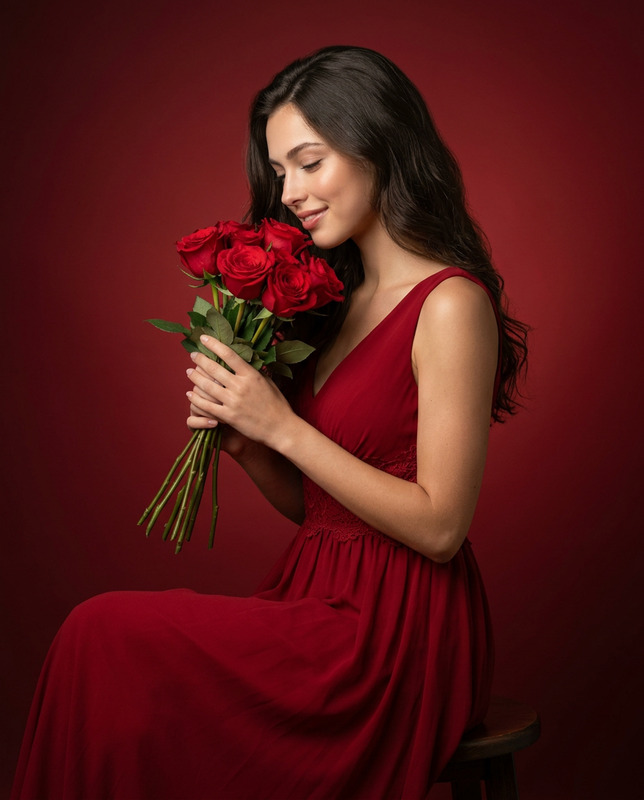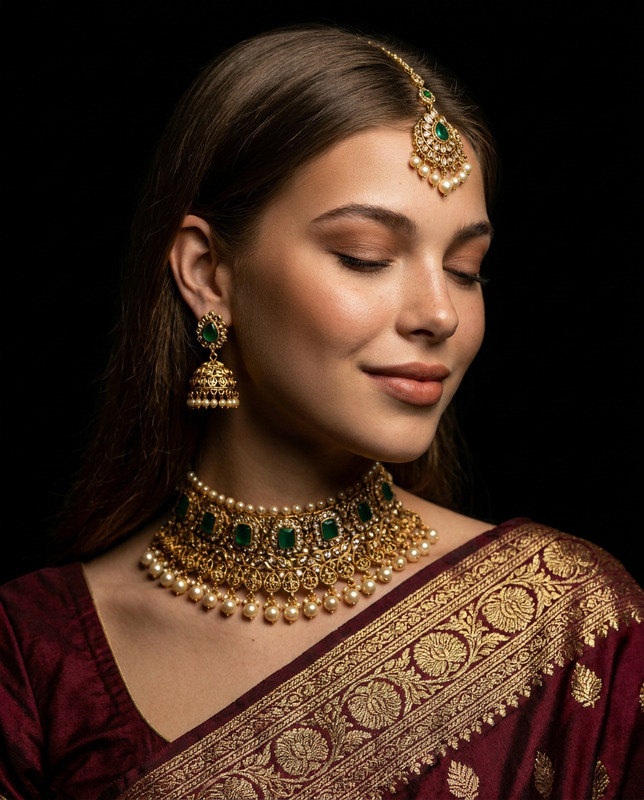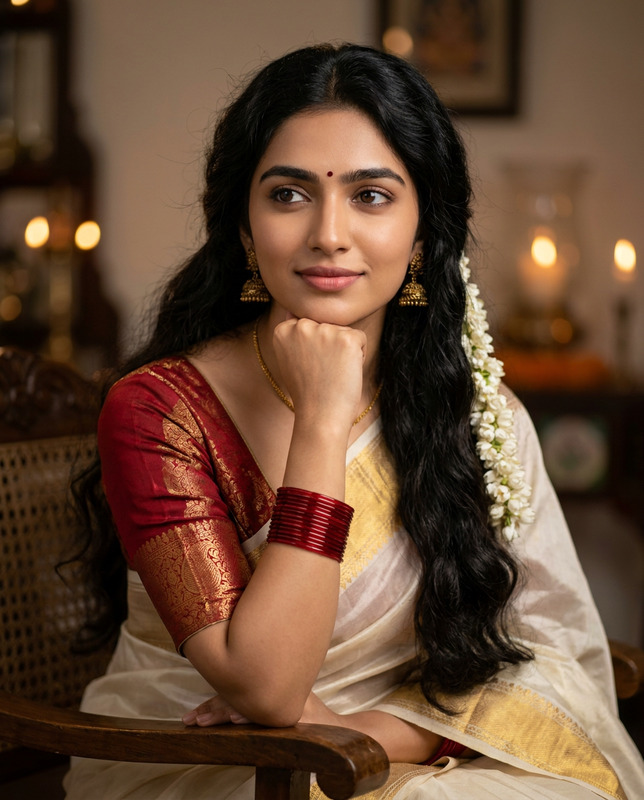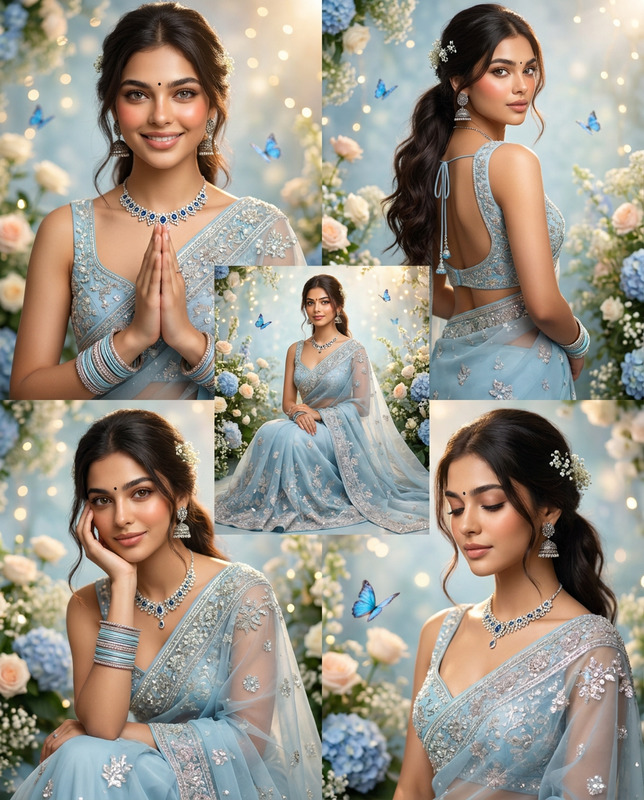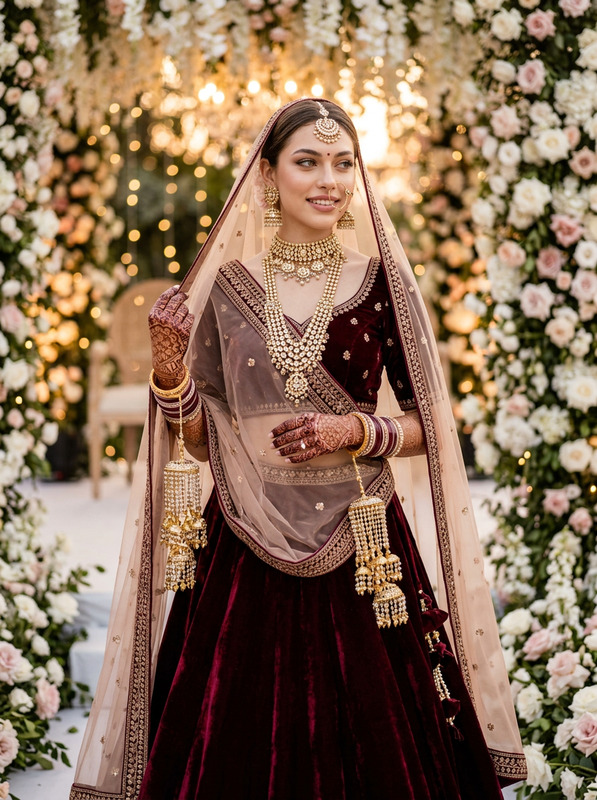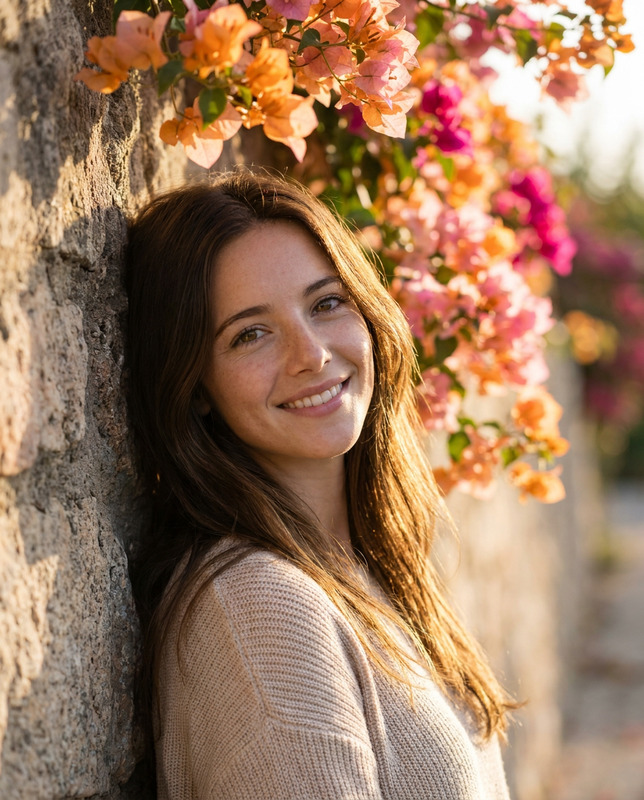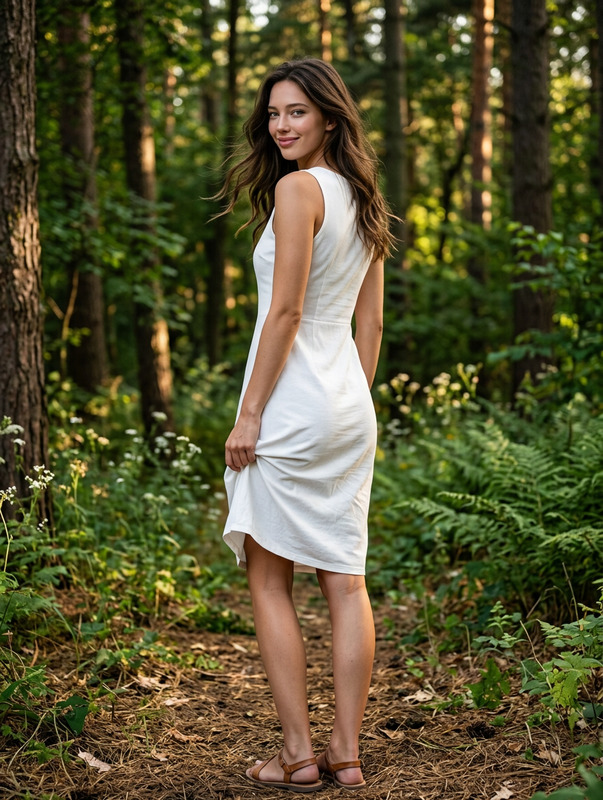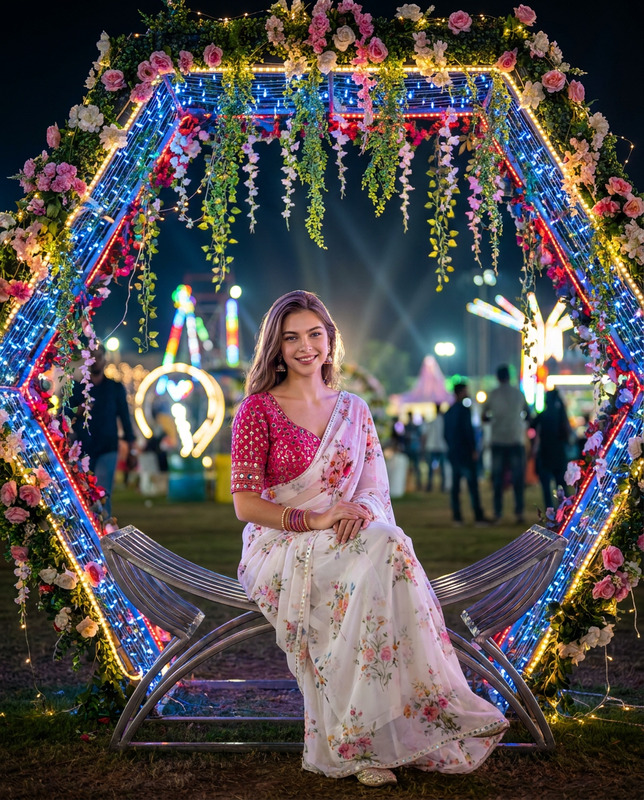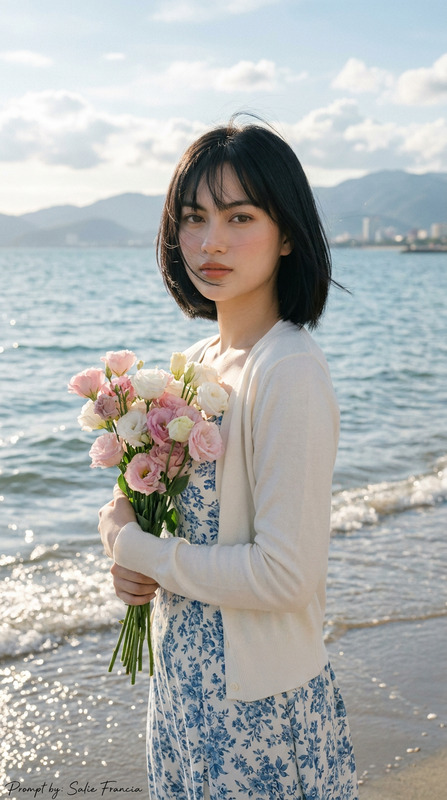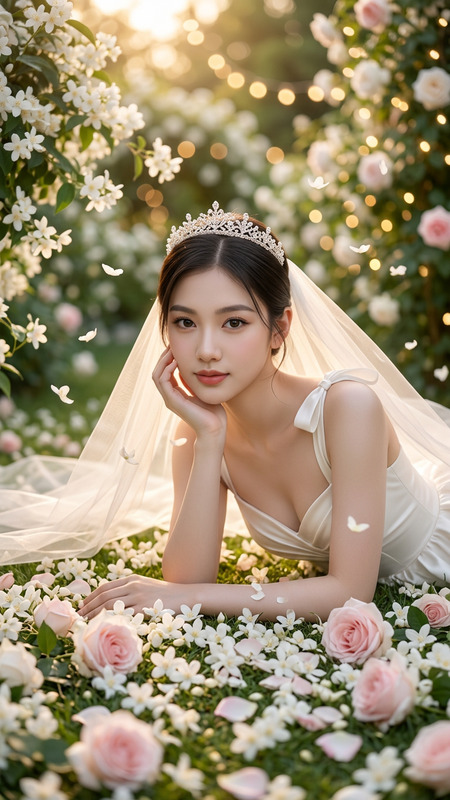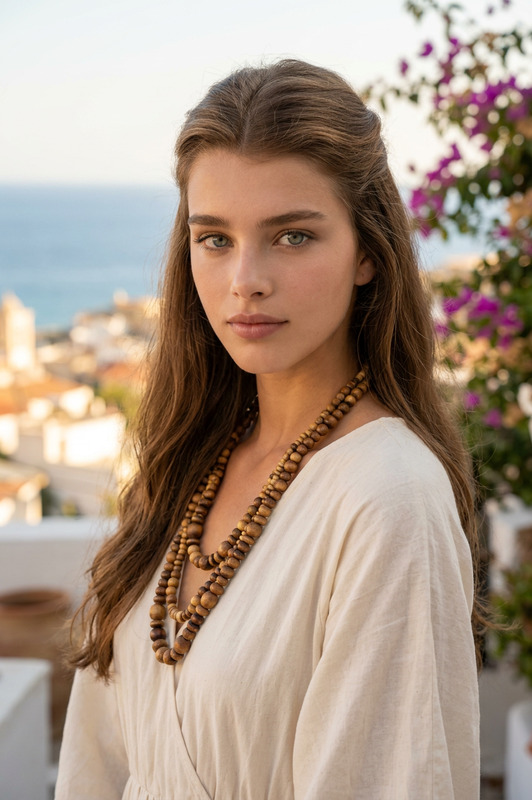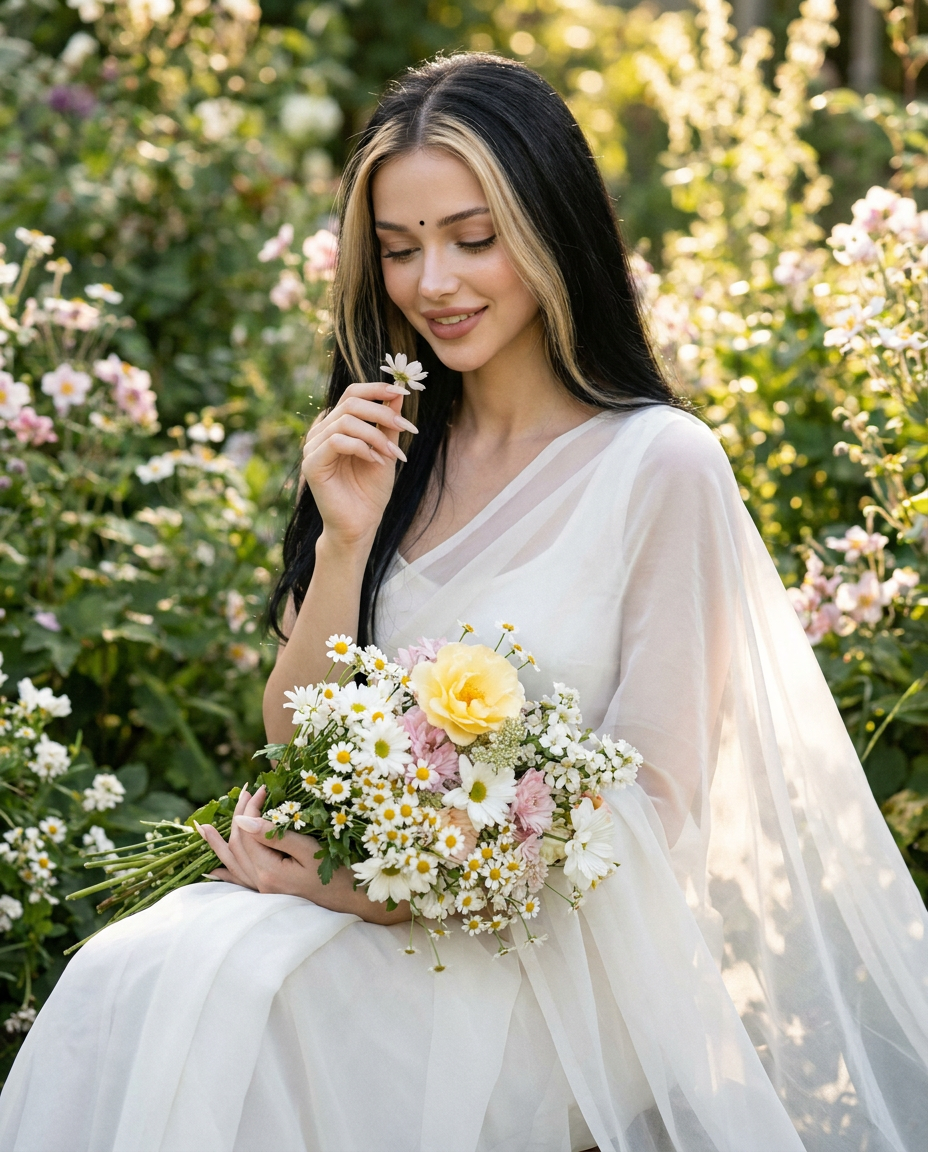
Ethereal Grace
- Model
- Nano Banana Pro
- Image
- 928 × 1152 px
Prompt
Create a photorealistic, high-end editorial portrait of a beautiful woman seated gracefully in a lush flowering garden. She has, naturally hair with a soft middle part, delicate facial features, smooth skin tone, subtle natural makeup, and a tiny black bindi on her forehead. Her expression is gentle, peaceful, and softly joyful as she looks downward with a subtle smile.She is dressed in an elegant flowing white saree with a sheer translucent pallu draped naturally over her shoulder and cascading gracefully around her body. The fabric should appear lightweight, soft, and slightly translucent with realistic folds and delicate texture. She holds a large, freshly gathered bouquet of white daisies, pale pink flowers, small white blossoms, and a prominent soft yellow flower in her lap. With her other hand, she gently holds a small white flower near her face, creating a delicate, romantic connection with nature.Composition: Vertical portrait, three-quarter to full-body framing, subject positioned slightly right of center, seated gracefully with the flowing white saree spreading across the lower foreground. The bouquet is prominently visible in the lower center. Natural, elegant posture and realistic hand placement.Background: A lush, dense garden filled with vibrant green foliage, broad leaves, delicate clusters of pink and white flowers, and softly blurred flowering branches surrounding the subject. Create a dreamy layered background with strong natural depth and beautiful circular bokeh highlights.Lighting: Soft natural golden light filtering through the trees, gentle warm sunlight creating subtle highlights on her hair and face, diffused illumination, delicate rim light around the hair and shoulders, soft shadows, dreamy romantic atmosphere.Camera & Technical Details: Shot at eye level with a slightly intimate portrait perspective, 85mm portrait lens, f/1.8 aperture, shallow depth of field, creamy bokeh, sharp focus on the woman's face and flowers, realistic skin texture, natural fabric details, cinematic color grading, soft pastel tones, high dynamic range, ultra-detailed, photorealistic, 8K resolution, professional fashion photography, natural film grain, vertical composition, aspect ratio 4:5. No text, no logo.
Any aspect ratio
Overview
The "Ethereal Grace" template leverages nano-banana-pro to elevate your editorial portrait photography to a new dimension of realism. This AI-powered AI Image Editor template focuses on creating stunning portraits in lush gardens with an ethereal and graceful touch. Perfect for producing fashion editorials that demand lifelike detail and a dreamy ambiance.
What It Does
This template creates high-end editorial portraits of women set in flourishing gardens. It applies advanced AI techniques to construct realistic skin textures, create soft pastel tones, and implement cinematic color grading. The imagery captures a gentle, joyful expression with intricate fabric and floral details, making each photo an authentic visual experience.
Who It's For
"Ethereal Grace" is tailored for fashion photographers, editorial stylists, and creatives in the fashion industry looking to produce sophisticated and photorealistic imagery. This template is also ideal for visual artists and designers who specialize in creating romantic and natural portraits. It seamlessly integrates with similar products like AI Talking Photo and AI Image Generator for broader creative applications.
Summary
With its focus on realistic portraits and dreamy garden settings, "Ethereal Grace" provides a versatile tool for both seasoned photographers and aspiring artists. It seamlessly bridges traditional photography with AI innovation, ensuring each image is a masterpiece. Consider using it in conjunction with the Full Body Generator for even more detailed compositions.
How-To
Choose the Template

Customize Your Inputs

Generate and Refine

Use Cases
Fashion Editorials
- Lush garden settings
- Professional fashion photography
- Cinematic color grading
Product Launch Campaigns
- Emphasize ethereal aesthetics
- Focus on detail and texture
- Highlight key features
Personal Portfolios
- Expand your creative portfolio
- Experiment with AI-driven techniques
- Refine artistic style
Best Practices
Pay Attention to Lighting
Use natural lighting settings for the most authentic results, mimicking the soft golden hues outlined in the template.Stay True to the Details
Ensure that the nuances of fabric and floral decoration are precisely captured for a realistic portrayal.Embrace Cinematic Techniques
Adopt a cinematic approach by considering depth of field adjustments for impactful, emotive images.