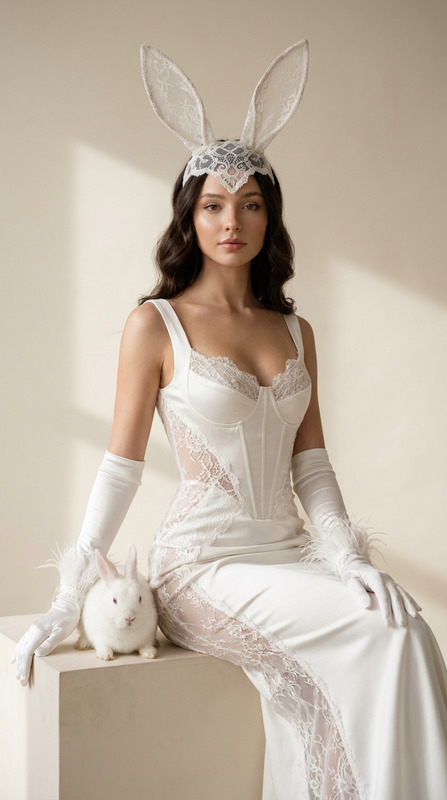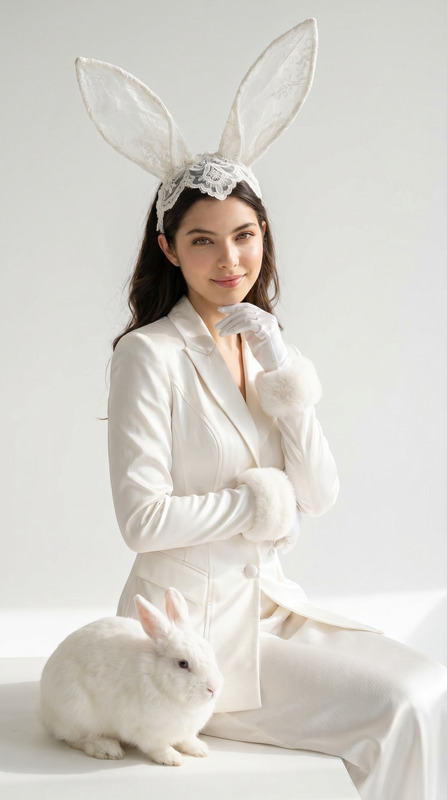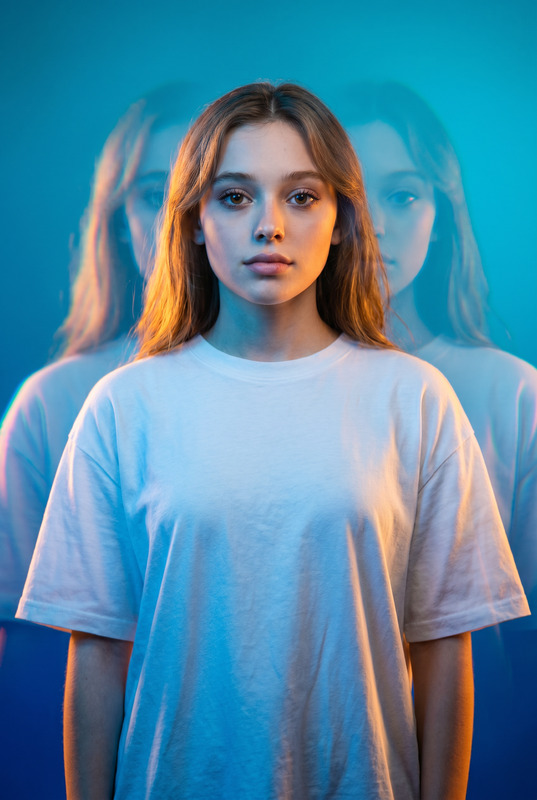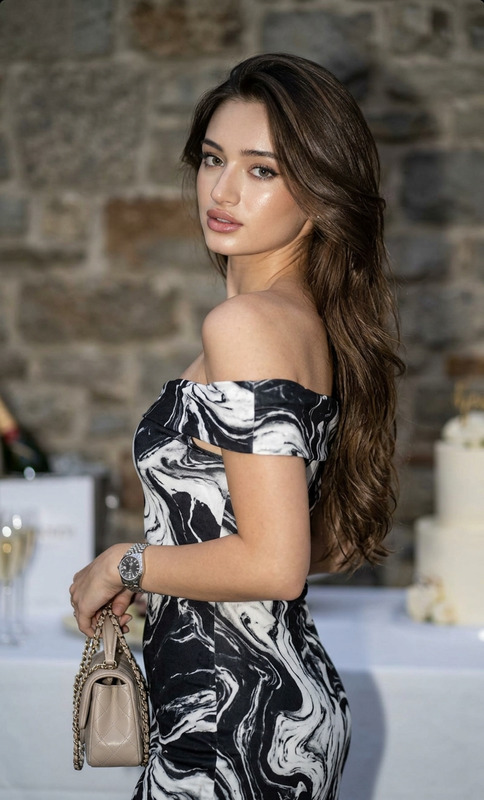
Double Exposure Fashion Portrait
- Model
- Nano Banana 2
- Image
- 1686 × 2528 px
Prompt
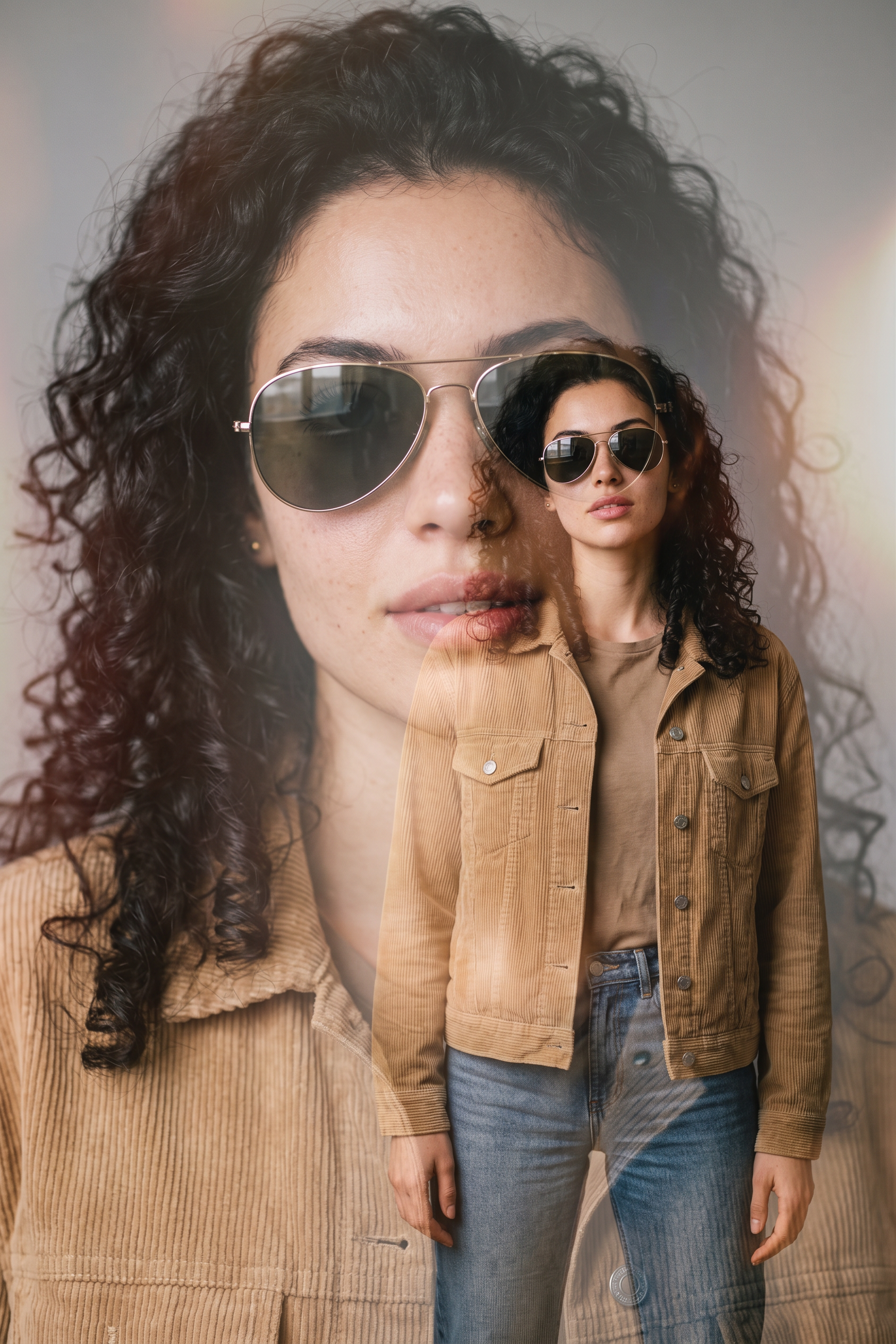
A cinematic double-exposure fashion portrait featuring a woman with the uploaded face used 100% as reference, wearing stylish metallic aviator sunglasses. The composition artfully blends a large, semi-transparent close-up profile of her face on the left with her full-body figure standing confidently on the right. She wears an open, light-grey textured corduroy shirt layered over a dark grey fitted t-shirt and dark denim jeans, posing naturally with her hands in her pockets. She has long, flowing dark hair, flawless skin, elegant feminine features, and a confident, sophisticated expression. The background is a minimalist neutral studio setting, allowing the double-exposure composition to remain the visual focus. The color grading features a sophisticated warm desaturated sepia and charcoal palette, enhanced by a soft golden-orange light-leak flare in the upper-right corner. Professional 85mm lens photography with high-contrast yet soft cinematic lighting accentuates the fabric textures, facial details, and layered portrait effect. Ultra-realistic skin texture, luxury fashion-editorial aesthetic, premium magazine-cover quality, subtle film grain, cinematic depth, elegant shadows, refined color grading, modern retro-inspired styling, masterpiece composition, ultra-sharp focus, visually striking storytelling, high-end commercial fashion campaign look.
Any aspect ratio
Overview
The Double Exposure Fashion Portrait template combines the latest advancements in AI-driven image editing with a contemporary fashion aesthetic. Utilizing the robust capabilities of the AI Image Editor, this template empowers creatives to craft stunning, double-exposure portraits with magazine-cover quality. Designed with the nano-banana-2 model, our tool excels in producing refined, artistic compositions that highlight composition, detail, and style.
What It Does
This template allows users to transform everyday images into fashion-forward, double-exposure masterpieces. By merging two distinct photographic elements—close-up and full-body shots—into one cohesive work, it enhances the storytelling aspect of fashion portraits. The integration of high-end techniques such as sophisticated color grading, luxury fashion-editorial aesthetics, and cinematic lighting ensures each portrait is visually striking. Additionally, the template utilizes the AI Image Generator for refining textures and details crucial to premium image quality.
Who It's For
This template is perfect for photographers, fashion designers, and digital content creators aiming to produce high-impact visuals. If you're working on a campaign for a premium brand or need product demo visuals that stand out, you'll appreciate the template's ability to combine elements and fine-tune aesthetics effortlessly. Creative agencies can leverage it to craft artistic pieces that reveal both the intricacy and appeal of their subjects.
Summary
With the Double Exposure Fashion Portrait template, craft images that are more than meets the eye. It offers an inventive approach to visual narrative, emphasizing texture, color, and composition in your projects. For a challenging yet rewarding creative experience, our AI Photo Relighting tool enhances details with remarkable finesse, making it indispensable for those with a keen eye for detail.
How to Use
Choose Your Template

Customize Your Inputs

Generate Your Portrait

Use Cases
Fashion Editorials
- Magazine covers
- Online fashion campaigns
- Lookbooks
Brand Campaigns
- Billboards
- Digital ads
- Website hero images
Personalized Art Projects
- Gifts
- Decor
- Art exhibitions
Best Practices
Select High-Resolution Images
To ensure the best results, start with high-resolution images as input to maximize detail retention and clarity.Refine Lighting Details
Use the AI Photo Relighting tool to enhance shadows and highlights, bringing out texture and depth in your portraits.Experiment with Color Grading
Play with different warm desaturated sepia tones to find the perfect look that complements your subject's complexion and outfit.