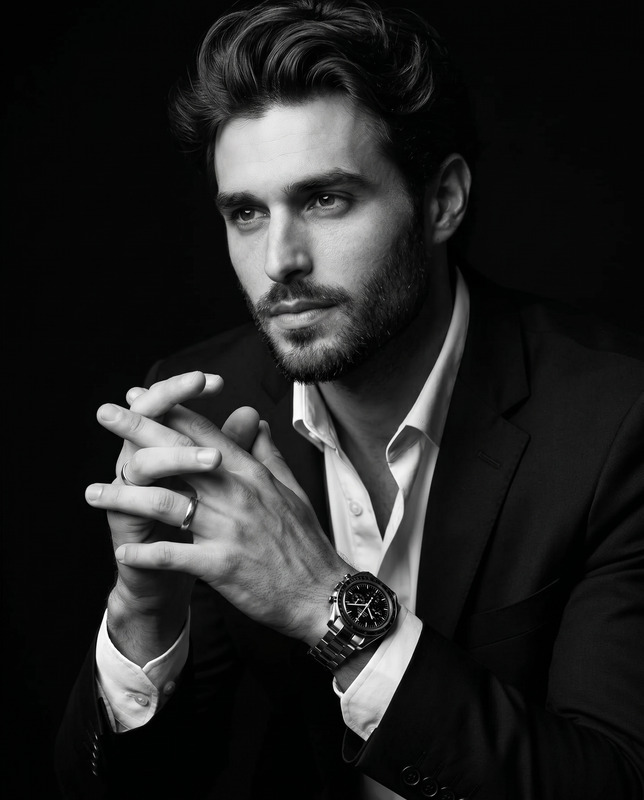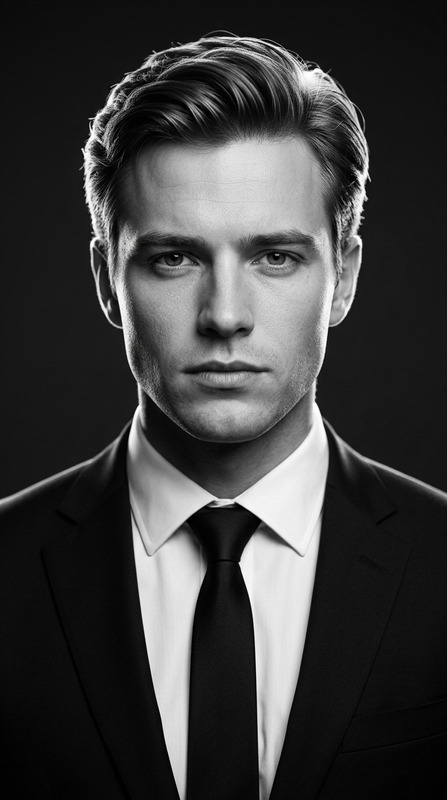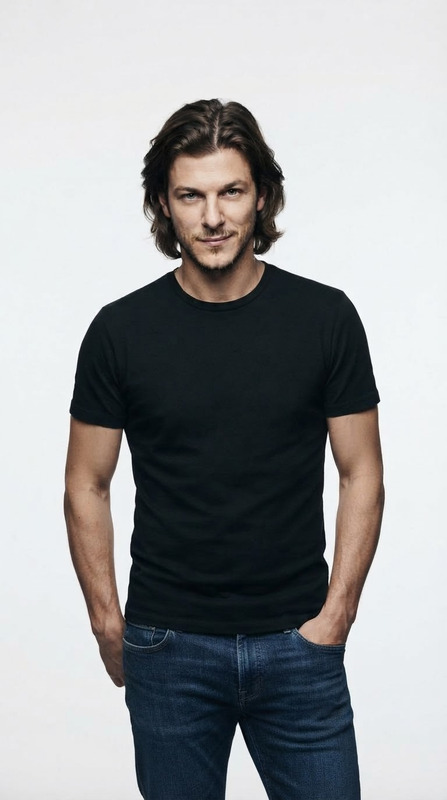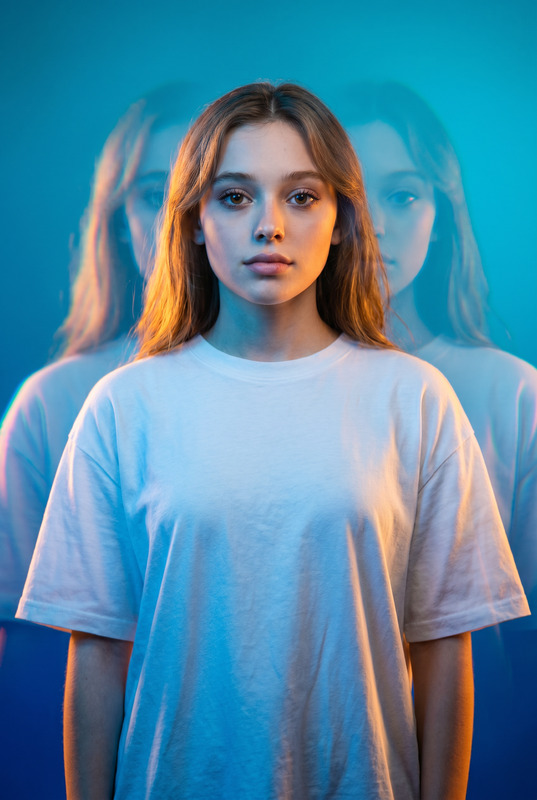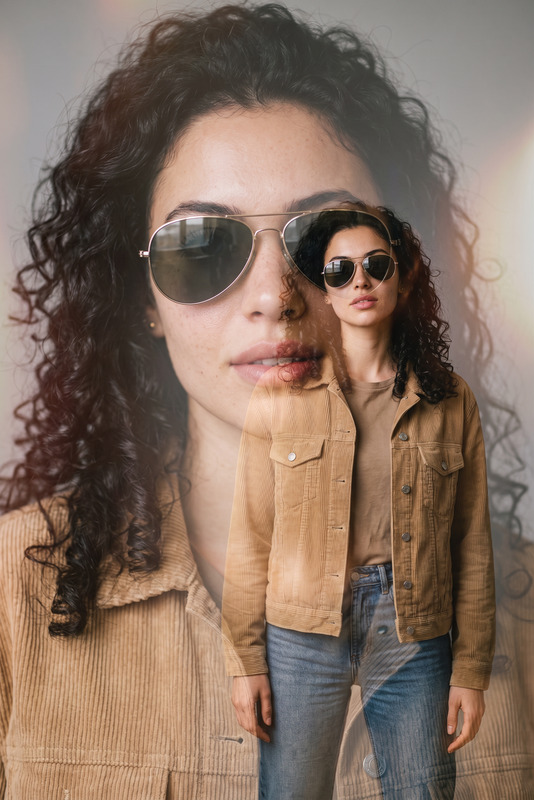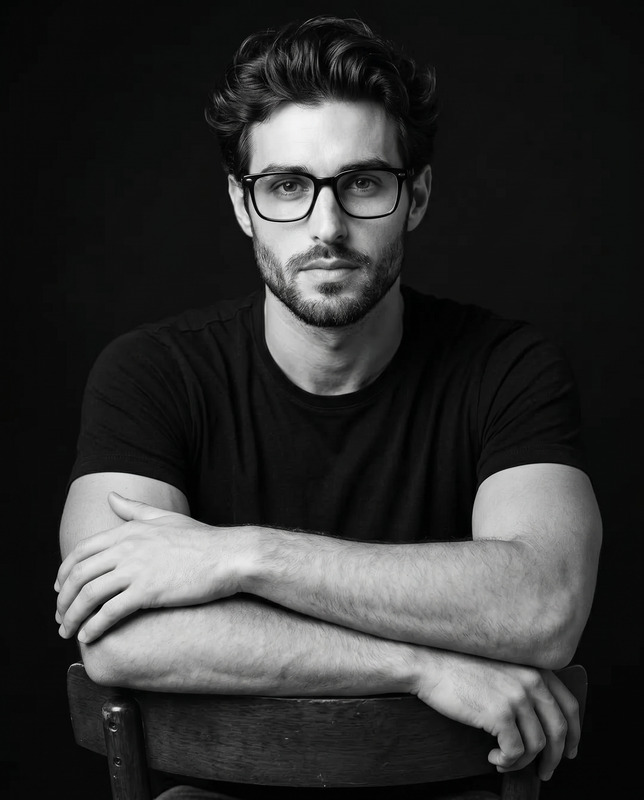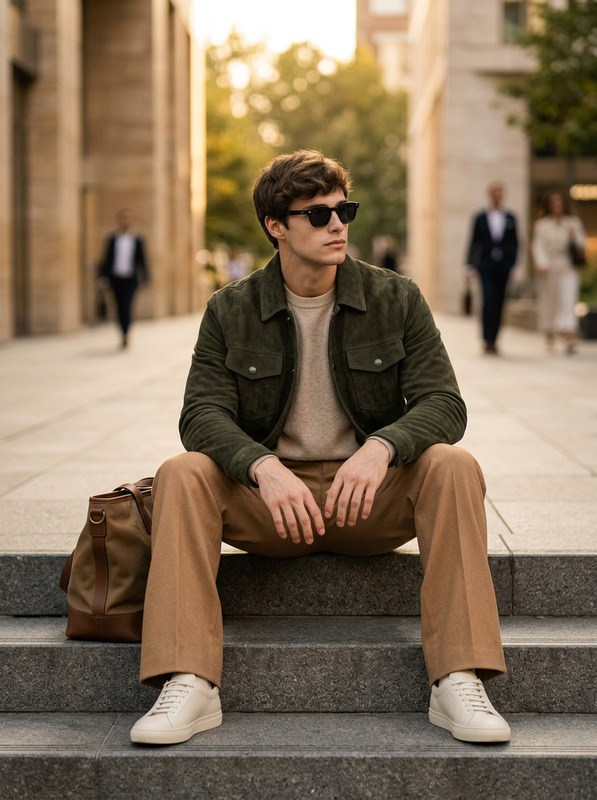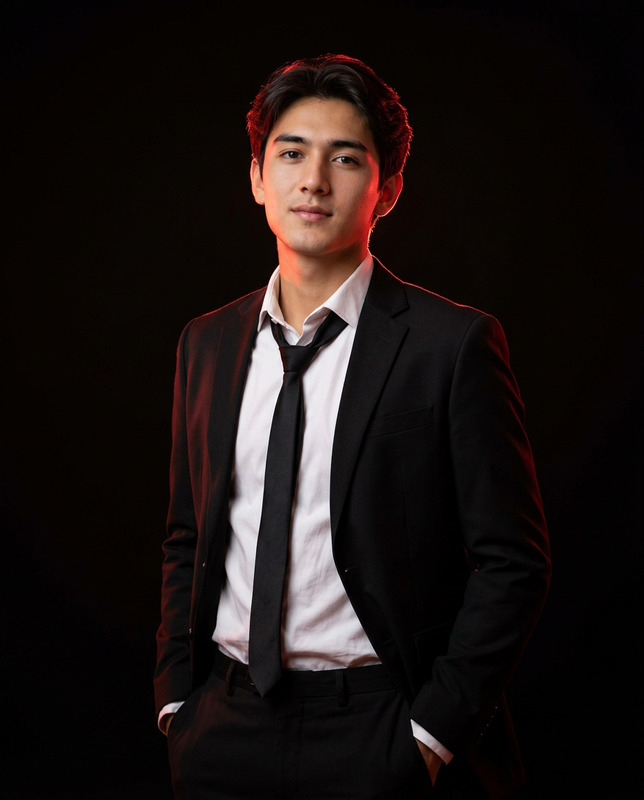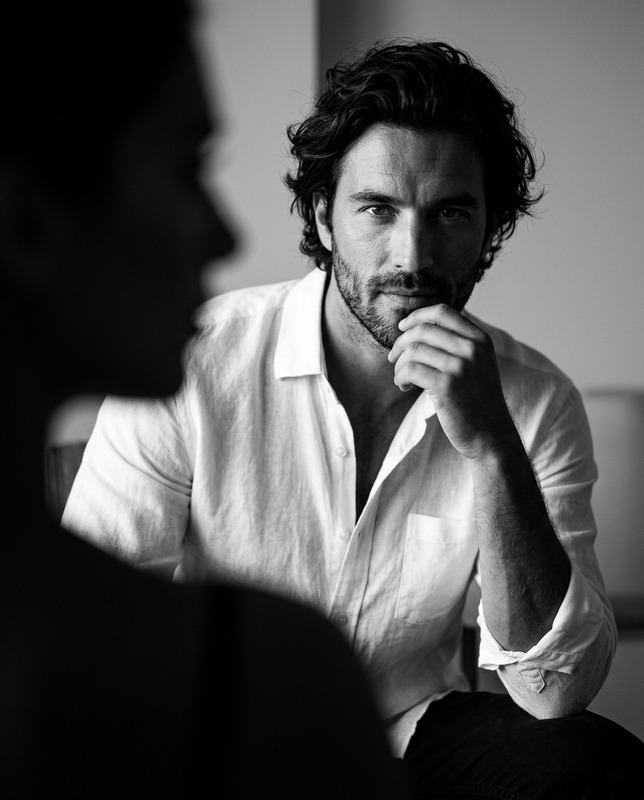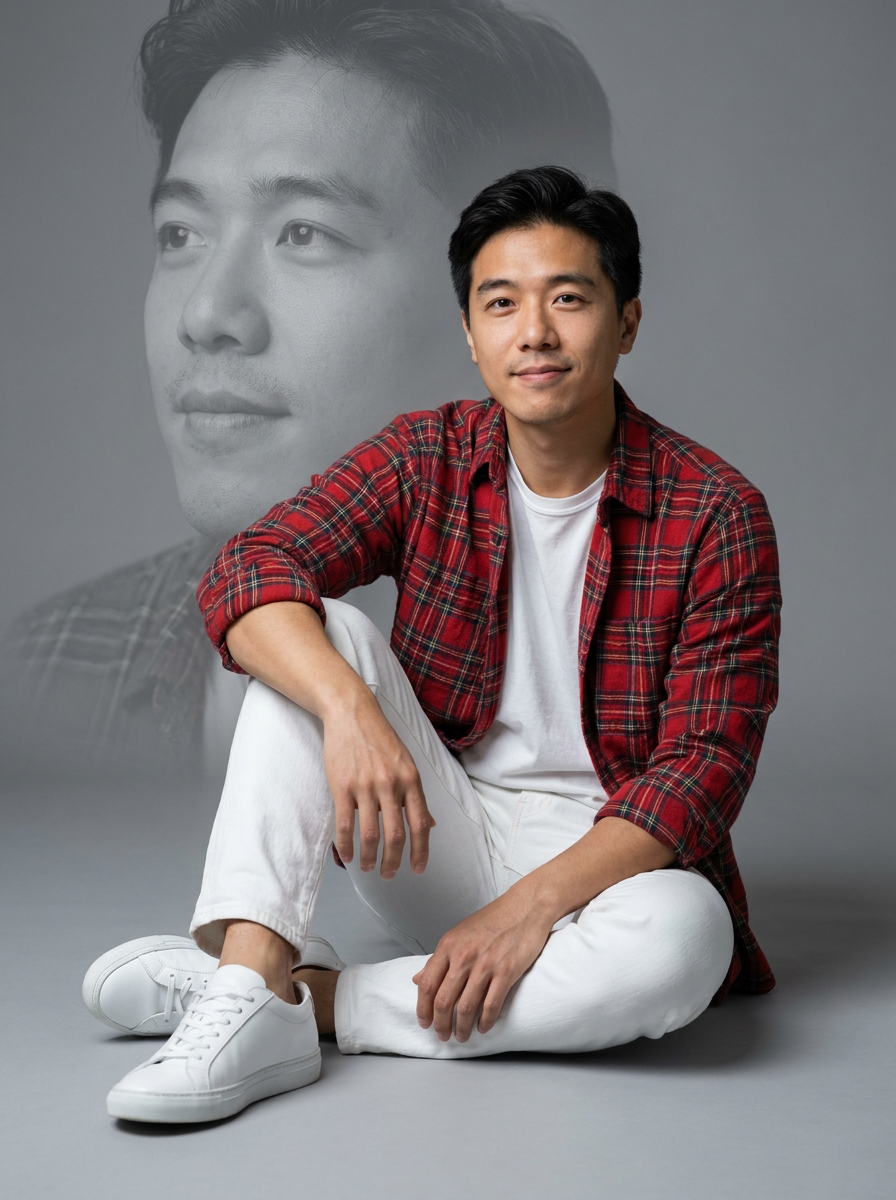
Man Double Exposure
- Model
- Nano Banana Pro
- Image
- 896 × 1200 px
Prompt
Create a hyper-realistic cinematic studio portrait of the uploaded stylish male subject, preserving his natural facial features and identity. Do not alter face and identity.He is seated gracefully on the floor against a clean, seamless gray studio background. Behind him, include a large, translucent monochrome close-up portrait of his face looking slightly off camera, softly blended into the background as an elegant double-exposure effect.Dress him in a red plaid shirt with rolled-up sleeves, layered over a plain white T-shirt, paired with white denim jeans and clean white low-top sneakers. Give him a natural seated pose with a stylish, relaxed posture. He looks slightly toward the camera with a subtle smile and a confident, natural expression.Use soft, even studio lighting that clearly highlights his face, clothing textures, and natural skin detail. Shot with an 85mm lens at f/1.8, shallow depth of field, photorealistic detail, polished editorial quality. 3:4 aspect ratio.
Any aspect ratio
Overview
The Man Double Exposure template is a sophisticated tool within our AI Image Editor collection, designed for creating cinematic studio portraits with a striking double exposure effect. This template enhances your image editing workflows, offering polished editorial quality and preserving the subject's natural identity seamlessly.
What It Does
This template specifically focuses on generating a hyper-realistic studio portrait of a male subject, incorporating an elegant double-exposure effect. It combines intricate image blending techniques without altering facial features, offering a cinematic feel through controlled composition and lighting effects. By appending a monochrome portrait in the background, it enriches image layers and depth.
Who It's For
This template is ideal for professional photographers, graphic designers, and visual artists who specialize in editorial and cinematographic content. It's especially beneficial for those involved in product photos to video workflows, as well as those seeking tools to enhance visual storytelling through creative image manipulations.
Summary
The Man Double Exposure is part of an advanced suite of image editing tools like our AI Video Generator and AI Image Upscaler, enabling users to create visually stunning content with ease. Its detailed instructions and user-friendly interface make high-quality results accessible for both beginners and seasoned professionals.
How to Use
Choose Your Template

Customize Your Input

Generate Your Image

Use Cases
Editorial Photography
- Cinematic storytelling
- Visual impact
- Artistic features
Promotional Material
- High attention to detail
- Sophisticated look
- Brand consistency
Creative Portfolios
- Showcase creativity
- Diversify your style
- Attract clients
Best Practices
Use High-Quality Inputs
Ensure the uploaded images are of high resolution to maximize the template's effectiveness and maintain detail.Refine Your Visuals
Leverage other tools like the Full Body Generator for complete visual redesigns, enhancing features and depth.Experiment with Lighting
Adjust the lighting and exposure settings for different atmospheric effects, complementing the active double-exposure style.