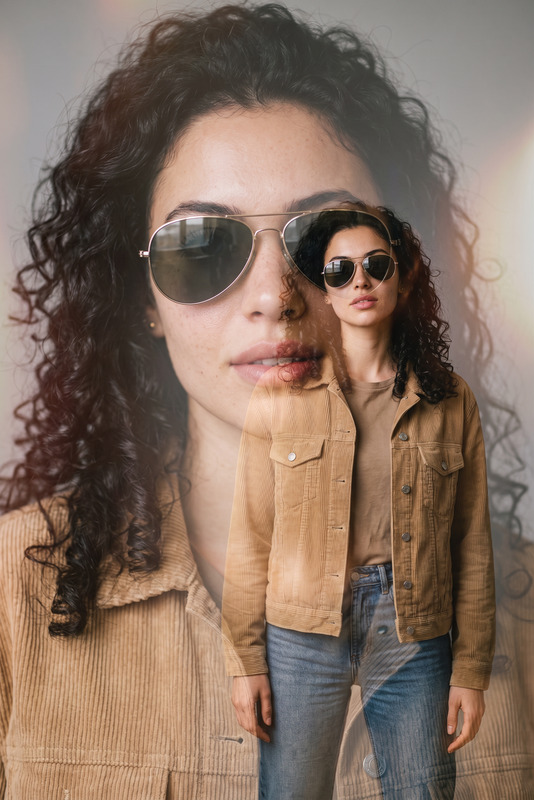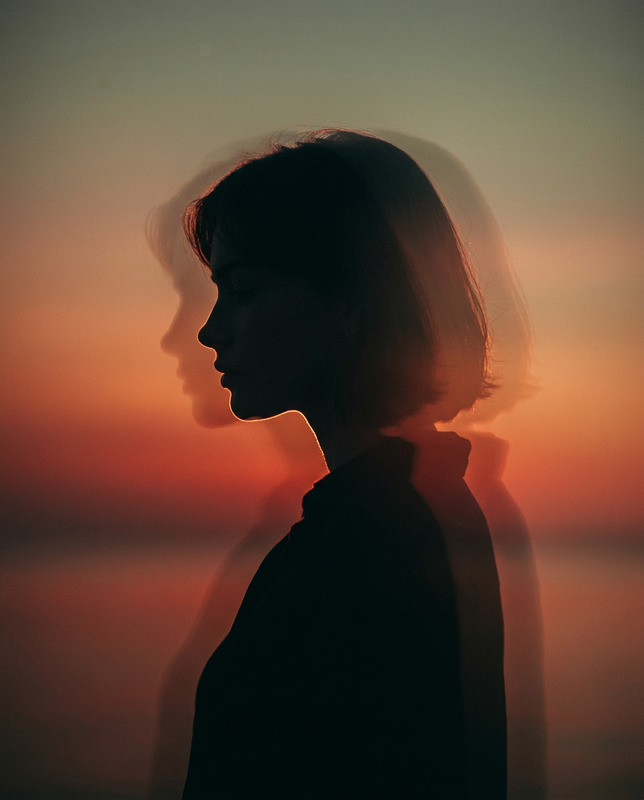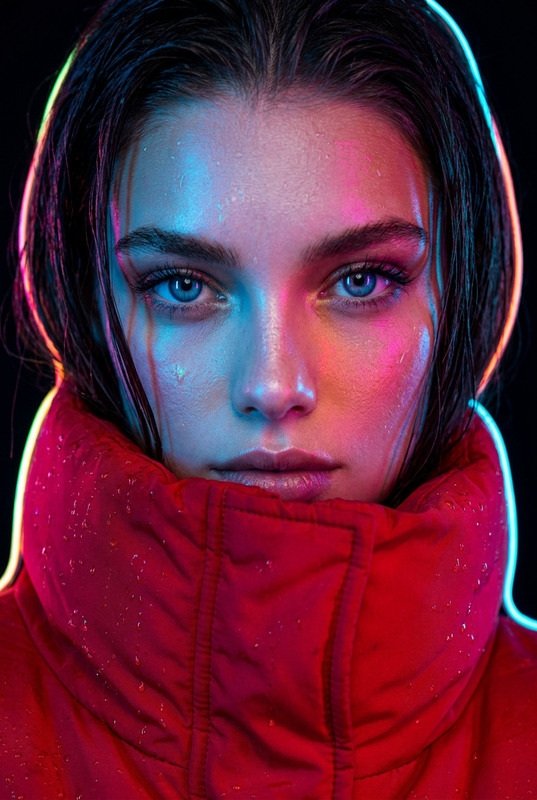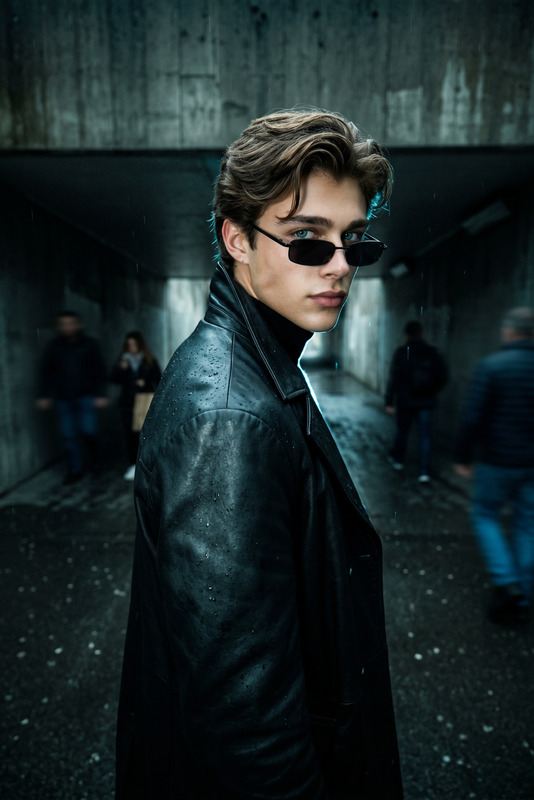
Double Exposure of the Soul
- Model
- Nano Banana Pro
- Image
- 1696 × 2528 px
Prompt
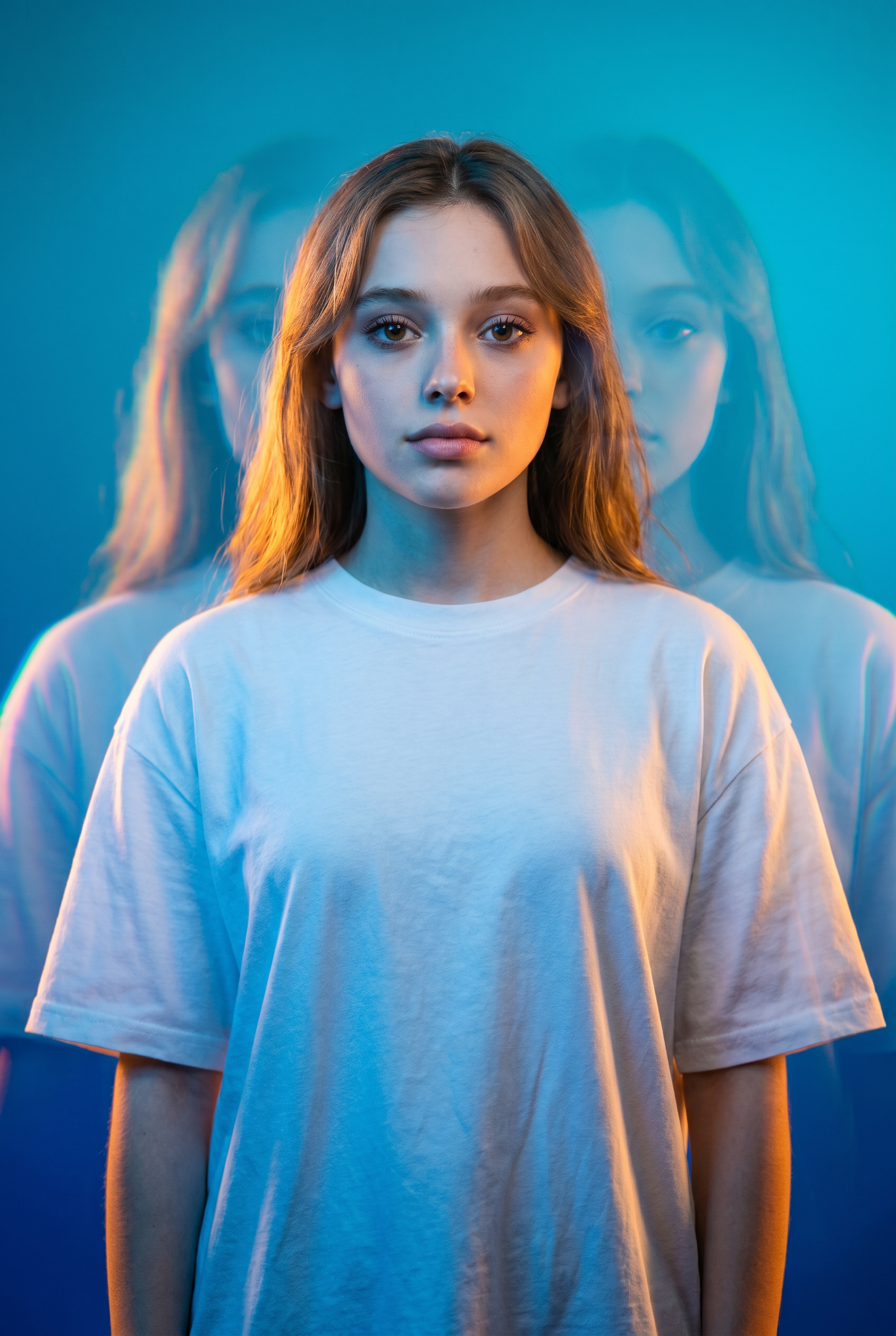
Use the uploaded photo as the strict identity reference. Preserve the person’s exact facial structure. Do not alter the face. High-fashion cinematic half-length portrait of the person from the input photo, with a dreamlike editorial style. Multi-exposure motion blur with ghosting and vertical streaks. Clean gradient background from deep azure (#0033A0) to cyan (#00CCFF). The subject is calmly standing in a plain white oversized T-shirt with soft folds catching colored lights. Dramatic lighting: cool blue wash plus orange/yellow edge glow from camera-left/backlight. Expression neutral/introspective, eyes softly lit or shadowed. Shot on 50-85mm f/1.8, shallow depth, cinematic blur and chromatic separation. Crisp skin/fabric in focus, surreal minimal glitch-inspired fashion mood.
Any aspect ratio
Overview
The Double Exposure of the Soul template is a cutting-edge tool for creating visually stunning images with a cinematic and dreamlike quality. By leveraging the powerful nano-banana-pro model, this template integrates high-fashion elements with visual effects to produce portraits that captivate the eye and engage the imagination.
What It Does
This template processes an input photo to create a multi-exposure image that maintains the subject's exact facial structure. It adds motion blur with ghosting, vertical streaks, and dramatic lighting for a fashion-forward editorial style. The background blends deep azure and cyan tones, enhancing the overall mood while preserving a stark visual contrast.
The unique processing employed by the template ensures the person and their facial features remain unaltered, making it ideal for projects where identity and likeness retention are crucial.
Who It's For
The Double Exposure of the Soul template is perfect for photographers, graphic designers, and creative directors looking to add a surreal and professional touch to their portraits. It's also an excellent choice for advertising creatives seeking to produce eye-catching visuals, or anyone in the fashion industry aiming to present editorial-quality images in a unique way.
Whether for personal or professional use, this template offers a swift path to impactful, artful imagery.
Summary
Capitalize on the potential of this AI-powered template by crafting portraits with a distinctive high-fashion, cinematic quality. Leveraging the AI Image Editor functionality, it remains at the forefront of delivering both style and technical consistency. Use it to transform regular photos into pieces that resonate with a sense of artistic innovation.
Explore similar possibilities with the AI Face Editor for additional transformative effects.
How To
Choose Your Template

Customize the Details

Generate Your Image

Use Cases
Fashion Editorials
- Cinematic portrait photography
- Magazine and online editorials
- Promo materials for fashion brands
Advertising and Marketing
- Visual storytelling for brand identity
- Dynamic advertising visuals
- Event promotions
Social Media Content
- Profile pictures and banners
- Influential visual storytelling
- Creative posts for engagement
Best Practices
Choose The Right Photo
Select images with clear, well-lit facial details to retain identity accuracy while applying creative effects.Balance Effect Intensity
Adjust blur and lighting effects to ensure the subject's core features remain crisp and discernible. Balance between the dramatic and subtle to meet the editorial theme.Integrate Brand Colors
When working with brands, adjust background gradients or light colors to align with brand aesthetics. Utilize the AI Background Changer for additional modifications.