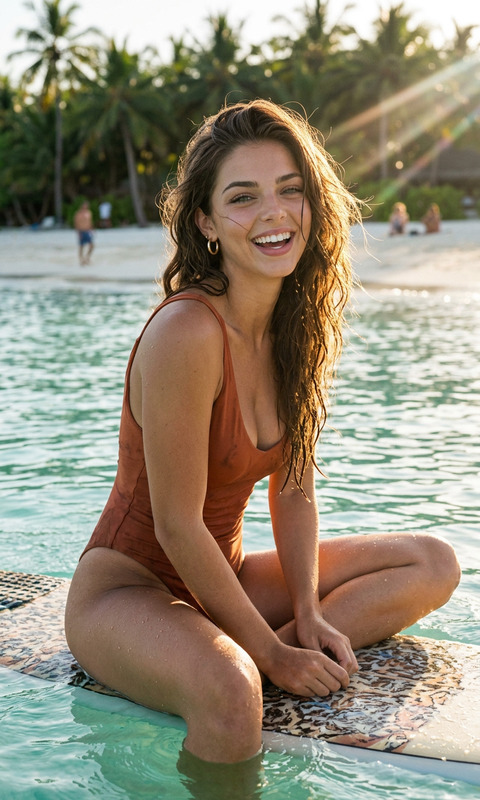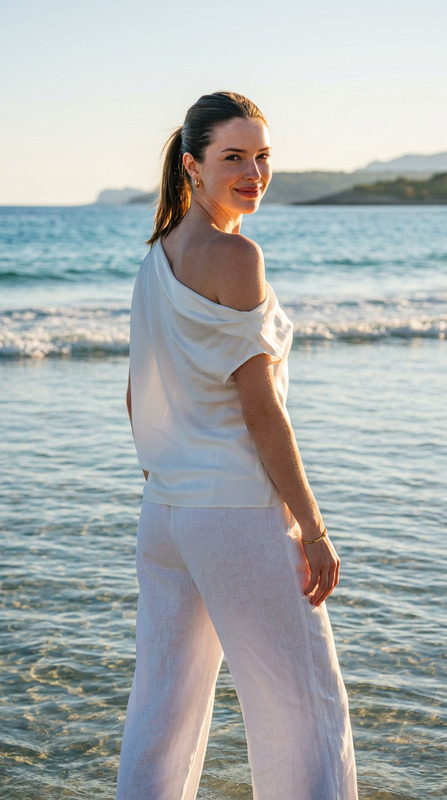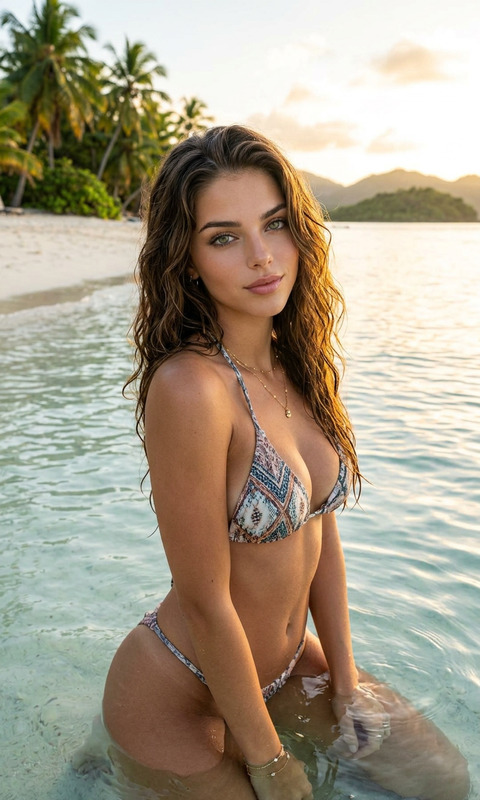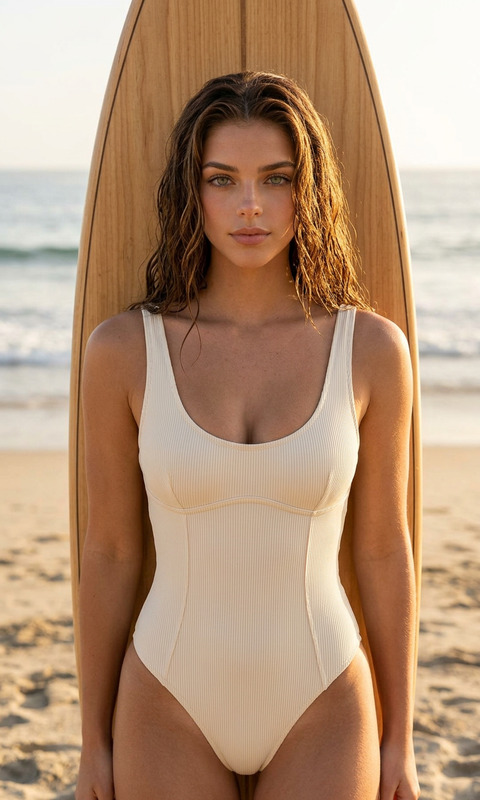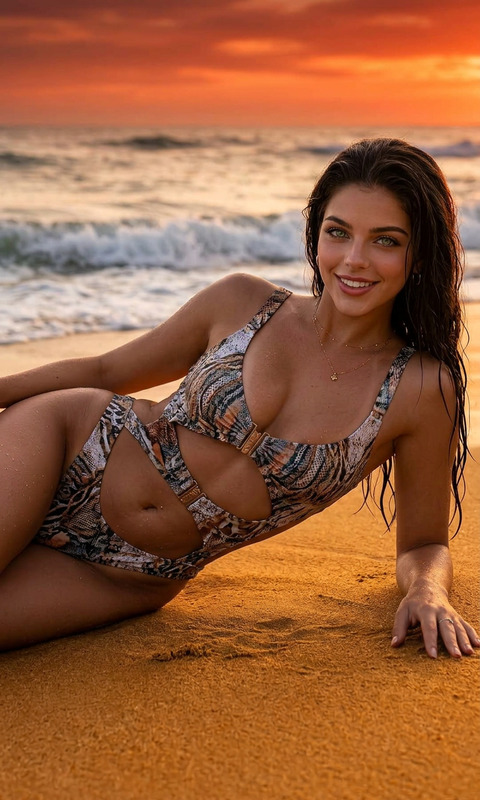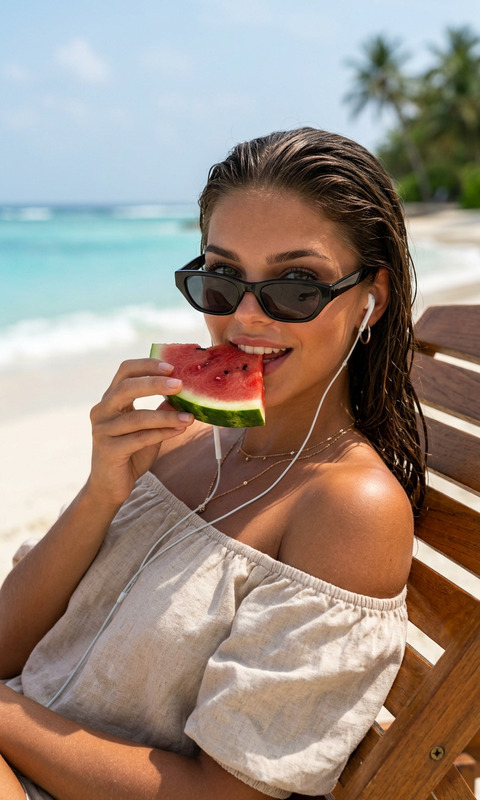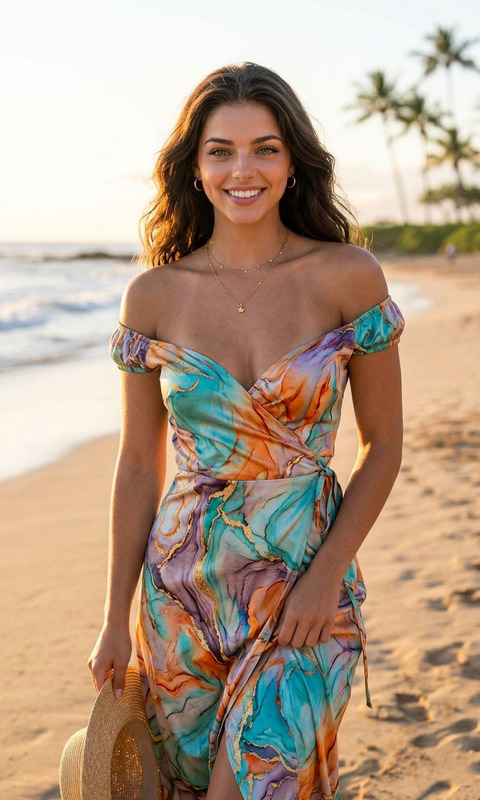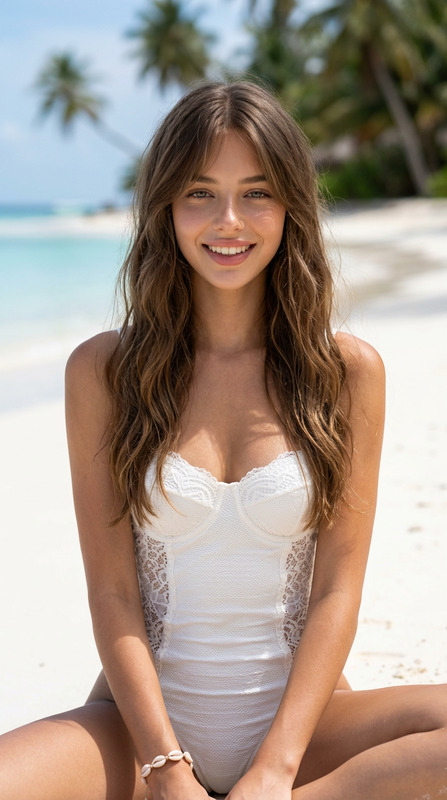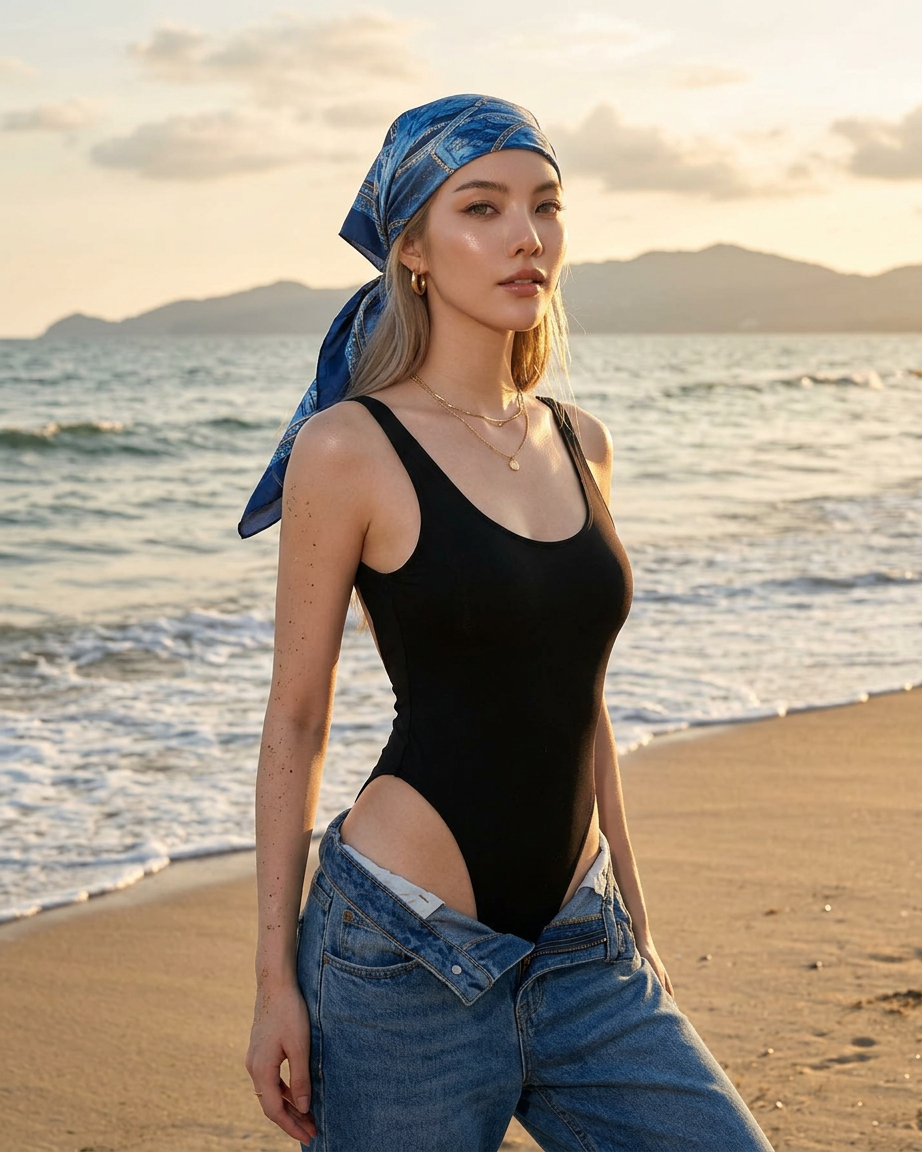
Shoreline
- Model
- Nano Banana 2
- Image
- 922 × 1152 px
Prompt
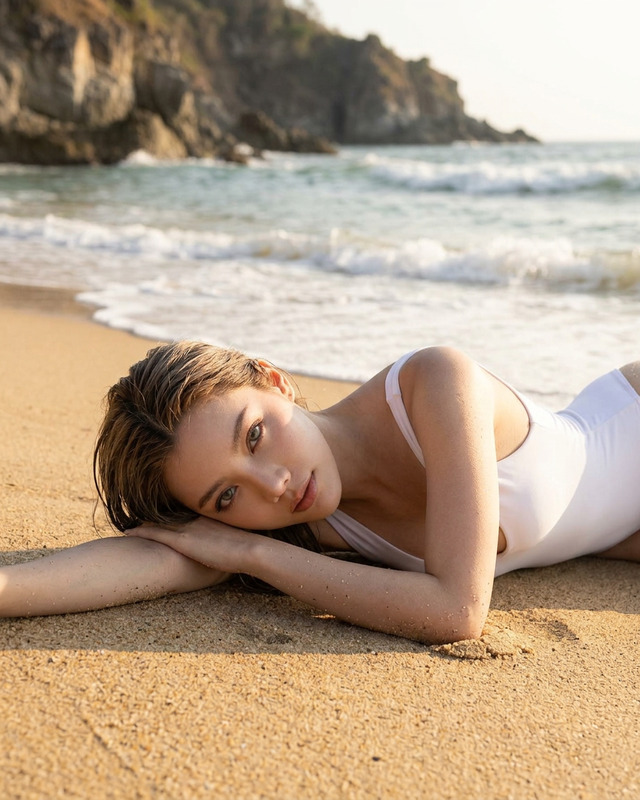
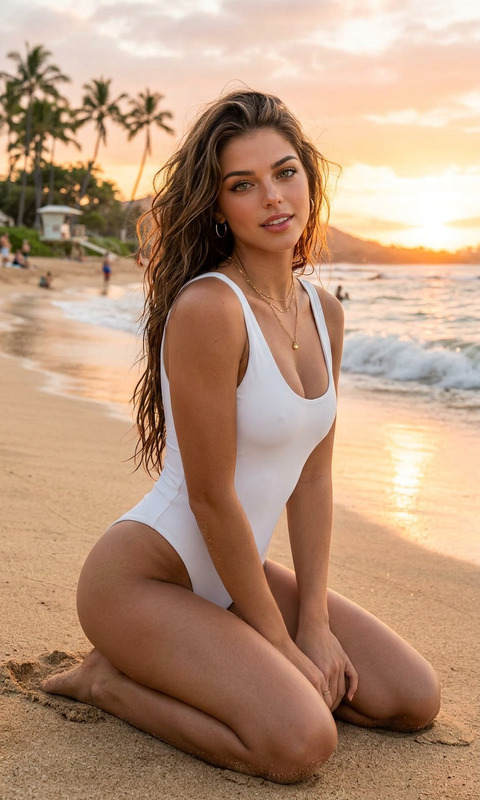
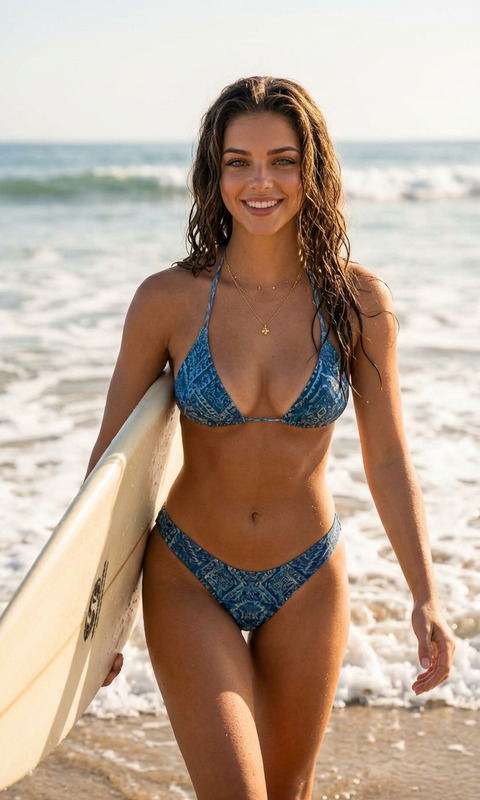
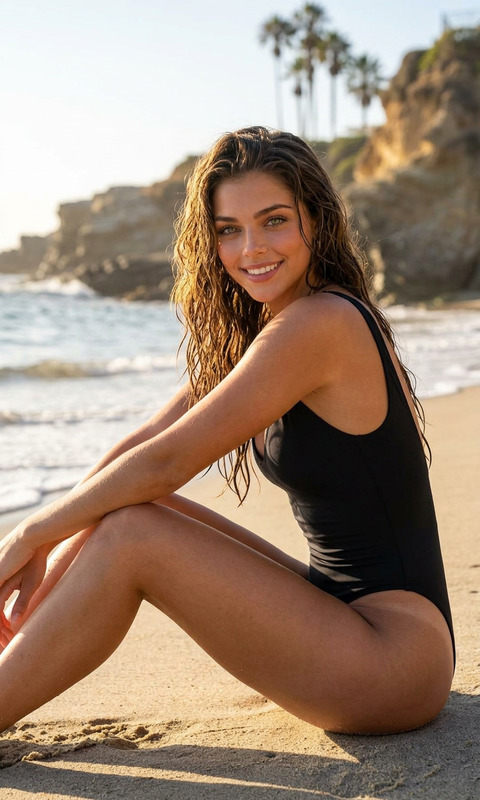
A cinematic fashion editorial portrait of a beautiful young woman standing at the shoreline during golden hour, wearing a sleek black one-piece bodysuit with high-cut details and low-rise blue jeans loosely unbuttoned around the hips, accessorized with a blue patterned headscarf, delicate gold jewelry, and natural makeup. She gazes confidently to the side with a soft, elegant expression. Ocean waves gently wash around her legs while sunlight sparkles across the water surface. Mountain silhouettes and soft clouds appear in the distant background, creating a dreamy coastal atmosphere. Warm sunset lighting, soft highlights, realistic skin texture, shallow depth of field, ultra-detailed, luxury beach fashion campaign aesthetic, candid pose, cinematic color grading, medium format photography style, Vogue-inspired editorial, natural wind movement, photorealistic, highly detailed.
Any aspect ratio
Overview
The Shoreline template in our AI Image Editor collection is crafted to create breathtaking fashion editorial portraits. With an emphasis on cinematic aesthetics and photorealistic details, this template is ideal for anyone looking to emulate a high-end fashion shoot right from their own screen.
What It Does
This template leverages the nano-banana-2 model to generate stunning visual content. It transforms ordinary images into editorial-quality portraits, capturing the essence of luxury beach fashion vibes using advanced AI techniques. Expect features such as ultra-detailed skin textures, realistic lighting effects, and intricate accessory details.
Who It's For
The Shoreline template is perfect for photographers, fashion brands, and social media influencers aiming to elevate their visual content. Whether you're creating for a personal blog or a commercial campaign, this tool enables users to produce captivating imagery that aligns with Vogue-inspired editorials and beyond.
Summary
With the Shoreline template, you can create Vogue-worthy images that resonate with luxury beach fashion aesthetics. Easy customization paired with the powerful AI Image Editor capabilities makes it an invaluable resource for producing polished and professional-looking portraits.
How-To
Choose the Shoreline Template

Customize Your Inputs

Generate Your Image

Use Cases
Fashion Editorials
- Luxury campaigns
- Magazine submissions
- Portfolio enhancements
Social Media Content
- Instagram posts
- Facebook ads
- Pinterest boards
Commercial Projects
- Branding materials
- Advertisement visuals
- E-commerce displays
Best Practices
Focus on Details
Pay attention to accessories and backgrounds to enhance realism.Adjust Lighting Conditions
Tweak lighting elements to match the mood and time of day for more authentic vibes.Use High-Resolution Inputs
Ensure the input images are of high quality to make full use of the template's detailed output.