Ocean Calm
ai-image-editor
Any aspect ratio
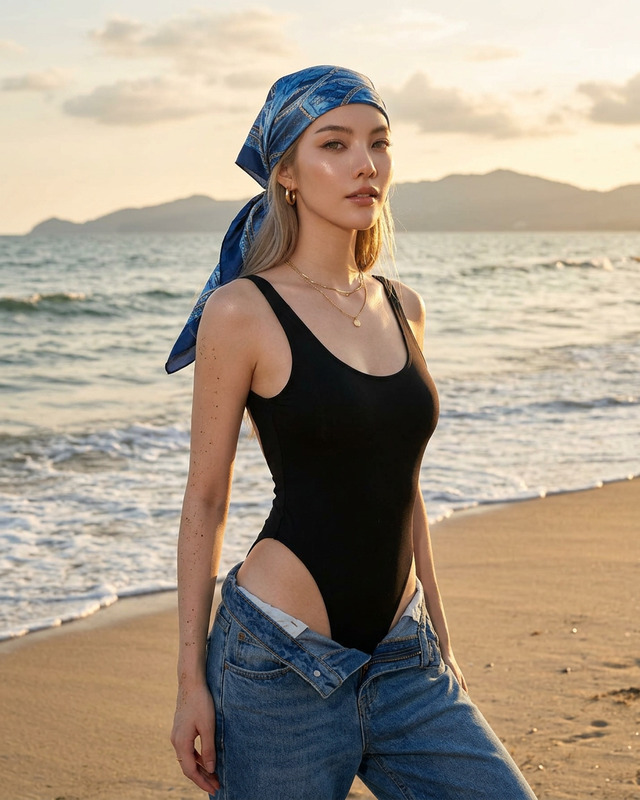
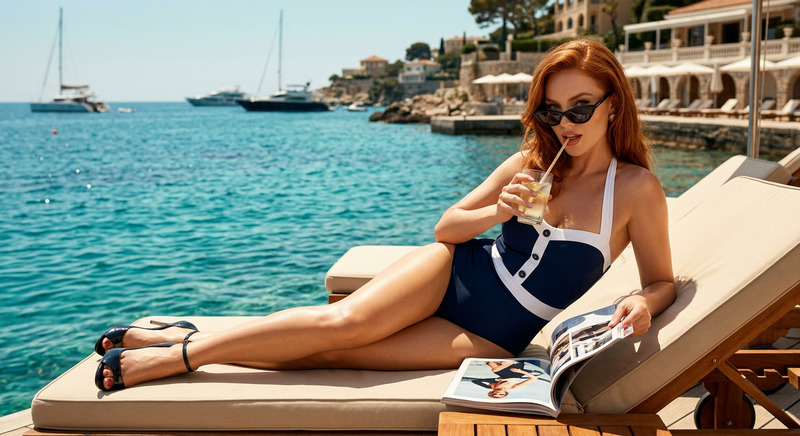
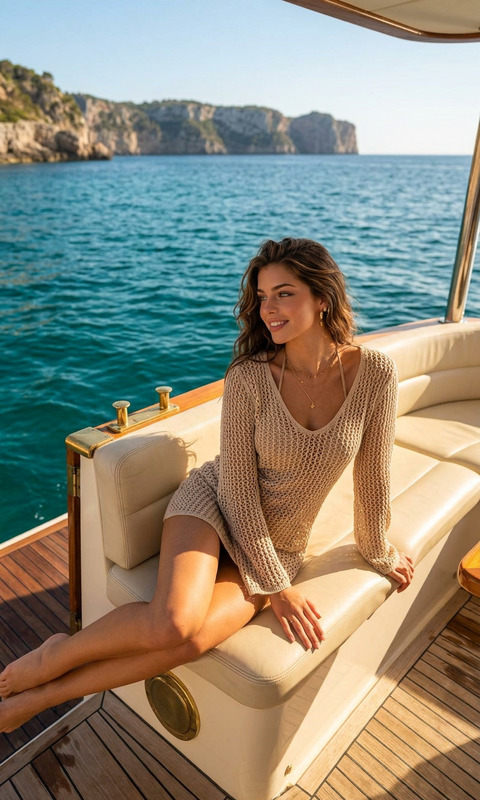
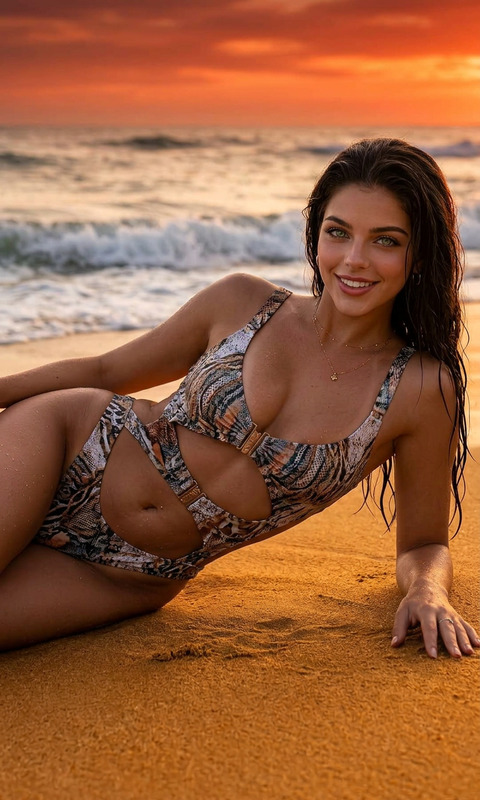
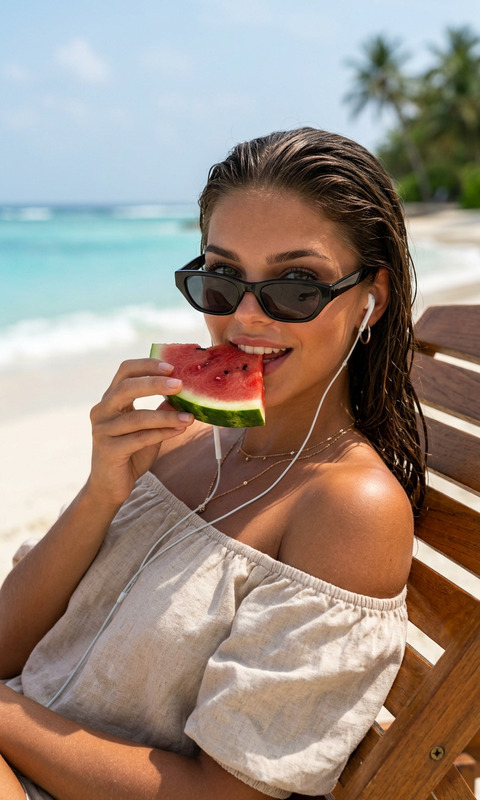
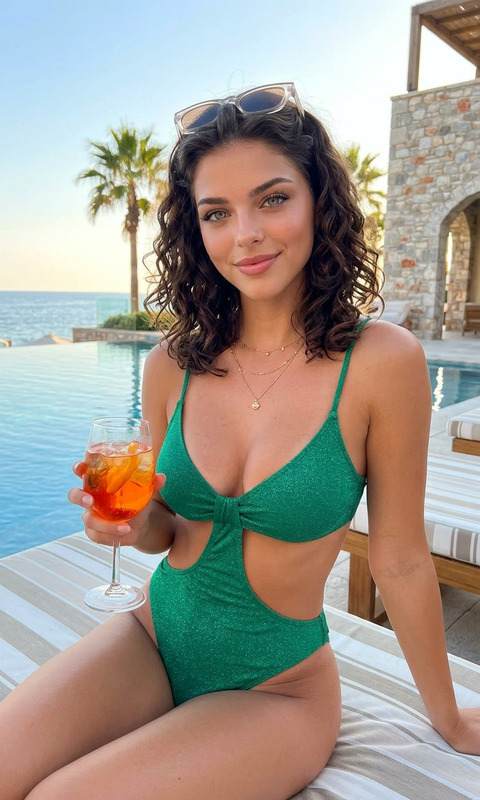
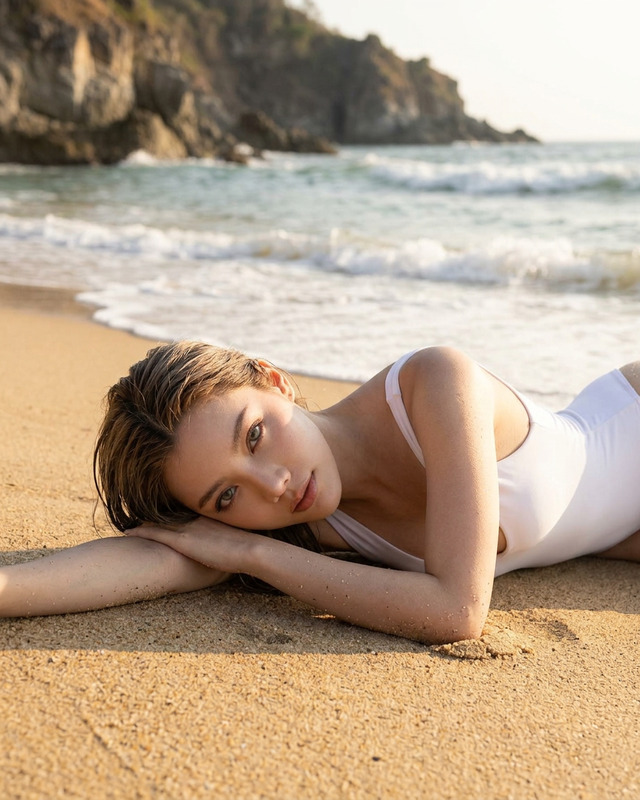
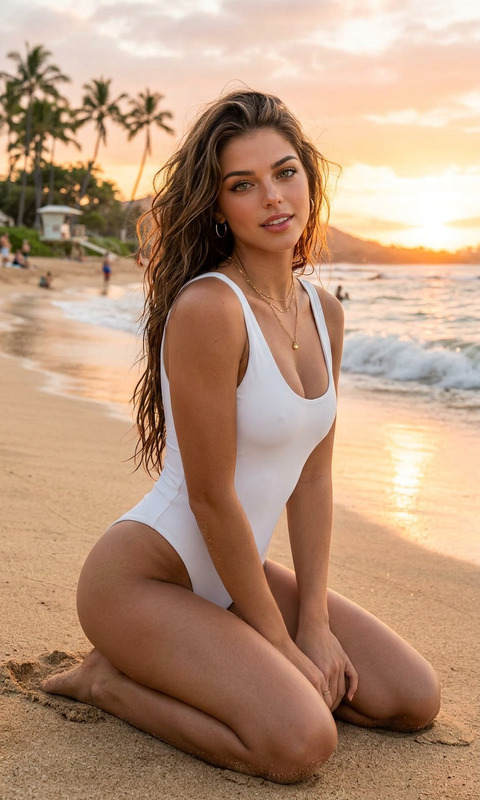
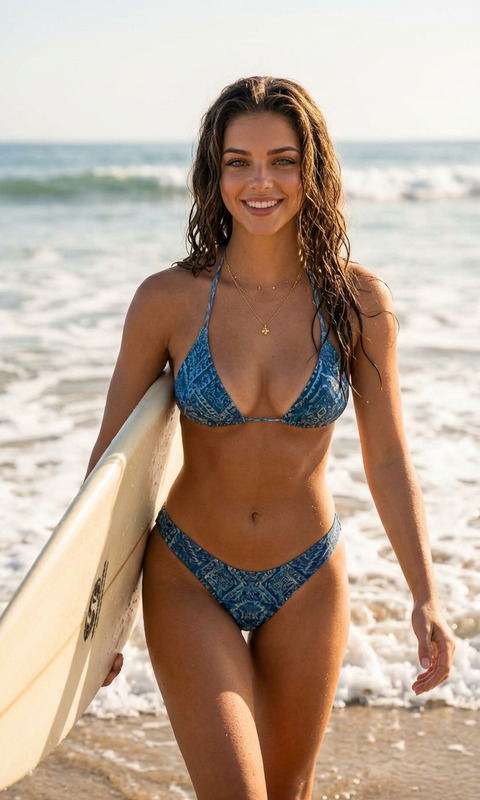
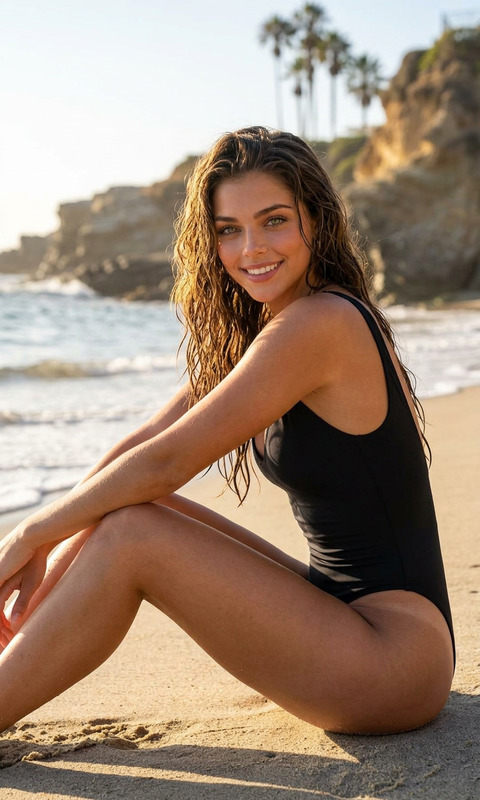
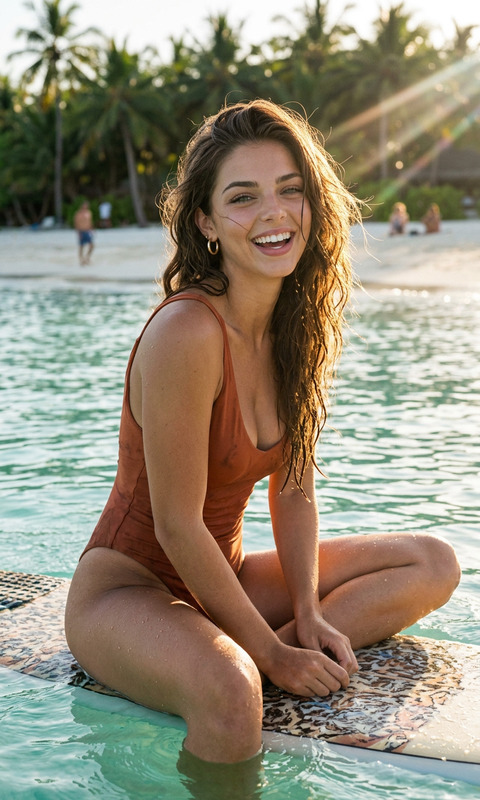
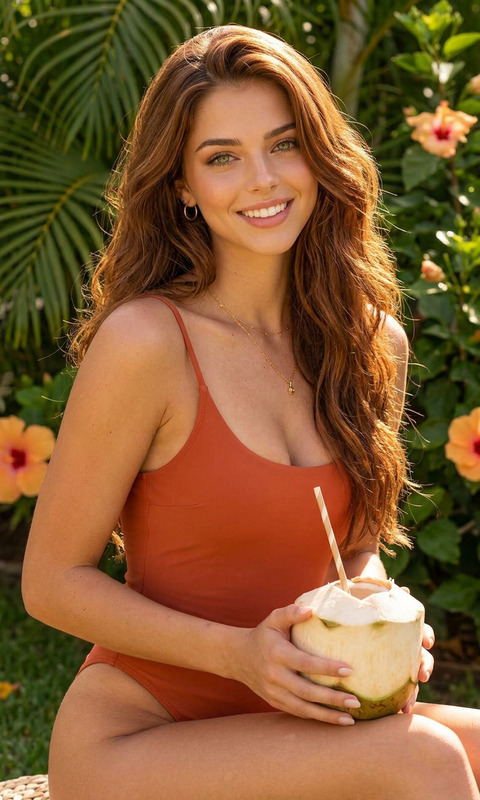
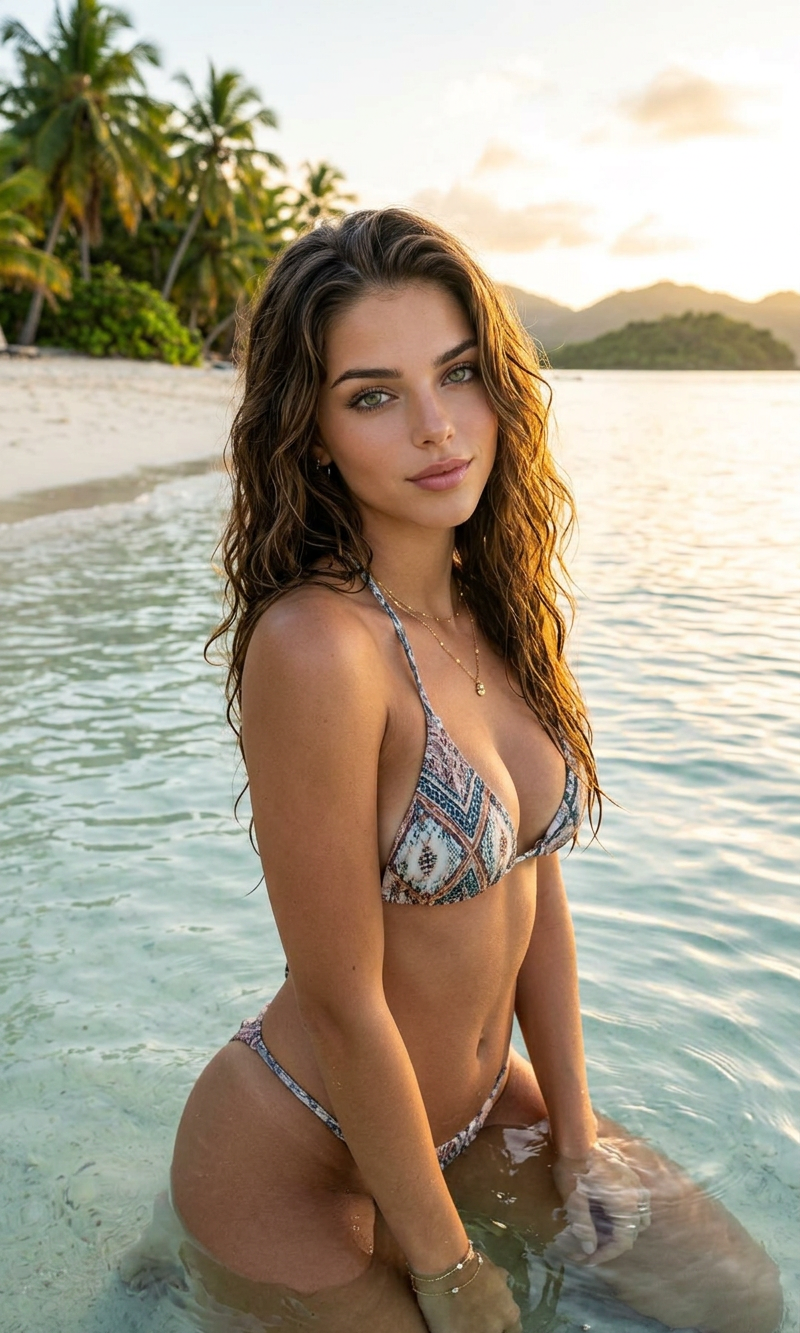
A luxury tropical swimwear editorial featuring a beautiful woman sitting gracefully in shallow crystal-clear ocean water near a white sand beach, wearing a stylish patterned bikini with delicate jewelry accents. Her wet hair is slicked back naturally, glowing under warm tropical sunlight as she gazes confidently toward the camera with a calm, captivating expression. Lush palm trees and dense tropical greenery fill the background, creating an exotic island paradise atmosphere. Soft ripples in the water reflect sunlight around her body, enhancing the cinematic beach mood. High-end resort campaign aesthetic, Vogue-inspired fashion photography, photorealistic skin texture, golden sunlight, natural beach tones, shallow depth of field, medium format camera look, ultra-detailed, luxury vacation vibe, effortless elegance, cinematic color grading, relaxed sensual pose.
AI Image Editor Template – Remixable Workflow for Fast, High‑Quality Visual Edits
This template is built on the AI Image Editor and is designed as a reusable “editing workflow” you can quickly remix inside Magic Hour. It’s ideal for creators, marketers, founders, and product teams who need on‑brand, production‑ready images without spending hours in Photoshop or briefing a designer.
What This Template Is For
Use this AI Image Editor–based template when you need to:
- Clean up and enhance product photos for landing pages and ads
- Remove or replace distracting elements in a photo
- Change backgrounds (e.g., studio → lifestyle → solid color)
- Apply consistent brand styling across many images
- Repurpose a single asset into variations for A/B testing
- Turn rough concepts into polished visuals for decks, pitch materials, and social
Because it’s fully remixable, you can start with this template, then adapt it to match your style guide, campaign, or specific content pipeline.
How to Remix This Template in Magic Hour
You can recreate and customize this template directly in Magic Hour using the AI Image Editor:
Open AI Image Editor
Go to the AI Image Editor. Upload the base image you want to improve (product shot, portrait, screenshot, illustration, etc.).Define Your Editing Goal
Before you start, decide what “good” looks like:- Ecommerce: clean background, sharp details, true‑to‑life colors
- Brand/marketing: specific color palette, mood, and framing
- Social: bold composition, readable at small sizes
Apply Targeted AI Edits
Use the editor to:- Remove unwanted objects or artifacts — or use the dedicated AI Remover or Remove Object from Photo tools for complex cleanups
- Replace or refine the background with Image Background Remover or AI Background Generator
- Enhance clarity and resolution with AI Image Upscaler or Unblur Image
- Adjust composition or add stylistic elements with the AI Face Editor or AI Face Generator for portraits
Create a Repeatable Editing Pattern
Once you’re happy with the result, treat your steps as a “mini‑pipeline” you can reuse:- Use the same type of edits on a new batch of images
- Keep a library of prompts and visual references that consistently produce your brand’s look
- Pair with the AI Image Generator or AI Photo Generator to generate new inputs that match your style
Export and Reuse Across Channels
After editing, you can:- Create GIFs for social or email with the AI GIF Generator
- Turn key visuals into short clips using Image to Video or Text to Video
- Prepare assets for YouTube or landing pages with the Thumbnail Maker
This is essentially what the template automates: a set of high‑leverage editing steps tuned for reliable, repeatable output.
Example Use Cases for This Template
1. Product & Startup Marketing
- Cleanly present product features by removing busy backgrounds and clutter
- Generate multiple visual variants for A/B tests, then convert winning images into motion using Image to Video
- Create polished app or dashboard visuals for decks, product hunts, and ads
You can layer this with:
- Book Cover Generator for ebooks and lead magnets
- Album Cover Generator for podcasts, playlists, or audio content branding
- AI Logo Generator to build cohesive campaigns from scratch
2. Creator & Personal Branding
- Turn basic selfies into professional portraits using AI Headshot Generator and refine them with the AI Image Editor
- Build consistent avatar sets with the Avatar Generator or AI Selfie Generator
- Create stylized content for LinkedIn, X, and newsletters using AI Illustration Generator and then adjust details in the editor
3. Ecommerce & Fashion
- Clean up catalog photos and unify backgrounds with Image Background Remover
- Generate outfit concepts with AI Clothes Changer or AI Outfit Generator, then refine with the AI Image Editor to match your brand’s look
- Create lookbooks and campaigns using AI Fashion Generator
4. Entertainment, Characters, and IP
- Design original characters using AI Character Generator, Animated Characters Generator, or AI Anime Generator, then polish them in the AI Image Editor
- Create fantasy maps, comics, or story art with:
5. Restoration, Repair, and Enhancement
- Restore old or damaged photos with Old Photo Restoration and Photo Colorizer, then fine‑tune the results in the AI Image Editor
- Upscale low‑resolution assets using AI Image Upscaler and Unblur Image
- Remove logos or marks from assets you own with the Watermark Remover
Extending This Template Into Video & Audio
Once your images are refined with the AI Image Editor, you can turn them into dynamic content:
Talking Images & Avatars
- Use AI Talking Photo to animate a portrait
- Clone or generate voices with AI Voice Cloner and AI Voice Generator
- Add subtitles using the Auto Subtitle Generator
Remix into Advanced Video Templates
- Turn your edited images into stylized animations with Image to Video
- Then build richer sequences with Magic Hour templates like:
Control Voice & Identity
- Modify voice in existing content with the AI Voice Changer
- Create full character packages by combining edited portraits, animated faces, and consistent voices
How to Build Your Own Version of This Template
If you want to create a custom editing template tailored to your brand or workflow:
Start from a Single Image
- Pick a “hero” example (product shot, face, UI screen) that represents your ideal output.
- Run it through the AI Image Editor and any supporting tools (e.g., AI Background Generator, AI Art Generator).
Document Your Steps
- Note which transforms you apply (object removal, background changes, upscaling, color adjustments).
- Use that sequence as your personal “playbook” whenever you edit new images.
Create a Small Batch Test
- Apply the same process to ~5–10 images.
- Evaluate consistency across devices and channels (web, mobile, print, social).
Integrate With Other Magic Hour Tools
- For brand systems: pair with AI Logo Generator, AI Icon Generator, and Thumbnail Maker.
- For content pipelines: connect with AI Meme Generator, AI QR Code Generator, or AI Meme Generator to produce campaign‑ready assets.
Refine Over Time
- As you ship campaigns, adjust your editing flow based on performance metrics: CTR, watch time, conversion rate, or share rate.
- Maintain a “golden set” of reference images in Magic Hour that define your visual standard.
Related Magic Hour Tools Worth Exploring
Depending on your use case, this template pairs well with:
Brand & Marketing
People & Faces
Creative & Niche Generators
Photography & Design
Why Use This Template Instead of Manual Editing?
For time‑constrained teams, this AI Image Editor template helps you:
- Standardize your image quality and style across channels
- Reduce dependence on manual design work for routine edits
- Move from idea → visual asset → testable campaign in minutes
- Keep a reproducible, remixable workflow you can hand off to teammates
You get the flexibility of a professional design pipeline, with the speed and scalability of AI.