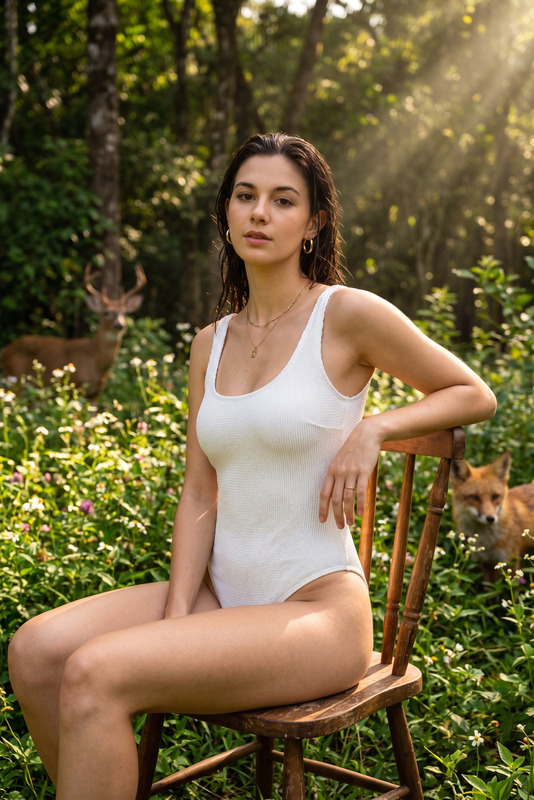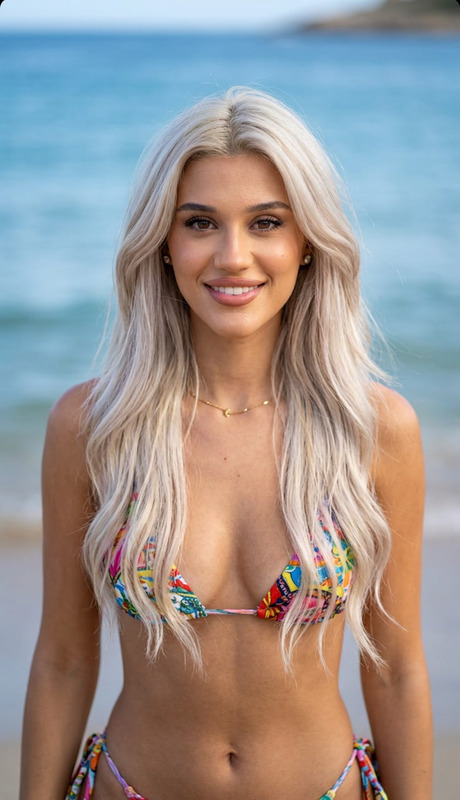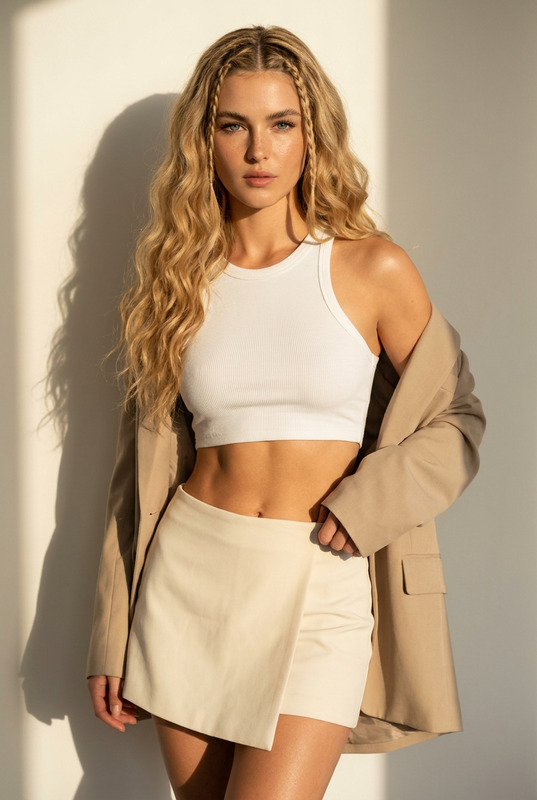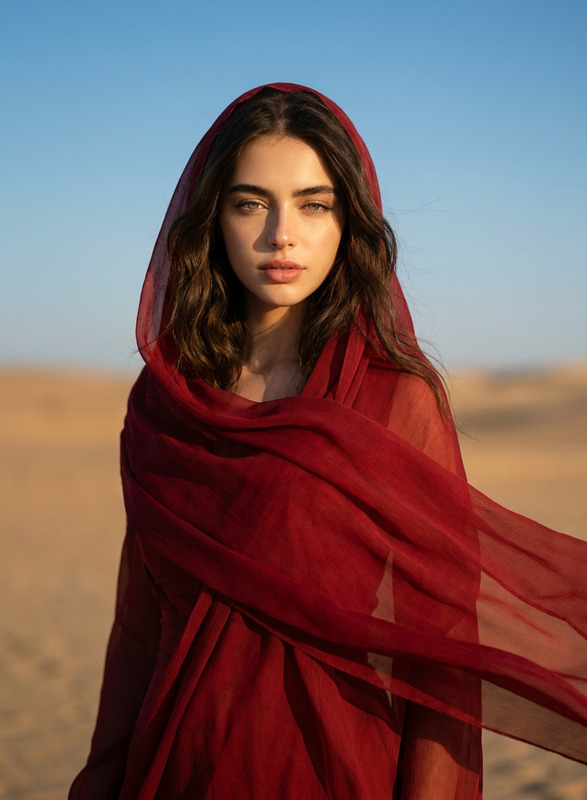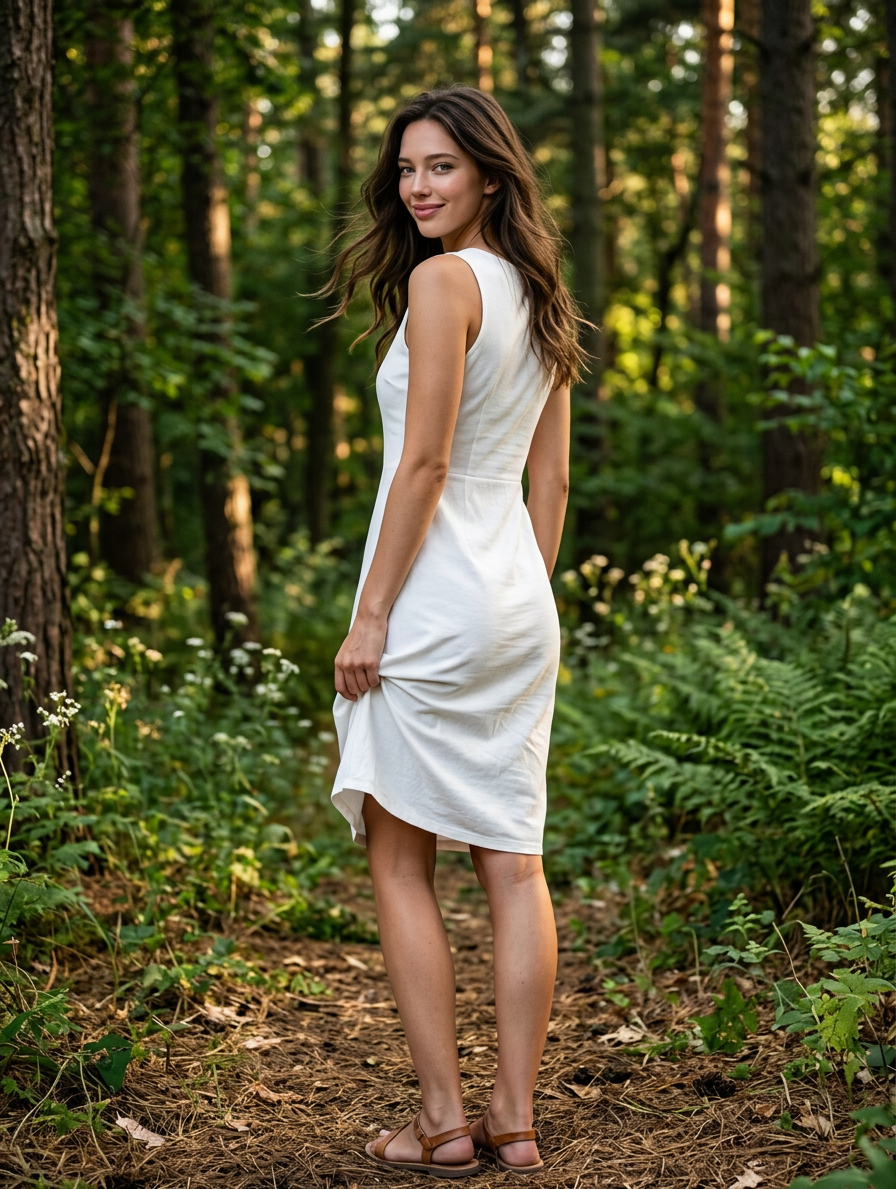
Forest Vogue
- Model
- Nano Banana 2
- Image
- 896 × 1189 px
Prompt
Full-body portrait of a young adult woman standing in a sunlit forest, photographed from behind at a three-quarter rear angle, turning her head over her left shoulder toward the camera with a subtle playful smile. Medium-length wavy dark brown hair with lighter blonde highlights framing the face, slightly tousled natural texture. Large expressive dark eyes, soft natural makeup, smooth warm tan skin, delicate facial features. She is wearing a fitted sleeveless white dress made of thin, stretchy fabric. The dress tightly follows the contours of the body, emphasizing the waist and hips. With her right hand she is pulling up the rear side of the dress, exposing part of the lower body. The fabric gathers naturally in the hand, creating realistic folds, tension lines, and stretched cloth texture. Left arm relaxed near the torso. Natural body proportions, athletic yet feminine physique. Dense woodland environment with thin tree trunks, branches, dry twigs, green foliage, and scattered leaves. Large tree trunk occupying the left foreground. Foreground vegetation partially obscures the subject, creating layered depth and natural framing. Soft out-of-focus leaves crossing the upper and right portions of the frame. Golden-hour sunlight filtering through the trees, warm backlighting, dappled sunlight patches on skin, hair, and dress. Strong depth of field separation with creamy cinematic bokeh. Natural sunlight rays passing through foliage. Subtle rim light outlining hair, shoulders, and body contours. Camera positioned approximately waist height behind the subject. Vertical composition. Medium telephoto lens look, around 85mm focal length. Shallow depth of field, f/1.8–f/2.2. Subject sharply focused, foreground and background heavily blurred. High dynamic range, realistic skin texture, visible pores, natural shadows, physically accurate lighting. Photorealistic, ultra-detailed skin, realistic fabric physics, cinematic color grading, warm earthy tones, forest greens and browns, soft highlights, natural contrast, premium fashion photography style, DSLR quality, extremely detailed, hyperrealistic, HDR, volumetric light, global illumination, masterpiece photography, ultra sharp focus on face, 8K resolution, professional editorial outdoor shoot
Any aspect ratio
Overview
Step into the enchanting world of "Forest Vogue," a stunning template under the AI Image Editor category. Crafted using the nano-banana-2 model, this template is designed to transform your images into breathtaking fashion photography. Experience the serene beauty of a sunlit forest with realistic lighting, detailed textures, and vivid colors.
What It Does
"Forest Vogue" refines and elevates your images by leveraging ultra-detailed rendering and premium fashion photography styles. The template intricately manages fine details like dappled sunlight, realistic fabric textures, and delicate facial features. It's perfect for achieving professional-grade, editorial-style photographs without requiring a physical photoshoot.
Who It's For
This template is ideal for photographers, fashion designers, and creative professionals seeking to create high-quality promotional materials or portfolio pieces. It's also suitable for anyone looking to explore AI-Driven Product Photography in a natural setting, blending ease of use with sophisticated results.
Summary
"Forest Vogue" offers a unique opportunity to generate stunning, photorealistic images with minimal effort. By using this AI Image Editor template, users can achieve a professional outdoor photoshoot aesthetic. Each detail, from lighting to body posture, is meticulously crafted to produce images that stand out.
How To Use It
Choose the Template

Customize Your Inputs

Generate and Download

Use Cases
Fashion Portfolio Enhancement
- Professional editorial aesthetics
- High-resolution imagery
Social Media Content
- Tailored for Instagram feeds
- Consistent visual storytelling
Promotional Materials
- Effective for advertising
- Streamlined creative process
Best Practices
Leverage Natural Lighting
Utilize the golden-hour settings for natural warmth and realistic lighting effects.Focus on Fabric Details
Pay attention to fabric textures and how they interact with light for added realism.Optimize for Dynamic Range
Ensure your image captures a broad range of tones and contrasts for depth and detail richness.