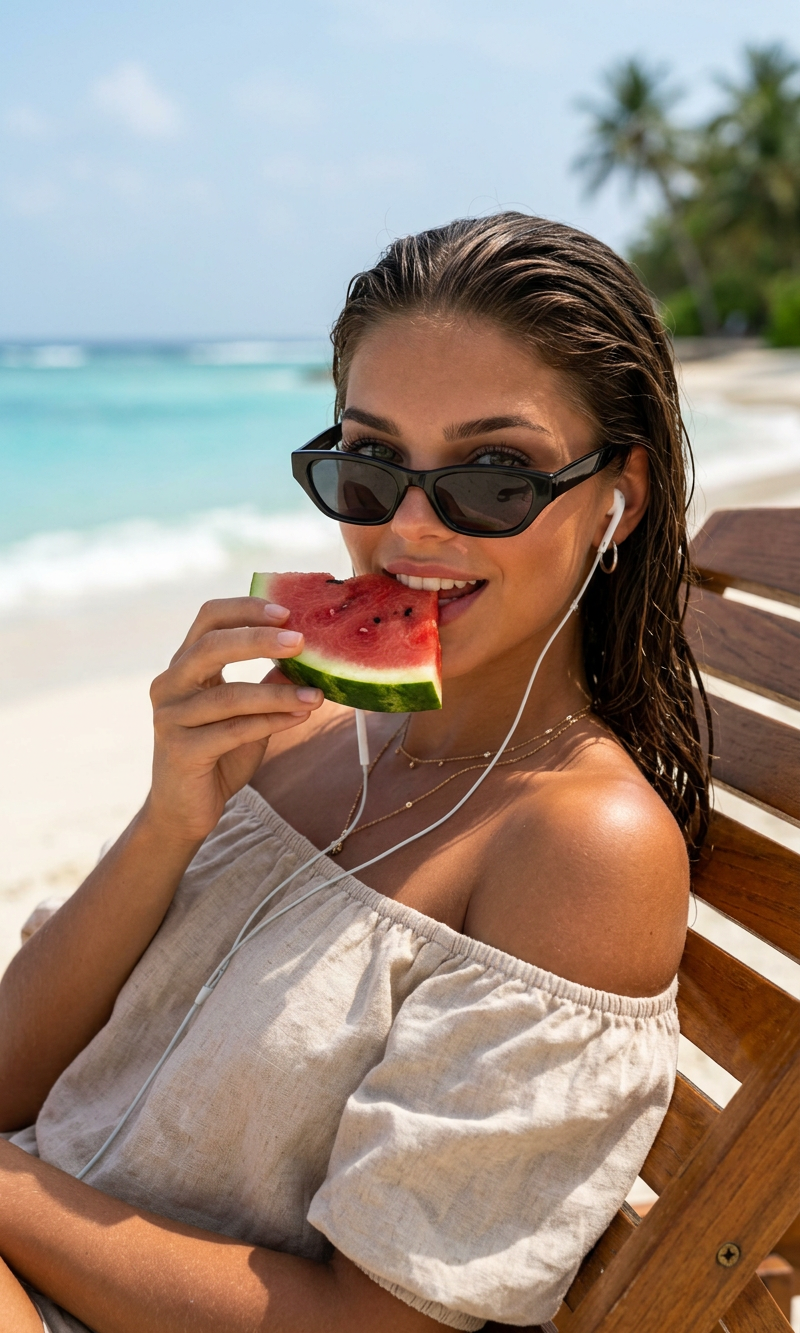
Beach Break
- Model
- Nano Banana 2
- Image
- 800 × 1333 px
Prompt
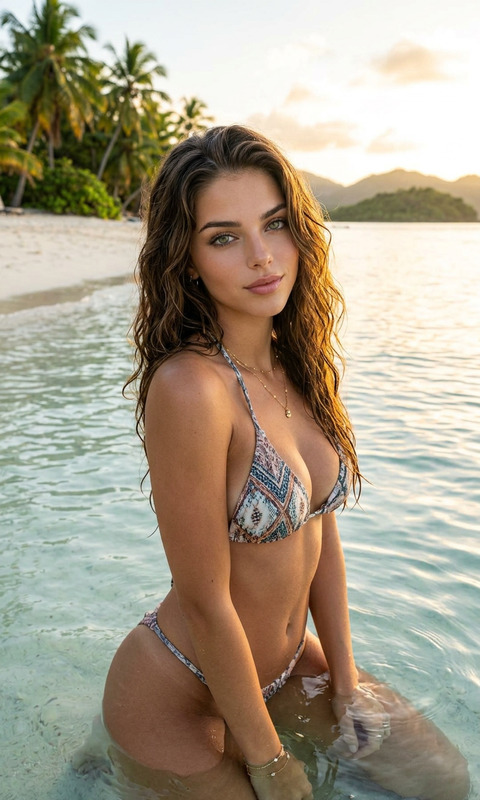
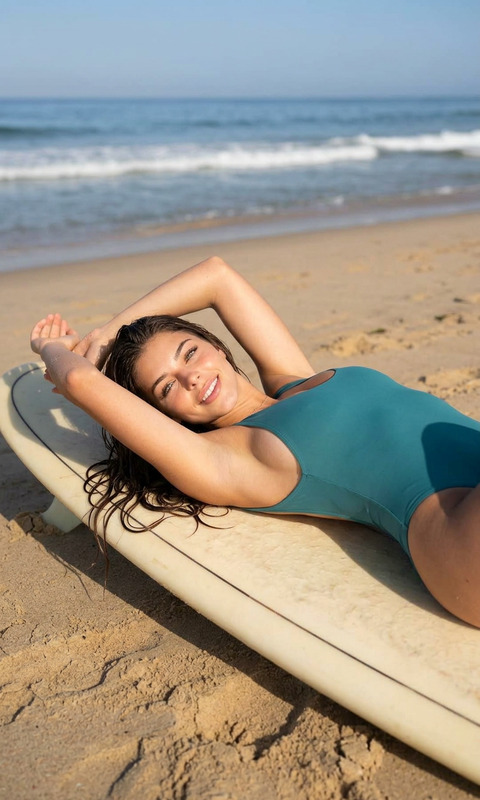
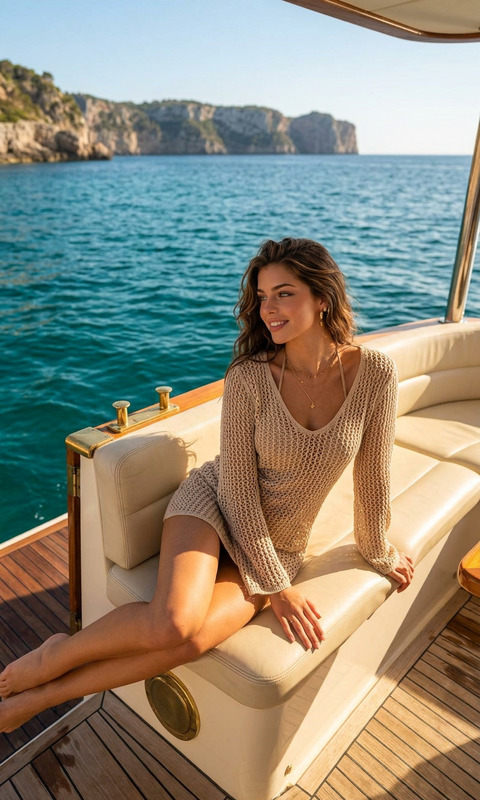
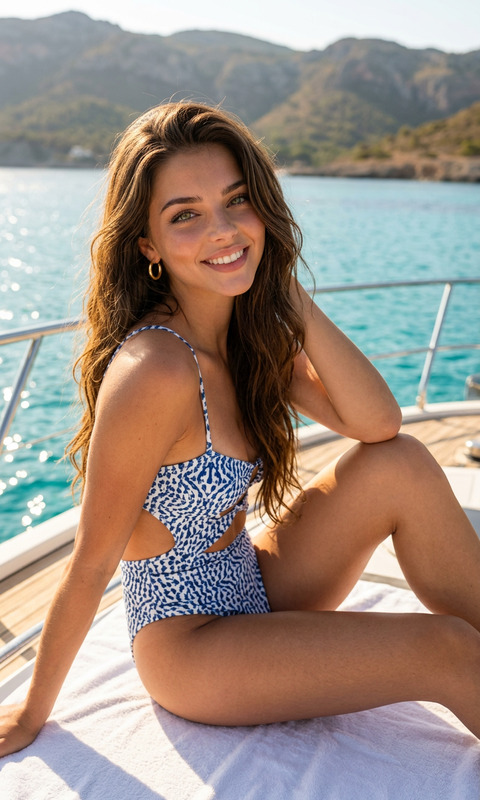
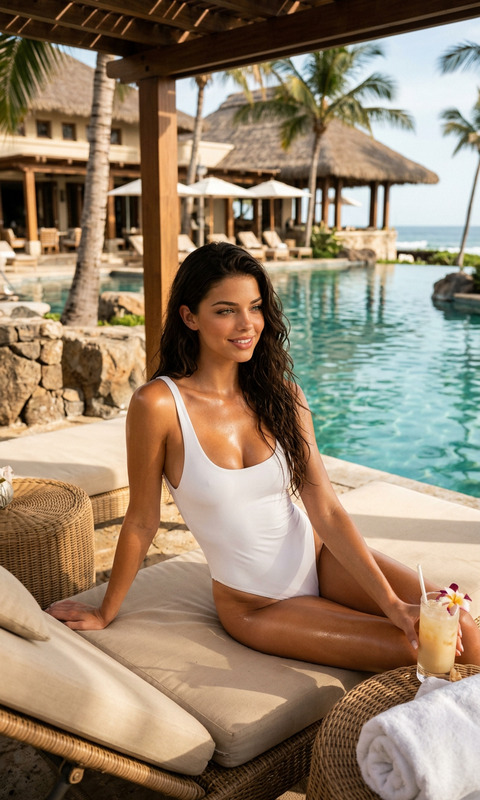
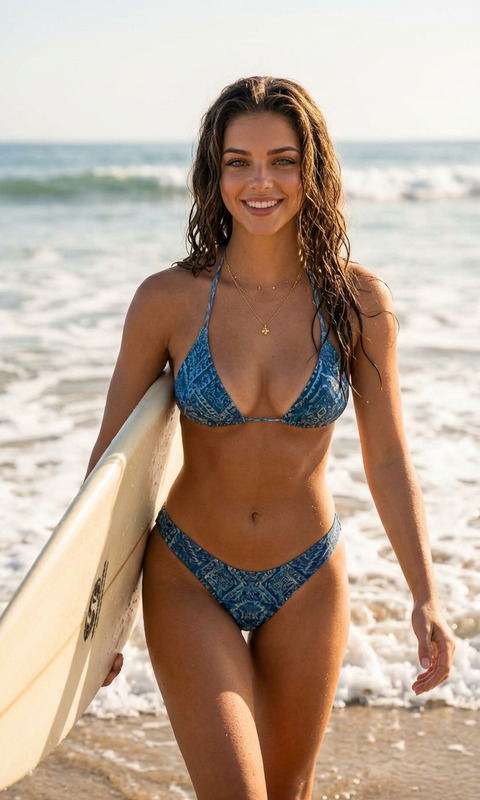
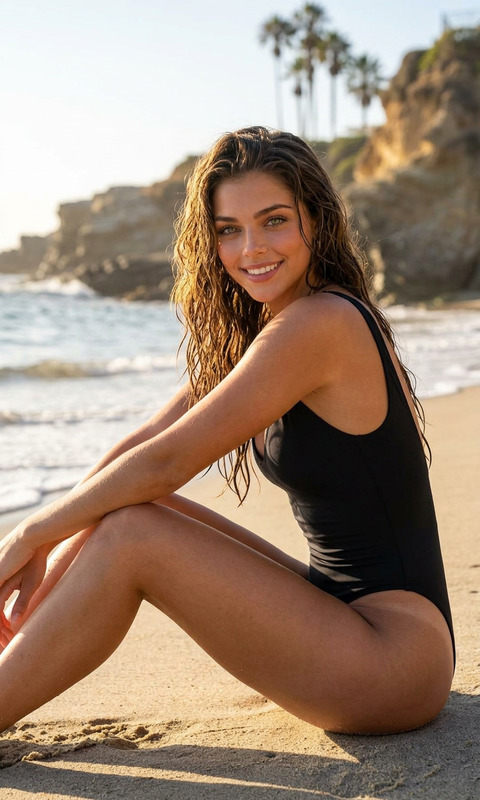
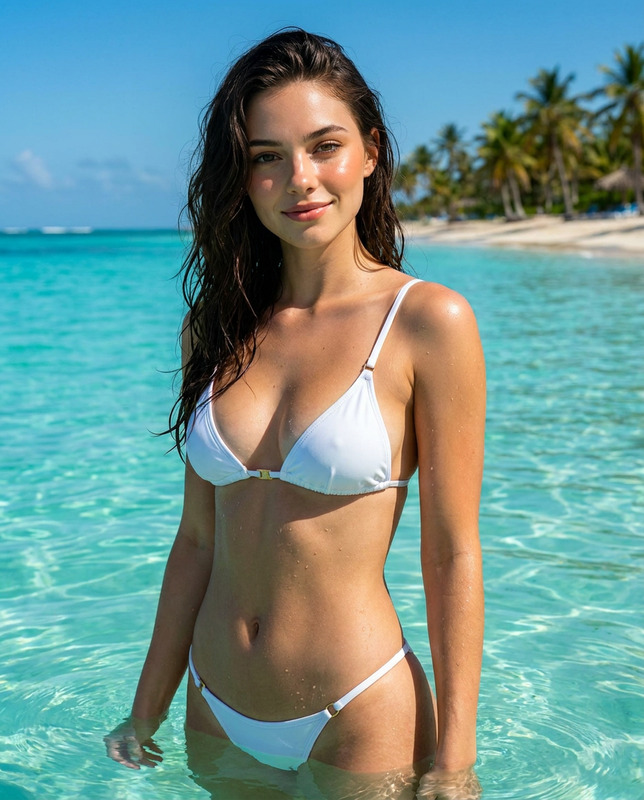
Ultra-realistic luxury beach lifestyle portrait of a beautiful woman relaxing on a wooden beach chair beside a crystal-clear turquoise ocean, wearing a minimal nude-tone swimsuit, wet slicked-back hair, stylish sunglasses, listening to music through wired earphones while holding a slice of fresh watermelon near her lips, sun-kissed glowing skin, serene summer vacation atmosphere, bright tropical daylight, sparkling sea waves, soft natural shadows, cinematic coastal photography, effortless elegance, high-end resort campaign aesthetic, editorial fashion style, photorealistic, shallow depth of field, vibrant aqua-blue ocean tones, warm sunlight reflections, magazine-quality composition, ultra-detailed, 8k.
Any aspect ratio
Overview
The "Beach Break" AI Image Editor template is designed for those who love capturing the essence of luxury beach getaways in their visual content. This tool elevates your imagery to professional levels, ideal for both personal projects and high-end campaigns.
By using the nano-banana-2 model, this template ensures ultra-realism and exquisite detail in every shot, delivering a cinematic coastal experience.
What It Does
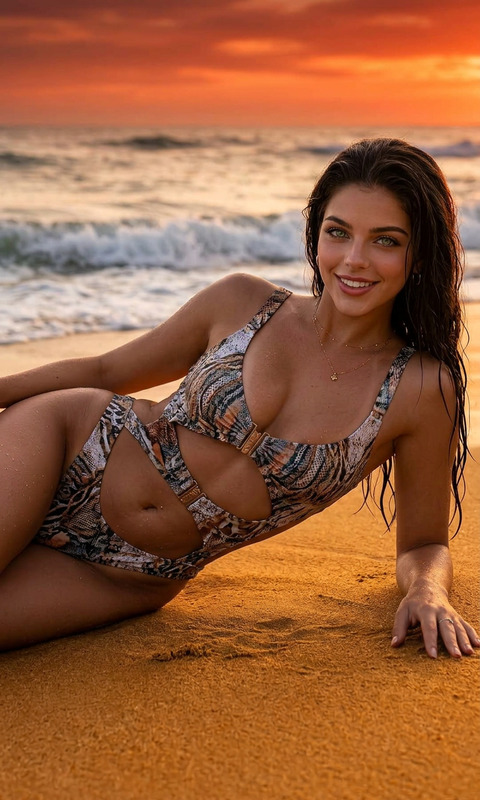
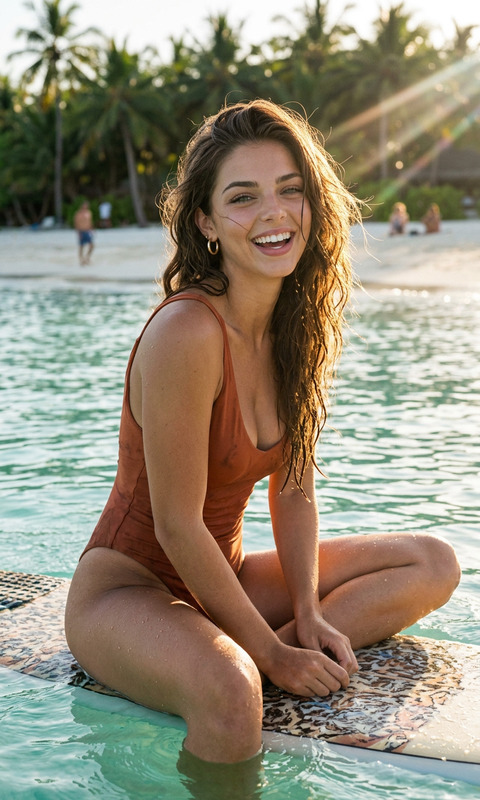
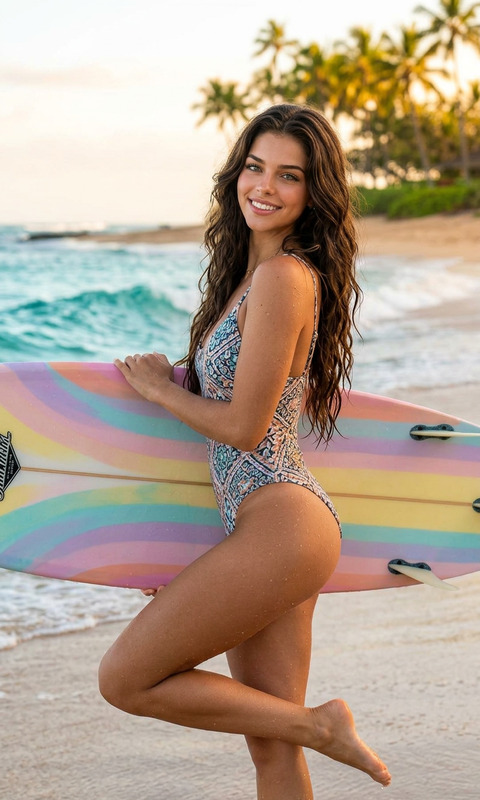
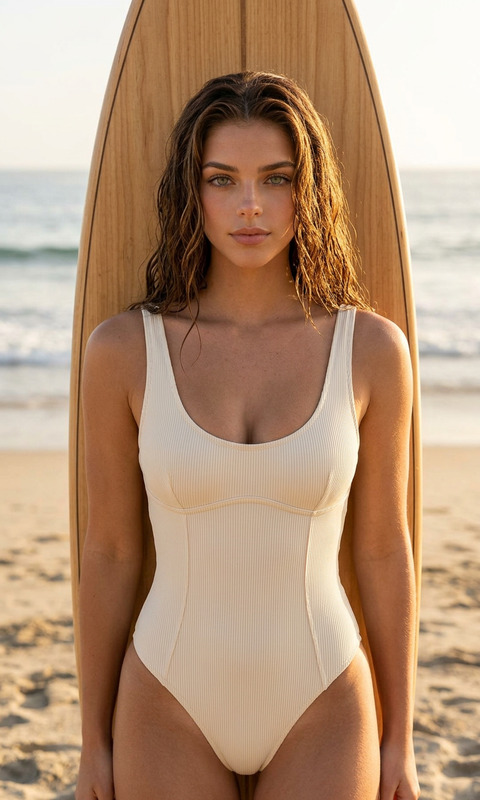
The "Beach Break" template transforms ordinary beach photos into luxurious portrayals of leisure and elegance. It uses advanced AI techniques to adjust lighting, enhance colors, and refine details, achieving a vibrant, magazine-quality image that reflects a high-end resort aesthetic.
With deep color enhancement and AI Image Editor capabilities, it highlights the calming atmosphere of tropical retreats, emphasizing natural shadows and vivid ocean hues.
Who It's For
This template is perfect for travel influencers, photographers, and marketers aiming to create compelling beach-themed content. It's also ideal for resort managers who want to showcase their venue's serene allure in promotional materials.
Content creators who project an elegant lifestyle brand will find this tool indispensable for creating polished, editorial-quality visuals.
Summary
The "Beach Break" AI Image Editor template enables you to craft breathtaking images that capture the quintessence of luxury beach living. With a focus on photorealistic, high-resolution outputs, this tool is a must-have for producing visually stunning, editorial-style beach content.
Explore more from the AI Image Editor range for additional enhancements and creative options.
How To
Choose Your Template

Customize Your Image

Generate Your Image

Use Cases
Travel Blogging
Social Media Campaigns
Resort Promotions
Best Practices
Select High-Resolution Source Images
For the best results, start with high-resolution photos to ensure clarity and detail in the final output.Adjust Lighting Carefully
Fine-tune lighting options to highlight the natural shadows and reflections that convey a serene beach atmosphere.Use the Template as a Creative Starting Point
Explore different prompts and settings within the "Beach Break" template to discover unique interpretations and styles.