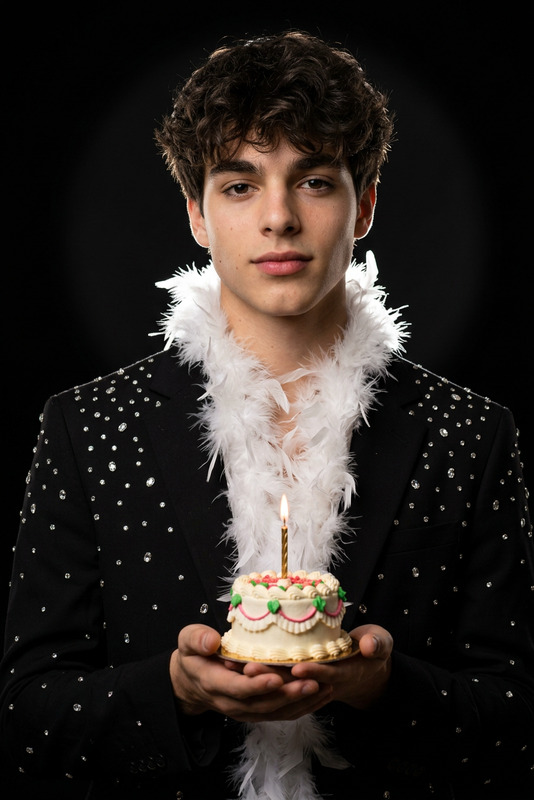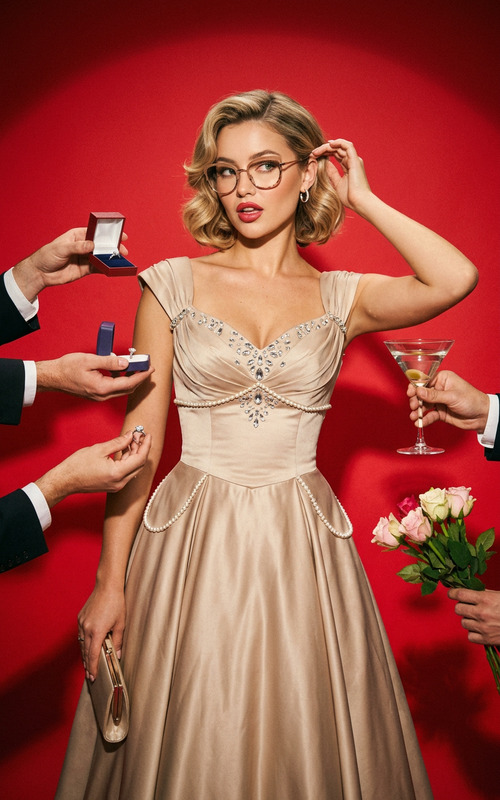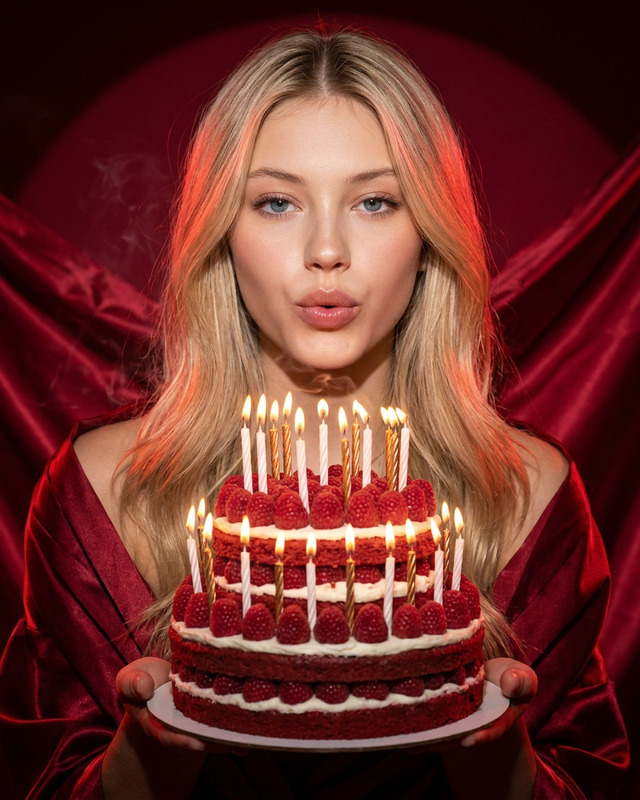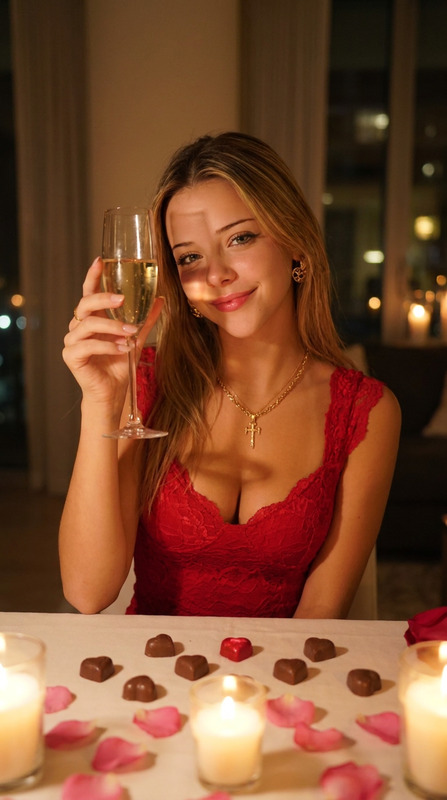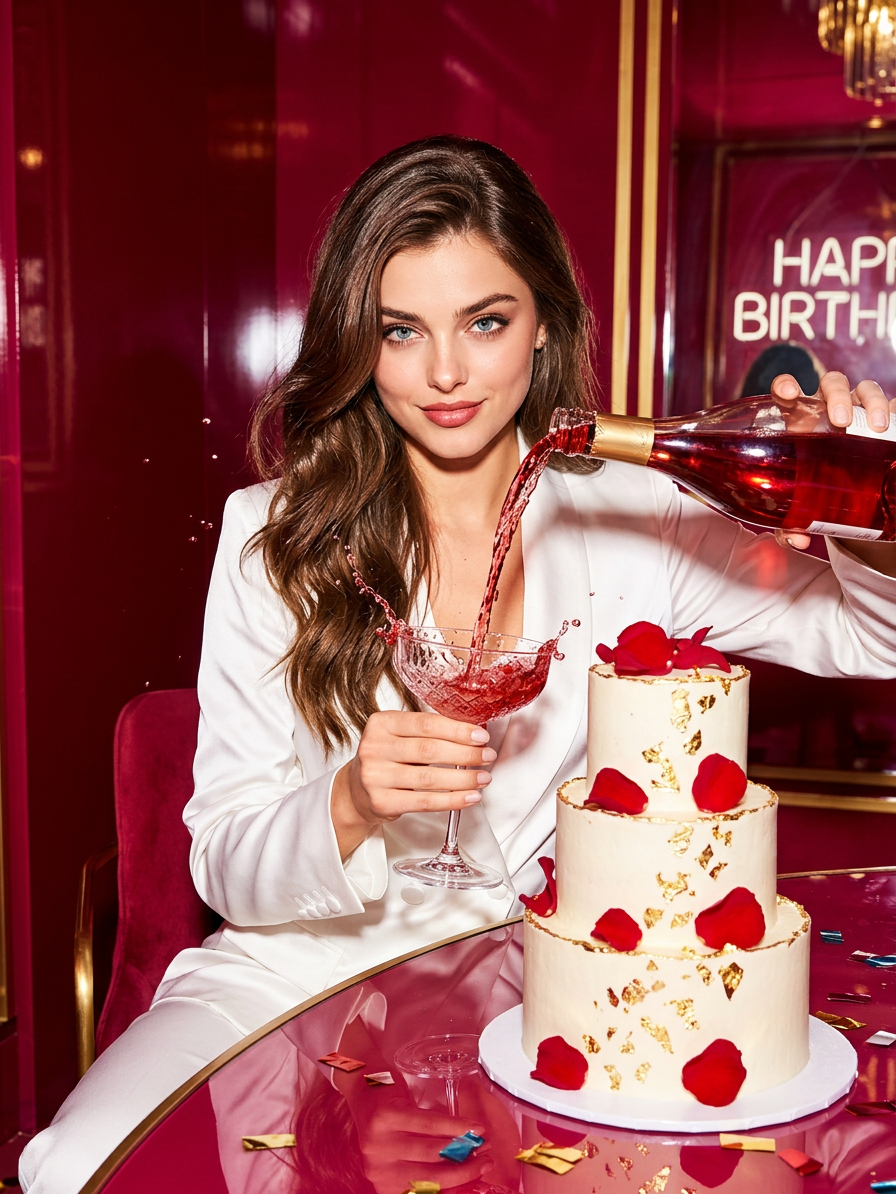
Red Room Celebration
- Model
- Nano Banana 2
- Image
- 896 × 1194 px
Prompt
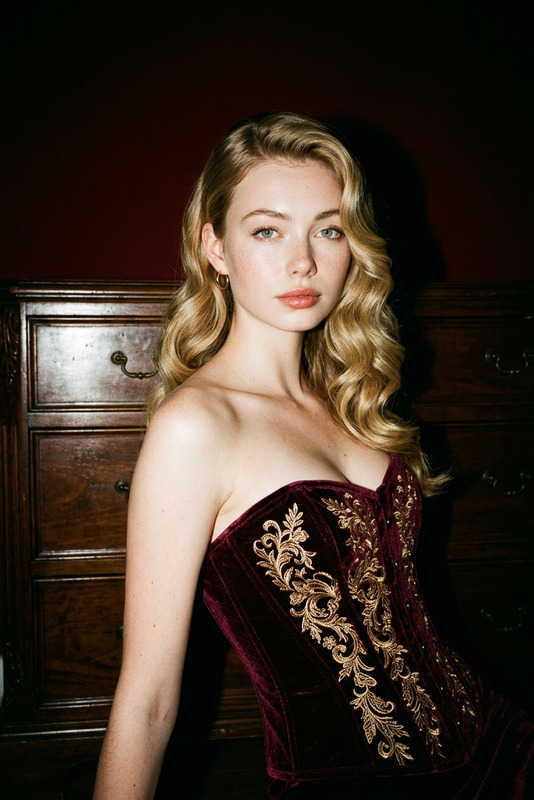
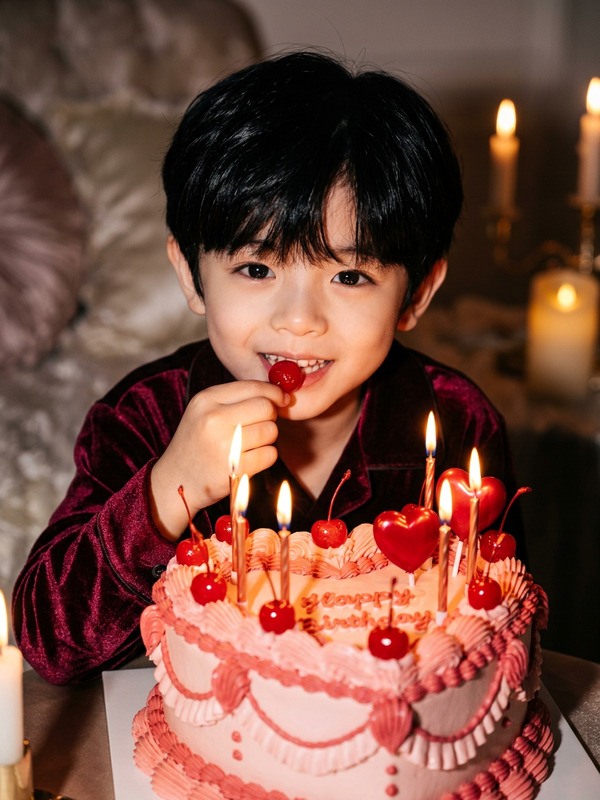
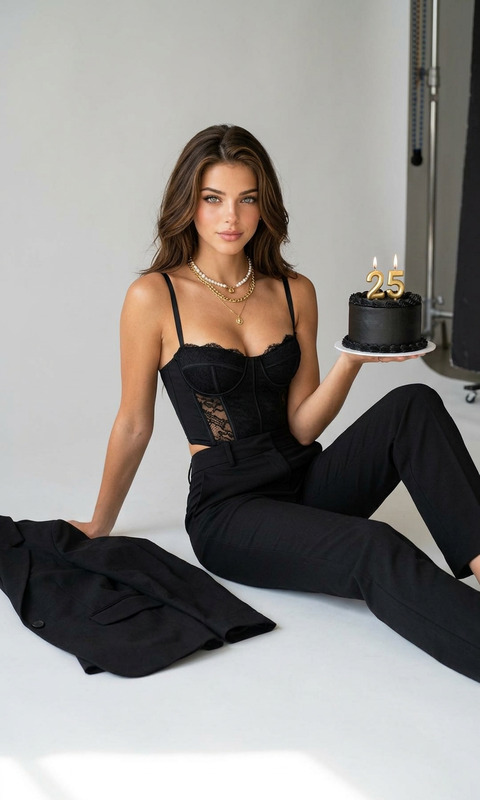
A surreal birthday photo shoot features a character seated at a table in a glossy red interior, holding a glass of pouring drink and looking directly into the camera with a confident, slightly flirtatious expression. In front of him is an exquisite cake, a bright, direct flash, the contrast of a white outfit and deep red-pink tones, and the style is reminiscent of a glossy fashion magazine.
Any aspect ratio
Overview
The "Red Room Celebration" template offers a unique blend of elegance and surrealism for your birthday photo shoots. Utilizing the nano-banana-2 model, this AI Image Editor crafts an image that looks like it came straight out of a high-fashion magazine. It's all about creating an atmosphere that's bold, confident, and slightly flirtatious, perfect for making a lasting impression.
What It Does
This template leverages advanced AI technology to transform your photos into cinematic-quality images. It accentuates the glossy red interior and captures the distinct contrast between a white outfit and deep red-pink tones. The end result is a photo that stands out for its surreal style and eye-catching details.
Enhance your images further with tools like AI Image Editor for additional edits or the Photo Colorizer to adjust hues and shades to your liking.
Who It's For
The "Red Room Celebration" template is ideal for photographers, fashion bloggers, and brands looking to create striking birthday-themed visuals. Whether you're crafting content for social media or campaign ads, this template ensures your images pop with style and sophistication. Marketers and content creators focusing on social media ads will find this template particularly useful.
Summary
Create unforgettable and fashionable birthday photo shoots with the "Red Room Celebration" template. With its focus on contrast and style reminiscent of glossy fashion spreads, this template will elevate your photography projects. Pair it with the AI Image Generator to expand your creative output even further.
How To
Choose Your Template

Customize Your Inputs

Generate and Download

Use Cases
High-Fashion Birthday Shoots
- Glossy magazine-style aesthetics
- Vibrant color contrasts
- Professional-quality output
Social Media Campaigns
- Eye-catching visuals
- On-brand color schemes
- Engaging content creation
Content for Fashion Blogs
- Boosts storytelling
- Improves visual appeal
- Fits various fashion narratives
Best Practices
Attention to Detail
Pay attention to the smaller elements in your image, like glass reflections and cake icing, to elevate authenticity.Lighting Adjustments
Experiment with lighting settings to highlight contrasts effectively, enhancing the surreal quality of the image.Consistent Style
Maintain a consistent styling language across your campaign by matching the template aesthetics with other fashion-oriented templates.