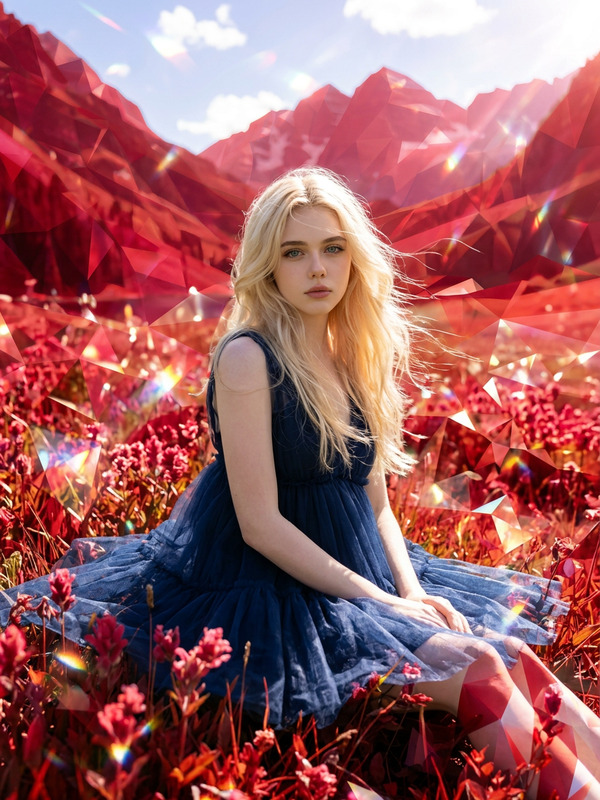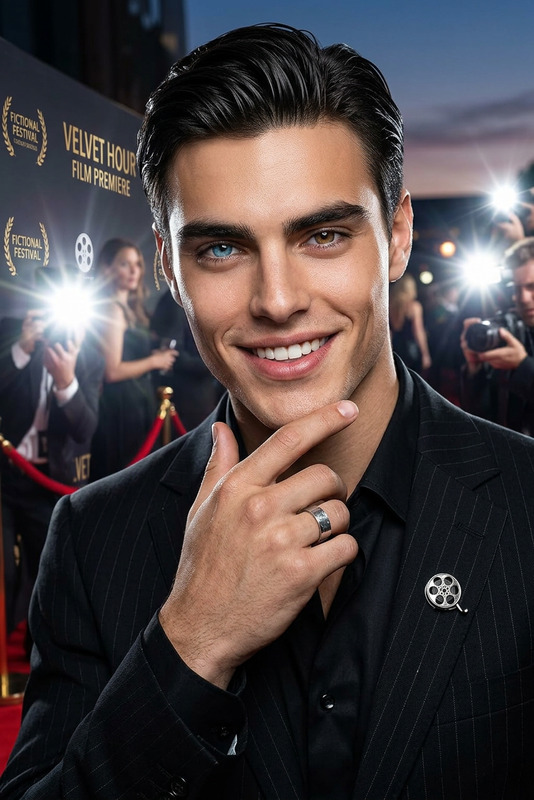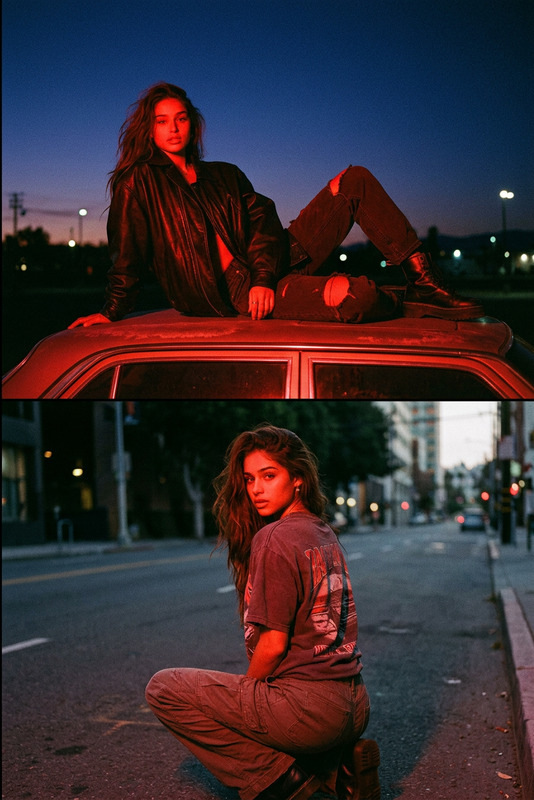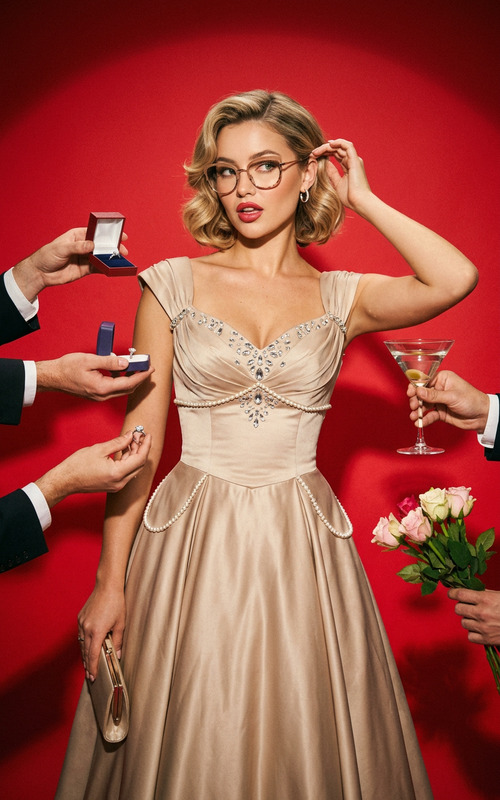
Red Сostume
- Model
- Nano Banana 2
- Image
- 843 × 1264 px
Prompt
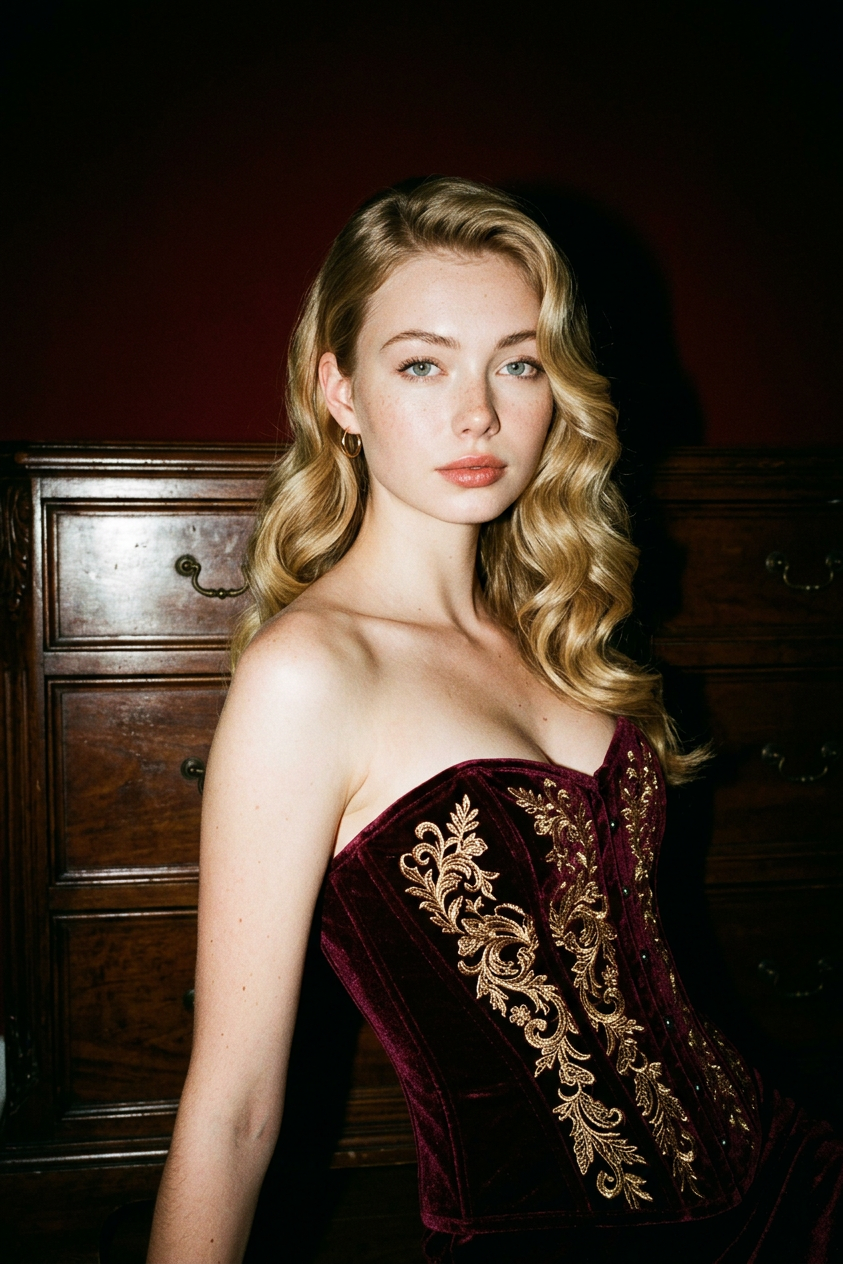
A cinematic portrait in the Old Hollywood aesthetic: the subject stands in an S-shaped pose next to a dark wooden dresser, wearing a burgundy velvet corset, and gazes straight and confidently into the camera. A hard frontal flash creates high contrast, sharp highlights, and a near-black background with subtle red undertones.
Any aspect ratio
Overview
The Red Costume AI Image Editor template brings the golden age of Hollywood to your fingertips. Use this template to transform ordinary images into cinematic portraits with a vintage flair, capturing the elegance and drama of Old Hollywood.
What It Does
This template utilizes the Nano-Banana-2 model to create high-contrast images reminiscent of classic Hollywood photography. It specifically focuses on crafting a dramatic scene where the subject is dressed in a burgundy velvet corset, using a hard frontal flash for pronounced highlights and shadow play.
Integrate this tool with the AI Image Editor to refine details and enhance the overall quality, or use it alongside our AI Profile Picture Generator for consistent portraits that stand out.
Who It's For
This template is perfect for photographers, social media influencers, and digital artists aiming to create striking, vintage-style portraits. It's equally valuable for hobbyists who appreciate the elegance of Old Hollywood and wish to bring that charm into their work.
Summary
With the Red Costume template, you can create atmospheric, high-impact images that echo the glamour of a bygone era. Suitable for both professional use and personal projects, it offers a unique way to explore image editing with a classic aesthetic.
How-To
Choose Your Template

Customize Your Portrait

Generate Your Image

Use Cases
Vintage Photography Projects
- Add a vintage touch to your portfolio
- Use in themed social media posts
Artistic Portraits
- Highlight features with high contrast
- Create a dramatic mood with subtle red undertones
Best Practices
Consider Lighting
When aiming for authenticity, ensure the lighting in your original photo complements the high contrast, hard flash look typical in this template.Focus on Posture
Encourage a confident and poised stance to mimic the distinctive S-shaped pose. This aligns well with the template's subject placement.Use Complementary Tools
Pair with the AI Image Upscaler to enhance resolution or the AI Clothes Changer to experiment with different outfits while retaining the same aesthetic.