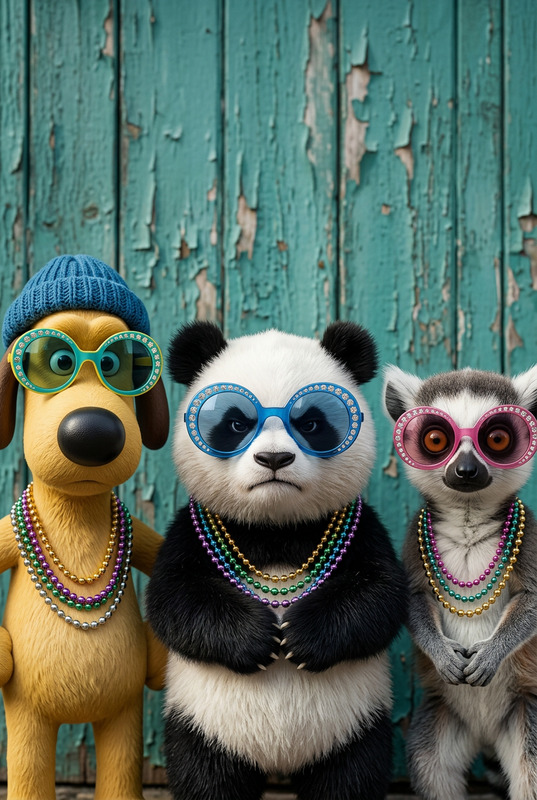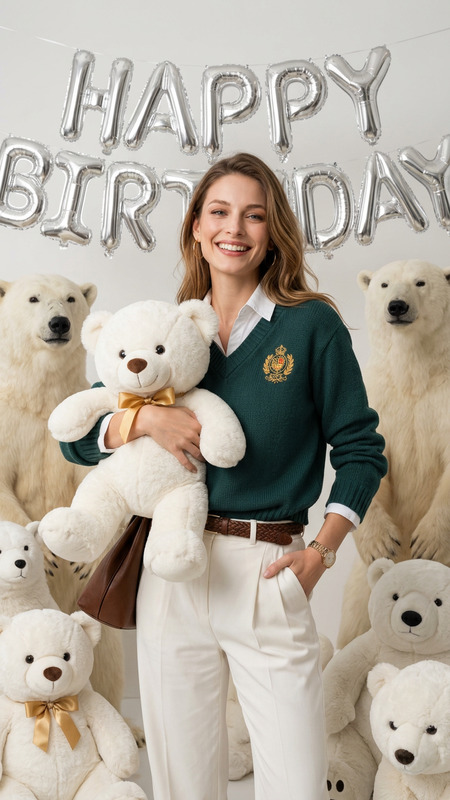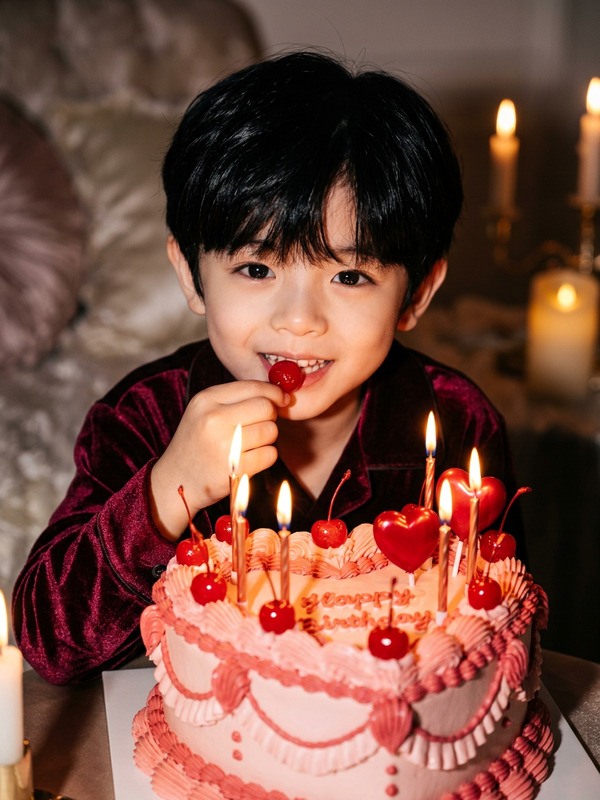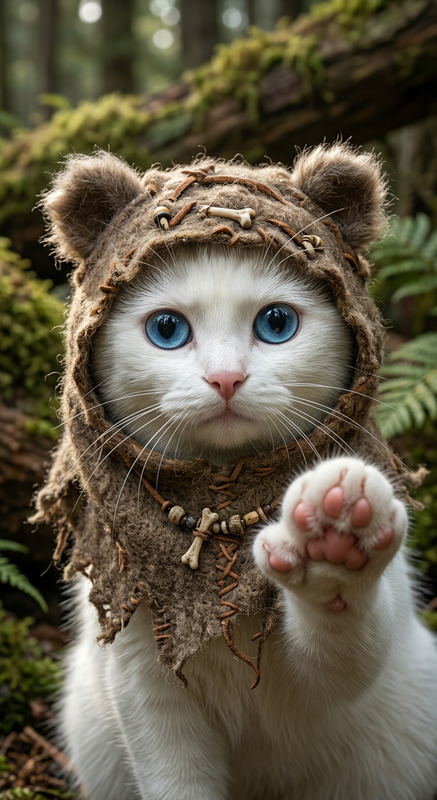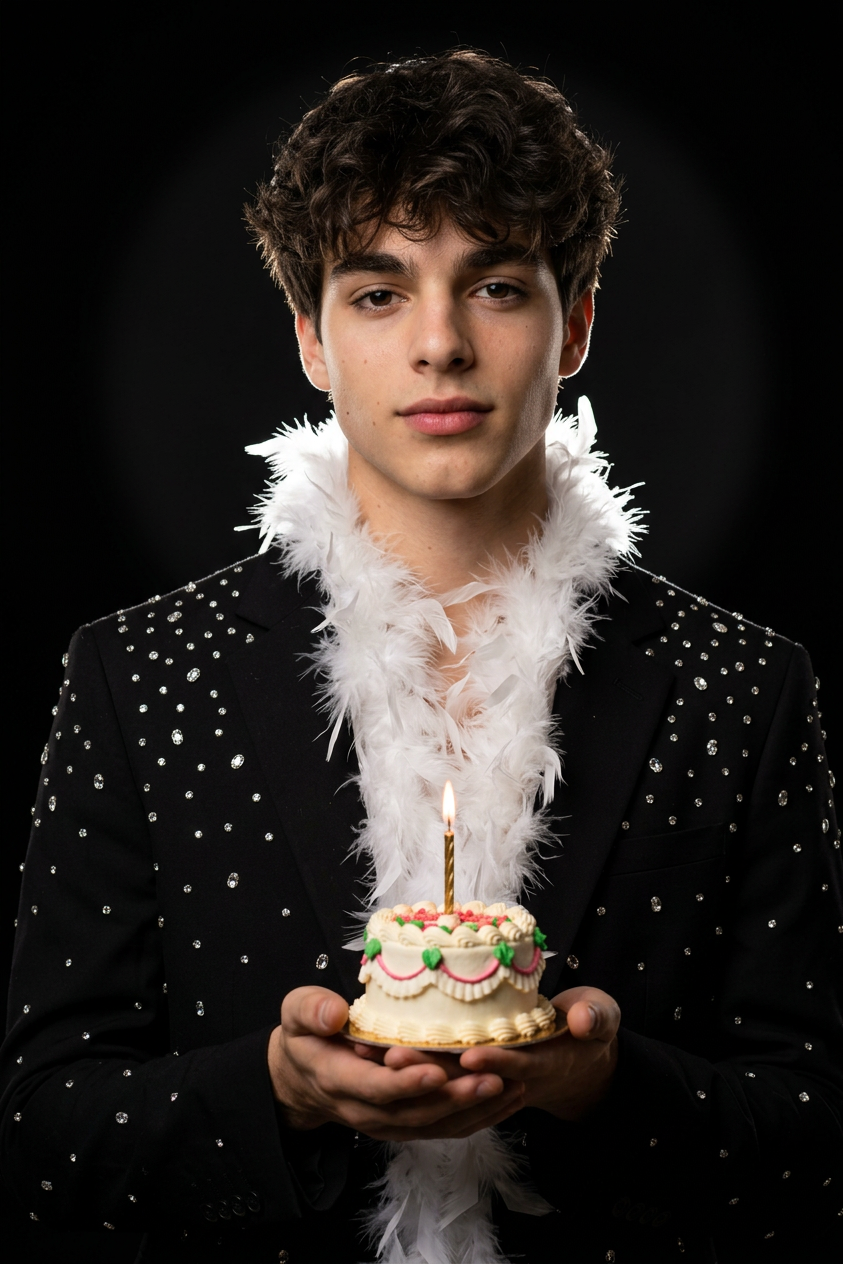
Fur Celebration
- Model
- Nano Banana 2
- Image
- 843 × 1264 px
Prompt
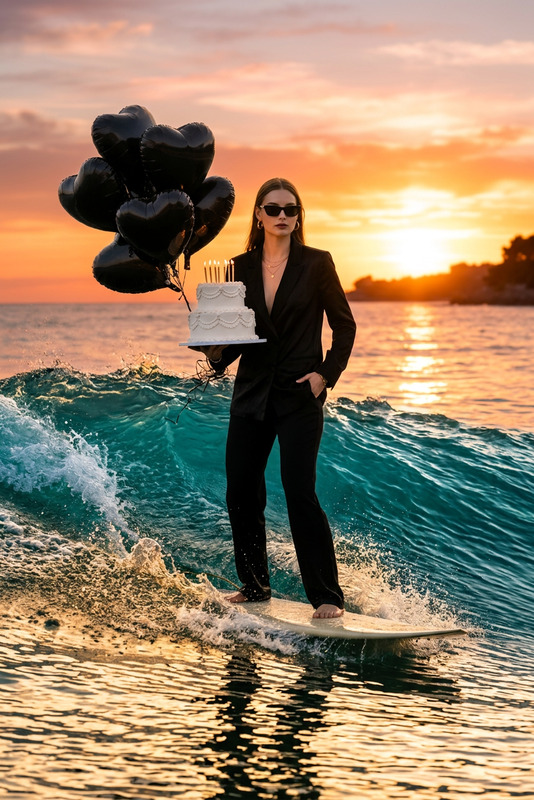
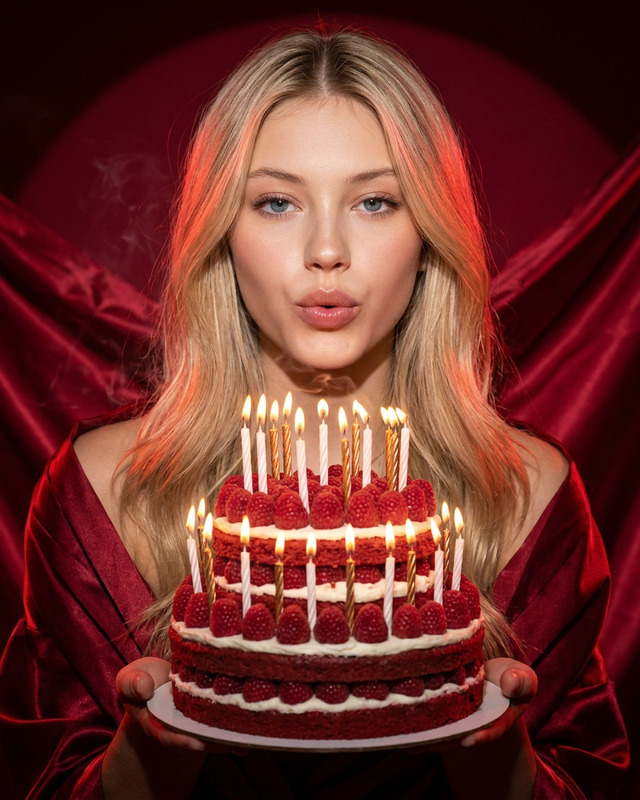
A photorealistic half-length portrait of the character, shot on 85mm: a graceful pose, spotlight with a halo effect against a black background, and contrasting rim lighting. He is wearing a glamorous outfit with crystals and a white feather boa, holding a miniature cake with a candle; the style is Hollywood glamour and hyperrealism.
Any aspect ratio
Overview
Step into the world of Hollywood glamour with the "Fur Celebration" template, designed exclusively for the AI Image Editor. This template leverages the advanced nano-banana-2 model to craft photorealistic portraits capturing the essence of timeless style. Whether you're creating content for fashion, editorial, or personal projects, this template brings a luxurious and hyperreal dimension to your imagery.
What It Does
The "Fur Celebration" template transforms ordinary images into breathtaking portraits featuring a glamorous pose against a dramatic black backdrop. With the nano-banana-2 model, the template produces detailed effects like rim lighting and a halo effect, ensuring your subject radiates elegance and sophistication. Ideal for stylized photoshoots or celebrating special occasions with visual flair, this template focuses on Hollywood glamour in an entirely editable context.
Who It's For
This template is designed for photographers, designers, and content creators who focus on high-end fashion and glamour. It's ideal for professionals looking to enhance their portraits with advanced lighting effects and luxurious details. Whether used in digital art or commercial photography, this template serves creators seeking to deliver hyperrealistic and stylish visual experiences.
Summary
"Fur Celebration" balances artistic elegance with the power of AI, delivering sophisticated visuals fit for glamorous portfolios and promotional materials. Explore the world of AI Image Generator and AI Face Editor for expanding your photographic and design possibilities. This template stands as a cornerstone for revolutionizing how style and AI converge in modern imagery.
How to Use
Choose your Template

Customize your Image

Generate and Download

Use Cases
Fashion Portfolios
- Brings out the best in fabric textures and intricate designs
- Highlights model poses with precision and style
Editorial Photography
- Ideal for fashion magazines and style features
- Captures the timeless appeal of Hollywood glamour
Social Media Content
- Increases engagement through visual magnetism
- Adaptable to platforms demanding high-quality imagery
Best Practices
Focus on Lighting Details
When using the template, pay attention to lighting adjustments. Enhance the spotlight and rim lighting effects to achieve the desired level of drama and sophistication.Balance Textures and Accessories
With elements like crystals and feathers, ensure that textures are enhanced but not overpowering, maintaining a clean and glamorous look.Experiment with Angles
Try different angles for the character to diversify your output and match the style to your specific project needs.