Coachella
- Model
- Nano Banana 2
- Image
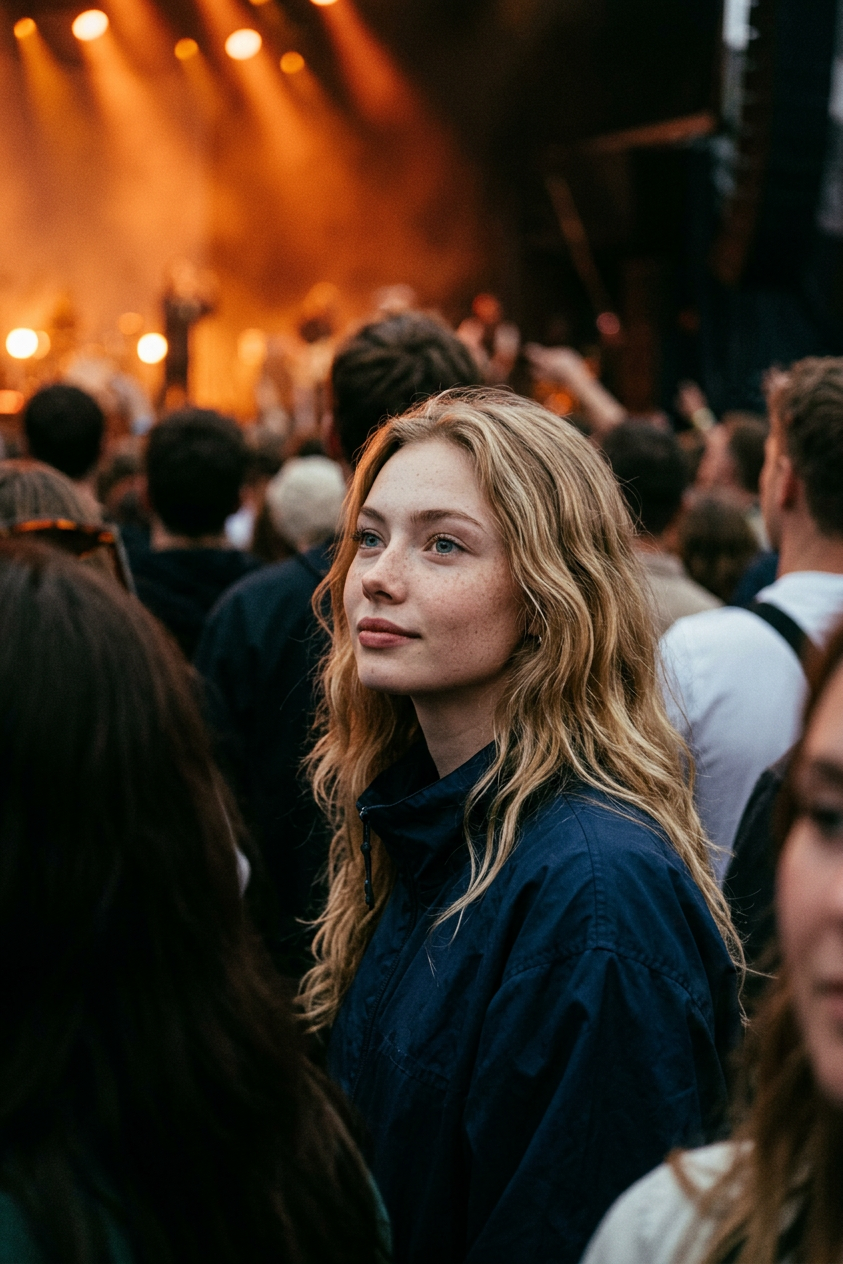
- 843 × 1264 px
Prompt
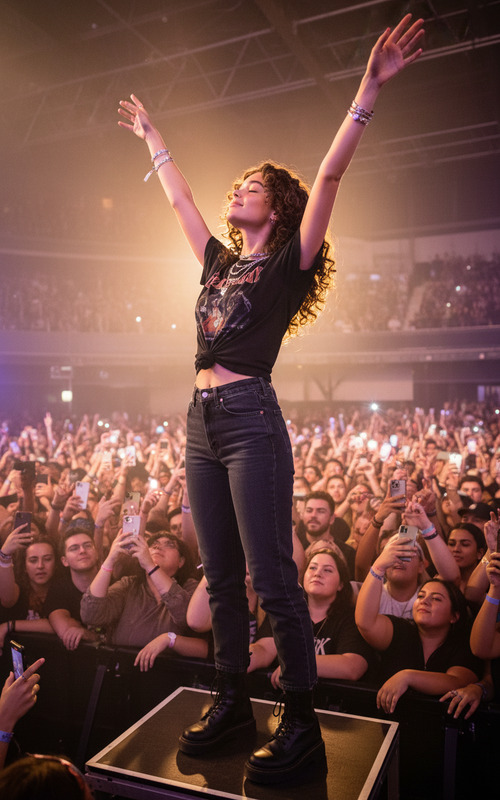
A fan stands calmly in the crowd, wearing a casual dark blue windbreaker. The person should have a mesmerized, barely noticeable smile. Warm orange stage lighting and deep shadows. Ultra-realistic skin texture, 35mm film grain, and a raw, unpolished photographic look.
Any aspect ratio
Overview
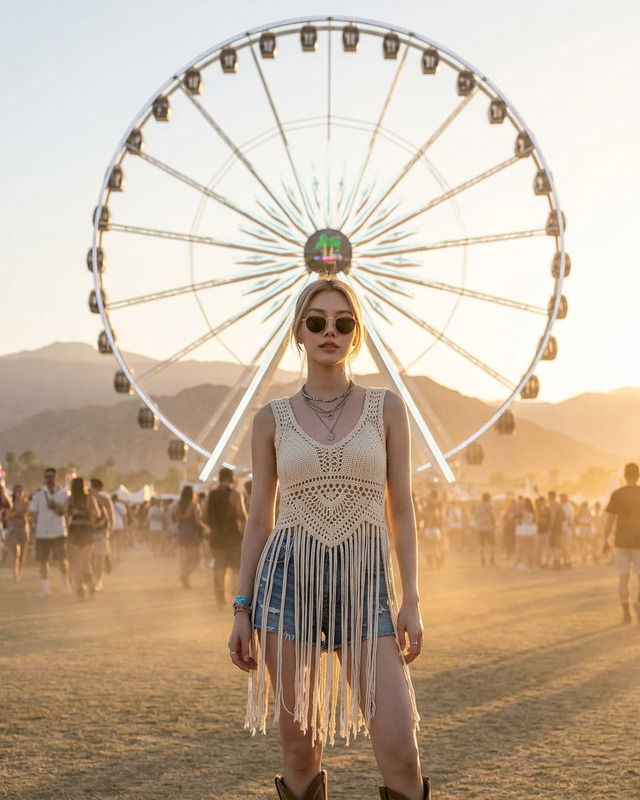
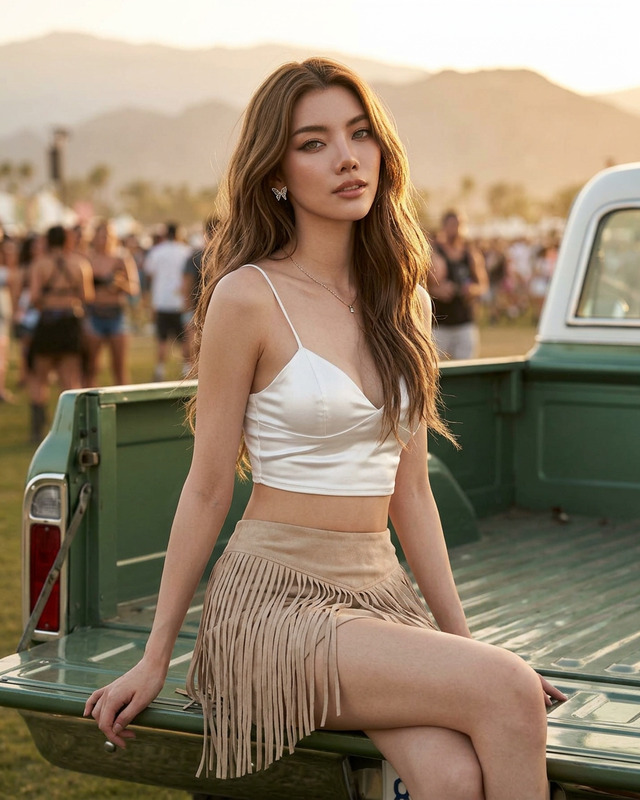
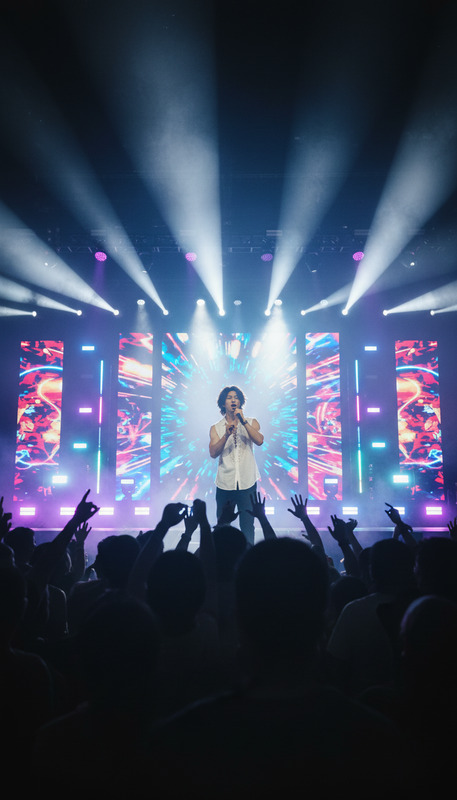
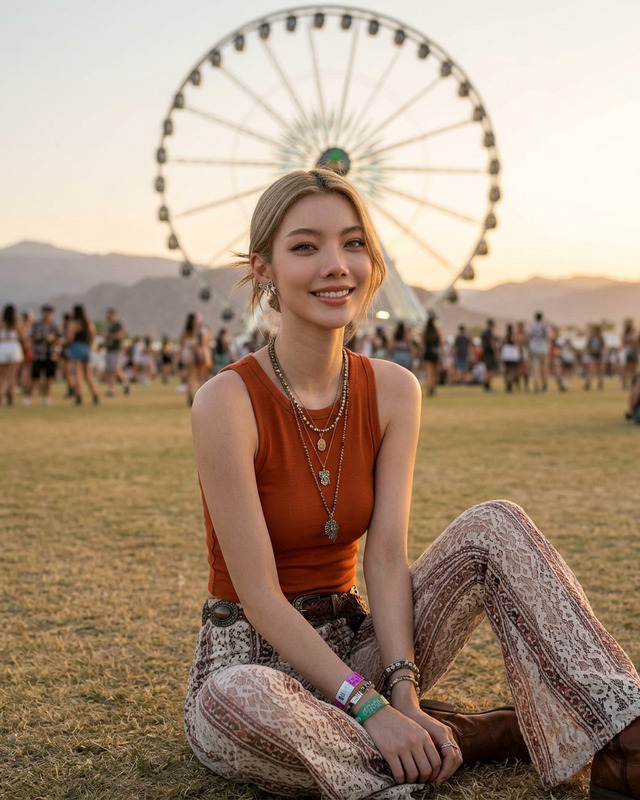
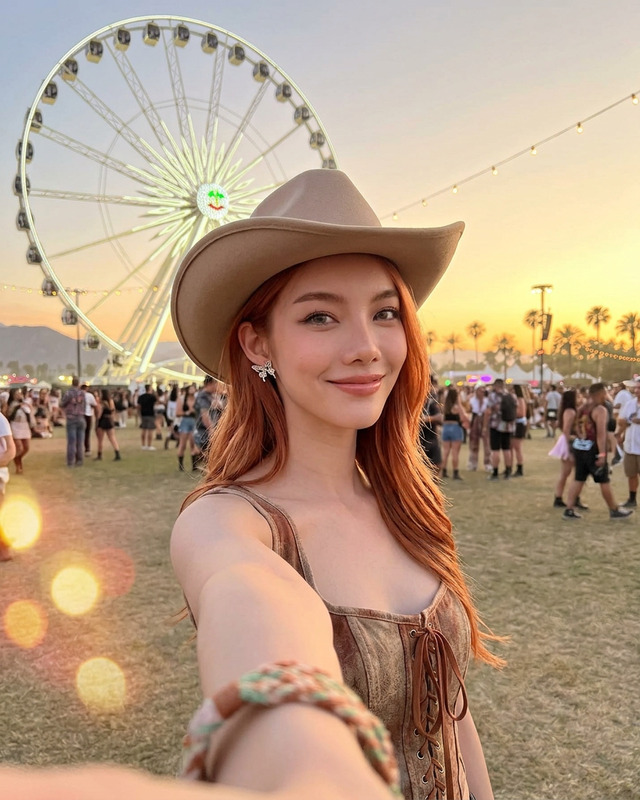
Capture the enchanting essence of a music festival with the "Coachella" AI Image Editor template. Designed using the nano-banana-2 model, this template enhances your images with ultra-realistic skin textures, delivering a raw and unpolished look. Relive the warmth of stage lights and the intimacy of the crowd through a unique photographic style that echoes the festival vibe.
What It Does
This template lets you transform any photo into a festival moment by editing an image to reflect the scene of a fan in the crowd at Coachella. Apply an ultra-realistic texture to skin, integrate warm orange lighting, and 35mm film grain effects, while maintaining the authenticity of a real photo. The AI Image Editor seamlessly combines these elements to heighten immersive visual storytelling.
Who It's For
The "Coachella" template is perfect for photographers, digital artists, and content creators aiming to infuse their work with the immersive atmosphere of a live music festival. It's also ideal for brands creating festival-themed campaigns who can benefit from using the AI Ad Creative Generator to enhance their advertisements with memorably textured images.
Summary
Whether you're building a collection of festival photography or crafting advertising with an authentic feel, the "Coachella" template provides the tools to make every image resonate. Fully adaptable, it offers comprehensive customization within the AI Image Editor, ensuring your final product is as unique and vibrant as the festival experience itself.
How-To
Choose Your Template

Customize Your Image

Generate Your Image

Use Cases
Festival Photography Enhancements
- Transform casual snapshots into professionally styled images.
- Emphasize textures and lighting for a vivid, realistic effect.
Brand Campaign Imagery
- Generate engaging content for social media and ads.
- Create consistent brand imagery aligned with the festival vibe.
Social Media and Lifestyle Content
- Create Instagram posts with a compelling narrative and aesthetic.
- Develop relatable and authentic visual stories.
Best Practices
Focus on Authenticity
When using this template, focus on retaining the image's natural elements by limiting edits to enhance rather than overpower the original photo.Balance Lighting and Texture
Ensure that the warm orange lighting complements the new textures. Adjust brightness and contrast as needed for a cohesive look.Experiment with Angles
Play around with different angles and perspectives in your photos to see how the template's effects can highlight various aspects of the scene.