POV Festival
- Model
- Nano Banana 2
- Image
- 922 × 1152 px
Prompt
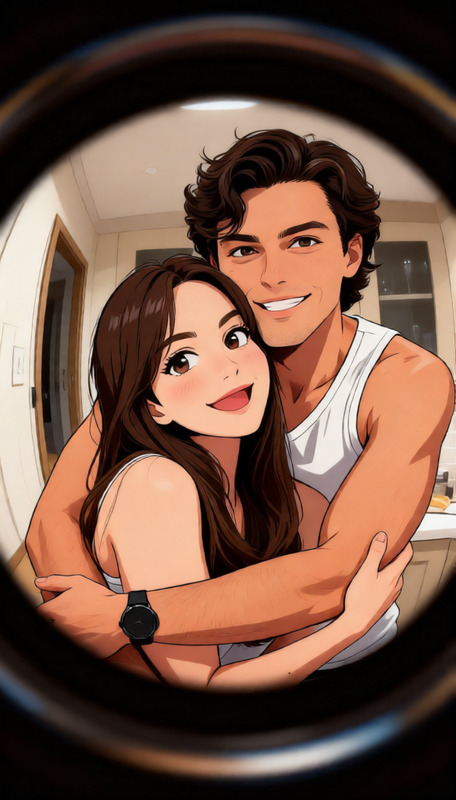
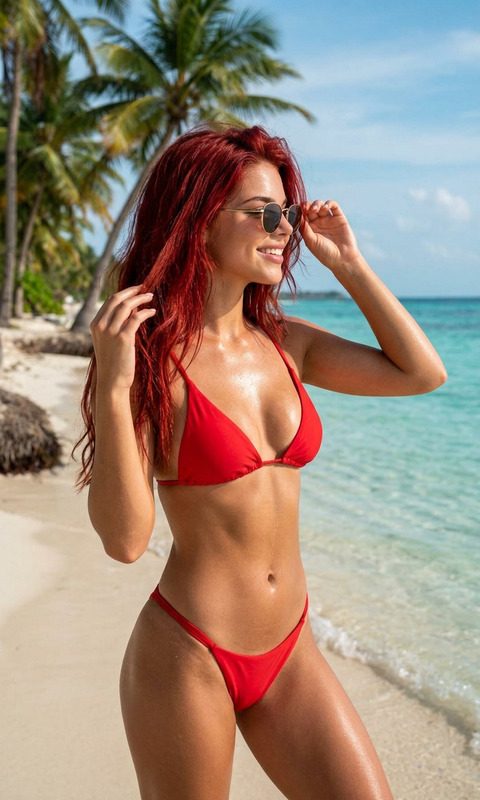
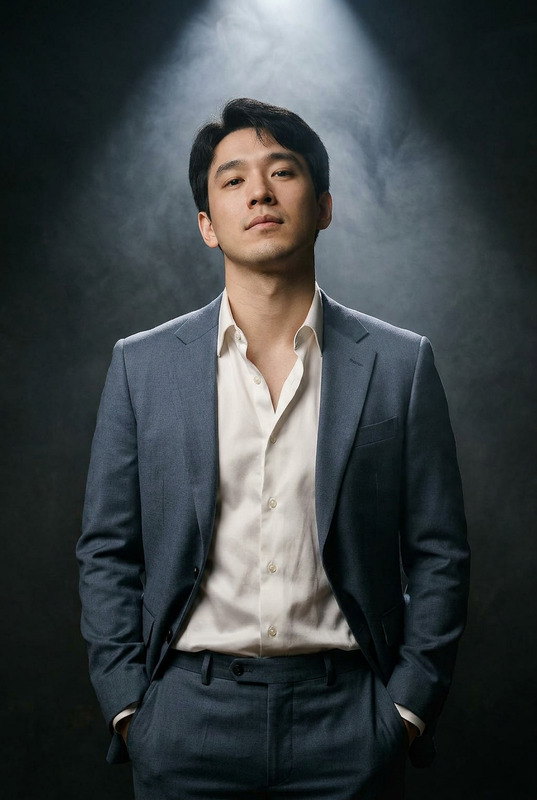
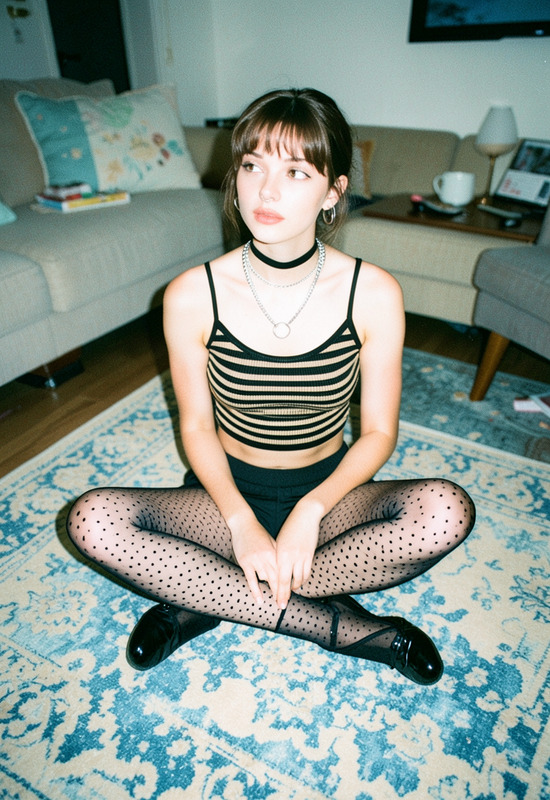
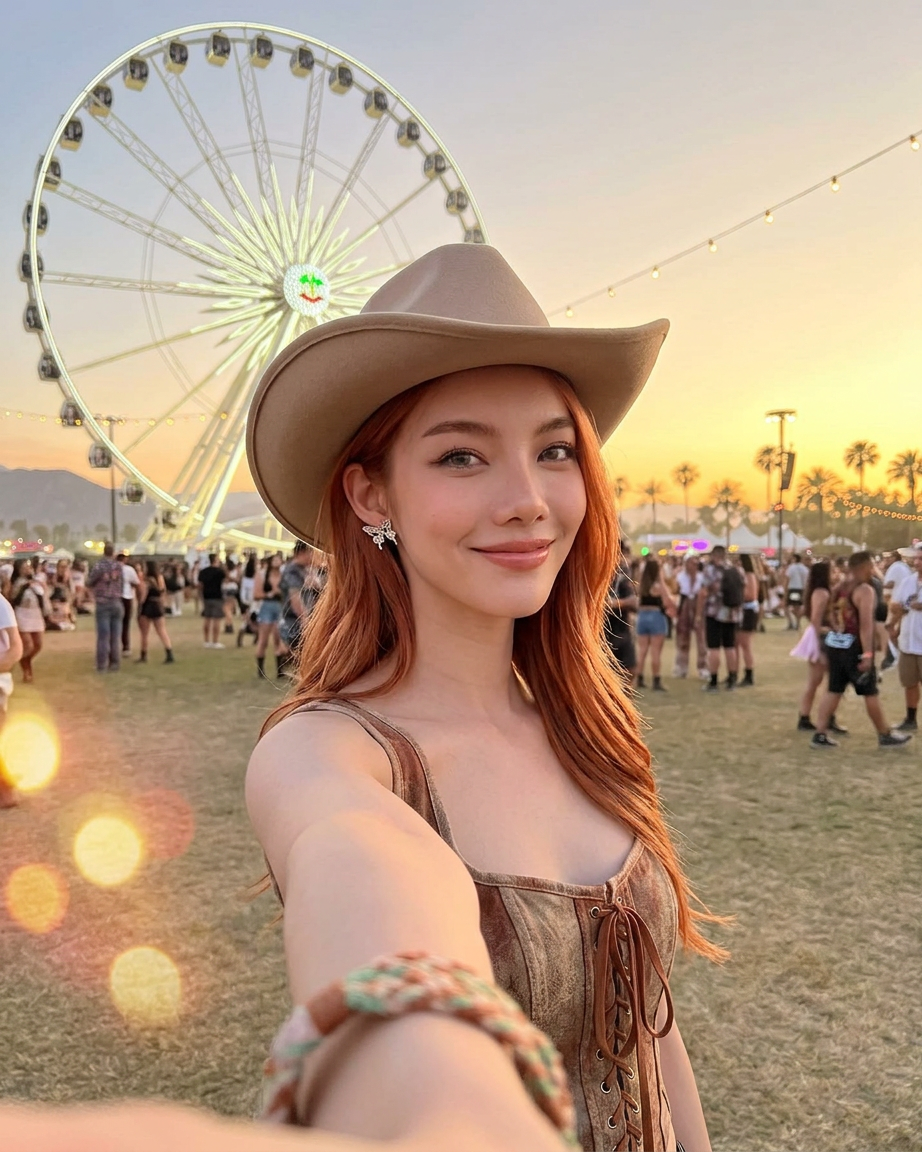
Ultra-realistic close-up selfie portrait of a stunning young woman at a desert music festival during sunset, holding the camera forward with an outstretched arm. She has soft wavy copper-red hair, glowing dewy skin, full glossy lips, sharp hazel eyes, and subtle glam makeup with luminous highlights. She wears a large beige cowboy hat and a fitted lace-up western corset top in taupe suede with delicate embroidered details. In the blurred background, a glowing ferris wheel, festival crowd silhouettes, palm trees, and warm sunset sky create a dreamy Coachella-inspired atmosphere. Golden hour lighting, cinematic boho western aesthetic, shallow depth of field, soft bokeh lights, photorealistic skin texture, editorial festival photography, ultra detailed, 35mm lens selfie perspective, warm dusty tones, carefree luxury vibe.
Any aspect ratio
Overview
Capture the essence of festival magic with our POV Festival AI Image Editor template, powered by the advanced nano-banana-2 model. Designed to deliver stunning, ultra-realistic close-up selfie portraits, this template brilliantly encapsulates the boho western aesthetic of a desert music festival at sunset.
What It Does
The POV Festival template transforms your ordinary photos into captivating festival portraits with high-definition details. It focuses on intricate elements such as copper-red hair, glowing dewy skin, and photorealistic textures. The template is part of our suite of tools that also includes the AI Image Editor for a complete enhancement solution.
Who It's For
This template is perfect for content creators, photographers, and festival enthusiasts looking to enhance their digital albums with professional-quality imagery. Whether you're preparing content for Instagram or documenting your festival journey, this tool adds a layer of realism and creativity that stands out. Pair it with the AI Image Upscaler for unmatched visual clarity.
Summary
With the POV Festival template, users can achieve a cinematic boho western aesthetic effortlessly. It's ideal for creating lifelike festival portraits that capture the energy and ambiance of your favorite music events. This template, along with our other tools like the AI Clothes Changer, enables a wide range of stylistic edits for a personalized touch.
How To
Choose Your Template

Customize Your Image

Generate Your Festival Portrait

Use Cases
Personalized Festival Memories
- Customize with different outfits and accessories
- Capture the lively atmosphere with detailed backgrounds
Social Media Content
- Tailor images to match your personal brand
- Stand out with professional-quality photos
Creative Storytelling
- Incorporate into digital storyboards
- Add context to content with unique imagery
Best Practices
Start with a High-Quality Photo
For best results, ensure the original image is of high quality. This allows the AI to work more effectively and deliver clear, detailed edits.Experiment with Lighting and Background
Use the tool's features to mimic different lighting effects. This can add depth and realism to your portraits.Combine with Other Tools
Enhance your images further with complementary products like the Text to Video for creating engaging multimedia content.