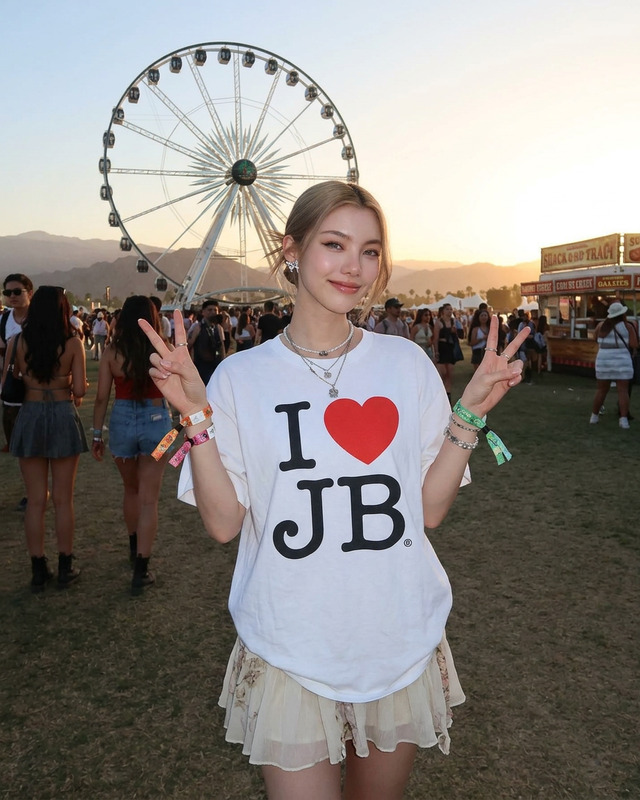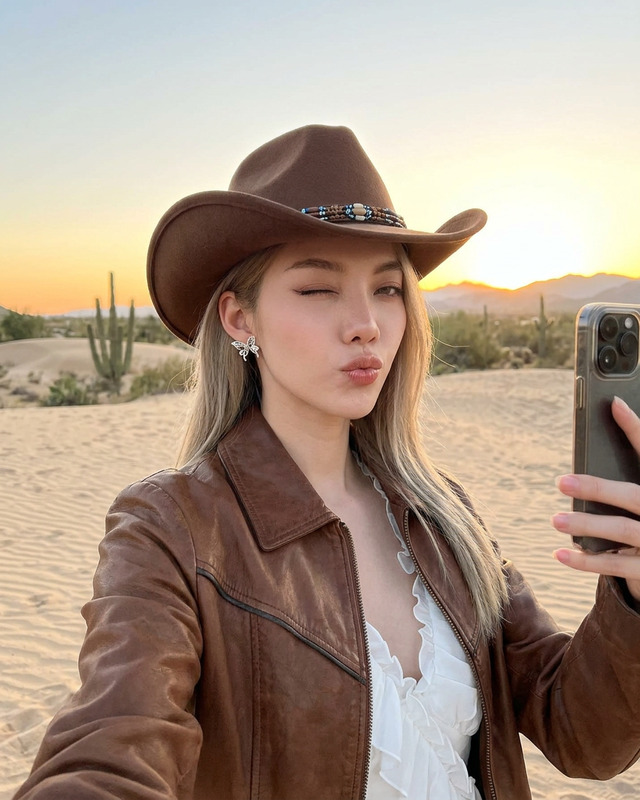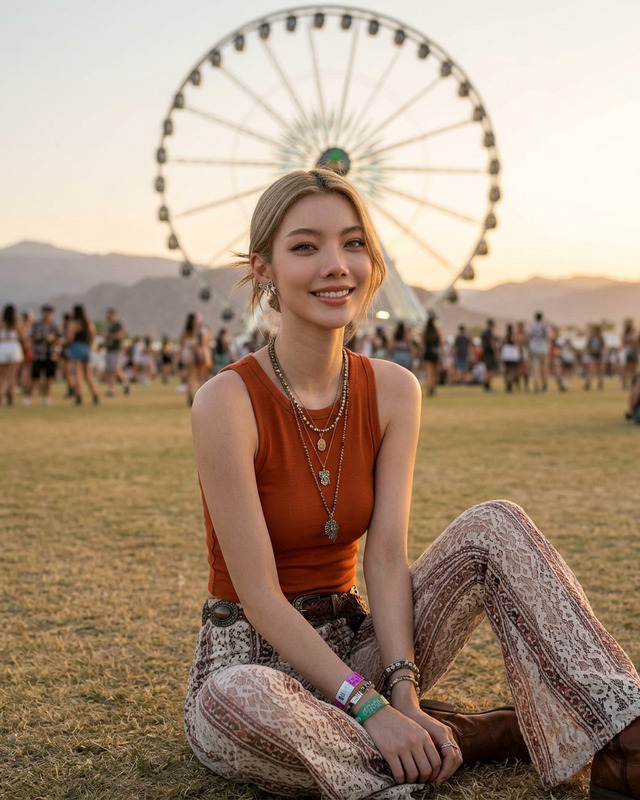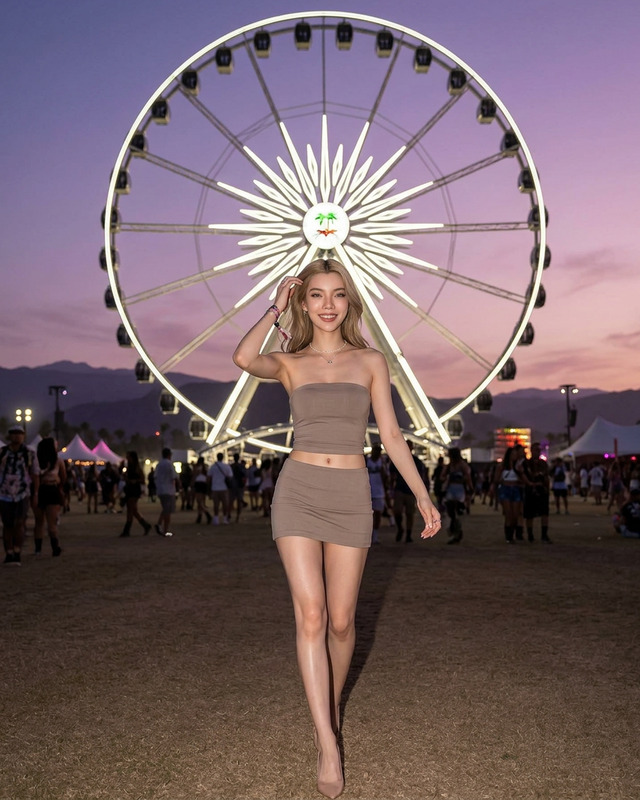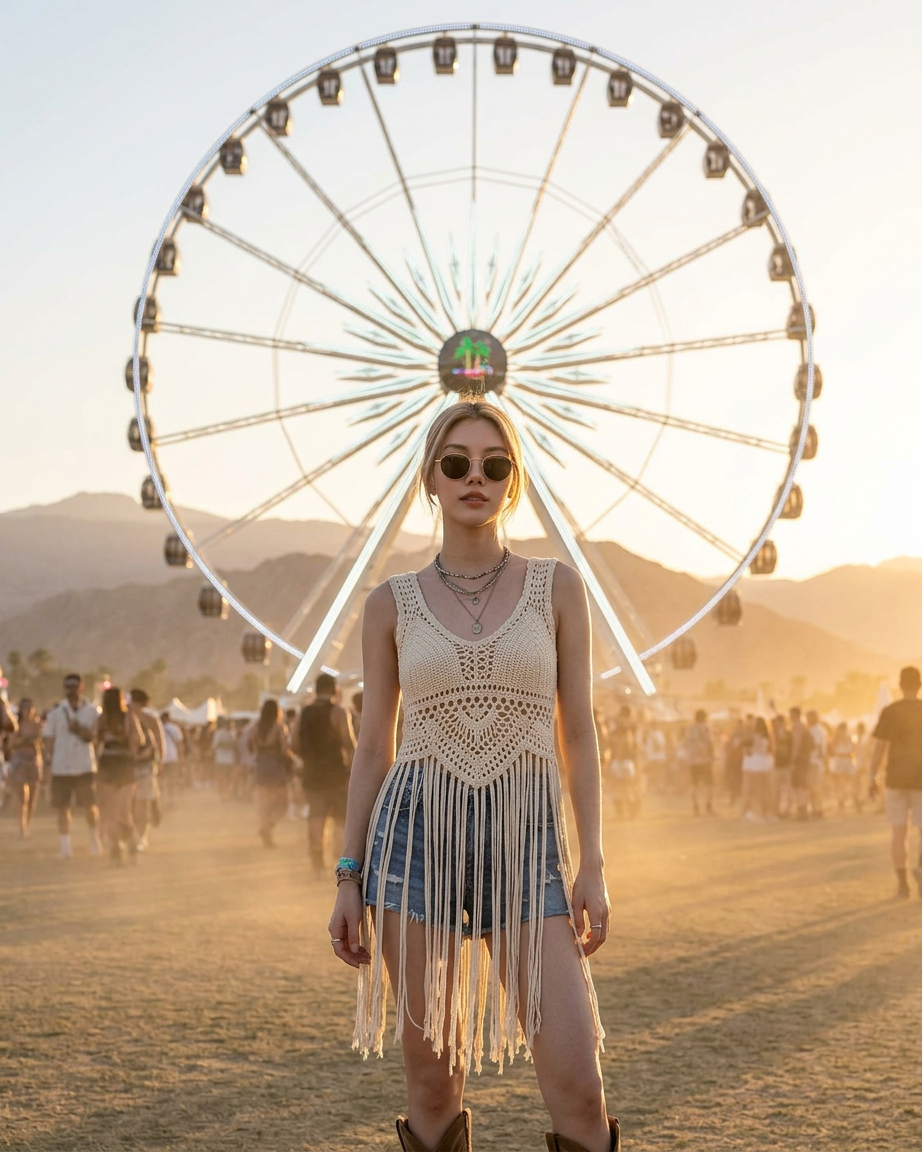
Festival Frame
- Model
- Nano Banana 2
- Image
- 922 × 1152 px
Prompt
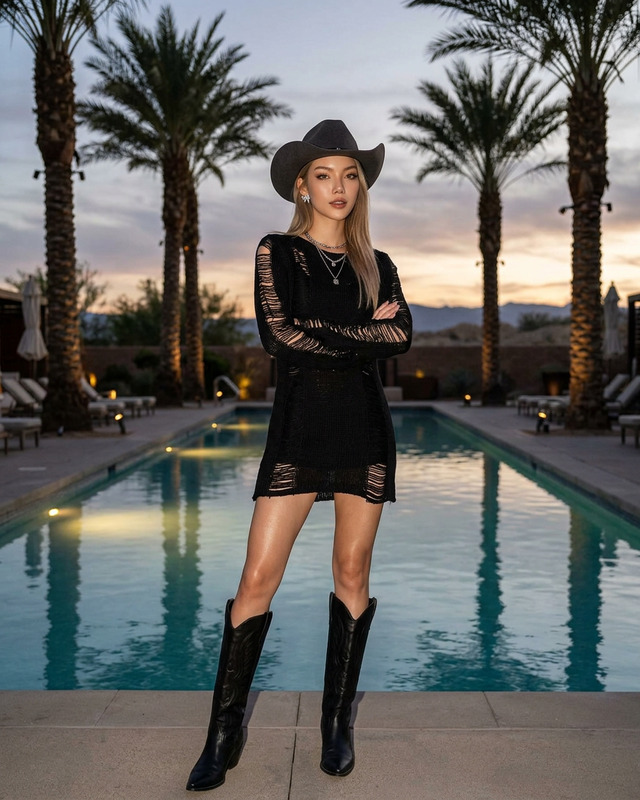
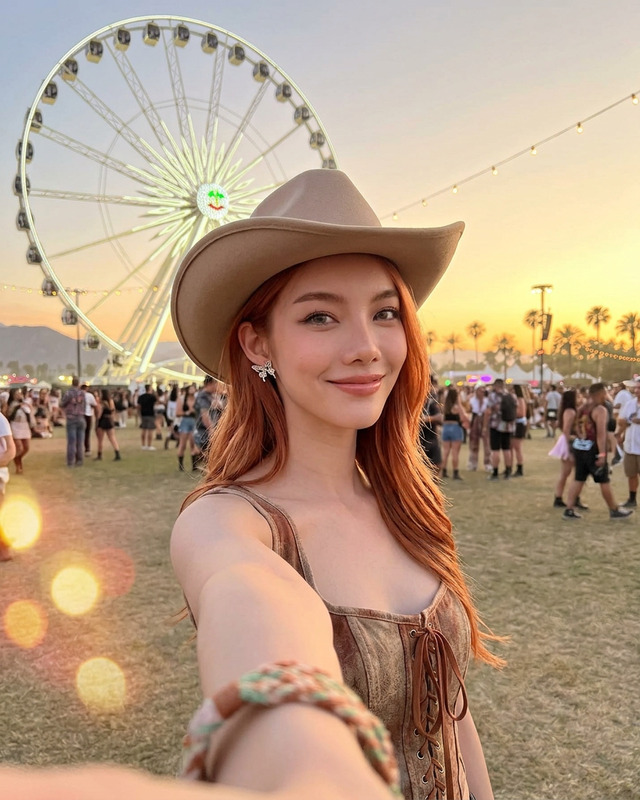
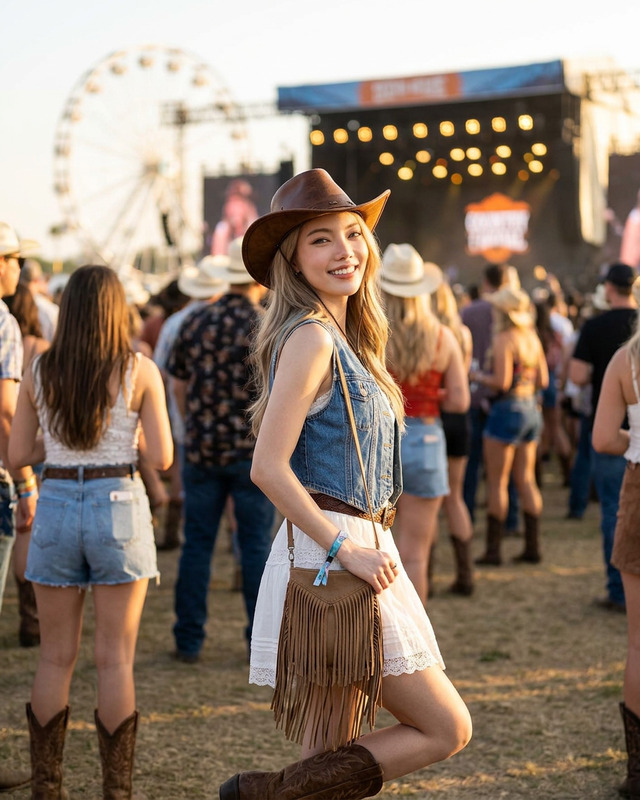
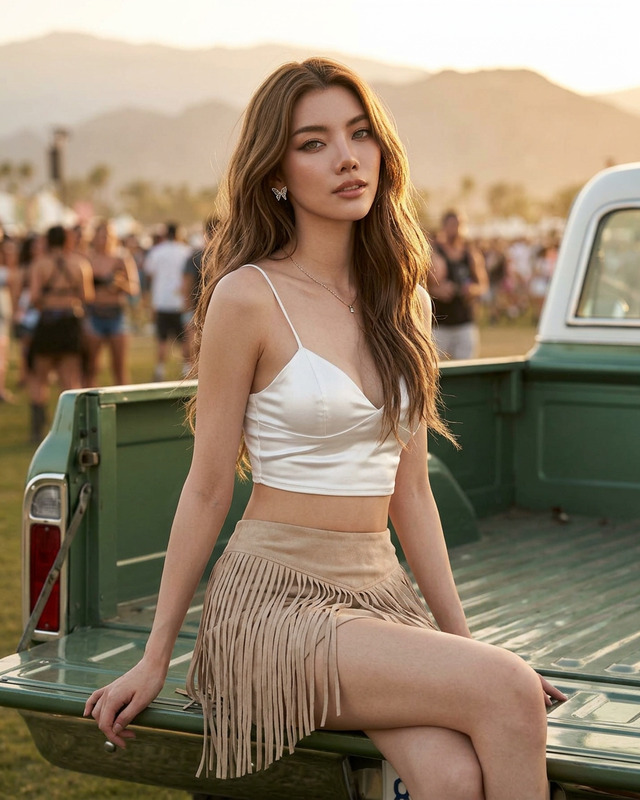
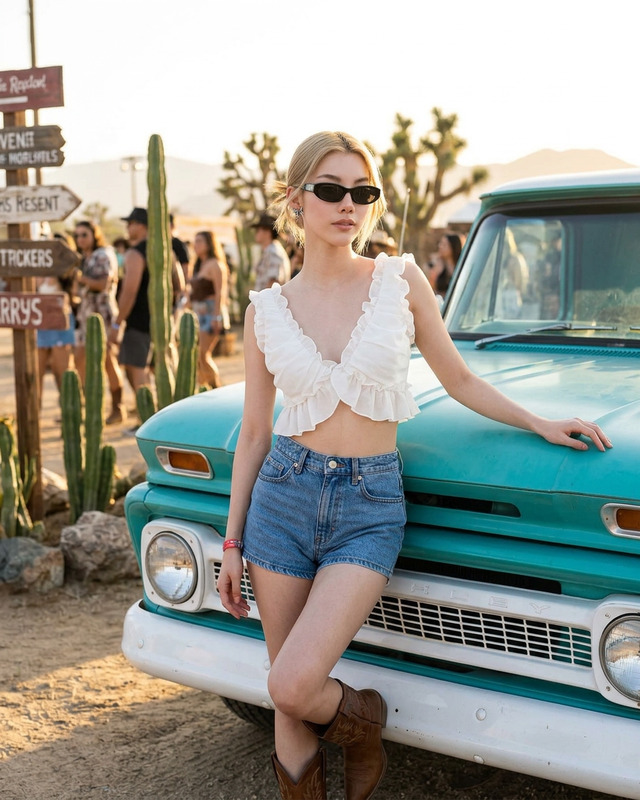
Ultra-realistic boho western festival fashion portrait of a confident young woman standing in the middle of a desert music festival at sunset, directly in front of a giant illuminated ferris wheel perfectly centered behind her. She wears a cream crochet lace sleeveless top with long fringe details, high-waisted blue denim shorts, tan suede ankle boots, layered silver necklaces, bracelets, and round tinted sunglasses. Glowing sun-kissed skin, relaxed confident stance with festival crowd softly blurred in the background. Warm golden hour lighting, Coachella-inspired aesthetic, desert mountains in the distance, cinematic symmetry composition, shallow depth of field, editorial fashion photography, ultra detailed, photorealistic, 85mm lens, soft dusty atmosphere, carefree bohemian vibe.
Any aspect ratio
Overview
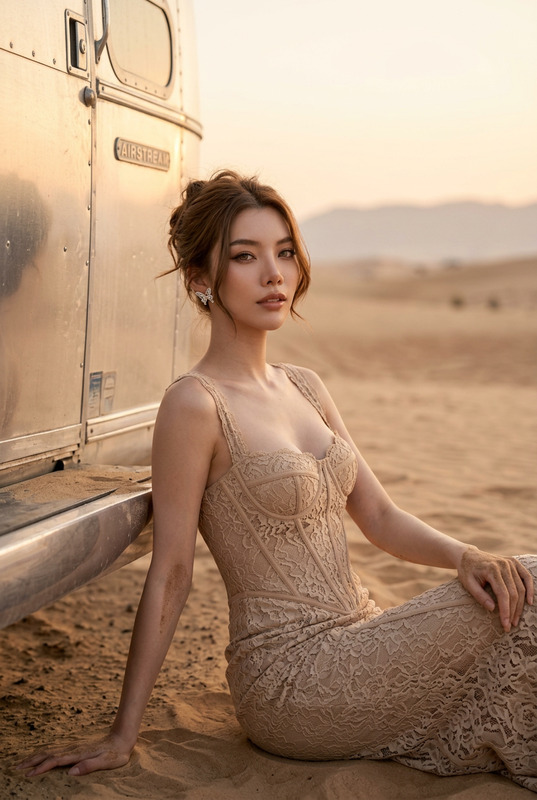
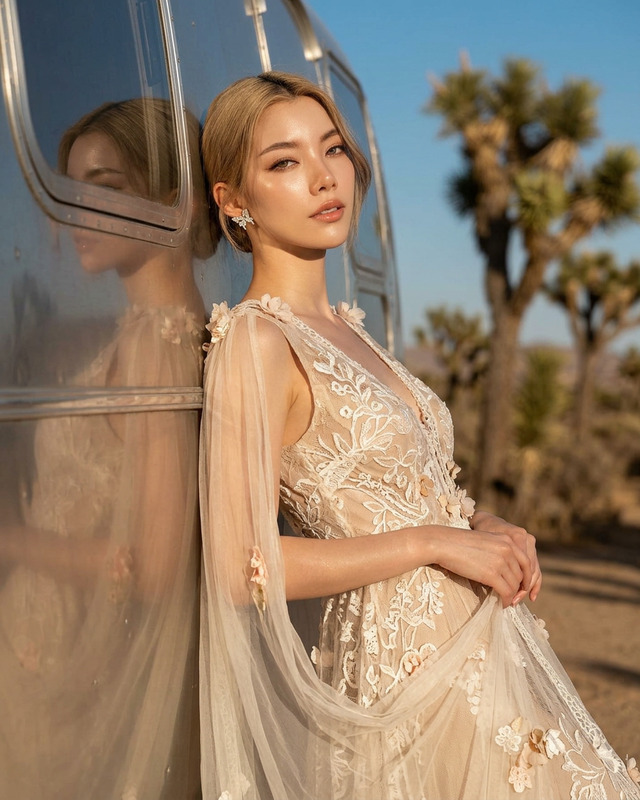
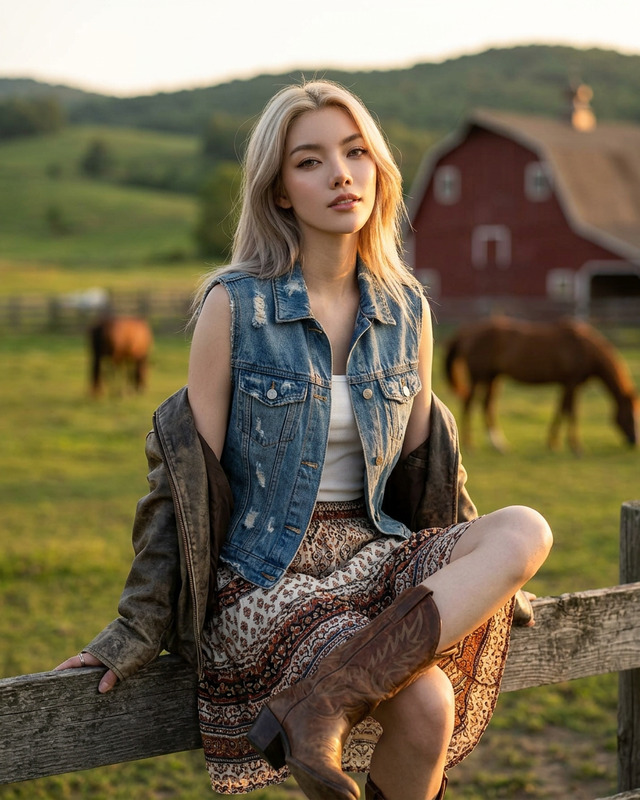
The Festival Frame template, powered by the nano-banana-2 model, is designed to transform your images into stunning visual stories with a unique bohemian aesthetic. Whether you’re capturing memories from a music festival or any outdoor celebration, this template ensures every detail pops with cinematic clarity and warm golden tones.
What It Does
This AI Image Editor template allows you to infuse your festival photos with an editorial flair, mimicking the captivating styles seen at Coachella or Burning Man. Highlighting ultra-realistic textures and vibrant festival energy, the Festival Frame brings out sun-kissed skin tones and intricately detailed attire, while softening background elements for a professional look.
Pair this with the AI Image Editor for precise adjustments, enhancing colors, sharpness, and depth of field to match your artistic vision.
Who It's For
Ideal for photographers, social media influencers, and event organizers, the Festival Frame is perfect for those wanting to capture and share the magic of festival moments. If you're looking to create standout images for Instagram Reels or a festival photo album, this tool is tailored to your needs.
Summary
The Festival Frame template provides the tools to produce visually immersive festival images with minimal effort. Its AI-driven approach reduces time spent on post-production, allowing you to focus on enjoying and sharing the moments you treasure.
Explore its potential alongside AI Image Generator and discover new ways to expand your creative horizons.
How To
Choose Your Template

Customize Your Scene

Generate Your Image

Use Cases
Festival Photography
- Enhance photos with detailed fashion and lighting.
- Perfect for creating themed event albums.
Influencer Content Creation
- Ideal for Instagram, TikTok, and lifestyle blogs.
- Boosts engagement with visually stunning posts.
Event Promotions
- Perfect for posters, flyers, and digital ads.
- Capture the audience's attention with vivid imagery.
Best Practices
Optimize Lighting
Avoid harsh lighting conditions for best results. Use soft, natural light to enhance details and skin tones.Focus on Composition
Make sure your main subject is well-centered and use symmetry to draw attention to key elements.Experiment with Details
Try different clothing and accessory combinations within the template for unique, personalized aesthetics.