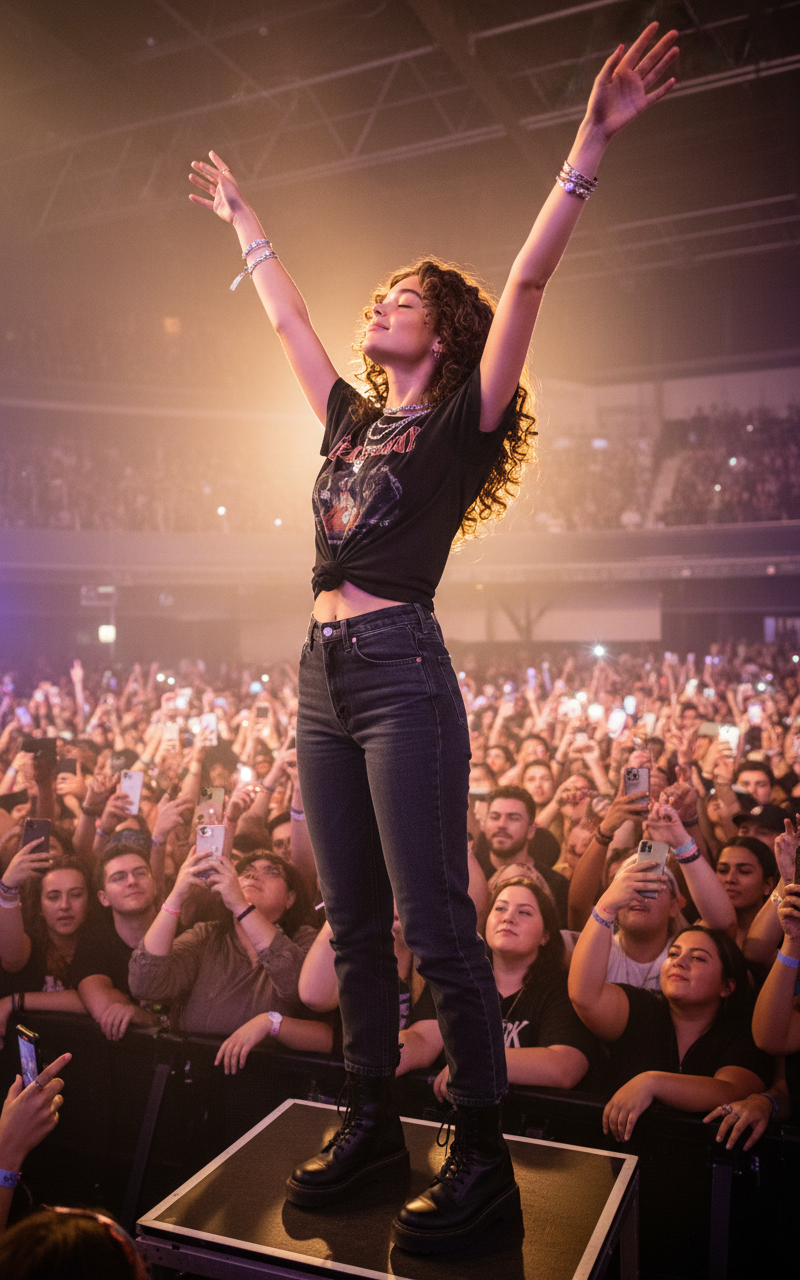
Concert crowd glow

Concert crowd glow

ai-image-editor

1 clip
0 uses

Any aspect ratio

Prompt

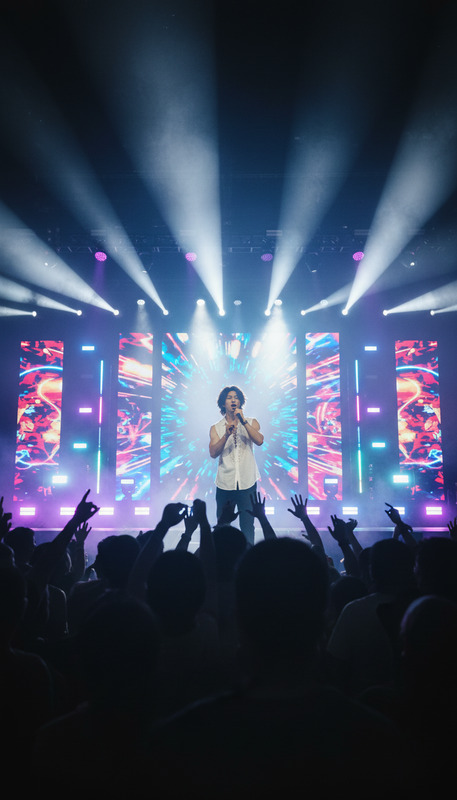
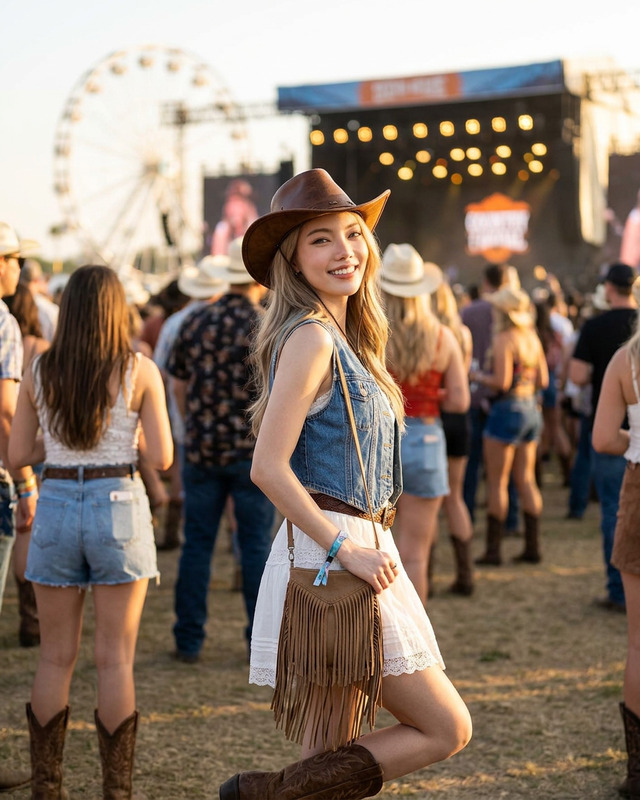
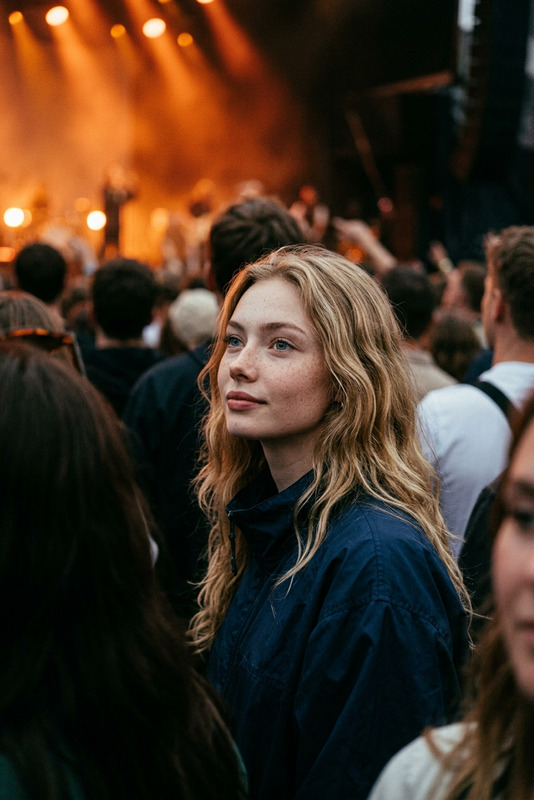
Subject standing on a small raised platform in a packed concert crowd, arms raised and face tilted upward, bathed in warm stage lighting of amber and soft purple. Wearing a cropped black vintage band tee knotted at the side, high-waisted dark denim jeans, and chunky black boots. Layered silver necklaces and stacked bracelets catching the light. Dark curly hair voluminous and backlit into a glowing halo. Crowd below blurred with raised phones and waving hands, flashes of colored light. Stage haze creates visible light beams overhead. Captured from slightly behind and to the side at a slightly elevated angle, with natural motion blur and lens flare, candid live music moment.

AI Image Editor Portrait Effects Template

Transform any portrait in seconds with this AI-powered image editing template. Use it as-is or remix it to build your own custom portrait workflow in Magic Hour.


What this template does

This template is built on the AI Image Editor and is designed for fast, high-quality portrait edits. It’s ideal for:

  • Creators and marketers who need on-brand profile photos, thumbnails, or campaign images
  • Product and growth teams testing multiple visual variants quickly
  • Developers prototyping AI-powered image flows without building models from scratch

Typical use cases include:

  • Updating style (lighting, background, mood, color grading)
  • Cleaning up portraits (distractions, blemishes, unwanted objects)
  • Repurposing a single headshot into multiple formats (social, ads, websites, pitch decks)
  • Preparing images for use in AI video tools like Image to Video or AI Talking Photo

How to use this template in Magic Hour

  1. Open the template

    • Start from this pre-configured page in Magic Hour.
    • You’ll be working in the AI Image Editor environment.
  2. Upload your source image

    • Use a clear portrait or headshot for best results.
    • High-resolution images work especially well; you can later enhance them with the AI Image Upscaler.
  3. Describe your desired edit

    • Use a concise, specific prompt. Examples:
      • “Make this a LinkedIn-style professional headshot with a soft gray background.”
      • “Cinematic lighting, subtle teal-and-orange color grade, shallow depth of field.”
      • “Clean, minimal background; remove distractions; adjust skin tones naturally.”
  4. Refine and iterate

    • Generate multiple variants and choose the best one.
    • If you’re testing for campaigns, you can create several stylistic directions (corporate, playful, cinematic, editorial) and compare performance.
  5. Export and reuse


How to remix this template into your own workflow

You can treat this template as a starting point for more specialized AI portrait editors tailored to your use case. Common remix patterns:

1. Professional headshots pipeline

For founders, teams, and sales collateral:

  • Start from this AI Image Editor template
  • Design a consistent “house style” (lighting, background, framing)
  • Generate final assets, then:

2. Creator and YouTube thumbnail system

  • Use this template to standardize your portrait (consistent pose, lighting, expression)
  • Combine with:
  • Maintain a reusable visual identity across videos and channels.

3. Brand visual experiments for marketing teams

4. Character and persona creation

For product avatars, game concepts, and storytelling:


Tips for high-quality AI portrait edits

  • Start with strong input

  • Prompt for intent, not for pixels

    • Focus on describing outcome and mood rather than micro-level edit instructions.
    • Good: “Natural skin tone, realistic texture, subtle smoothing, keep freckles.”
    • Less effective: “Reduce texture by 7%, blur radius X, etc.”
  • Minimize distractions

  • Maintain identity

    • When using multiple tools (face editing, style changes, etc.), keep one “canonical” portrait and derive variations from it instead of re-generating from scratch each time.
    • Use the AI Face Editor and AI Face Generator to adjust expressions, age, or subtle facial features while preserving identity.

Connect this template with video and voice

Once your portrait looks right, you can convert it into dynamic media without leaving the Magic Hour ecosystem:


Related Magic Hour tools you might want to chain

For more advanced or automated pipelines, this template combines well with:


Who this template is for

This AI Image Editor template is optimized for:

  • Startup teams and founders
    • Fast, consistent visuals for decks, landing pages, investor outreach, and team pages.
  • Marketing and growth teams
    • Rapid iteration of ad creatives, social portraits, and brand experiments.
  • Content creators and educators
    • Thumbnails, channel art, course pages, speaking promo materials.
  • Developers and technical builders
    • A practical reference for integrating AI image editing into larger content workflows, prototypes, and internal tools.

Use this template as your base portrait editor, then remix it into a reusable system for your brand or product. Because it’s built on the AI Image Editor, you can adapt it to almost any visual standard—professional, cinematic, stylized, or experimental—and plug it into the rest of the Magic Hour toolchain as your needs evolve.

More Like This