Calm Flex
- Model
- Nano Banana 2
- Image
- 922 × 1152 px
Prompt
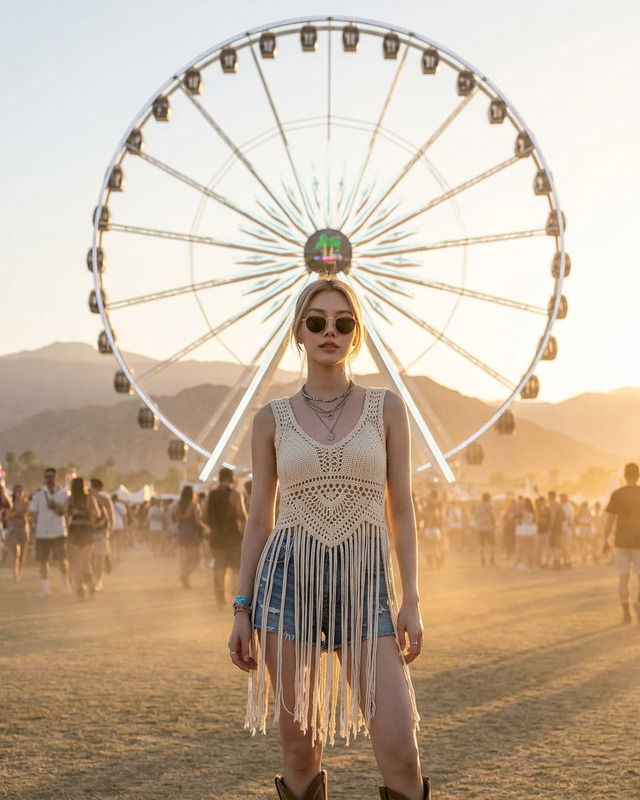
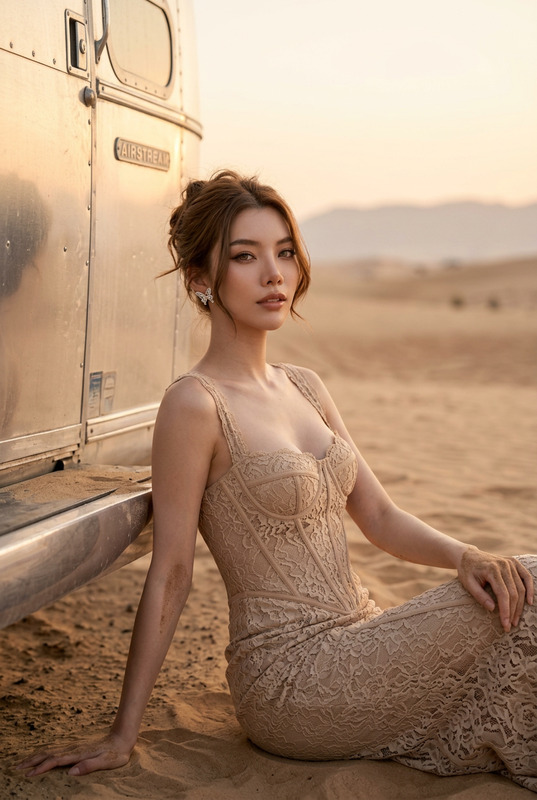
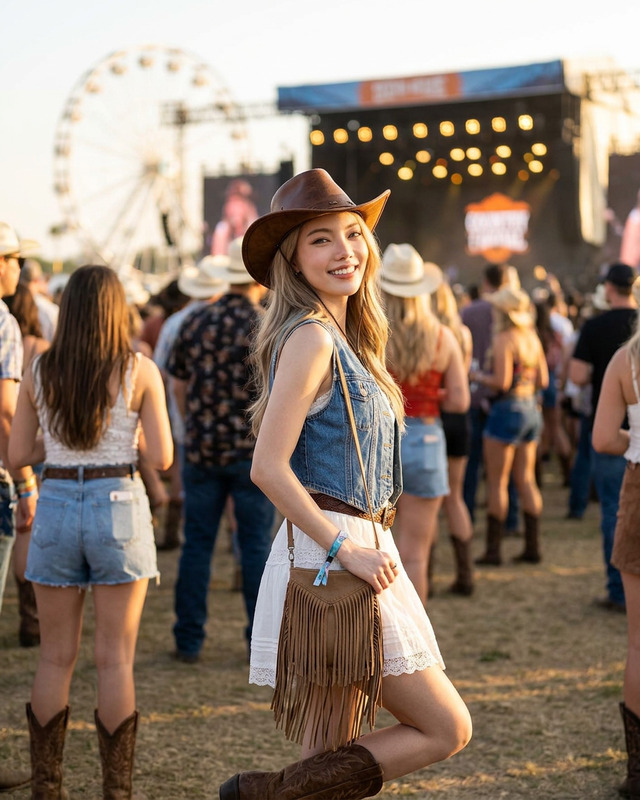
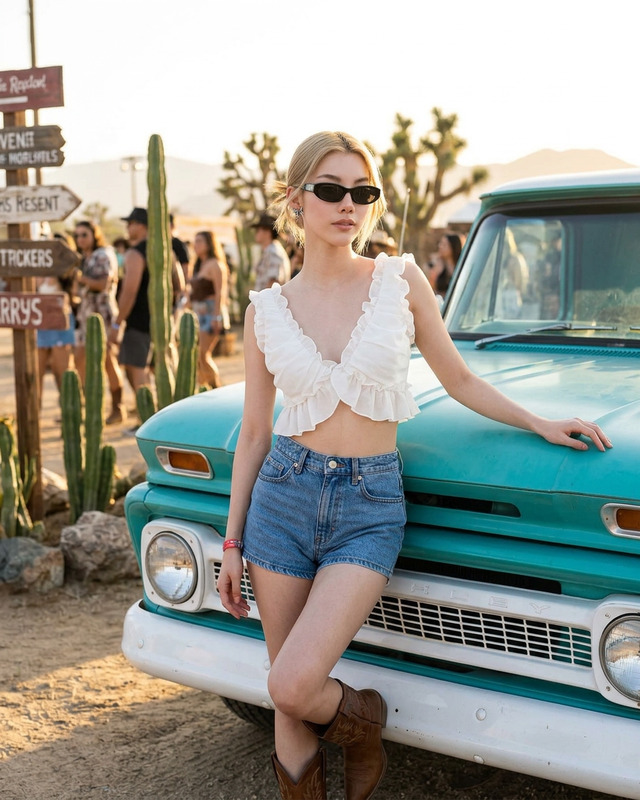
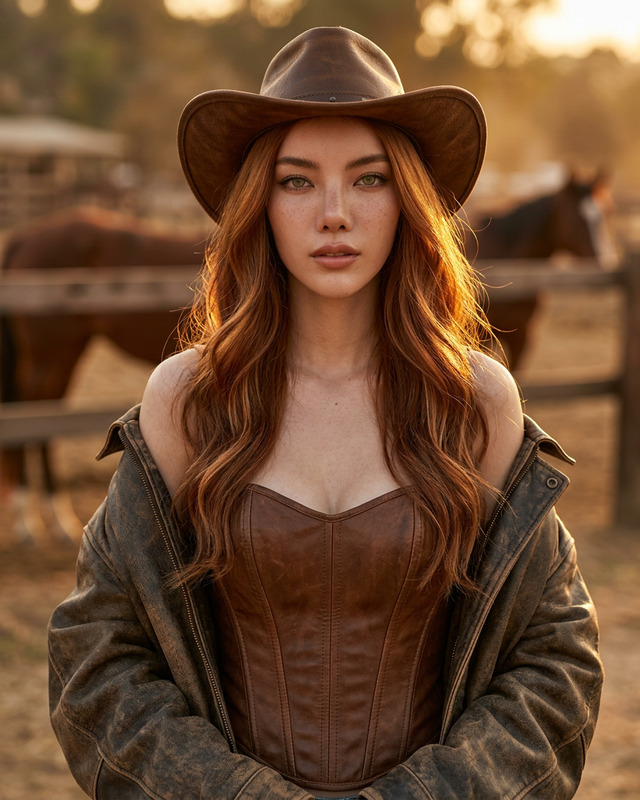
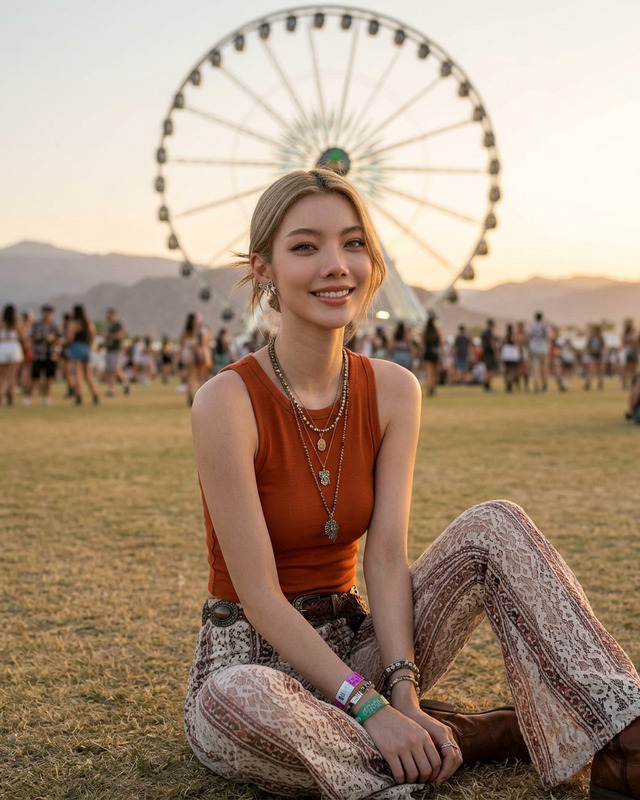
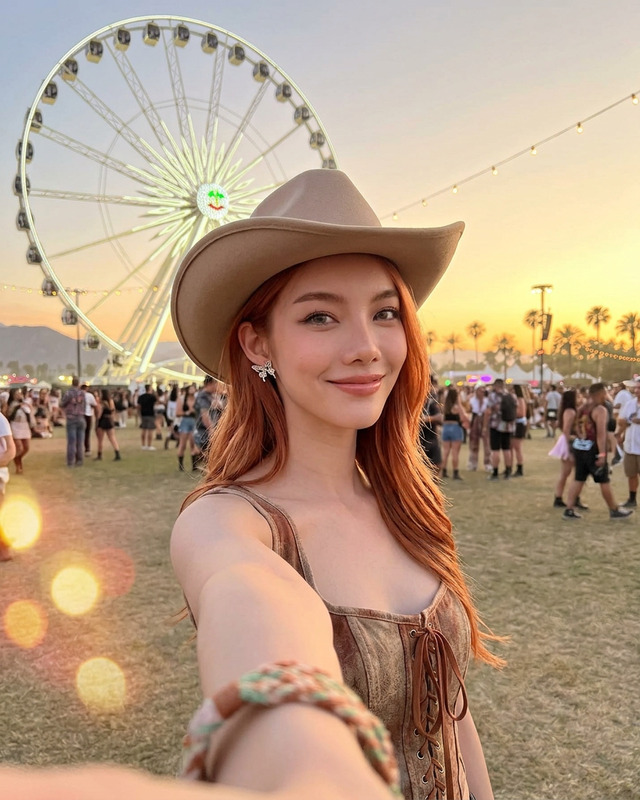
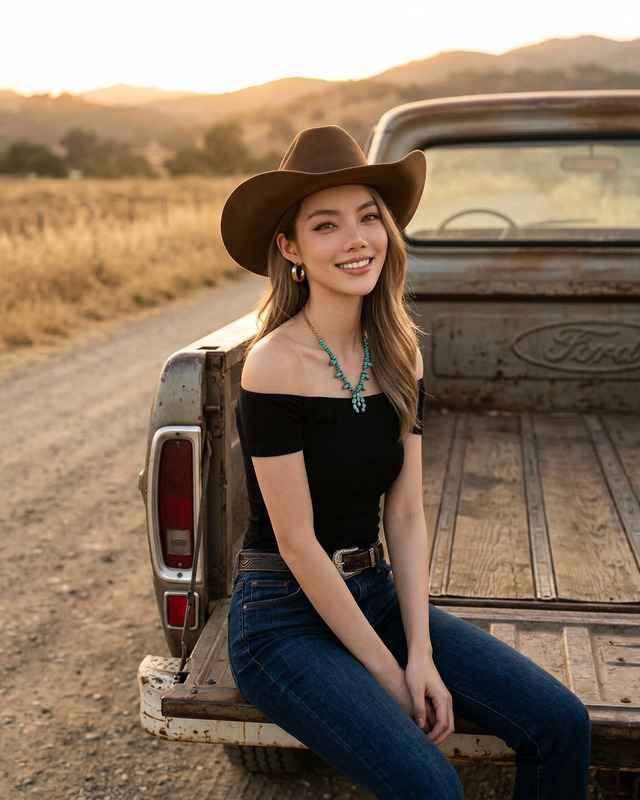
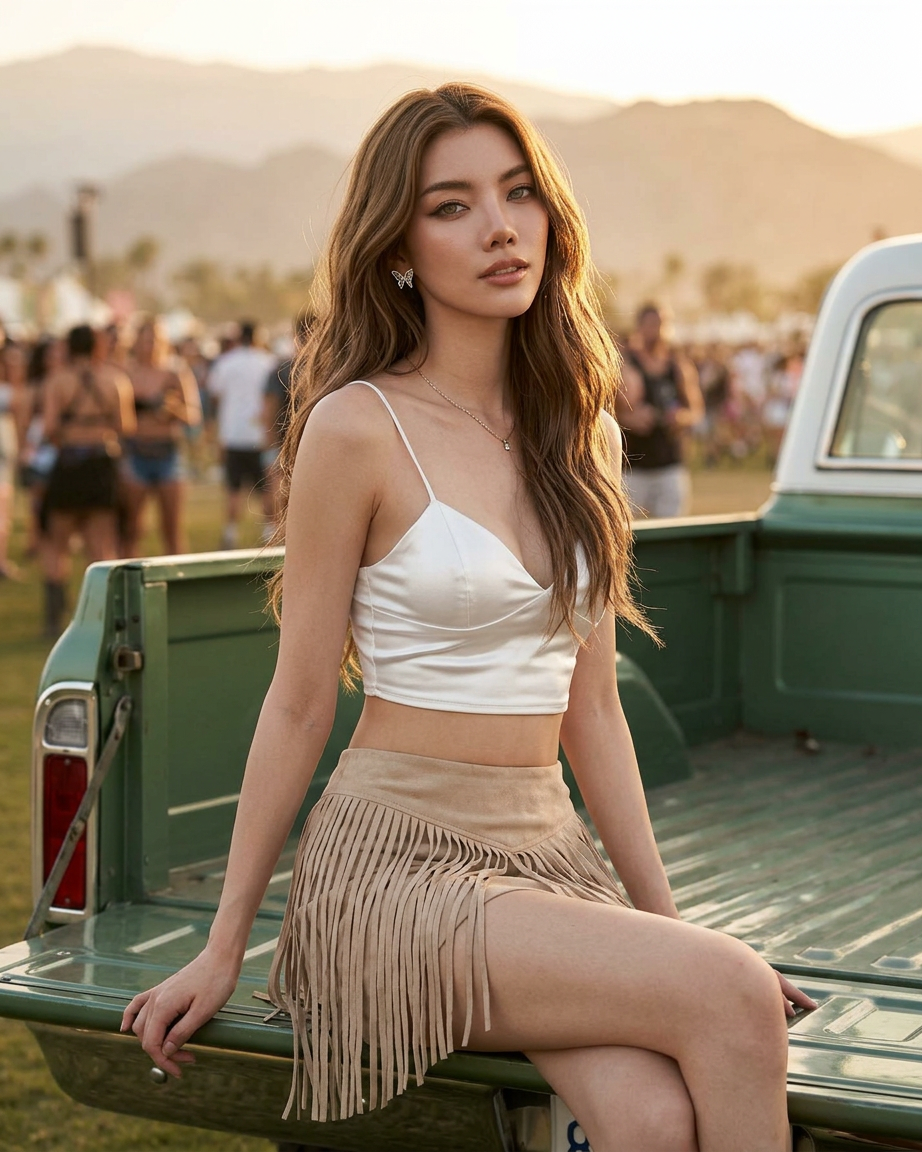
Beautiful boho country girl sitting on the back of a vintage pickup truck at an outdoor music festival during golden hour, long wavy brunette hair, sharp eyes, wearing a white satin crop top with spaghetti straps and a beige fringe western skirt, minimal metallic accessories, sensual pose, blurred festival crowd in the background, mountains in the distance, cinematic sunset lighting, warm tones, shallow depth of field, ultra realistic photography, fashion editorial style, photorealistic skin texture, bohemian western aesthetic, soft natural light, 85mm lens, highly detailed, luxury festival vibe, 4k
Any aspect ratio
Overview
The Calm Flex AI Image Editor template is designed to transform your visuals into serene, captivating scenes. By employing the nano-banana-2 model, this template ensures highly detailed, realistic imagery with a luxurious festival vibe.
What It Does
The template combines a detailed prompt with advanced AI editing to create photorealistic scenes embodying a bohemian western aesthetic. It generates images with rich textures and warm, natural lighting, ideal for fashion editorials or lifestyle photography.
Leverage the AI Image Editor capabilities to achieve those perfect golden hour moments with precision adjustments and a seamless blend of elements.
Who It's For
The Calm Flex template is perfect for photographers, fashion editors, and marketers aiming to produce high-quality imagery for campaigns and portfolios. It's particularly suited for those working in the lifestyle and fashion sectors, providing a professional finish to visual content.
Create mood boards or enhance your mood boards with these stunning visuals.
Summary
The Calm Flex template offers a sophisticated approach to image editing, allowing users to craft high-resolution images with a focus on detail and mood. This tool supports the creation of consistently stunning visuals that convey a luxurious, relaxed atmosphere.
How-To
Choose

Customize

Generate

Use Cases
Fashion Editorials
- Ultra-realistic skin texture
- Cinematic sunset lighting
Event Promotions
- Golden hour lighting
- Shallow depth of field
Social Media Campaigns
- 4k resolution
- Bohemian aesthetic
Business Portfolios
- Fashion editorial style
- Detailed backgrounds
Best Practices
Maintain Realism
Focus on achieving a balance between detail and natural light to create photorealistic images.Customize Prompt
Modify the initial prompt elements to best suit the occasion or theme of your project.Match Lighting
Keep lighting conditions consistent with your intended setting for a more cohesive image output.