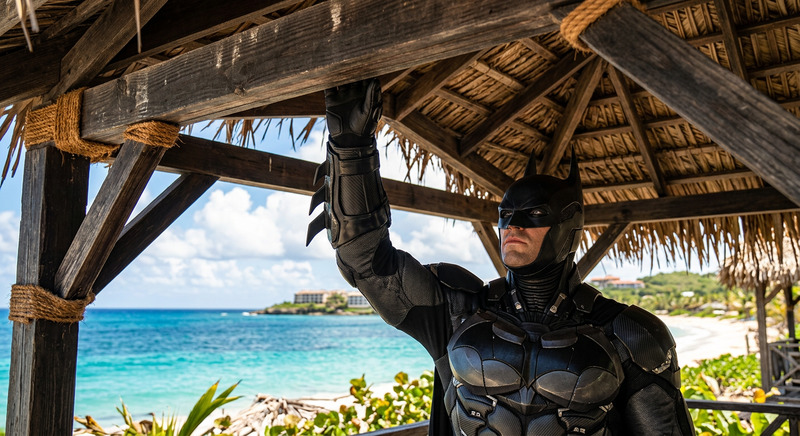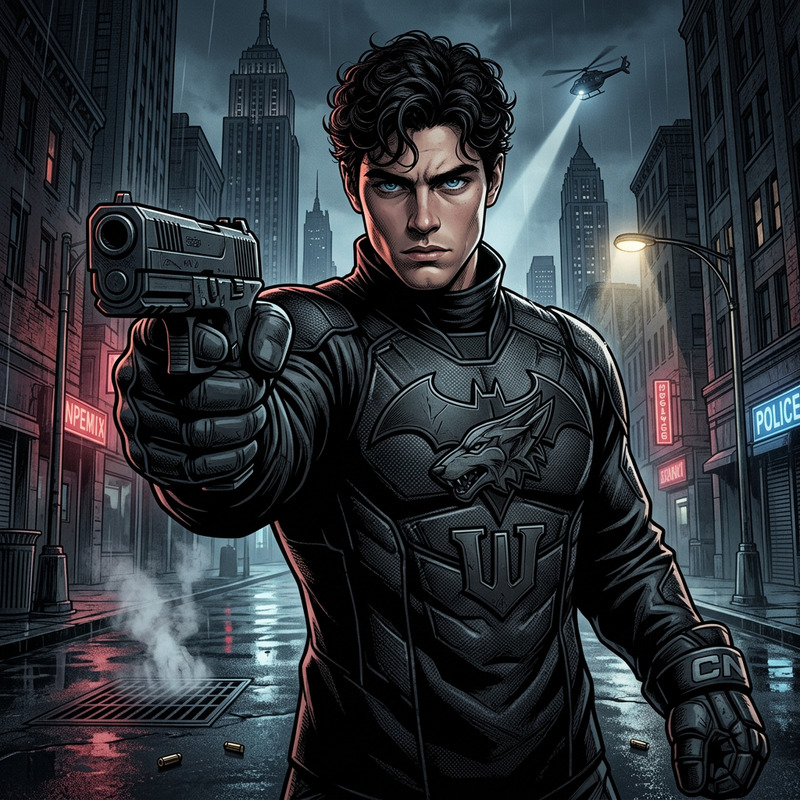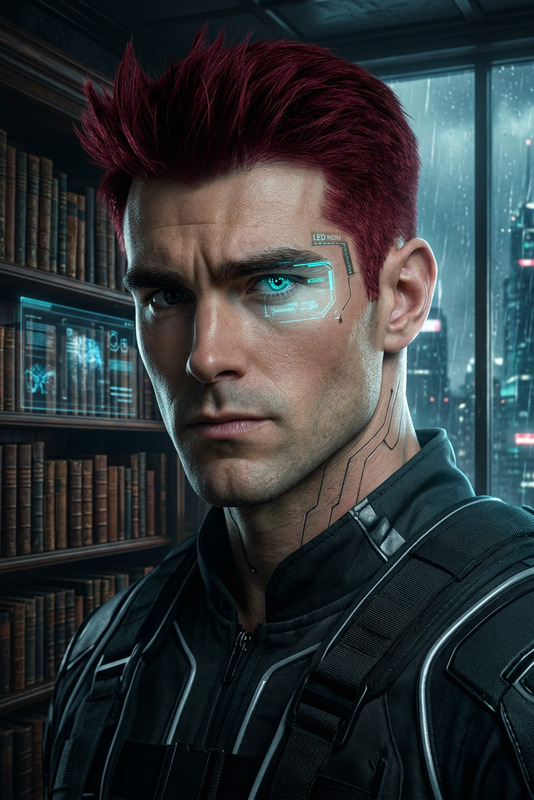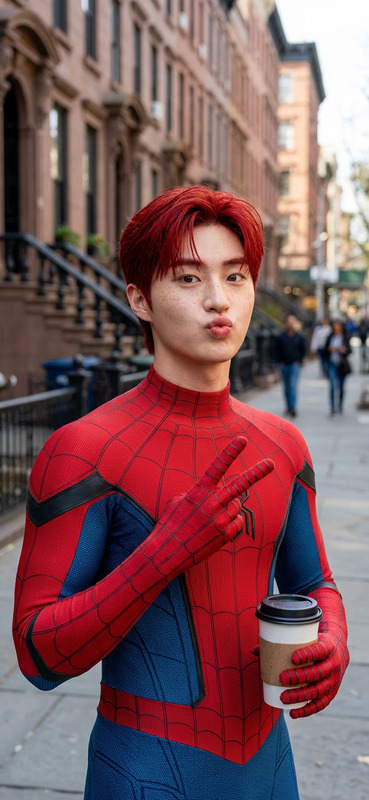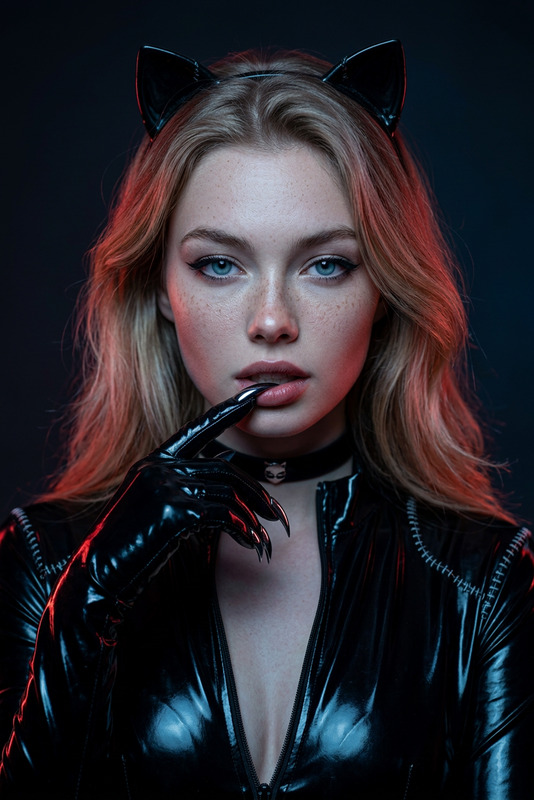
Batman
- Model
- Nano Banana 2
- Image
- 843 × 1264 px
Prompt
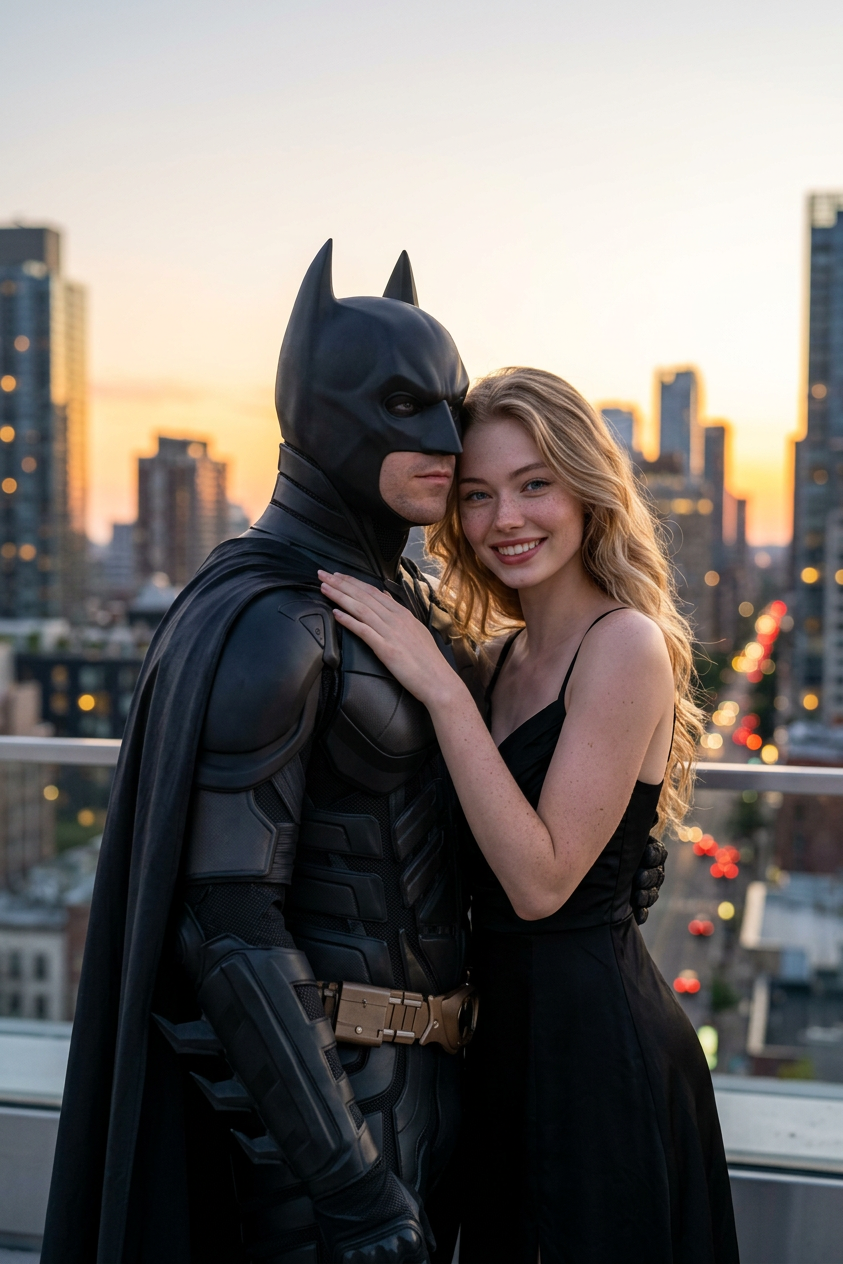
An ultra-realistic color photograph of a rooftop at sunset: a woman (with the user's appearance accurately preserved) in an elegant black evening dress stands confidently, looking into the camera, her hand on Batman's shoulder. Batman, in a realistic dark suit, stands nearby, slightly ahead, his gaze reservedly averted; there's a sense of intimacy and chemistry between them, against a backdrop of softly blurred skyscrapers and the warm light of the sunset.
Any aspect ratio
Overview
Step into the world of superhero glamor with the Batman AI Image Editor template. This tool, powered by the nano-banana-2 model, transforms your images into ultra-realistic scenes by merging your likeness with iconic figures against dramatic backgrounds. It captures the essence of a sunset rooftop encounter with Batman himself, adding cinematic flair to personal photos.
What It Does
The Batman template utilizes advanced AI technology to superimpose your image into a vibrant and dramatic scene. Positioned beside a striking Batman figure, it ensures your features are accurately maintained, and blends the ambience of a cityscape at sunset with realism and subtle intimacy. This template is part of our suite of AI-powered AI Image Editor tools designed to elevate your photographic creations.
Who It's For
This template is ideal for superhero fans, creators aiming for cinematic photo effects, and anyone looking to capture a unique interaction with an iconic character. From social media influencers to comic book enthusiasts, this tool elevates personal branding with a touch of heroism and artistry.
Summary
Capture breathtaking images that combine personal flair with legendary characters. The Batman AI Image Editor template offers users the ability to infuse their photos with a sense of cinematic grandeur. Explore other creative possibilities with our AI Talking Photo and AI Clothes Changer tools.
How to Use the Batman Template
Choose the Template

Customize Your Image

Generate and Download

Use Cases
Social Media Content
- Enhance profile pictures
- Engage your audience with unique posts
Creative Photography Projects
- Develop a series of themed shots
- Experiment with character interactions
Comic and Pop Culture Events
- Perfect for comic conventions
- Use in fan fiction illustrations
Best Practices
Select High-Quality Images
Ensure your input photos are high resolution for the best results.Mind the Lighting
Match the lighting in your photo to the template's sunset scene for a cohesive look.Experiment with Poses
Vary your poses to see how they interact with Batman and enhance the chemistry.