Sugar Rush Smiles
- Model
- Nano Banana 2
- Image
- 1856 × 2304 px
Prompt
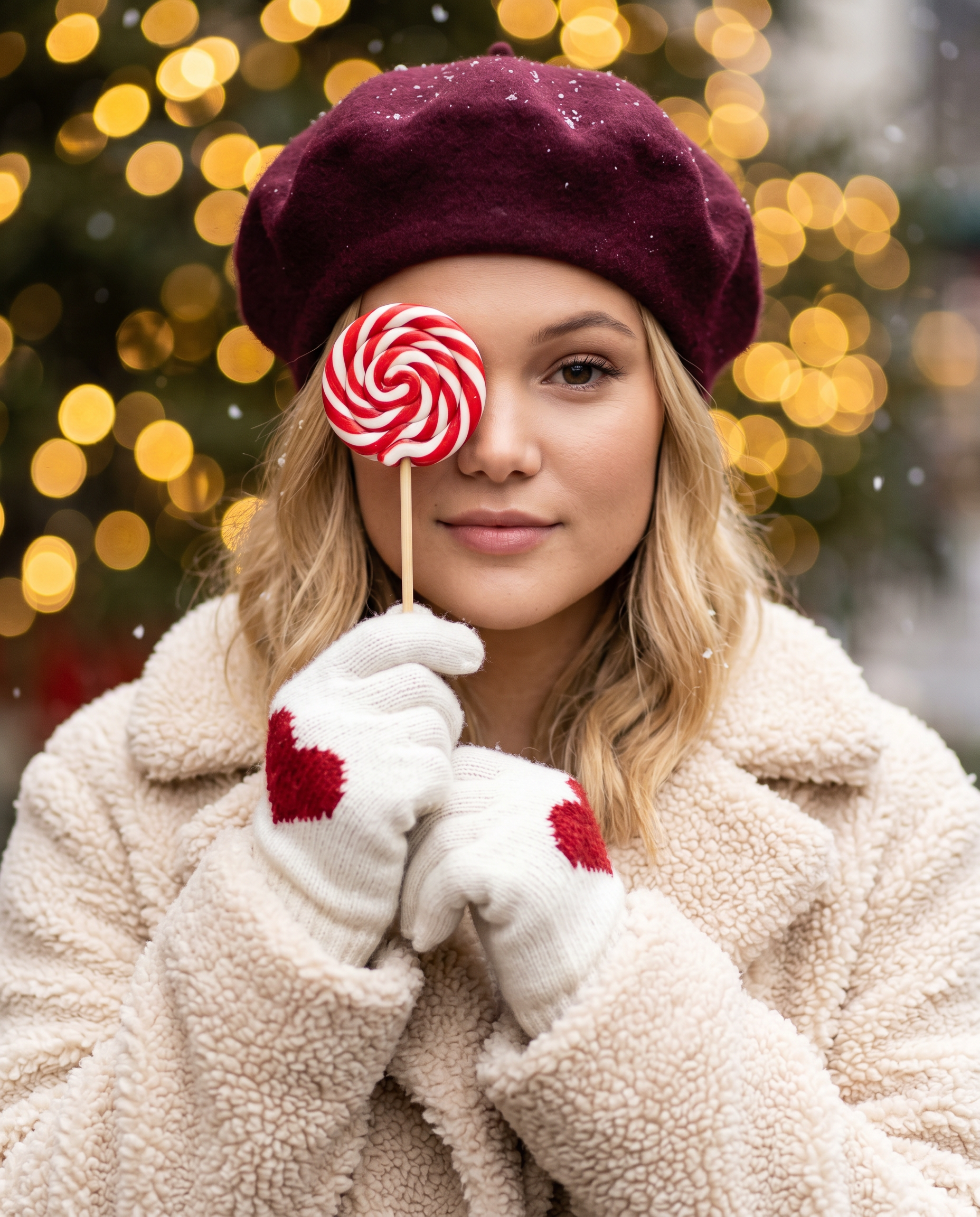
Use the uploaded photo only as a facial identity reference. Preserve the person’s real facial structure, proportions, skin tone, eye shape, nose, lips, and overall likeness accurately. Do not alter or beautify facial features. Do not copy pose, clothing, background, or lighting from the reference image. Create a high-quality, ultra-realistic winter lifestyle portrait of the person outdoors. The subject wears a deep burgundy beret and a cream-colored teddy fleece winter coat. The person holds a red-and-white spiral lollipop on a wooden stick in front of one eye, partially covering it, while the other eye remains clearly visible and sharply focused. Expression is calm, gentle, and slightly playful. The subject wears white knitted winter gloves with a red heart detail. Light snowfall is visible. The background features warm golden Christmas bokeh lights with a soft blur. Use shallow depth of field, soft diffused lighting, and warm festive color tones. Lifestyle editorial photography style, shot on an 85mm lens at f/1.8. Face must be sharp and realistic, background smoothly blurred. High-resolution output, natural skin texture, accurate facial likeness. Aspect ratio 4:5. No text, no logos, no watermark.
Any aspect ratio
Overview
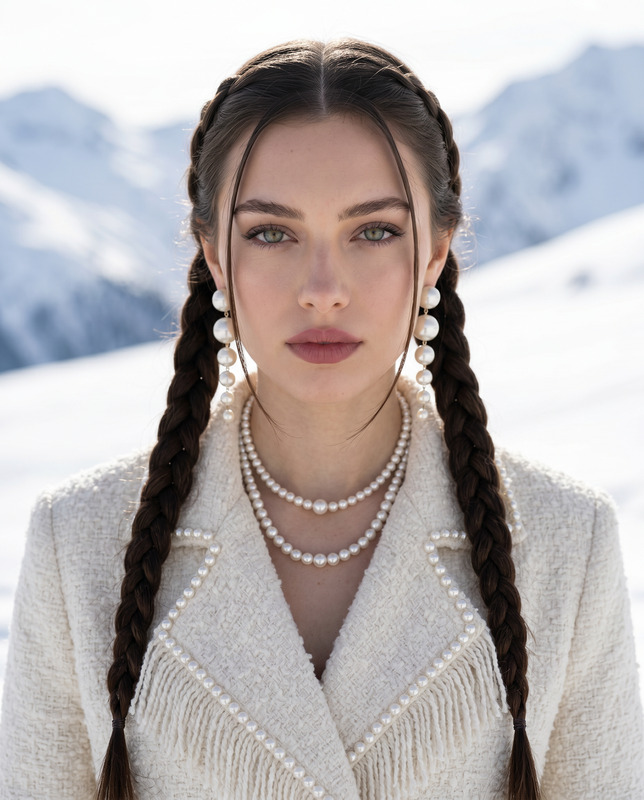
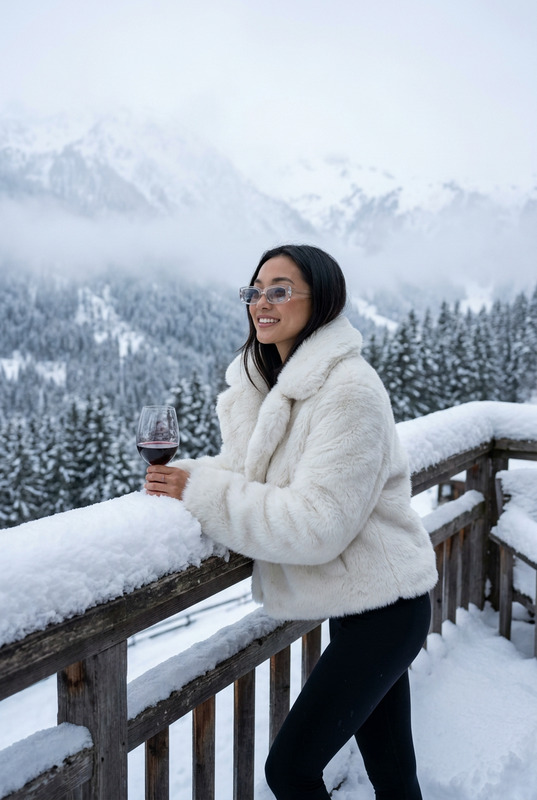
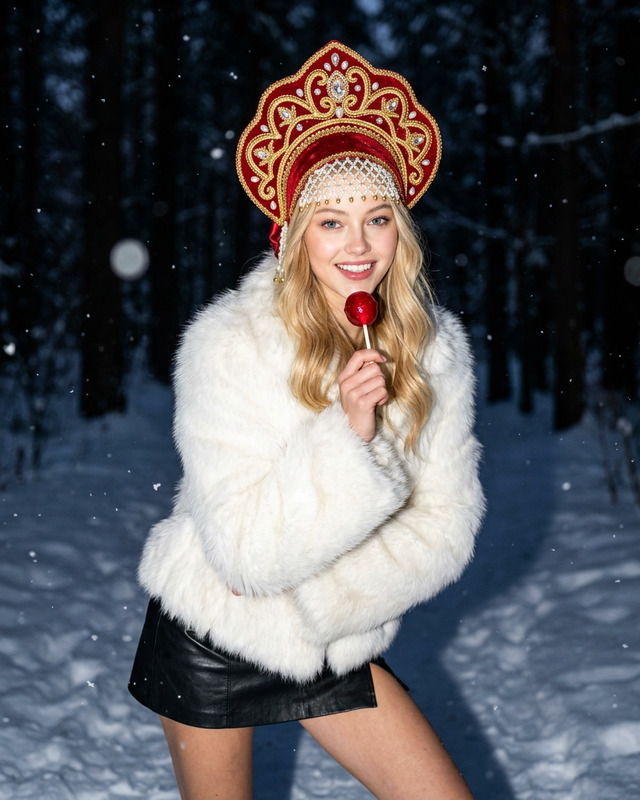
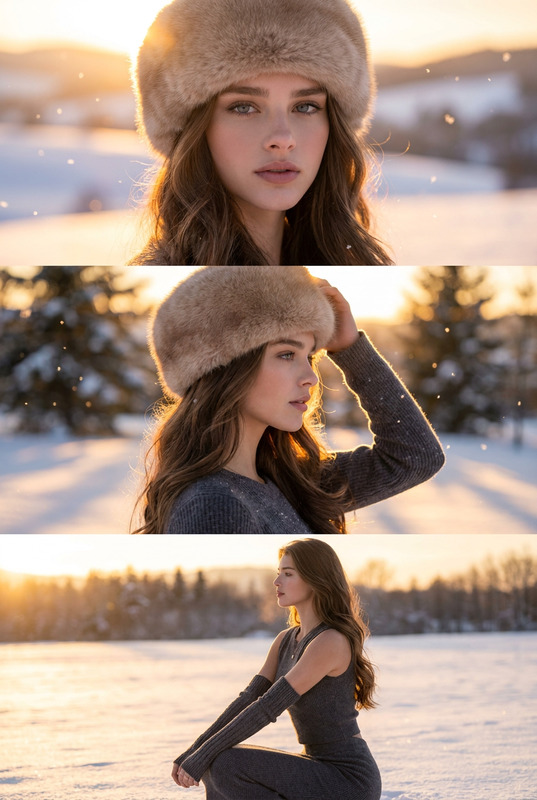
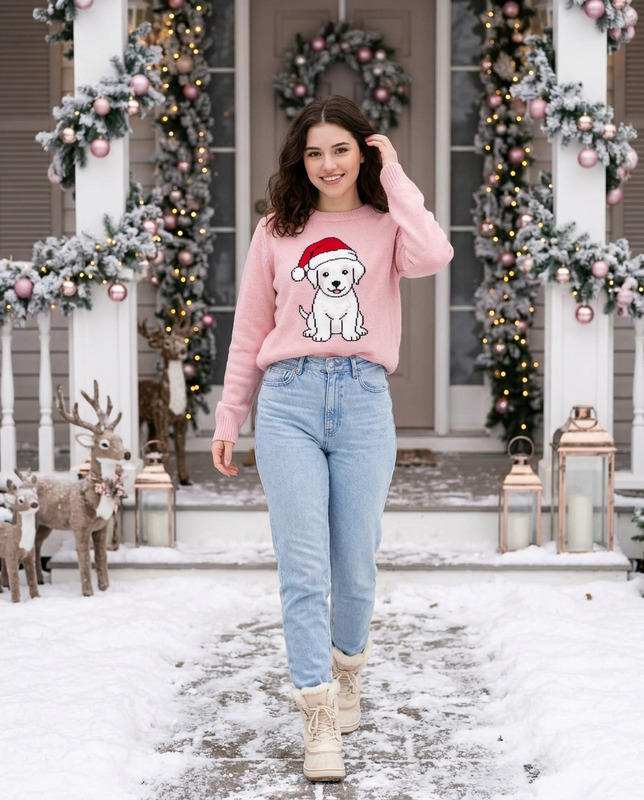
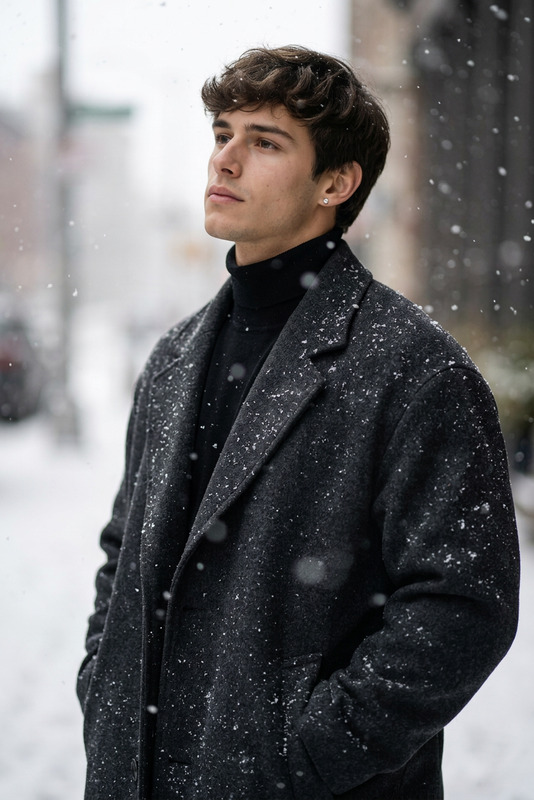
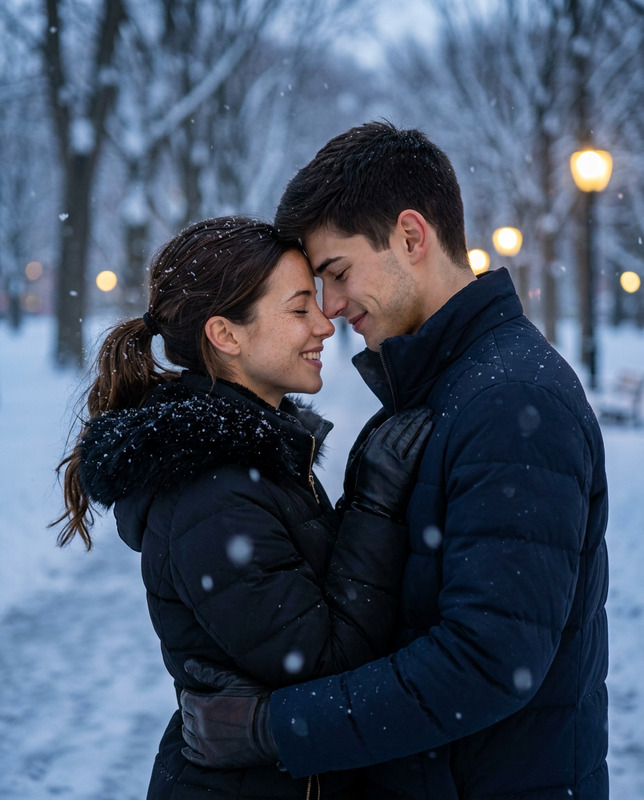
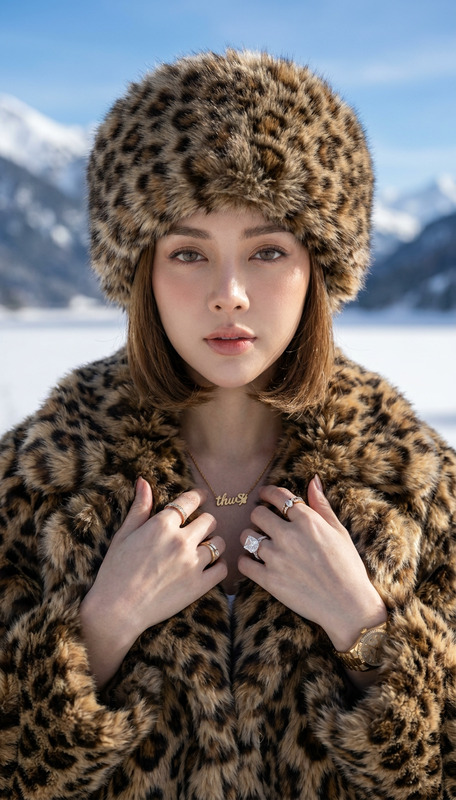
The Sugar Rush Smiles template provides an immersive AI Image Editor experience that effortlessly transforms facial identity references into stunning winter lifestyle portraits. Tailored with the nano-banana-2 model, this template ensures high-quality output by preserving essential facial details while creating a new context.
What It Does
This template crafts ultra-realistic winter-themed portraits, focusing on maintaining the person's true identity and likeness. Utilizing the uploaded photo solely for facial identity reference, it leaves out any alterations to facial features or poses from the source. The depiction involves a festive outdoor scene where elements like a deep burgundy beret and spiral lollipop add a playful, yet serene tone.
Designed to offer a professional lifestyle editorial photography style, AI Image Editor integrates shallow depth of field for a captivating focus on the subject, complemented by blurred holiday backgrounds teeming with warm bokeh lights.
Who It's For
The Sugar Rush Smiles template is ideal for photographers, fashion brand managers, and creative content creators who need to produce editorial-style images with a personal touch. Users who leverage tools like AI Clothes Changer or AI Face Editor will find great synergy, especially when consistency in identity portrayal is crucial for their projects.
Summary
By merging advanced AI image editing capabilities with an enticing winter theme, this template provides a seamless method to produce editorial-ready images. Consistent facial identity is a priority, making it an excellent choice for projects that demand personal resemblance in styled portraits. With high-resolution, natural texture retention, and focused detail, this template ensures professional-grade outcomes ideal for various creative industries.
How To
Choose

Customize

Generate

Use Cases
Fashion Editorials
Social Media Content
Ad Campaigns
Best Practices
Focus on Identity
Always use a clear, high-quality image for the best facial likeness results with this template.Styling Consistency
Maintain a consistent theme across all images if you're integrating this with tools like the AI Multi-angle Generator to create varied shots.Seasonal Synchronization
Opt for winter-themed prompts to align with the seasonal aesthetics provided by the template.