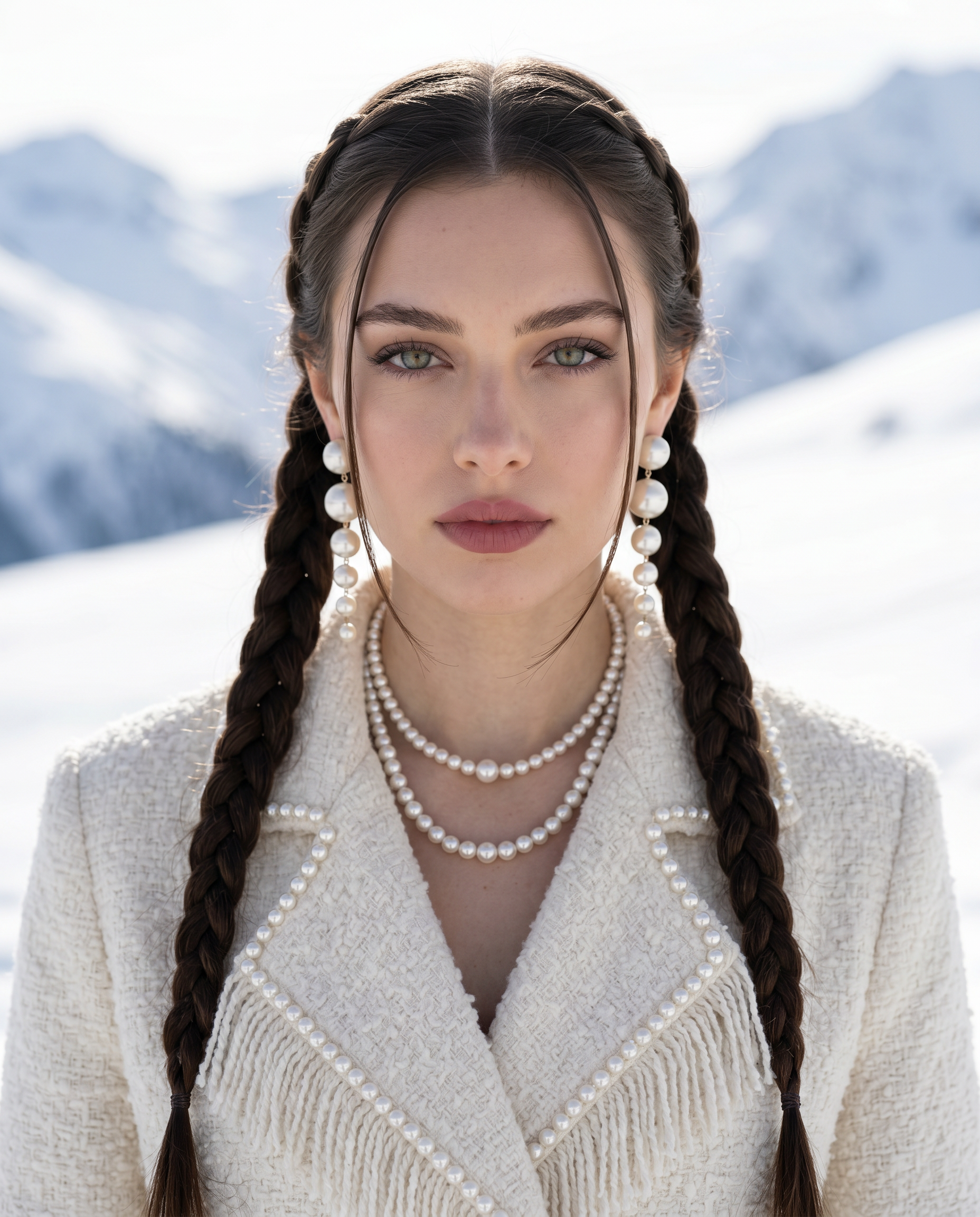
Pearls on the Peak
- Model
- Nano Banana 2
- Image
- 1856 × 2304 px
Prompt
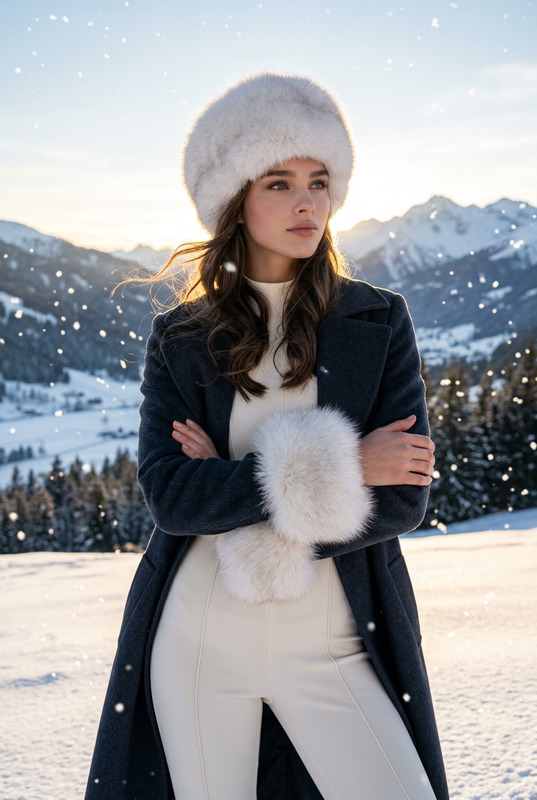
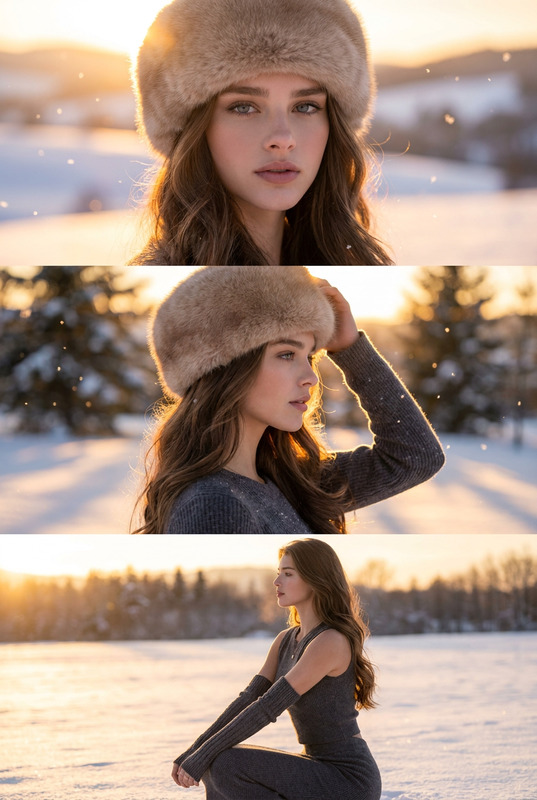
Use the uploaded image as a strict visual identity reference. The subject’s facial structure, proportions, skin tone, eye shape, nose, lips, jawline, hairline, and overall likeness must remain extremely close to the reference. No beautification, no reshaping, no stylization, no identity drift. Preserve natural skin texture and realism. Main Concept Create a high-fashion, photorealistic editorial portrait of the same woman standing in a snowy mountain landscape under bright daylight, with a cinematic winter atmosphere. Subject & Face Match The woman must match the uploaded face as closely as possible: Same bone structure, cheek shape, jawline, eye spacing, nose bridge, lip fullness Same skin tone and natural texture Same expression style and gaze No face smoothing, no AI beauty filter, no plastic skin Hairstyle (Must Match Exactly) Hair styled in two long, symmetrical braids, one on each side Braids start near the crown and fall forward over the chest A clean center part Two thin face-framing strands left loose at the front Braids are smooth, thick, and neatly woven Wardrobe & Accessories Luxurious cream/ivory textured coat made of thick boucle and wool Subtle pearl detailing and soft fringe accents along the edges Oversized cascading pearl earrings Layered pearl necklaces around the neck that softly shimmer in the light Makeup Velvety matte skin Soft peach blush Defined brows Warm brown eyeshadow Muted rose/nude lips Natural glow, not glossy, not overdone Lighting & Mood Bright natural daylight reflected from snow Cool, diffused light wrapping around the face Soft highlights on pearls and coat texture Clean, crisp winter atmosphere Background Snow-covered mountains Clear blue sky Background softly blurred for depth (shallow depth of field) Camera & Style 85mm portrait lens look Shallow depth of field High-fashion editorial style Ultra-detailed, photorealistic, cinematic Aspect ratio 4:5 Final Instruction The face and hairstyle must stay as close to the uploaded image as possible. No identity drift. No stylization. Preserve realism.
Any aspect ratio
Overview
Pearls on the Peak is an AI Image Editor template designed for compositing photorealistic high-fashion portraits. Leveraging the nano-banana-2 model, this template meticulously preserves personal identity while crafting editorial quality images with complex lighting and scenic backgrounds.
What It Does
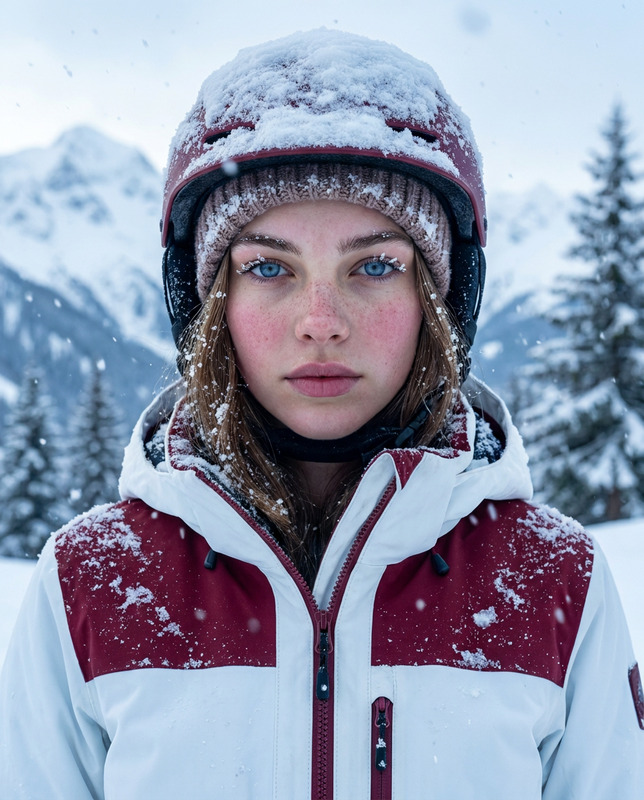
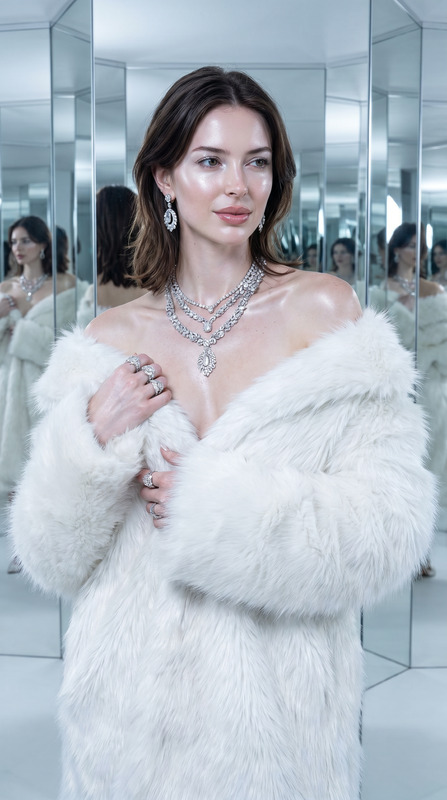
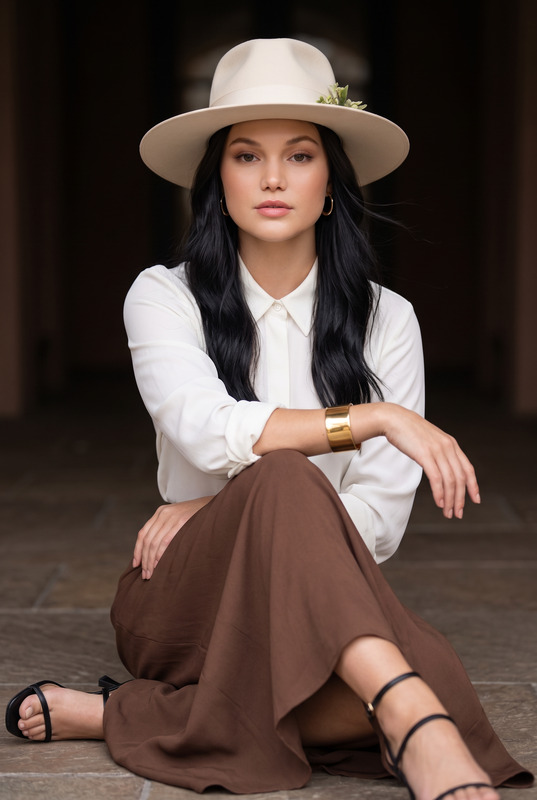
This template transforms a provided photo reference into a high-fashion editorial portrait set against a snowy mountain backdrop. It ensures that facial features, from bone structure to skin texture, remain true to the original image. The result features luxurious winter attire with pearl-adorned accessories and captures the subject in high detail, reflecting a cinematic winter atmosphere.
To enhance your creative options, you might explore our AI Image Editor for further customization capabilities or review the AI Clothes Changer to experiment with varied wardrobe styles.
Who It’s For
Pearls on the Peak is ideal for photographers, fashion brands, and creative directors looking to create impactful editorial portraits without losing the authenticity of the model's identity. It's also beneficial for anyone involved in visual storytelling where maintaining subject likeness is crucial. For those interested in swapping elements within portraits, our Face Swap tool can be a perfect adjunct.
Summary
This AI-powered template blends high-fashion aesthetics with strict visual adherence to the subject's original features. Whether for fashion magazines, marketing campaigns, or personal projects, it offers a reliable solution for creating stunning and realistic portraits. More advanced editing can be explored with our AI Face Editor, designed to refine facial features meticulously.
How-To
Choose Your Template

Customize Your Project

Generate the Image

Use Cases
Editorial Fashion Photography
- Consistent facial accuracy
- High-fashion styling
- Cinematic winter backgrounds
Marketing Campaigns
- Realistic product representation
- Identity consistency
- Luxurious aesthetic
Creative Storytelling
- Detailed visual narratives
- Cinematic perspectives
- Seamless integration with other elements
Best Practices
Use High-Quality Reference Images
For optimal results, ensure that your reference image is high-resolution and well-lit to allow the model to retain all necessary features.Match Attire and Accessories with Care
Careful selection of wardrobe and accessory details as specified will enhance the photorealistic quality of the final image.Focus on Lighting Conditions
Use images taken in natural daylight to emulate the result effectively with the clean, crisp winter atmosphere as described in the template.