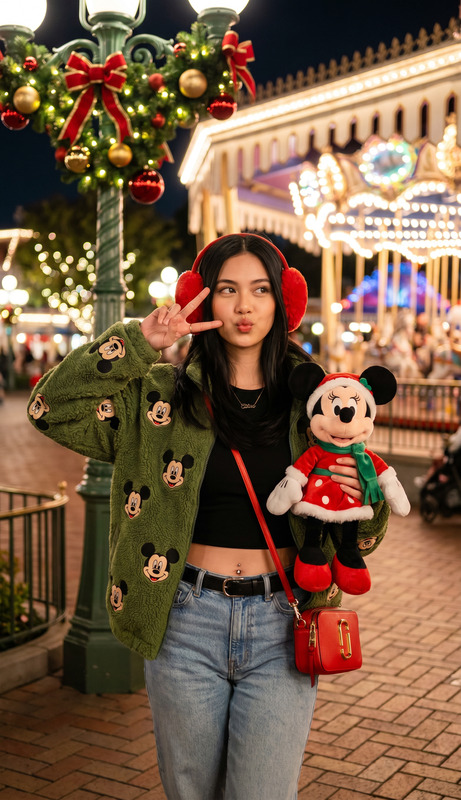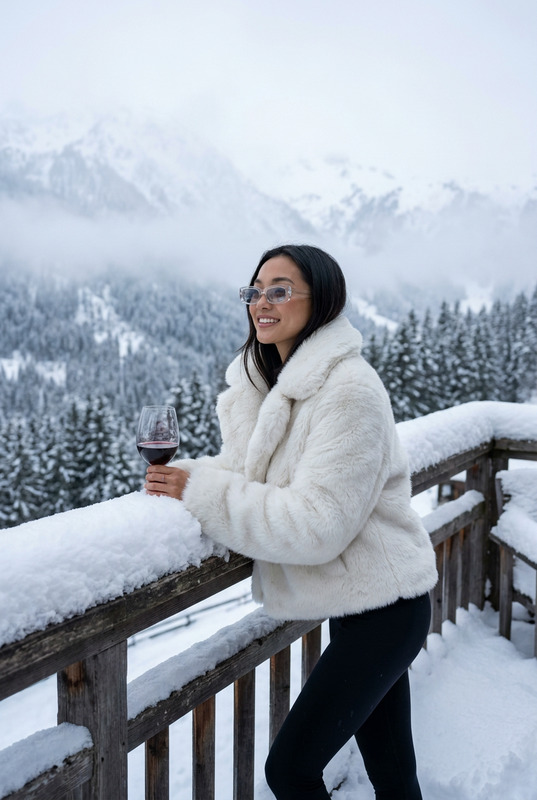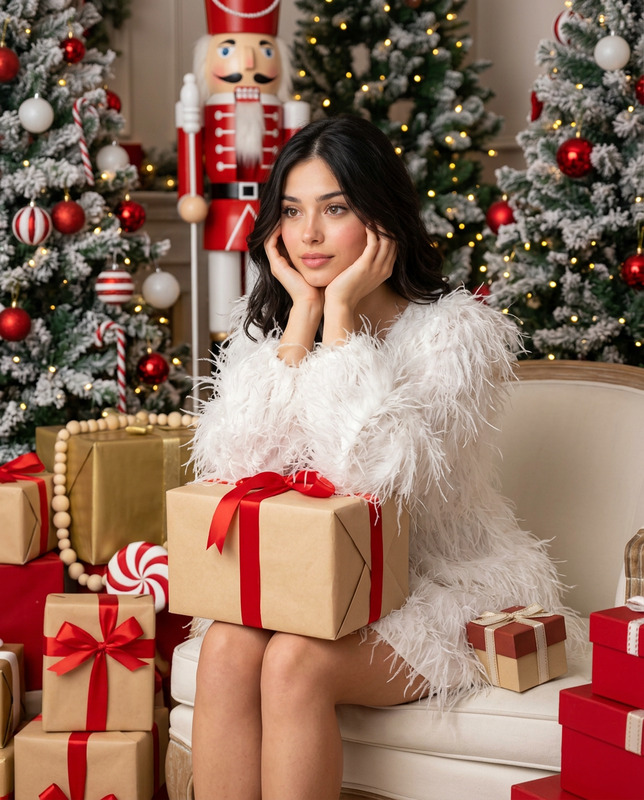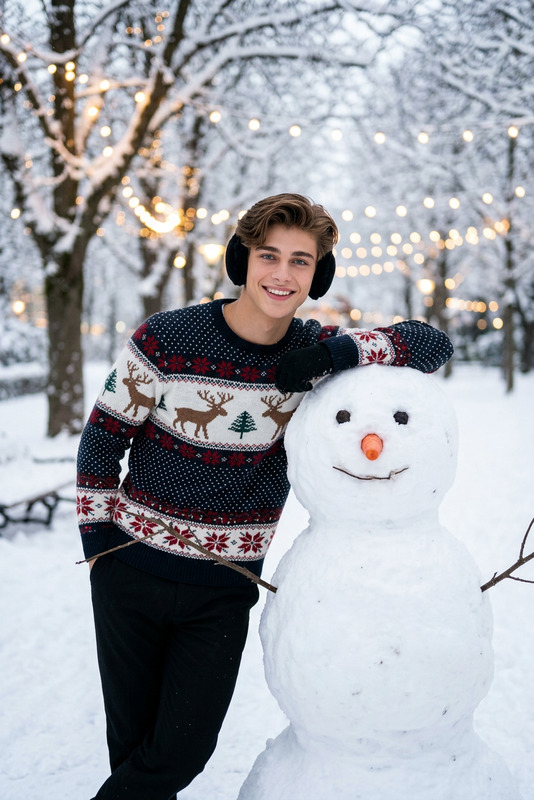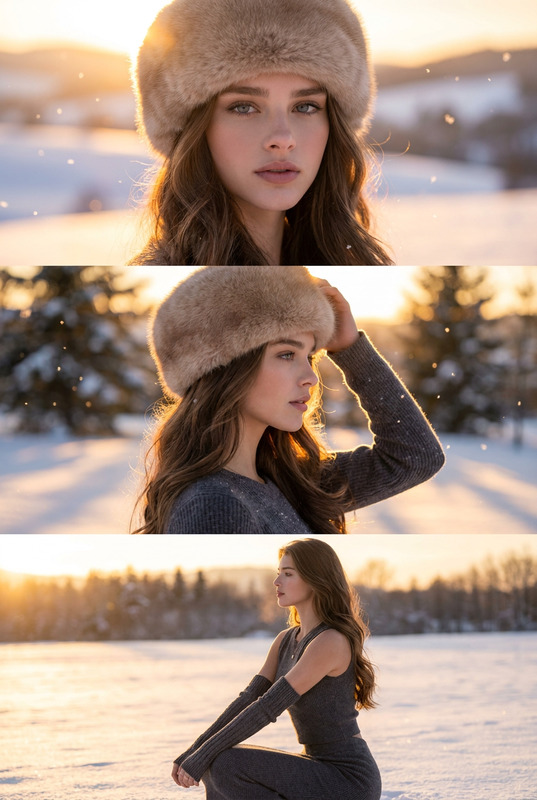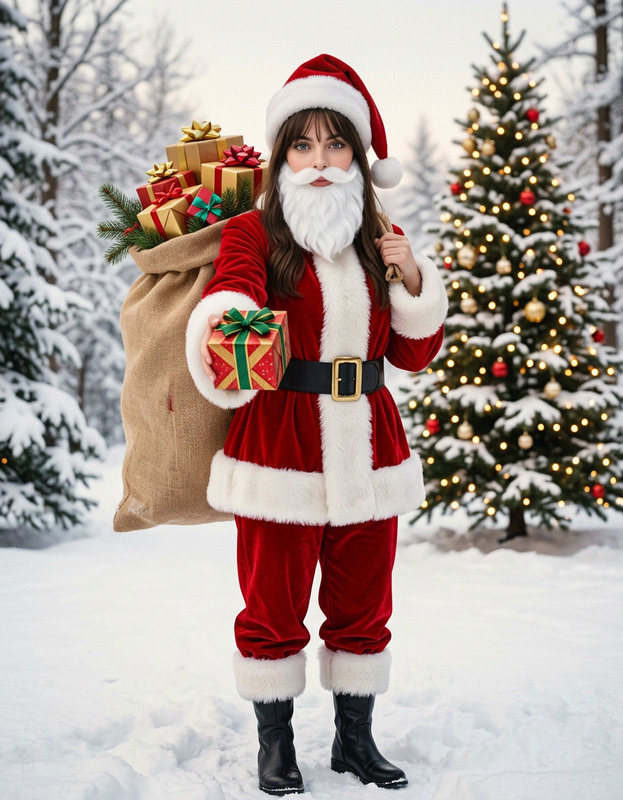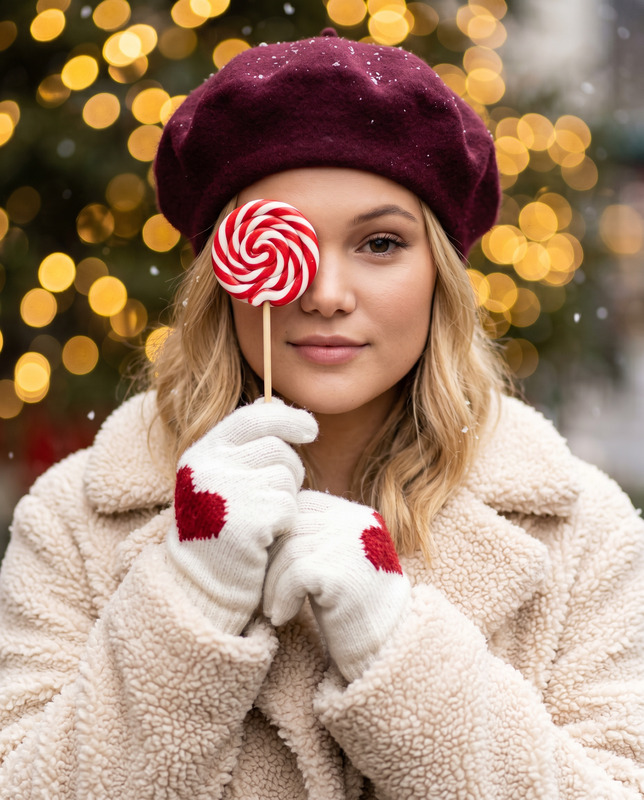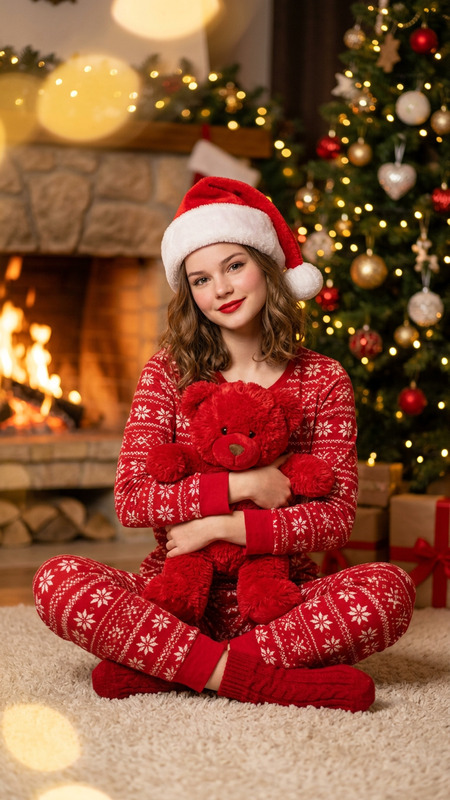
Walking in a Winter Wonderland
- Model
- Nano Banana 2
- Image
- 928 × 1152 px
Prompt
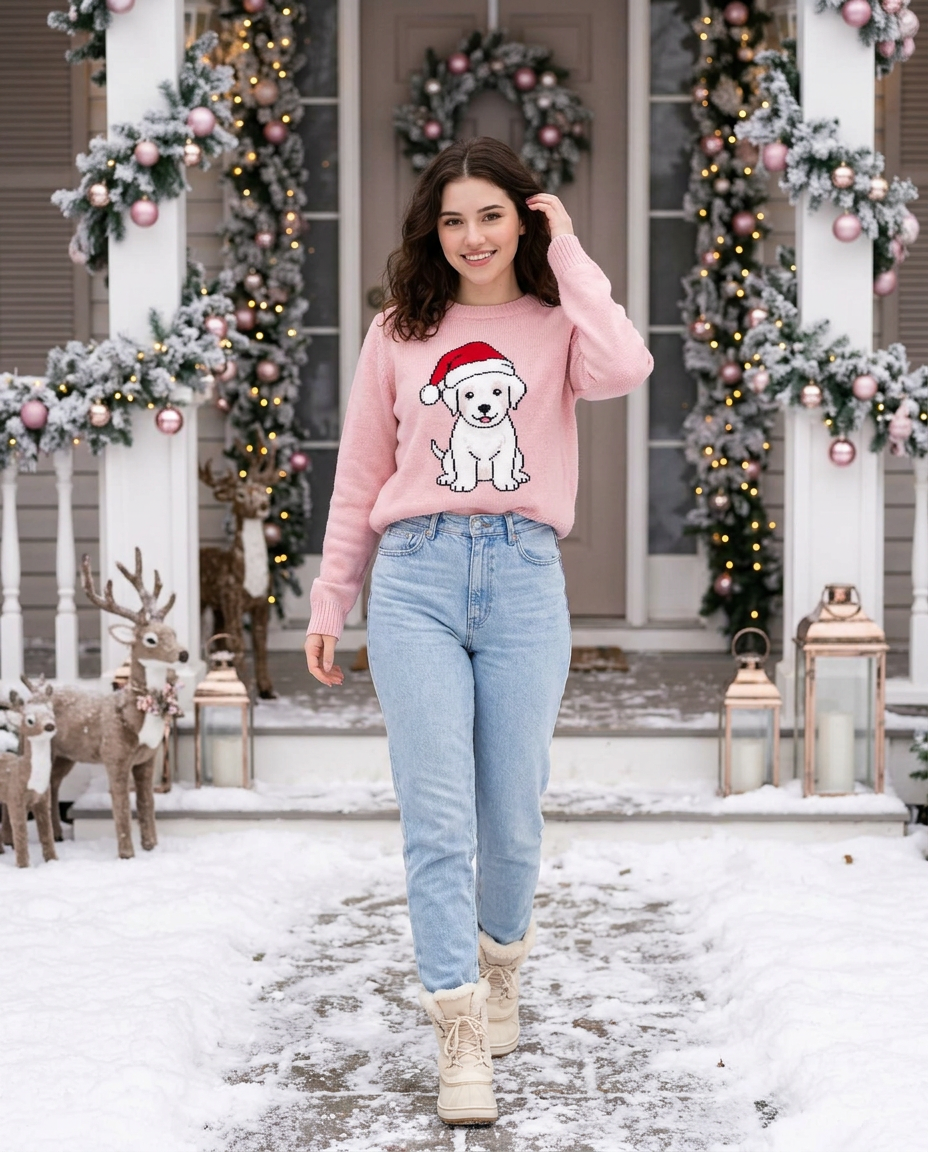
Use the uploaded image only as a face and identity reference.Preserve the person’s real facial structure, proportions, skin tone, and overall likeness.Do not stylize, beautify, or noticeably alter the face.The generated image should clearly look like the same real person, with natural realism.Create a high-resolution Christmas lifestyle photograph of the same woman walking naturally along a snowy pathway toward the camera.Pose & expression (natural and flexible):The subject is walking in a relaxed, candid manner. Hands are positioned naturally (for example, one hand near the hair or coat, or resting casually near the pocket). Posture is comfortable and confident. Head angle is slightly turned rather than perfectly straight. Eyes may look gently to the side or softly forward. Expression is warm, calm, and natural, with a subtle smile. The face remains clearly visible and sharp.Outfit & appearance:Long, dark, softly wavy hair worn loose with minimal, natural makeup and realistic skin texture. She wears a cozy pastel pink knitted sweater in a comfortable, relaxed fit (not tight, not exaggerated), featuring a white puppy illustration wearing a red Santa hat. Paired with light blue high-waisted denim jeans and cream winter boots with visible fur lining, suitable for snowy conditions.Environment & decorations:An elegant Christmas-decorated house entrance. The doorway is framed with frosted evergreen garlands, warm golden fairy lights, pink ornaments, and subtle snow accents. A festive wreath with a ribbon is centered on the door. Decorative reindeer figures and lanterns with glowing candles line the snowy pathway, creating a cozy holiday atmosphere.Lighting & style:Soft natural winter daylight blended with warm Christmas lights. Slight background blur for depth. Subject remains clear, realistic, and dominant in the frame.Face safety rules:Face must remain true to the uploaded imageNo face reshaping, smoothing, or stylizationNo change in age, gender, or ethnicityStyle: ultra-realistic lifestyle photographyCamera: full-body shot, natural eye-level perspectiveMood: cozy, festive, elegantAspect ratio: 4:5
Any aspect ratio