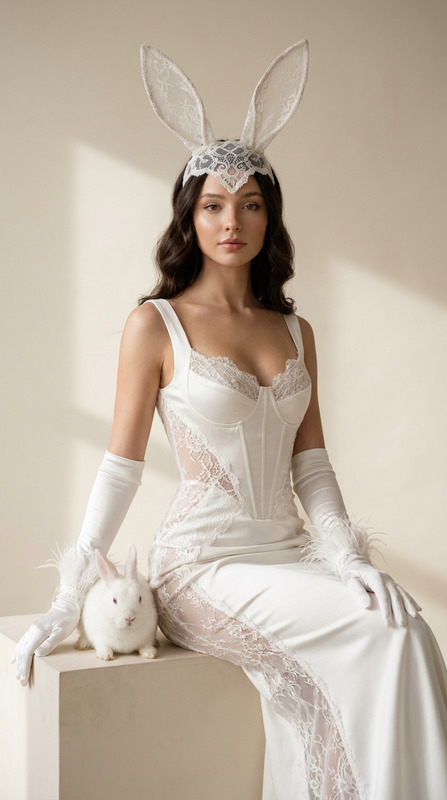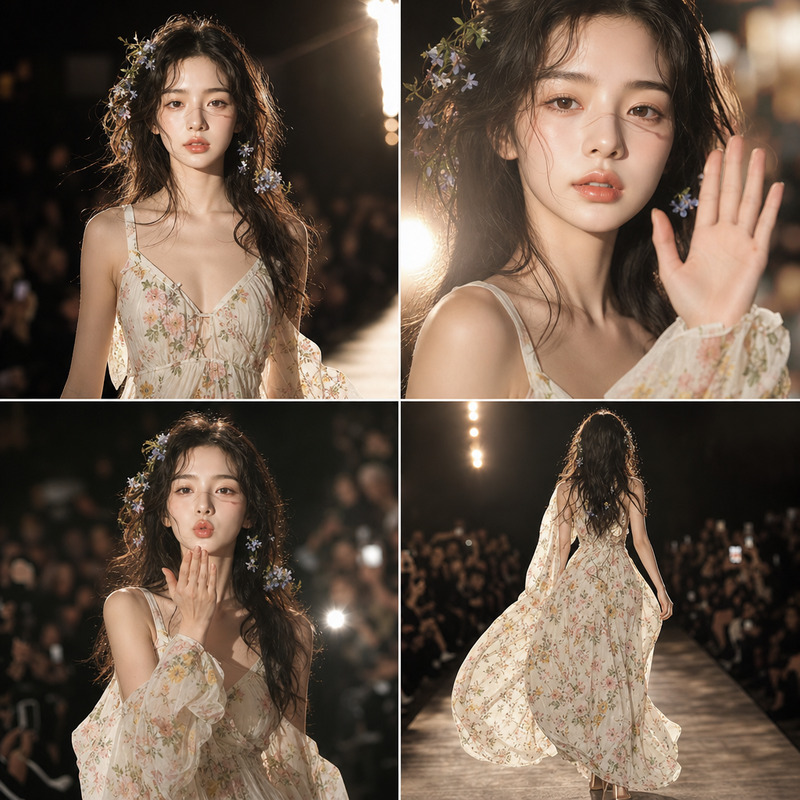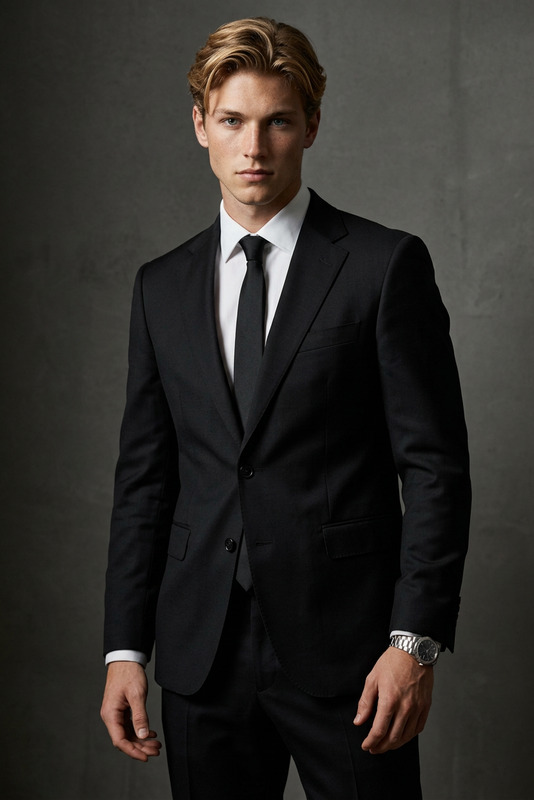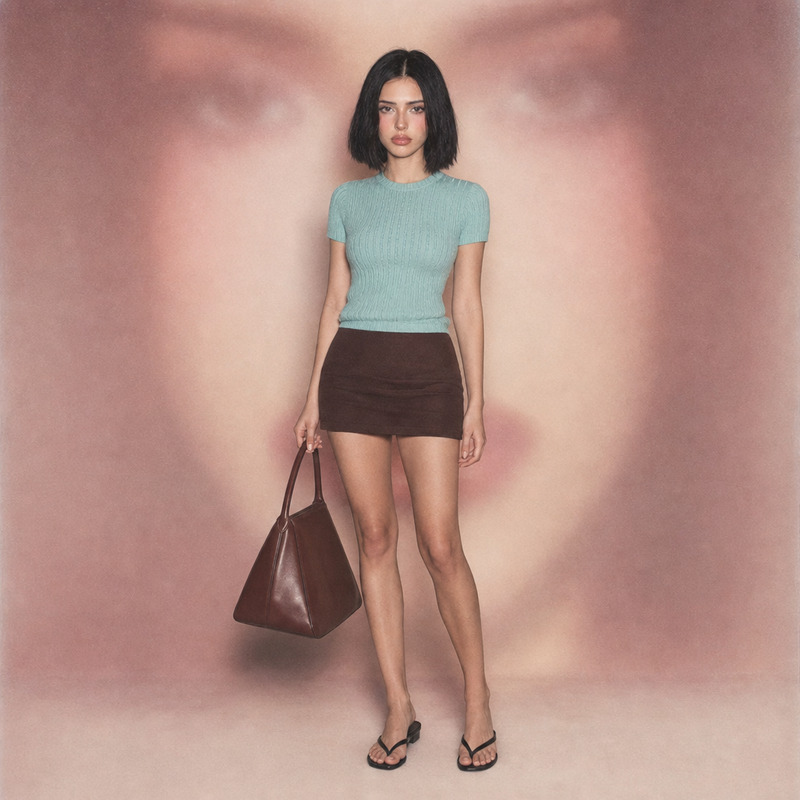
Kit
- Model
- GPT Image 2
- Image
- 1024 × 1024 px
Prompt
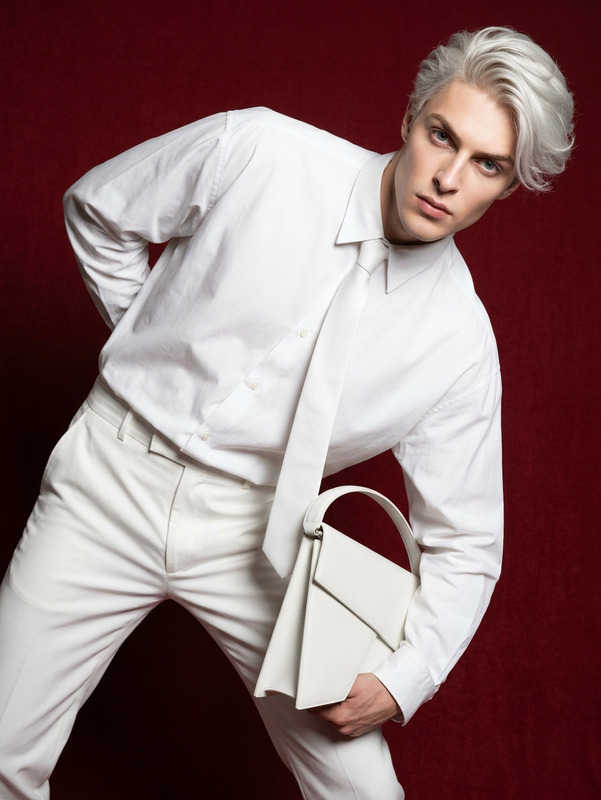
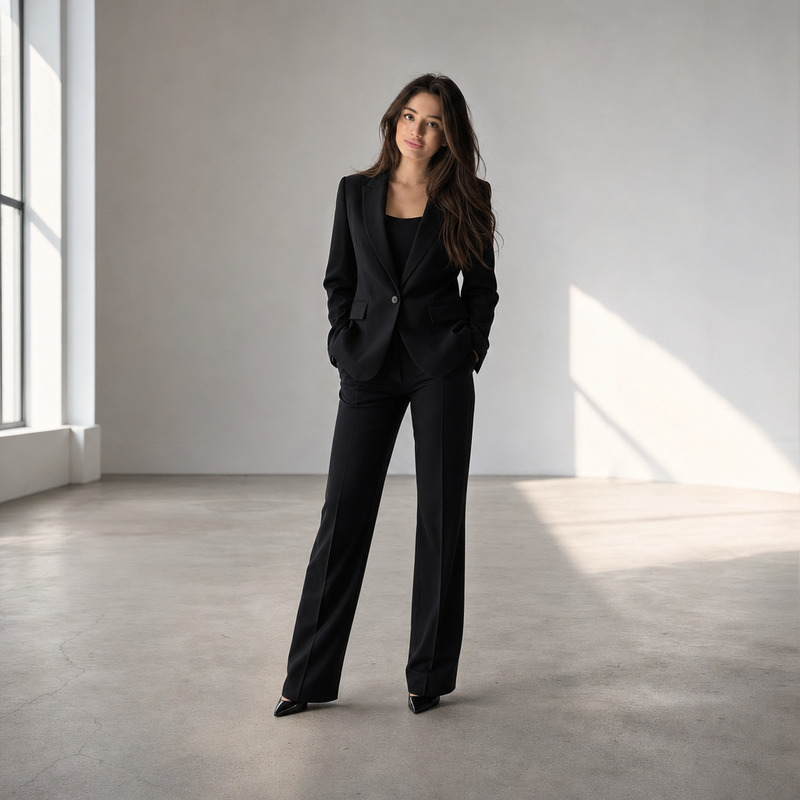
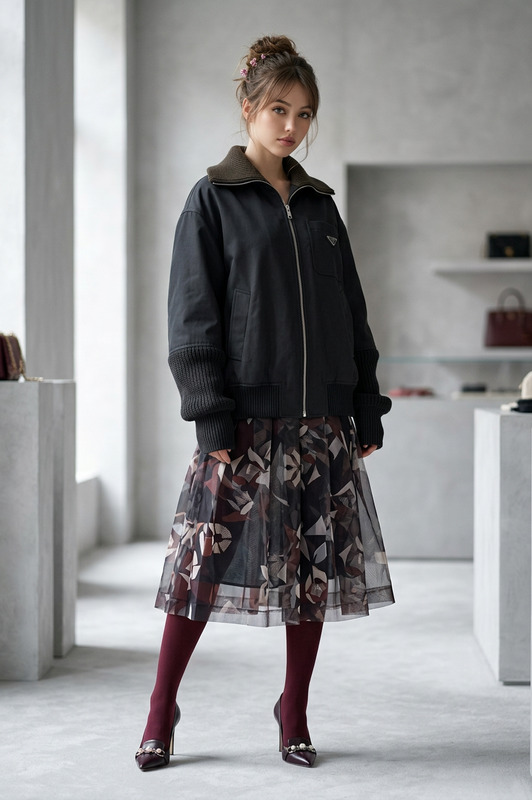
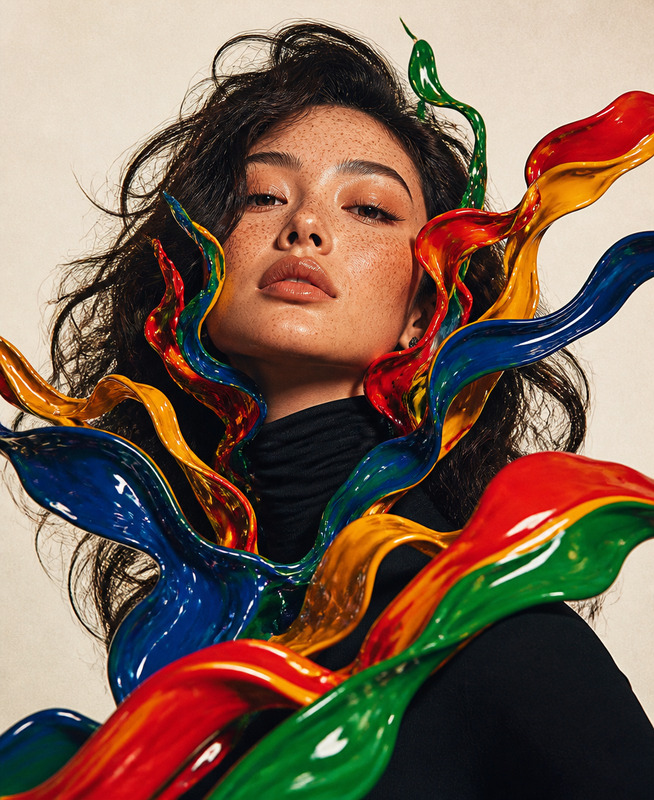
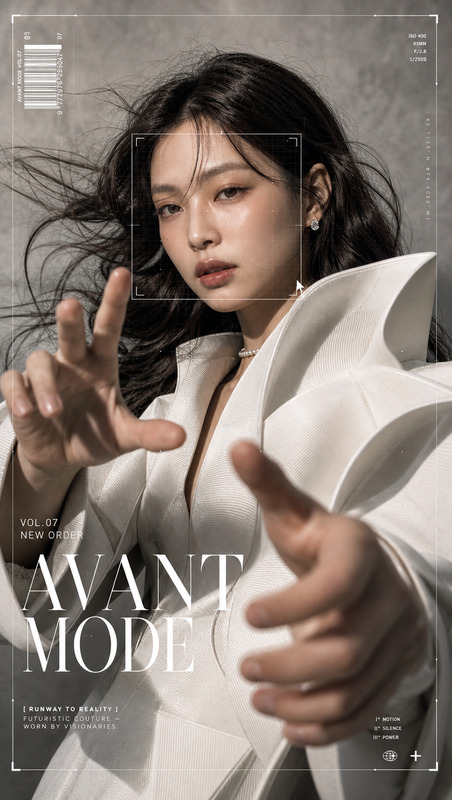
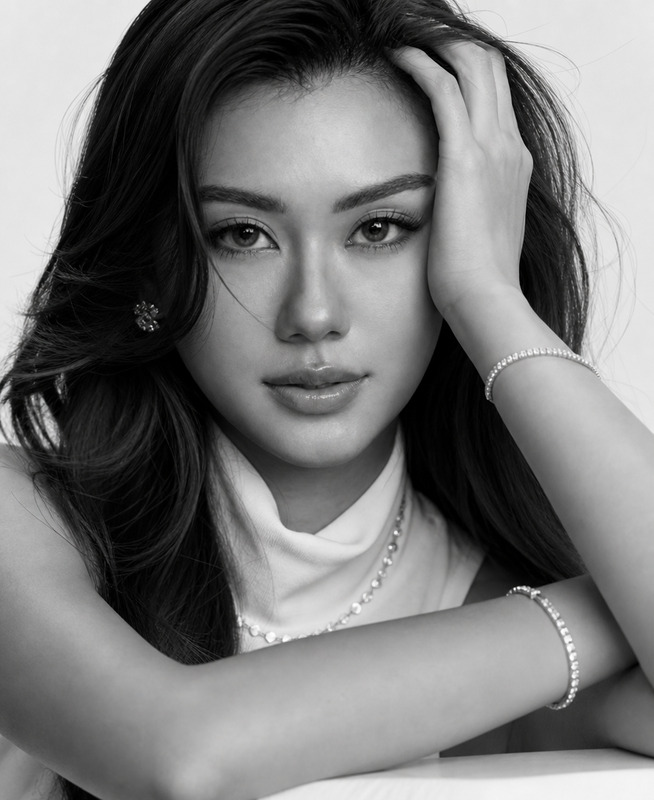
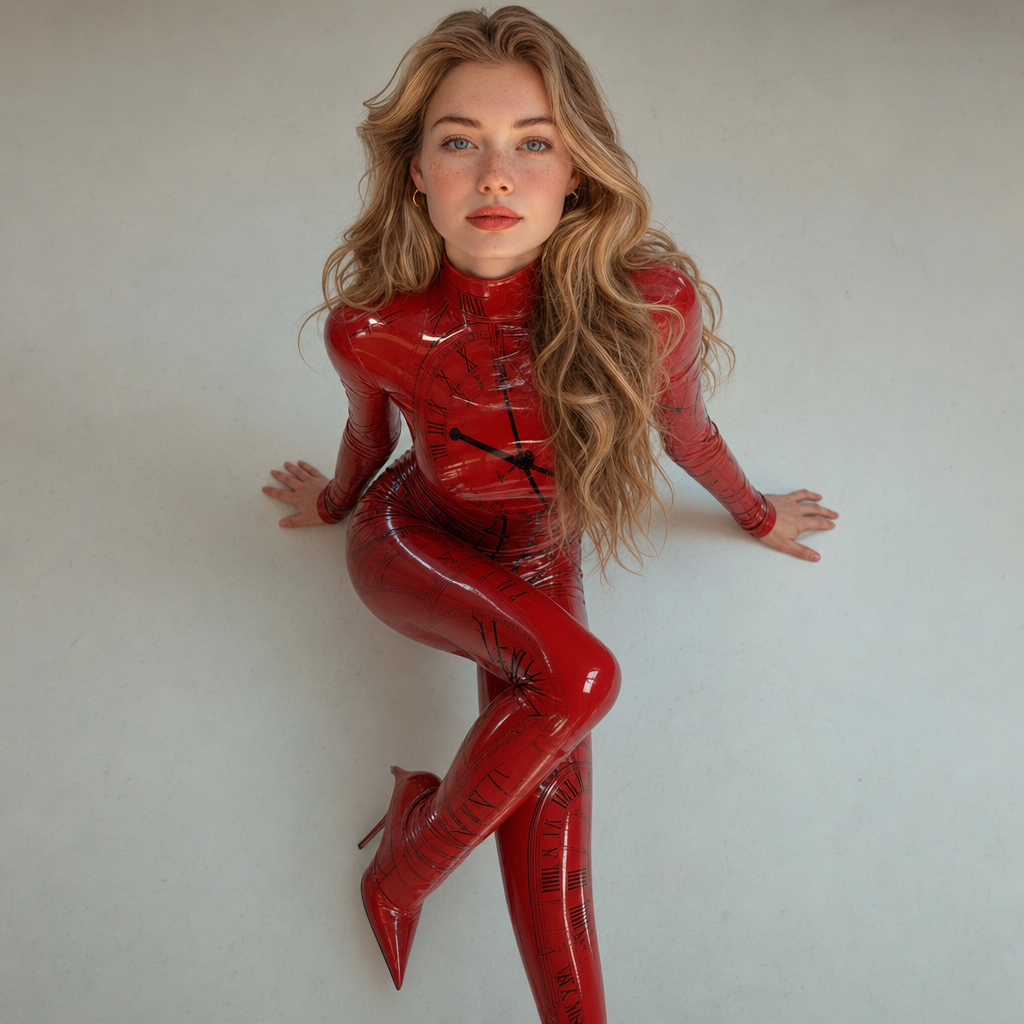
Preserve the subject’s identity with absolute accuracy exactly as in the uploaded photos, with no interpretation or alteration: body proportions, face, expression, facial structure and angle, eyes (shape, color, placement), skin tone, hair and texture, and any distinctive features must remain unchanged. High-fashion editorial full-body shot from a bold bird’s-eye high angle, the subject gazes directly into the lens with composed, magnetic intensity, wearing a bespoke ultra-tight high-neck long-sleeved jumpsuit in glossy crimson liquid-vinyl patent leather with an integrated avant-garde Kit Kat–inspired pattern, seamlessly extending into a sculptural, continuous silhouette with matching high-fashion footwear. Dynamic feline pose with the torso leaning forward and legs elegantly crossed, pristine cinematic studio lighting emphasizing reflective surfaces and contours, sharp high-contrast color grading, clean luxury campaign aesthetic || Photographer: Juergen Teller
Any aspect ratio
Overview
The "Kit" template on Magic Hour is an advanced AI Image Editor tool designed to meticulously preserve the identity and features of your subject. Built with the gpt-image-2 model, it allows for the generation of breathtaking high-fashion editorial shots, maintaining every detail of the subject's identity while transforming the image into a luxurious fashion campaign aesthetic.
What It Does
This template ensures absolute accuracy in depicting your subject by preserving the body proportions, facial expressions, and other distinctive features in the photos. It transforms these attributes into a dynamic shot where the subject poses in a captivating fashion outfit, set against a high-contrast, cinematic studio background. The process effortlessly merges AI technology with creativity, providing professional-grade images.
For further customization, consider exploring features within our AI Face Editor or enhancing the vividness of colors with the AI Photo Relighting.
Who It's For
The "Kit" template is ideal for fashion photographers, editorial designers, and creatives looking to enhance their images with a unique, high-fashion perspective. It suits those working on advertising campaigns that require a striking imagery connection with the audience. Additionally, artists and image editors who want to explore AI Video Generator tools will find this template to be a valuable asset in creating rich visual content.
Summary
With the "Kit" template, users can create detailed and expressive fashion images without altering the subject's natural features. Utilizing the power of AI Image Editor capabilities, the template is perfect for fashion industry professionals who demand precision and aesthetic excellence in their work. Embrace the blend of technology and artistry to capture elite editorial shots that stand out in any portfolio.
How To
Choose Your Template

Customize Your Input

Generate and Download

Use Cases
Fashion Editorials
- Ideal for magazines and luxury brands
- Enhances portfolio with striking visuals
Advertising Campaigns
- Brand-aligned imagery
- Increased engagement through visual appeal
Photography Portfolio Enhancement
- Capture attention with style
- Add diversity and creativity to presentations
Best Practices
Maintain High-Quality Inputs
Ensure that the uploaded photos are of high resolution to achieve the best results in preserving the details and features of the subject.Leverage Lighting Techniques
Use studio lighting effects to emphasize the glossy material described in the template prompt, creating a dramatic and eye-catching effect.Adjust Color Grading Carefully
Experiment with the color grading options to achieve the bold look typical of a high-fashion shoot, enhancing depth and dimension in your images.