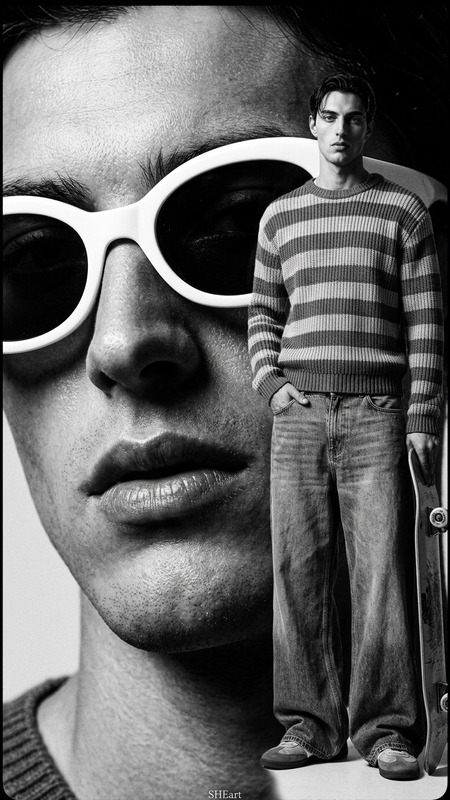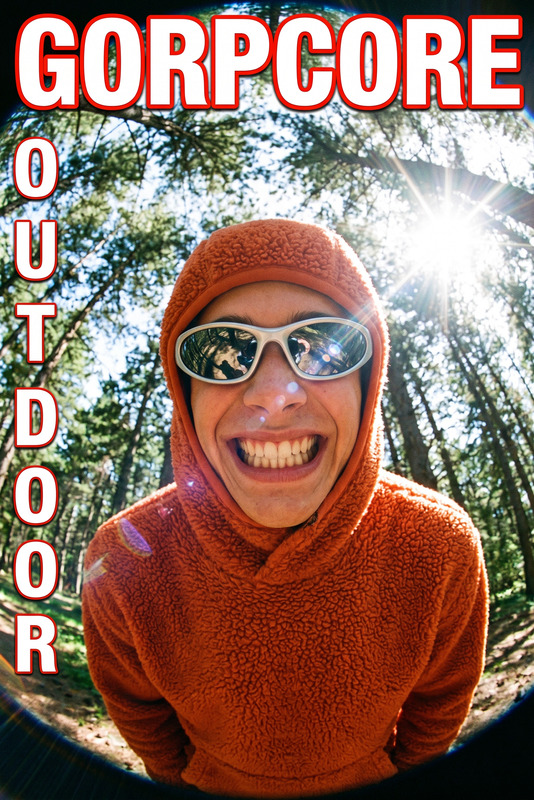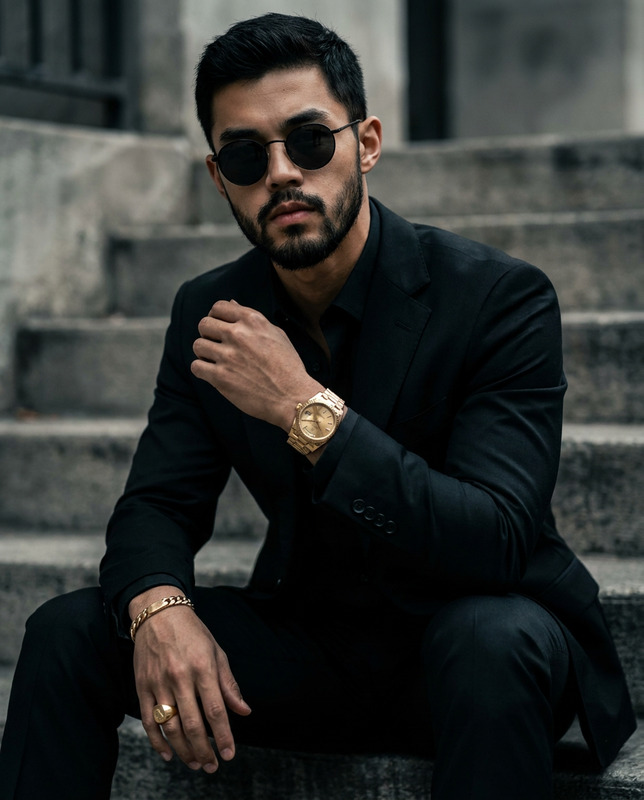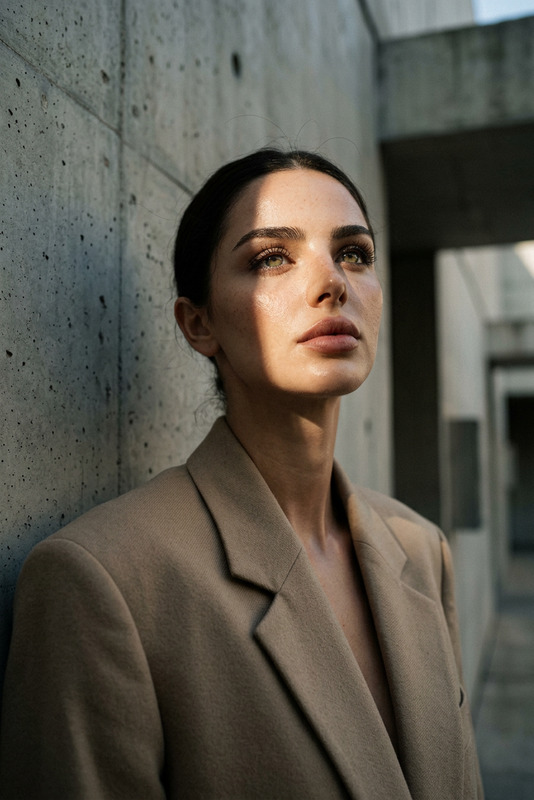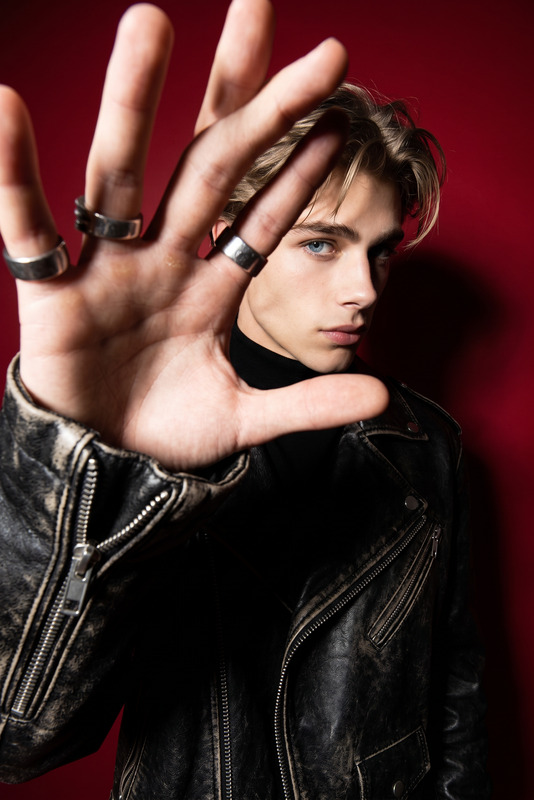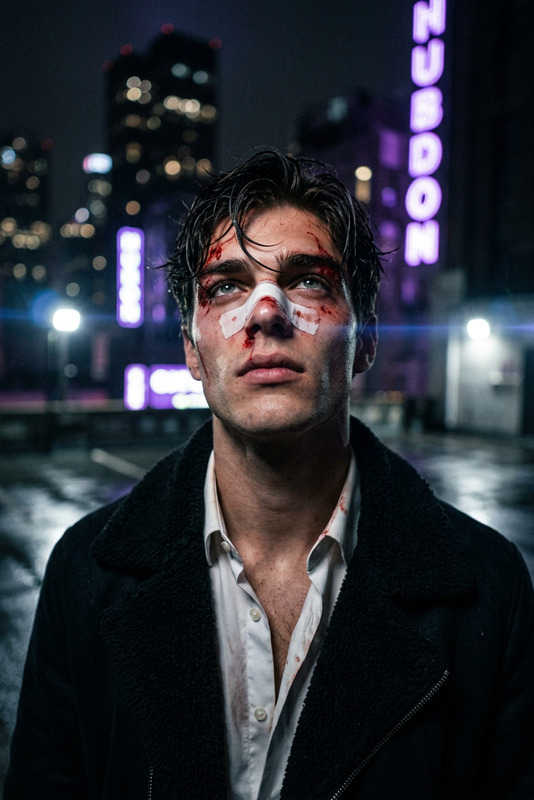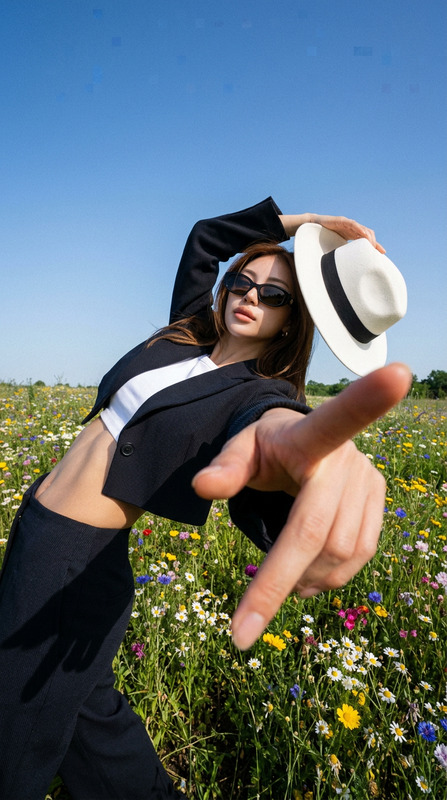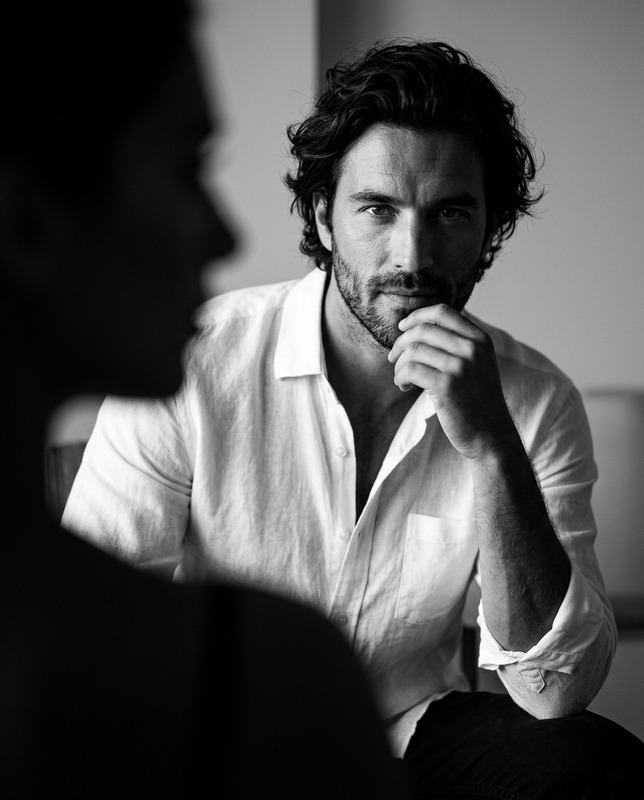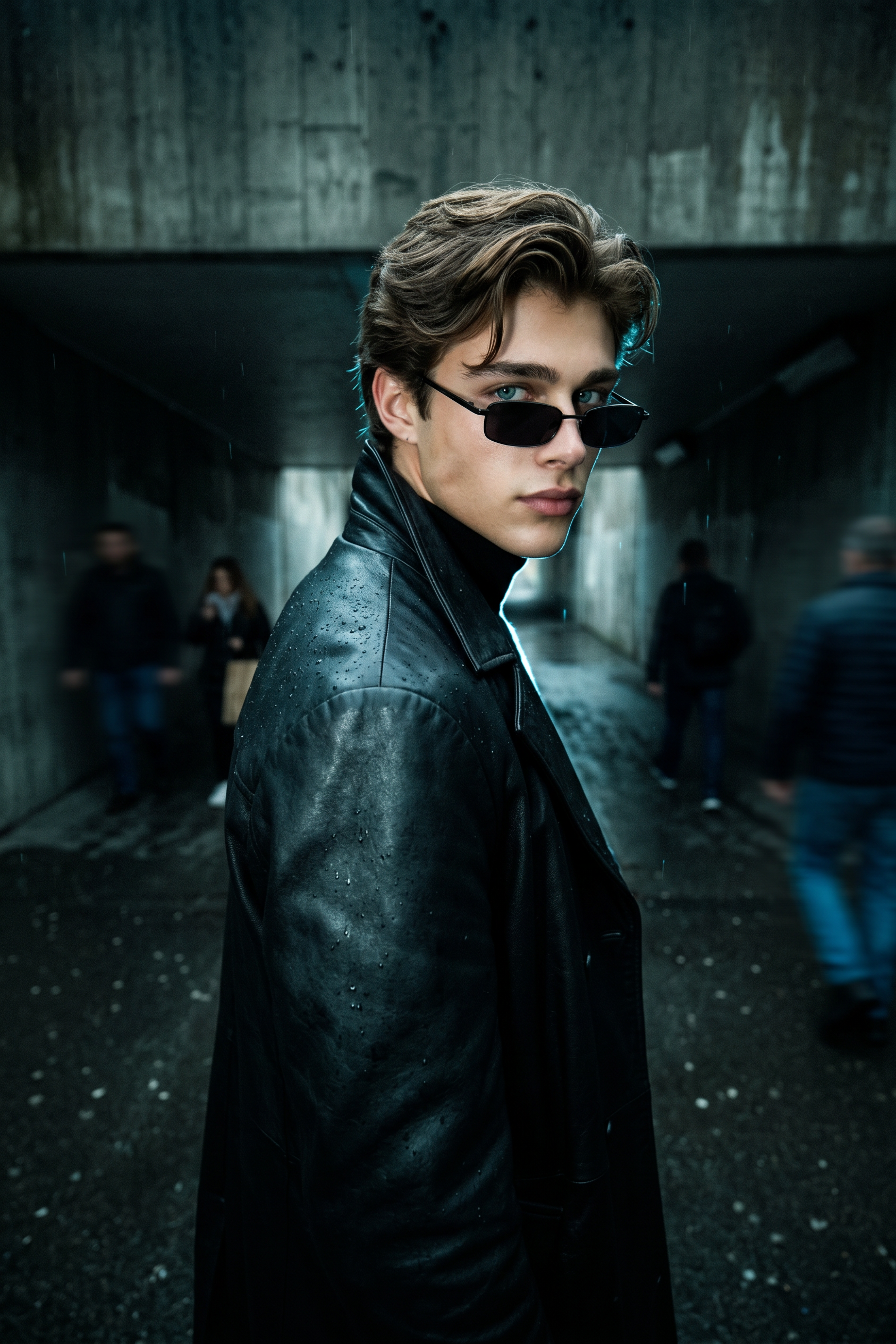
Matrix-Core Wide Angle
- Model
- Nano Banana 2
- Image
- 1686 × 2528 px
Prompt
ULTRA-REALISTIC EDITORIAL PORTRAIT FROM INPUT PHOTO. VIBE: Matrix-core, Opium aesthetic, dark underground luxury, mysterious. ENVIRONMENT: Dark, wet concrete tunnel or brutalist walkway. LIGHTING: Neo-noir lighting, pitch-black shadows mixed with a sharp cyan-blue rim light outlining the silhouette. STYLING (MALE): Floor-length heavy black leather trench coat, high collar, slim black sunglasses resting low on the nose. POSE: Walking away but turning the head sharply to look back over the shoulder directly into the lens. TECH: 10mm ultra-wide lens, low angle. Extreme forced foreshortening: the leather-clad shoulder and back dominate the extreme foreground, while the face is framed in the mid-ground. EXPRESSION: Piercing side-eye, effortless superiority, completely stoic. High contrast, cinematic grain.
Any aspect ratio
Overview
The Matrix-Core Wide Angle template transforms your images into ultra-realistic editorial portraits with a unique aesthetic. Using the powerful nano-banana-2 model, this template brings to life a world of dark, underground luxury, capturing mystery and sophistication.
What It Does
This AI Image Editor template converts your ordinary photo into a sophisticated Matrix-inspired portrait. With settings like neo-noir lighting and extreme foreshortening, it provides an immersive experience characterized by high contrast and cinematic grain. This effect emphasizes the dramatic aesthetic akin to the feel of a high-end editorial shoot.
Who It's For
The Matrix-Core Wide Angle template is perfect for photographers, designers, and creative marketers looking to enhance the appeal of their imagery. It's ideal for those who aim to convey a sense of mystery and intelligence in their visuals, which could be particularly appealing for ecommerce ads or product launches.
Summary
With its seamless combination of impactful styling and atmosphere, the Matrix-Core Wide Angle template offers an efficient way to elevate your images. Deliver high-impact visuals fitting for any high-stakes environment or brand campaign by leveraging this template's advanced features, optimized by the AI Image Generator.
How To
Choose Your Template

Customize Inputs

Generate Image

Use Cases
Fashion Editorials
- High contrast and dramatic lighting for visual impact
- Sophisticated styling for a luxurious feel
Promotional Campaigns
- Ideal for product launches and branding materials
- Creates engaging imagery perfect for social media ads
Creative Photographic Art
- Great for exhibitions and portfolios
- Unique visual themes create memorable pieces
Best Practices
Prioritize High-Quality Inputs
For the best results, start with high-resolution photos that have strong contrast and lighting.Engage with Extreme Angles
Leverage the ultra-wide lens effect to emphasize dynamic and striking compositions.Consider the Context
Ensure the subject and setting align with the Matrix-core theme for a cohesive aesthetic.