Enchanted Spellcaster
- Model
- Nano Banana 2
- Image
- 864 × 1232 px
Prompt
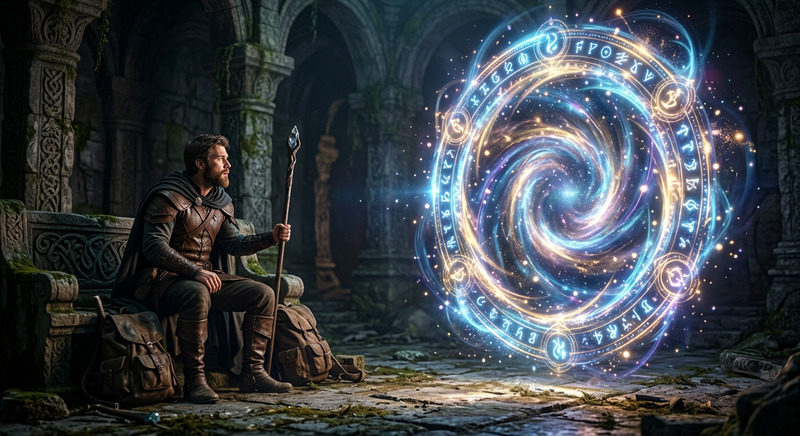
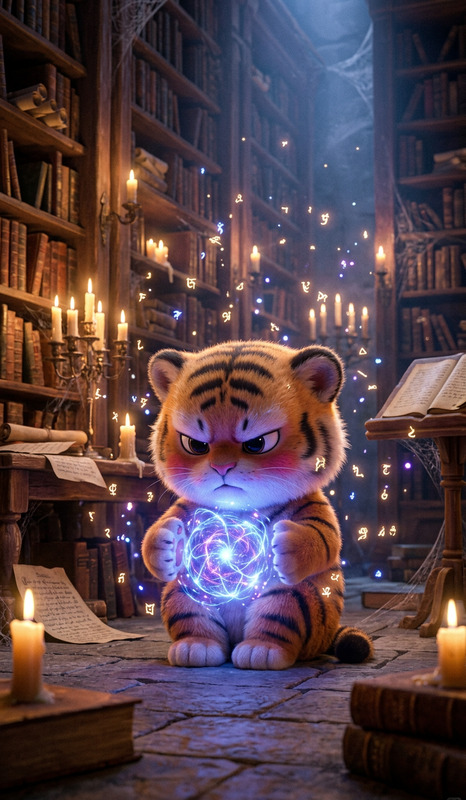
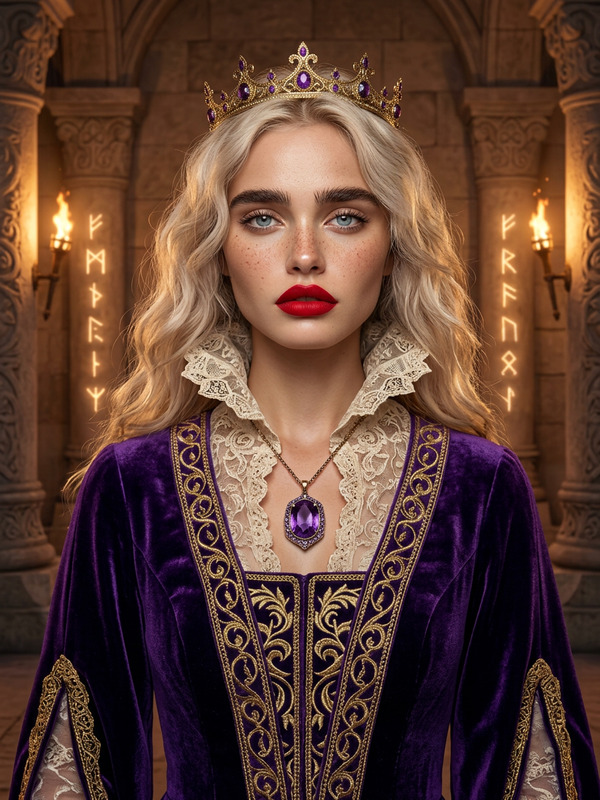
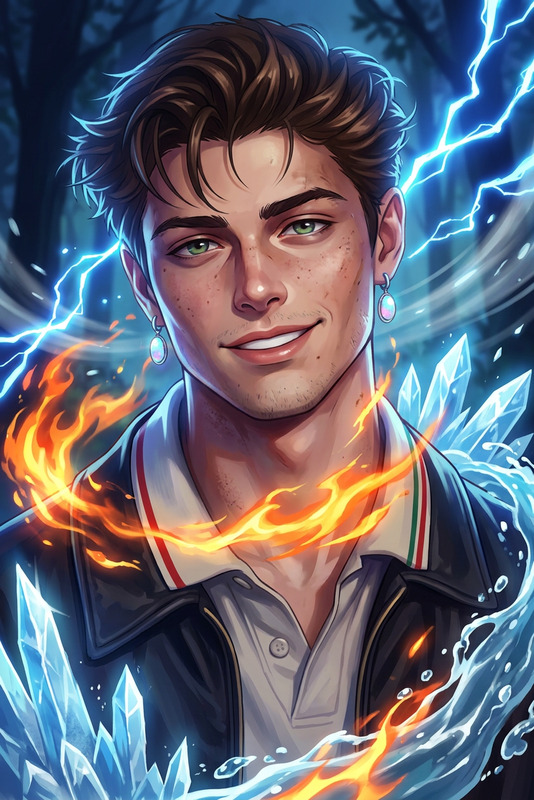
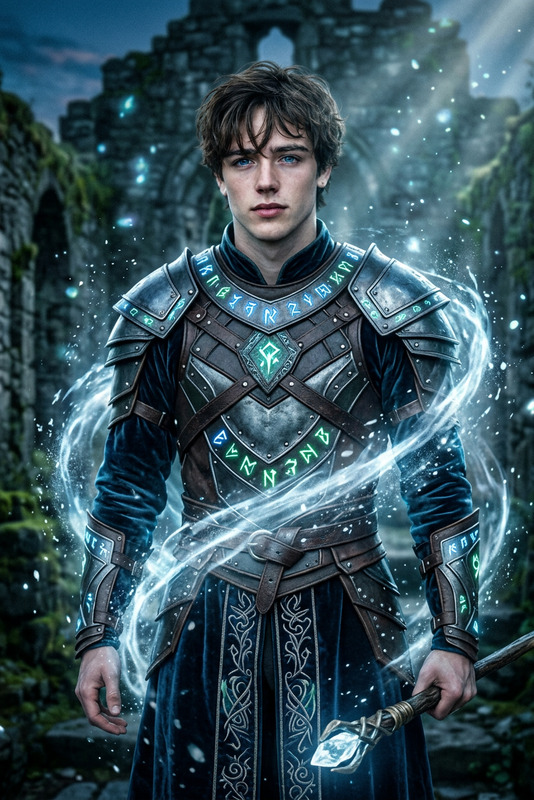
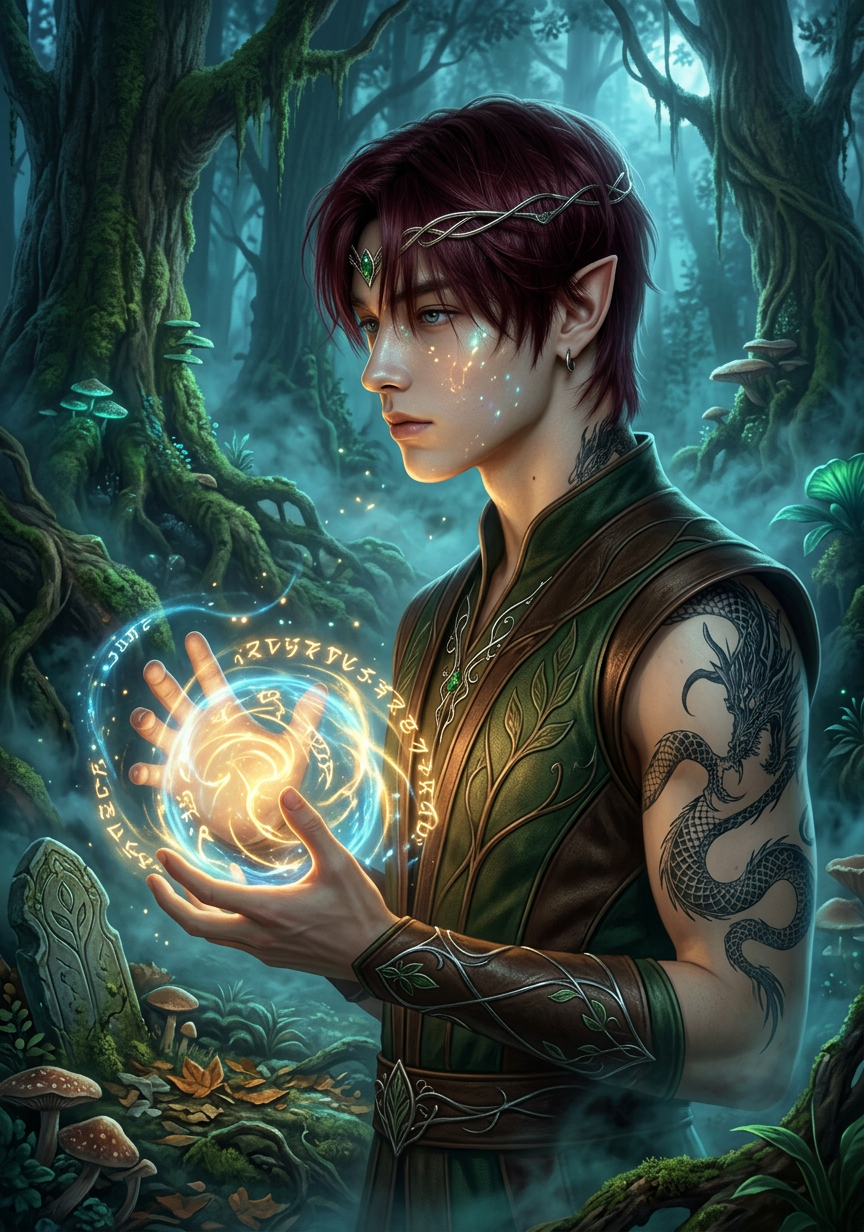
An elven mage stands in an enchanted forest, casting a spell with glowing runes swirling in their hands. Mystical fog drifts through ancient trees, illuminated by soft magical light. The scene is hyper-detailed with rich textures, magical realism style, cinematic lighting, subtle glow effects, and a deep, immersive fantasy atmosphere.
Any aspect ratio
Overview
The Enchanted Spellcaster template is a transformative tool designed for creating immersive fantasy scenes. Using the AI Image Editor capabilities of the nano-banana-2 model, this template converts your visions of magical realms into vibrant images. Perfect for those seeking to add a touch of enchantment to their creative projects.
What It Does
The Enchanted Spellcaster template brings to life the scene of an elven mage casting spells in an enchanted forest. With glowing runes and mystical fog all under cinematic lighting, the template leverages the rich textures and magical realism style made possible by the AI Image Generator. The result is a hyper-detailed, visually captivating image that stands out in any fantasy-themed project.
Who It's For
This template is ideal for fantasy artists, content creators, and game developers looking to enrich their projects with magical imagery. Whether enhancing social media content with captivating visuals or designing fantasy game assets, the Enchanted Spellcaster is tailored for those who thrive in creative realms.
Summary
Use the Enchanted Spellcaster template to create stunning fantasy imagery. Powered by the AI Video Generator technology, this tool helps you construct a truly magical scene without hassle, making your content imaginative and visually spectacular.
How-To
Choose Your Template

Customize the Scene

Generate and Download

Use Cases
Fantasy Art Creation
- Game Asset Creation
- Fine Art Prints
Social Media Content
- Instagram Carousels
- Pinterest Pins
Marketing and Promotion
- Event Promotions
- Product Launch Visuals
Best Practices
Focus on Details
Pay attention to elements like lighting and texture to enhance realism and immersion.Experiment with Poses
Try different mage poses to see how they impact the overall look and feel of the image.Leverage Color
Utilize color tones that complement the mystical atmosphere you wish to create.