Ballet
- Model
- Nano Banana 2
- Image
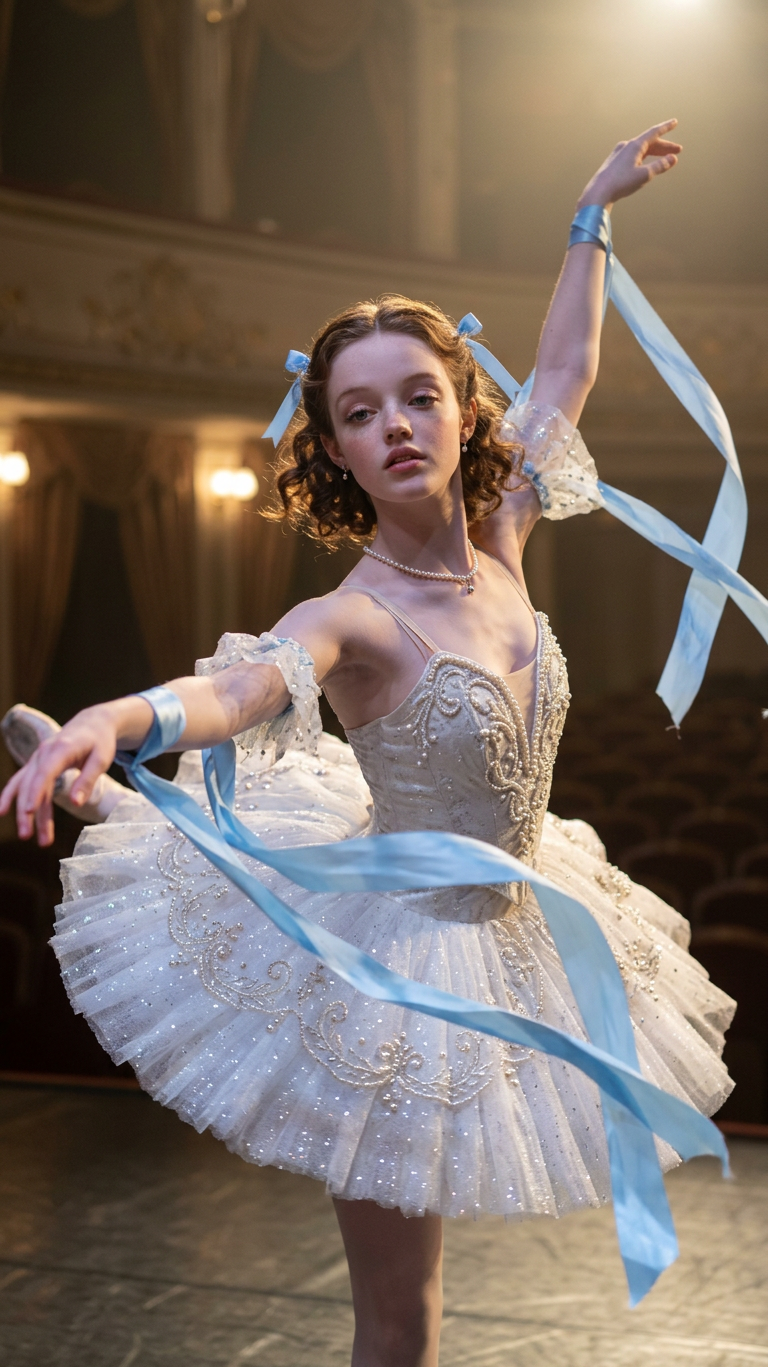
- 768 × 1367 px
Prompt
A subject dressed in an elegant ballet costume performing graceful, fluid movements, flowing ribbons trailing with each motion, soft stage lights highlighting every gesture, fabric and tutu moving delicately in the air, weightless and artistic atmosphere, cinematic lighting, dreamy elegance, ultra-detailed, 4K.
Any aspect ratio
Overview
Immerse yourself in the world of ballet with our AI Image Editor template, Ballet, built on the nano-banana-2 model. This template captures the essence of elegant ballet performances, emphasizing graceful movements and ultra-detail in every frame.
What It Does
The Ballet template uses AI technology to transform your images, highlighting the elegance of ballet. Each element, from flowing ribbons to soft stage lights, is rendered in 4K with cinematic lighting and dreamy elegance, bringing a sense of artistry and movement to static frames.
Who It's For
This template is designed for dancers, dance studios, and creative professionals aiming to document or promote ballet performances. It's also ideal for those in the performing arts looking to enhance their digital content with an artistic flair.
Summary
Utilize the Ballet template in the AI Image Editor to create captivating, ultra-detailed ballet images. This tool supports dance professionals by capturing the full emotional and artistic depth of ballet, enriching portfolios and promotional materials alike.
How To

Customize Your Ballet Image

Generate Your Image

Use Cases
Dance Portfolios
- Enhance personal dancer portfolios
- Highlight studio group performances
Marketing Materials
- Social media promotions
- Event posters and flyers
Theatrical Productions
- Program covers
- Production stills
Best Practices
Focus on Details
Ensure that you provide highly detailed inputs, such as costume textures and lighting preferences, to maximize the template's capabilities.Maintain Realism
While adjusting the prompt, keep poses and motion realistic to maintain the artistic essence of ballet.Experiment with Prompts
Don't hesitate to tweak the prompts for varying styles and atmospheres, like classical or contemporary, to diversify your outputs.