Trendy Spot
- Model
- Nano Banana 2
- Image
- 843 × 1264 px
Prompt
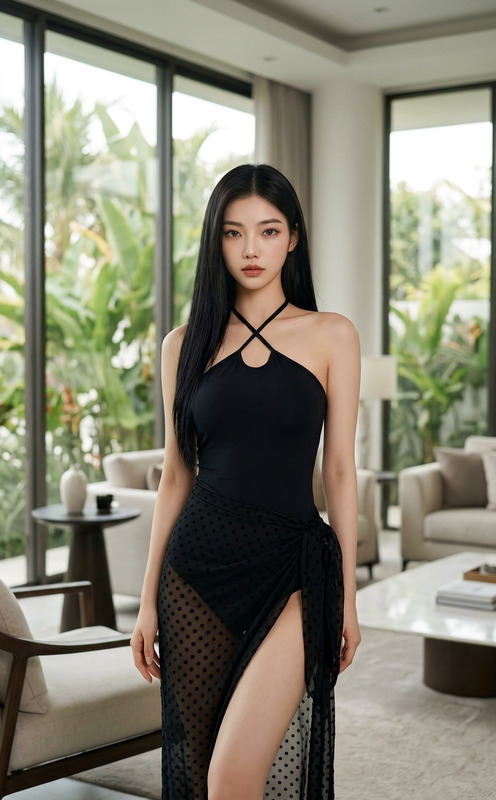
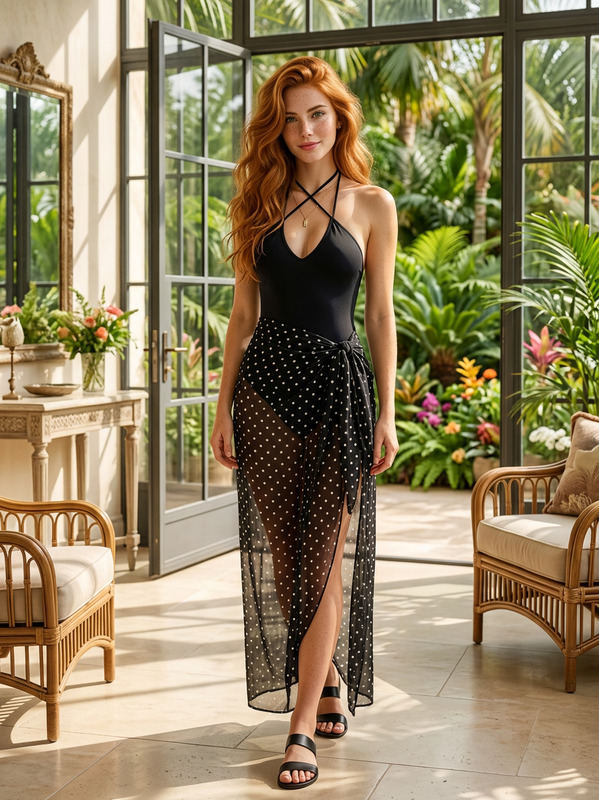
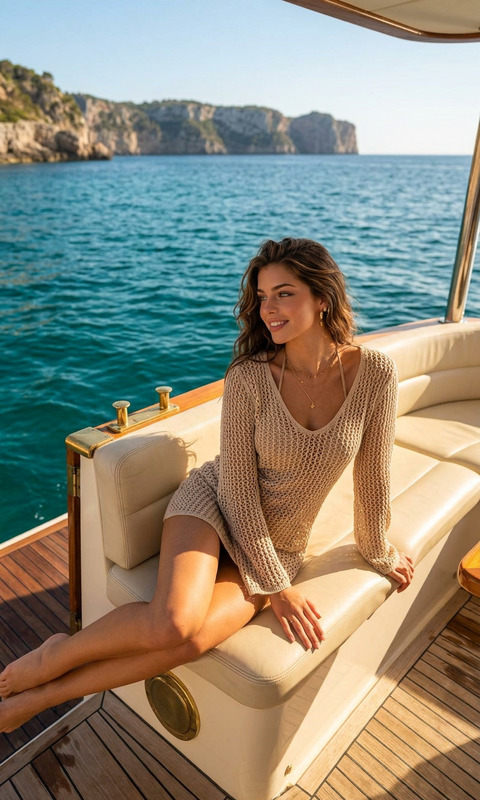
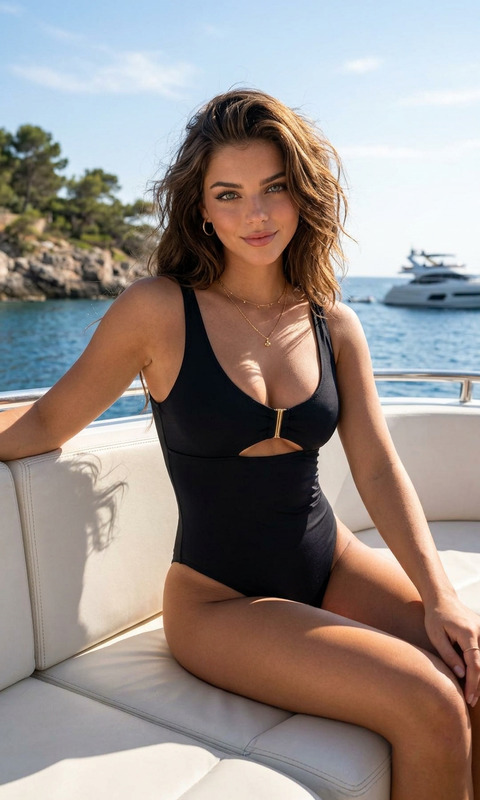
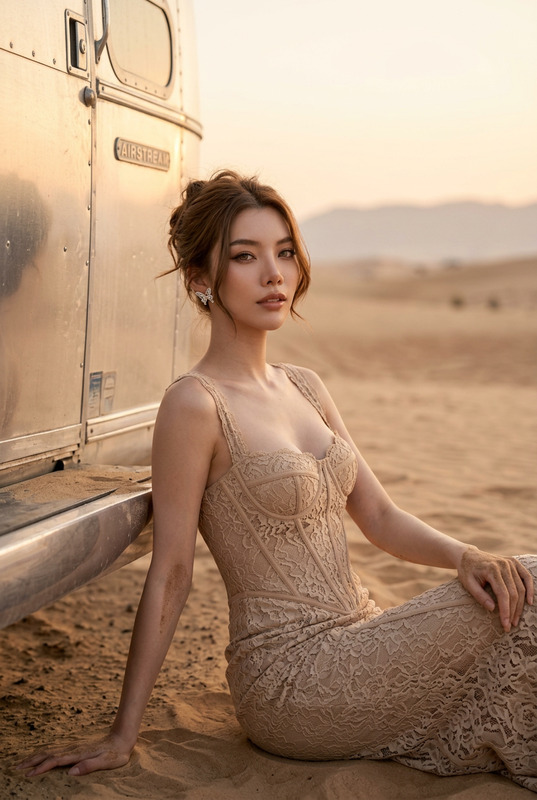
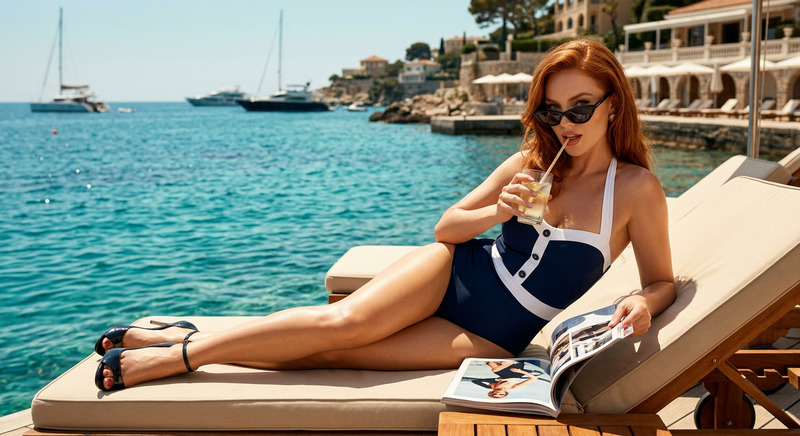
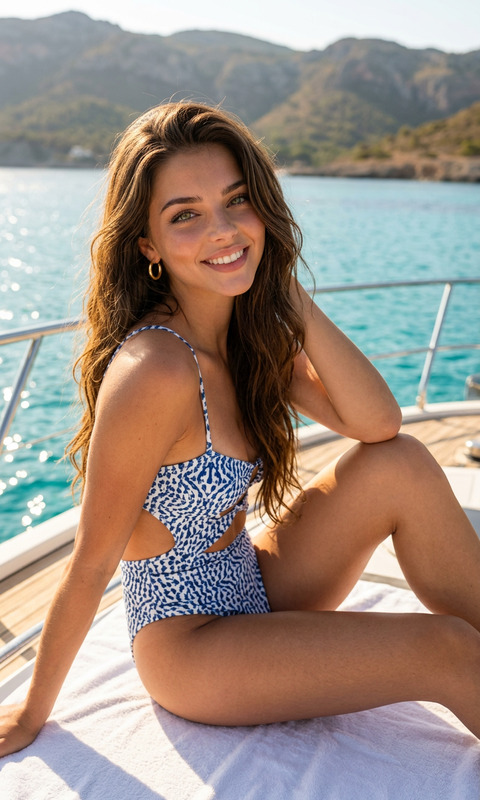
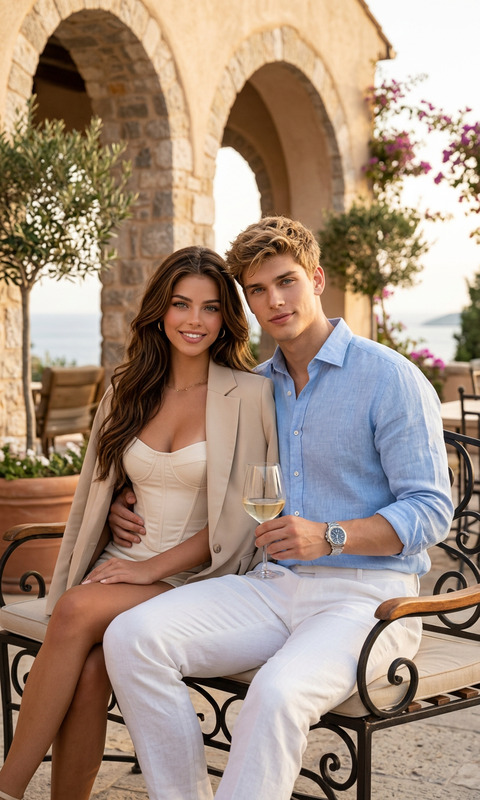
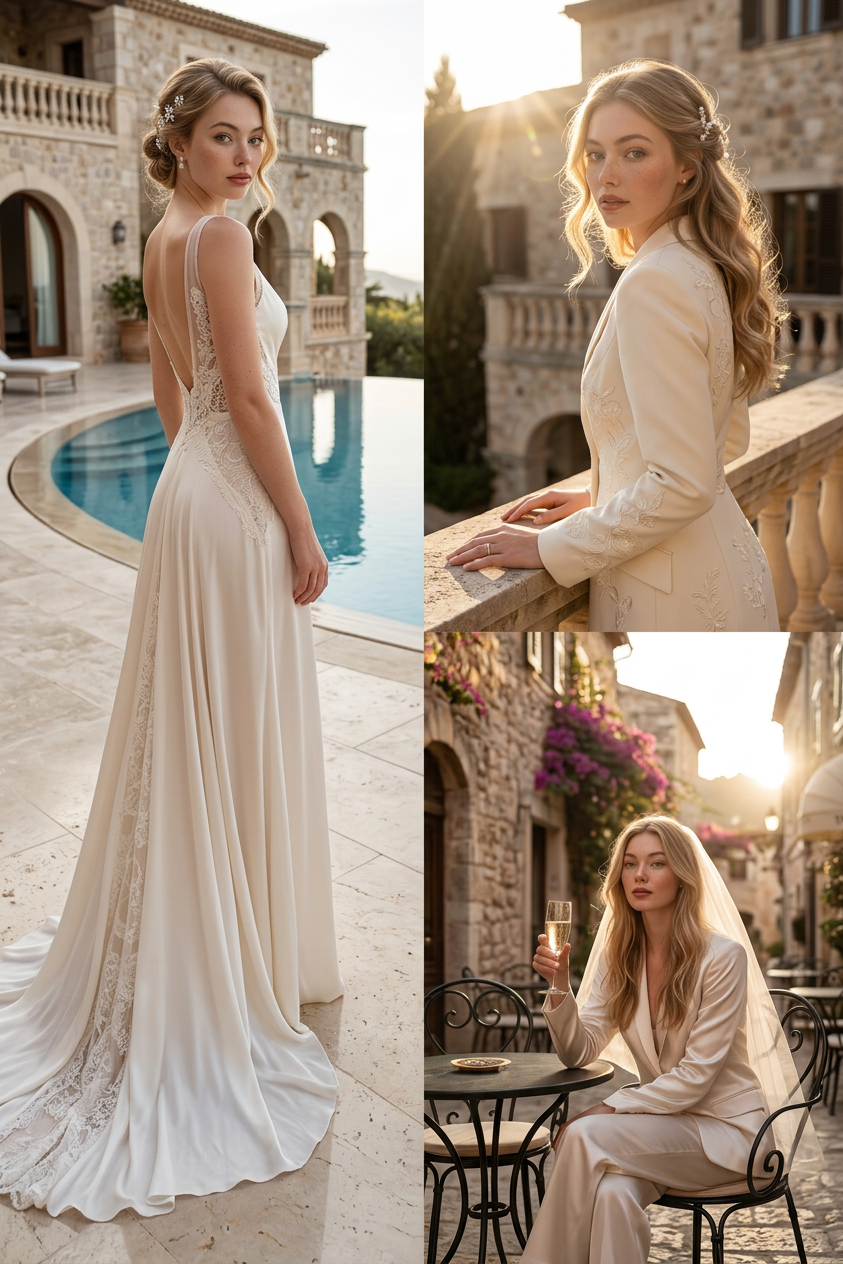
A luxury destination-wedding editorial at a Mediterranean stone villa with a circular infinity pool. Step into golden-hour couture in three Vogue-style shots — a full-body poolside pose, a waist-up portrait, and an elegant seated café moment. Old-money aesthetic, photorealistic skin and fabric. Your face and identity stay locked across all three.
Any aspect ratio
Overview
Transform your photos into Vogue-worthy editorials with the Trendy Spot template in the AI Image Editor. This template uses the nano-banana-2 model to seamlessly integrate your image into a luxurious Mediterranean setting. Ideal for producing high-fashion visuals, it maintains your face and identity across all shots.
What It Does
The Trendy Spot template allows you to craft a luxury destination-wedding editorial set against the backdrop of a Mediterranean stone villa. It generates three Vogue-style shots, including a full-body poolside pose, a waist-up portrait, and an elegant café moment. The focus on an old-money aesthetic with photorealistic skin and fabric details ensures your images capture high-end style. Explore how it complements your projects alongside the AI Clothes Changer.
Who It's For
This template is perfect for photographers, fashion designers, and marketers seeking to elevate their visual content. Whether you're creating an editorial for a fashion magazine or enhancing marketing materials, Trendy Spot offers detailed, photorealistic options that amplify your brand’s elegance. Combine it with the Image to Video tool for expanded multimedia projects.
Summary
The Trendy Spot template is a powerful addition to any visual artist's toolkit, allowing the creation of stunning, high-quality magazine layouts. It is part of our renowned AI Image Editor suite, which aims to offer comprehensive tools for professionals who demand precision and style in their work.
How To

Customize Your Inputs

Generate the Output

Use Cases
Fashion Editorials
- Vogue-style photo shoots
- Luxury brand promotions
Marketing Materials
- Luxury real estate brochures
- High-end product catalogs
Social Media Campaigns
- Influencer content creation
- Event promotions
Best Practices
Selecting the Right Images
Choose high-resolution images for best results, ensuring they align with the Mediterranean luxury theme.Adjusting Prompts
Experiment with different prompt settings to tailor the aesthetic more specifically to your needs.Combining with Other Tools
Utilize the AI Talking Photo to add dynamic elements to your editorial pieces.