Yearbook Male
- Model
- GPT Image 2
- Image
- 1024 × 1024 px
Prompt
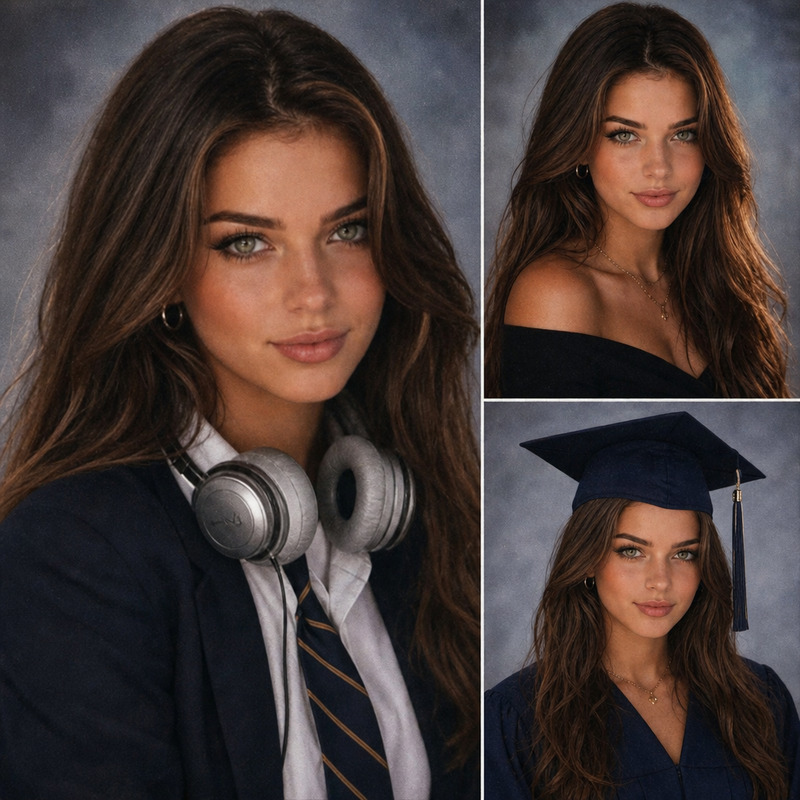
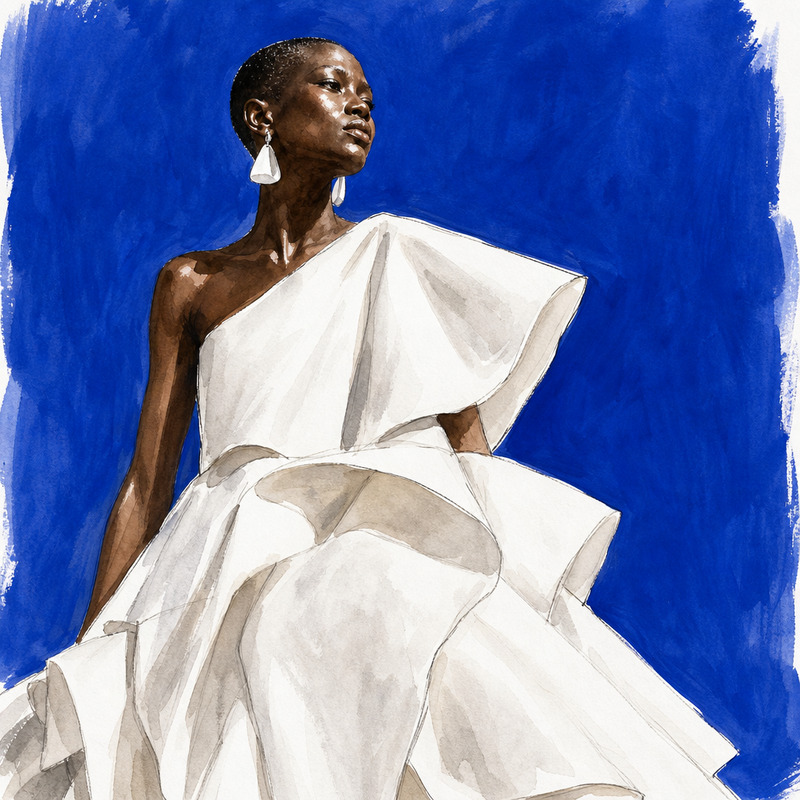
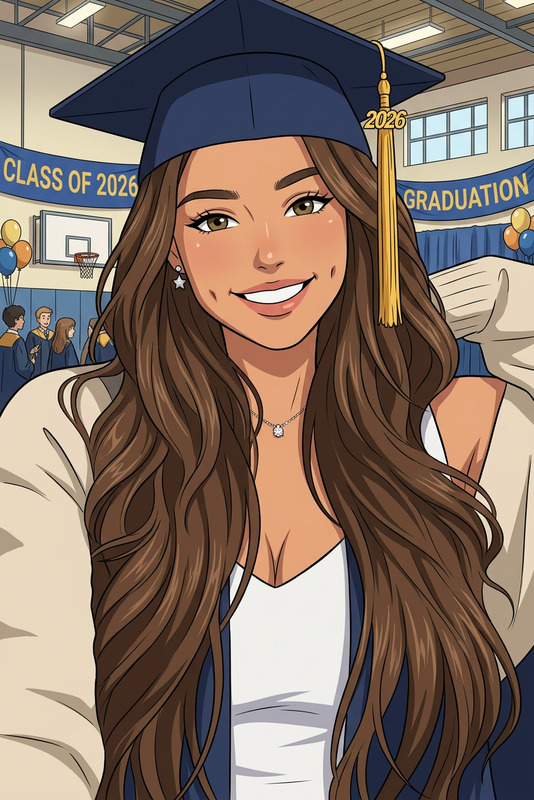
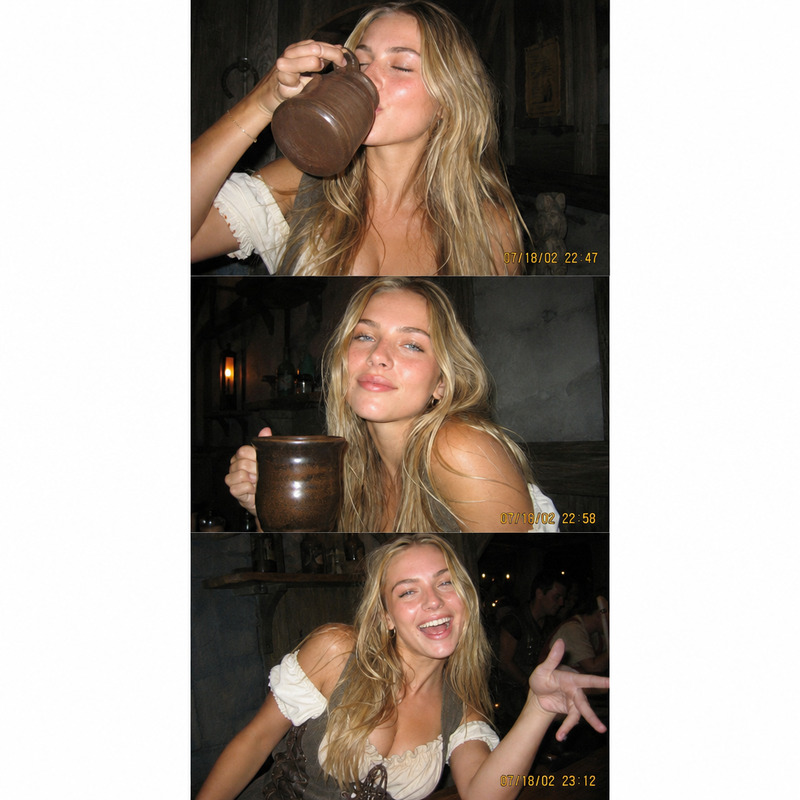
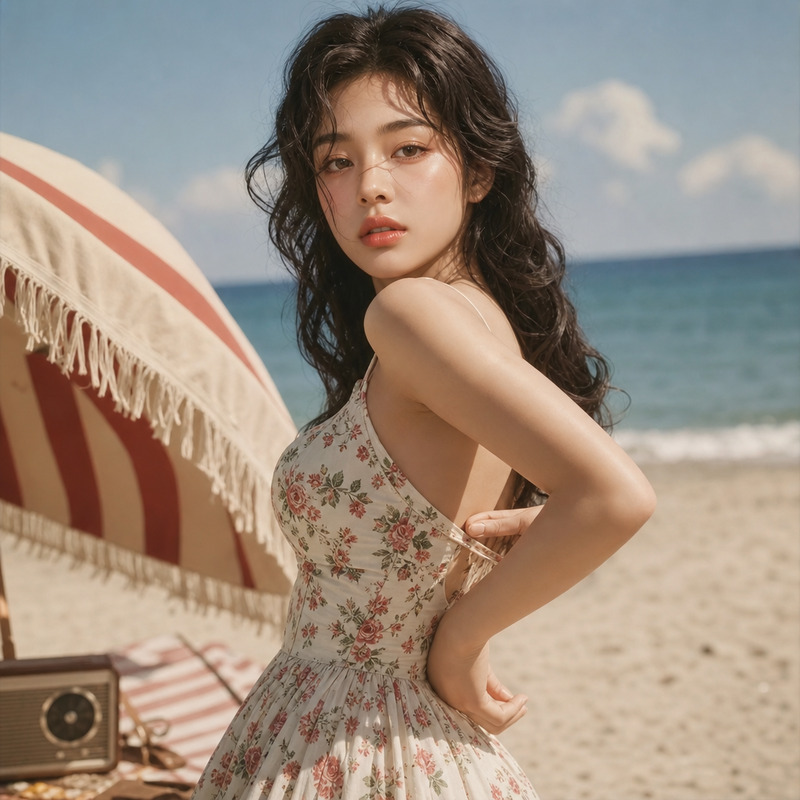
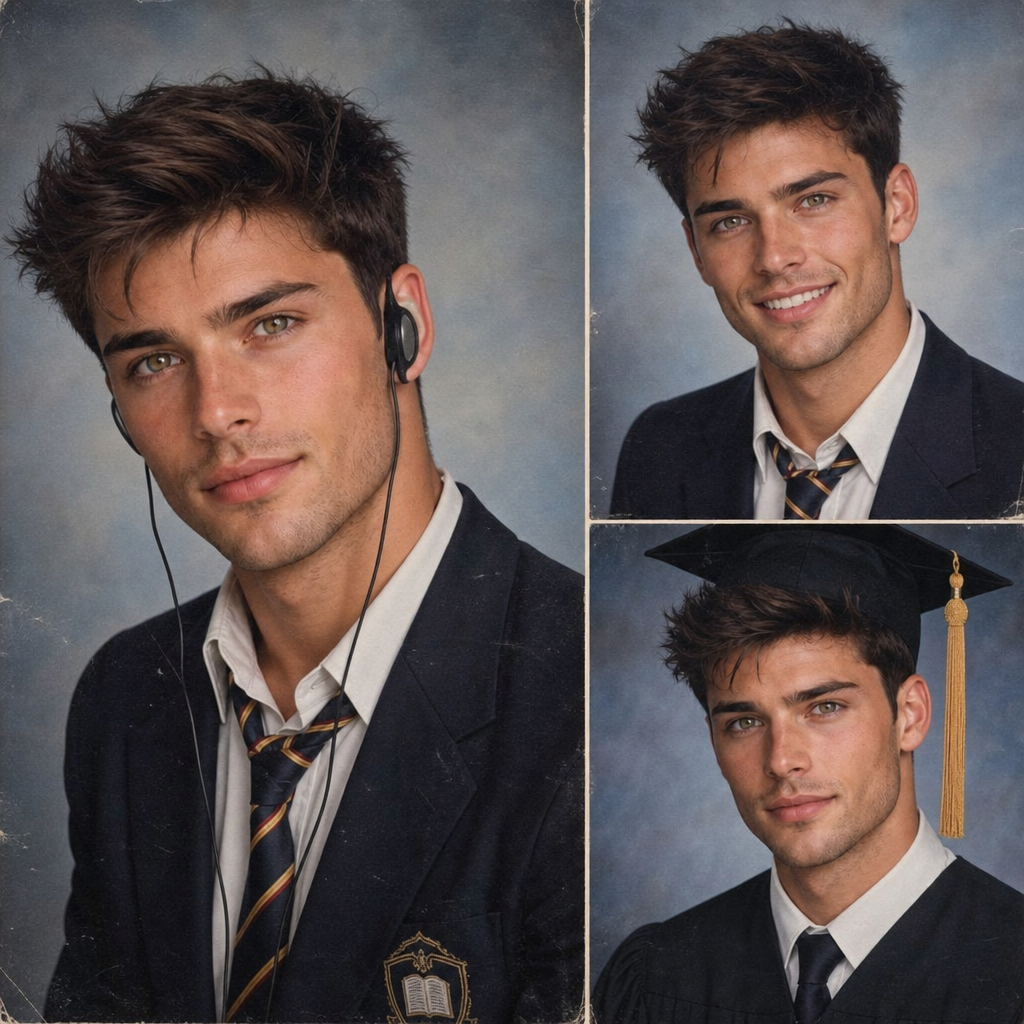
A nostalgic school yearbook portrait from the early 2000s — three unique poses capturing the accidental beauty of real school photo day moments, from the blazer-and-headphones student to the graduation cap portrait.
Any aspect ratio
Overview
The "Yearbook Male" template offers a fascinating journey back to the early 2000s, capturing the essence of school photo day with its blend of staged poses and quirky spontaneity. This AI image editor is based on the gpt-image-2 model, generating three distinct school portrait styles. Whether it's the studious look with headphones or the traditional graduation cap shot, these images capture the memorable moments of high school yearbooks.
What It Does
This template leverages advanced algorithms to recreate school yearbook portraits with incredible detail and charm. You can easily swap in different styles for each portrait — from casual wear to graduation attire. The AI generates a realistic image that mirrors the camera flashes and candid smiles typical of school photo day.
To enhance your creations further, explore using our AI Image Editor for any touch-ups or background modifications after generation.
Who It's For
This tool is ideal for designers, photographers, and creatives who aim to evoke nostalgia in their work. It's perfect for creating marketing materials, social media content, or digital artwork that taps into the retro school vibe. Educational institutions looking to add a fun and whimsical element to their digital yearbooks might also find it particularly useful.
Additionally, those interested in generating unique content for their platforms can mix this with options like the AI GIF Generator for animated yearbook-style snippets.
Summary
The "Yearbook Male" template captures the charm of early 2000s school portraits through a powerful AI Image Generator. It's a versatile tool for various creative and commercial uses, tailored for those who wish to create or recreate their own unique take on classic school yearbook moments. Download and integrate these images into your product videos or social media strategies to enhance audience engagement.
How-To
Choose Your Template

Customize Your Input

Generate and Download

Use Cases
Nostalgic Marketing Campaigns
- Email newsletters
- Social media posts
- Promotional posters
Creative Social Media Content
- Instagram carousels
- TikTok videos
- Facebook posts
Educational Materials
- Graduation programs
- Yearbook supplements
- History projects
Best Practices
Blend Styles
Experiment with different styles and accessories to create a more personalized and engaging yearbook photo.Consider Lighting
Utilize the AI Photo Relighting tool to adjust image lighting for more realistic effects.Enhance for Print
If you're planning to print, ensure image resolution is suitable. The AI Image Upscaler can optimize quality for larger prints.