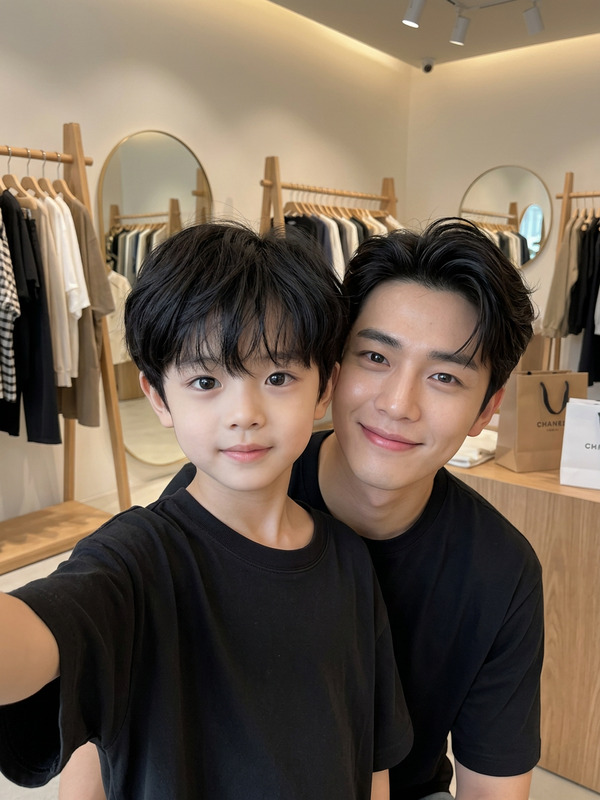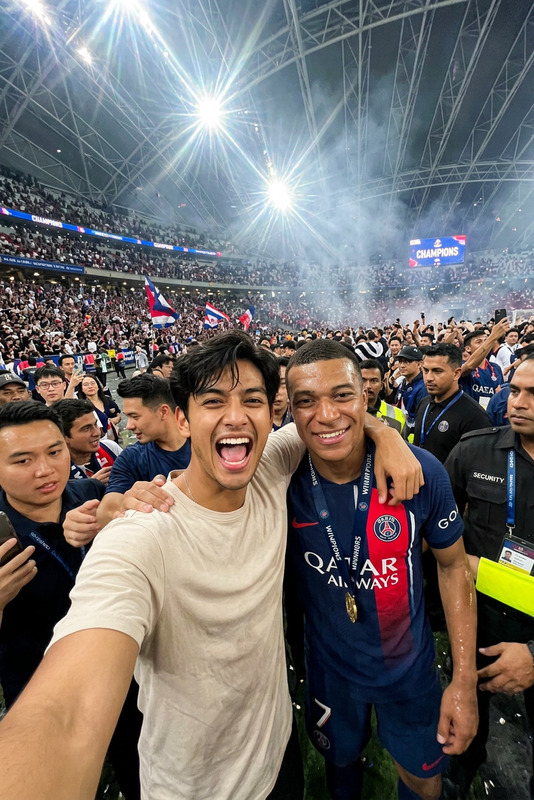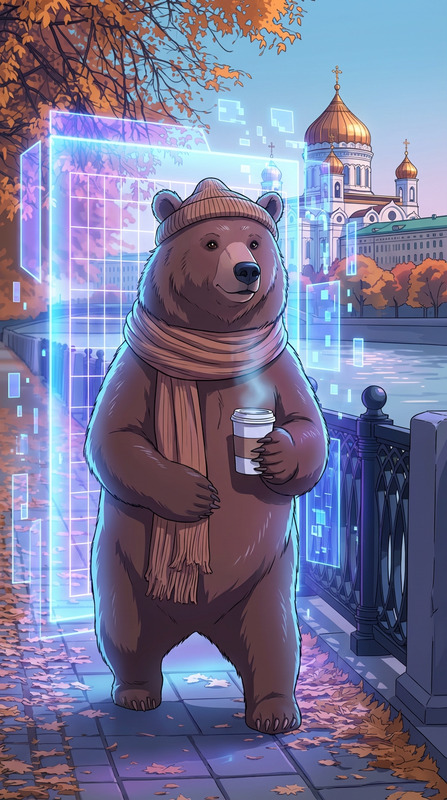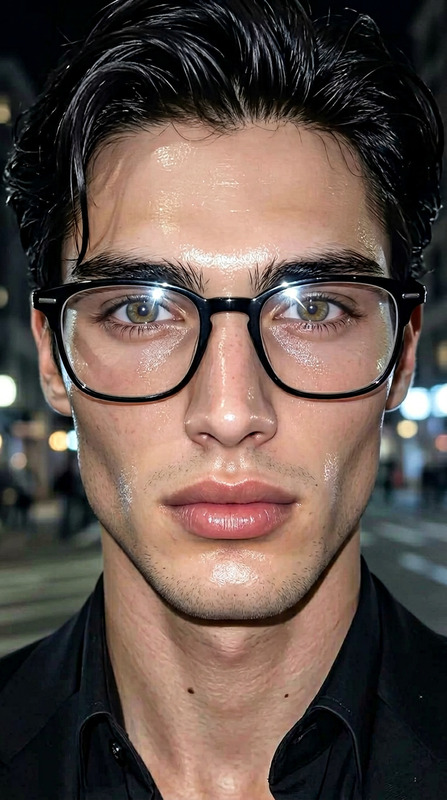
Idol Screen
- Model
- Nano Banana 2
- Image
- 843 × 1264 px
Prompt
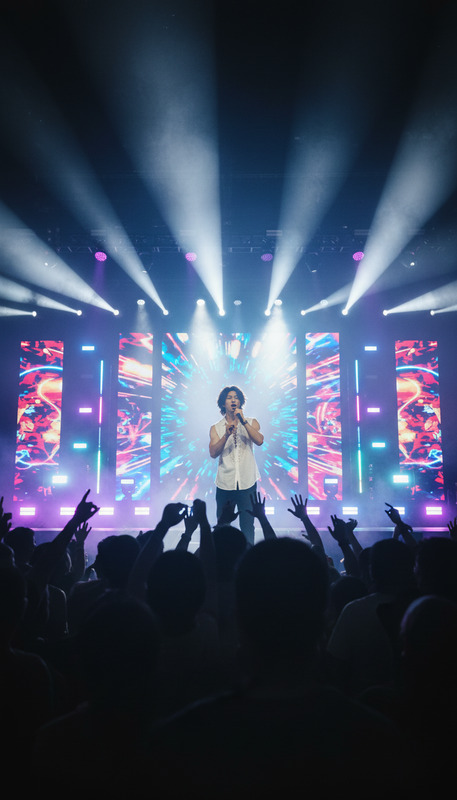
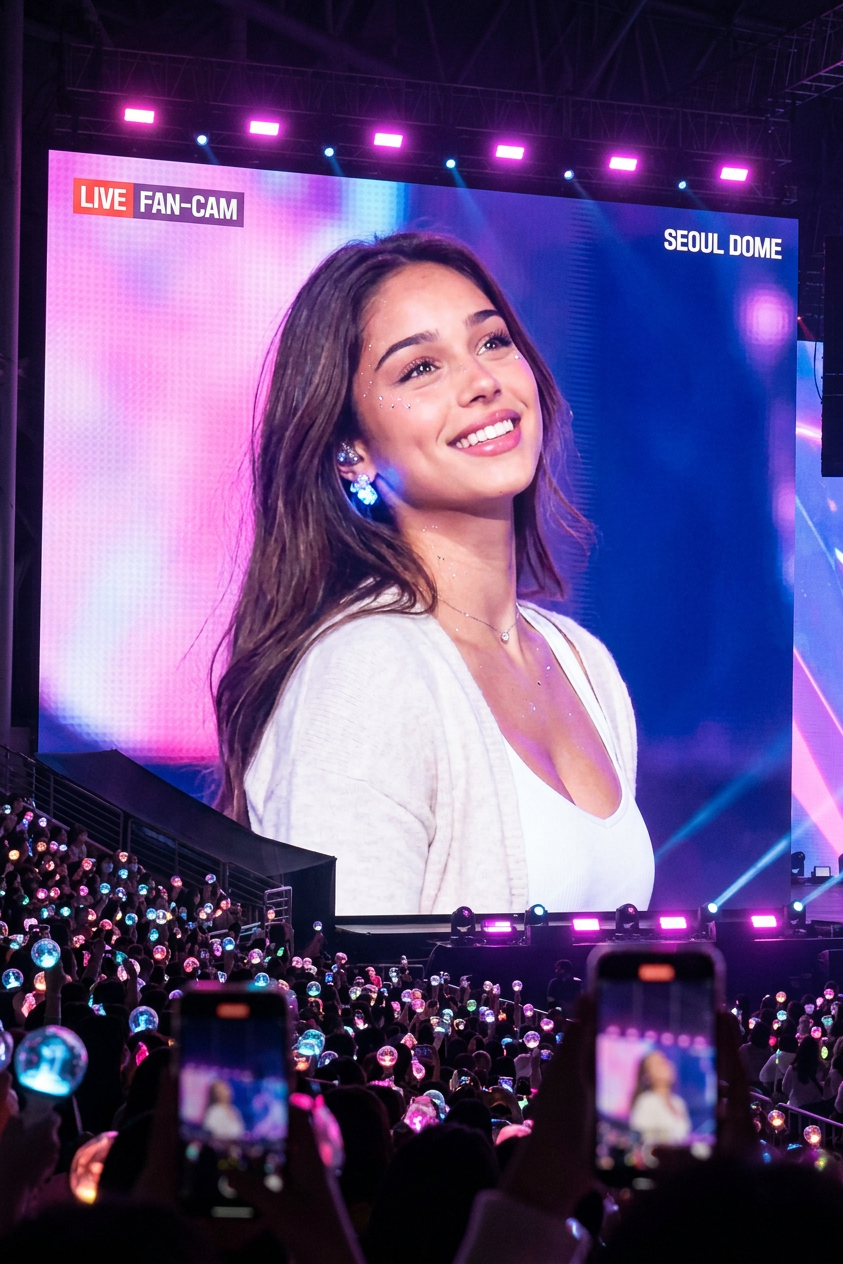
Transform your photo into a K-pop idol moment on a giant concert LED screen, surrounded by an electrified arena crowd with pink-purple-blue lighting. Then watch yourself come alive as the camera captures you glancing up, smiling softly, and turning away — pure fan-cam magic.
Any aspect ratio
Overview
Step into the spotlight with the Idol Screen template. Transform any photo into a captivating K-pop moment, set against the vibrant backdrop of an electrifying concert arena. This template harnesses the power of the nano-banana-2 model to bring your image to life with dynamic elements like pink-purple-blue lighting and an animated fan-cam effect.
What It Does
The Idol Screen template employs state-of-the-art AI capabilities to turn still images into dynamic scenes. By using advanced animation features, your photo appears on a giant LED screen, flanked by a lively crowd. The AI simulates movement as you glance up, smile, and turn away, creating a magical fan-cam experience. This template works seamlessly with the AI Image Editor, enhancing your creative projects with ease.
Who It's For
This template is perfect for K-pop fans, content creators, and anyone looking to add a touch of concert magic to their photography. Whether you're a fan artist creating content for social media or a video editor working on a project, the Idol Screen is a must-have tool. It's particularly useful for those involved in Instagram Reels and TikTok Videos, offering a unique way to engage your audience.
Summary
Capture the essence of a K-pop concert with the Idol Screen template. By using the robust capabilities of the AI GIF Generator, alongside the Idol Screen, you can transform static images into animated fan-cam moments. This template is ideal for social media engagement and creating vibrant, memorable content.
How to Use
Choose

Customize

Generate

Use Cases
Social Media Content
- Dynamic fan-cam images
- K-pop themed artwork
- Interactive storytelling
Fan Art
- Custom concert scenes
- Animated idol moments
- Personalized fan edits
Marketing and Advertising
- Event promotions
- Interactive ad creatives
- Branded content
Best Practices
Choose High-Quality Photos
For the best results, use high-resolution images with clear, distinct subjects.Adjust Lighting Carefully
Lighting adjustments can dramatically alter the mood, so experiment with different color settings to achieve your desired effect.Leverage the AI
Combine with the AI Talking Photo to add voice or music background for a richer experience.