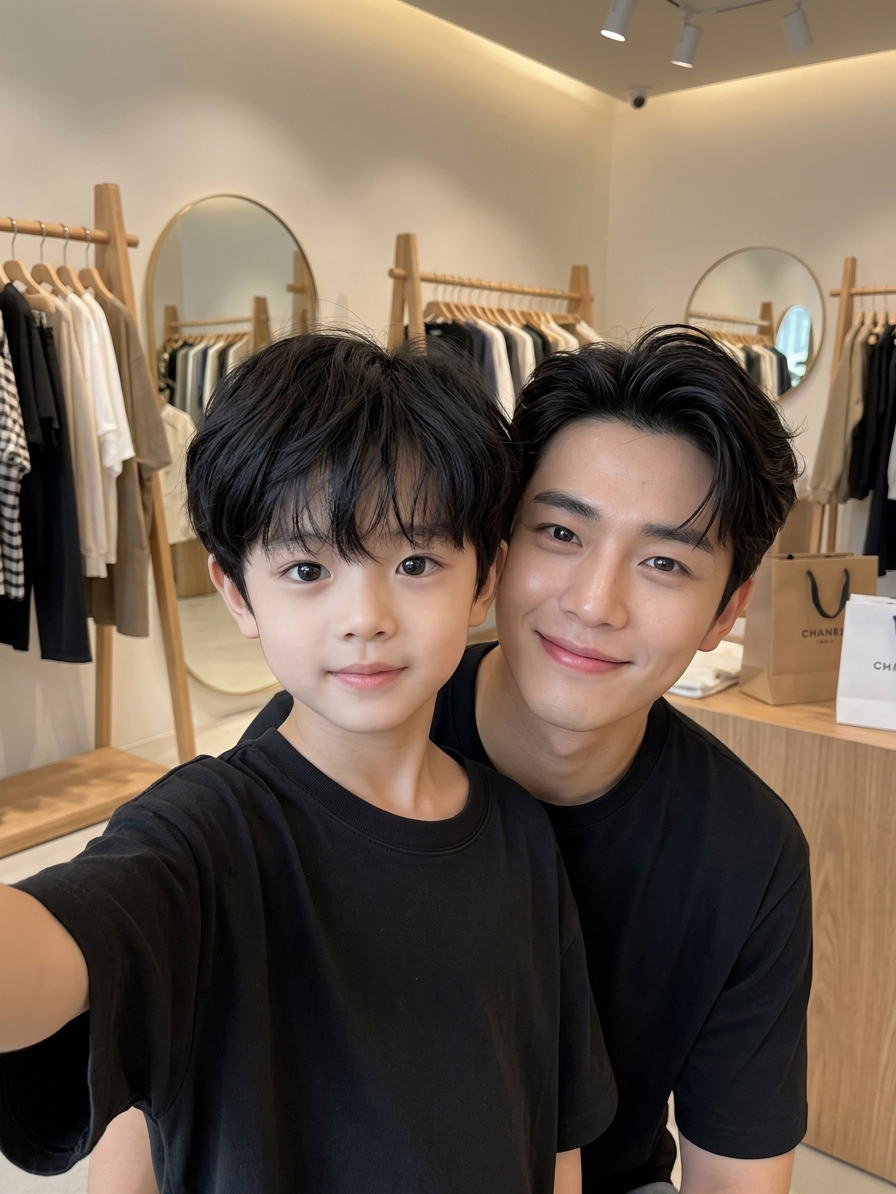
Idol
- Model
- Nano Banana 2
- Image
- 896 × 1194 px
Prompt
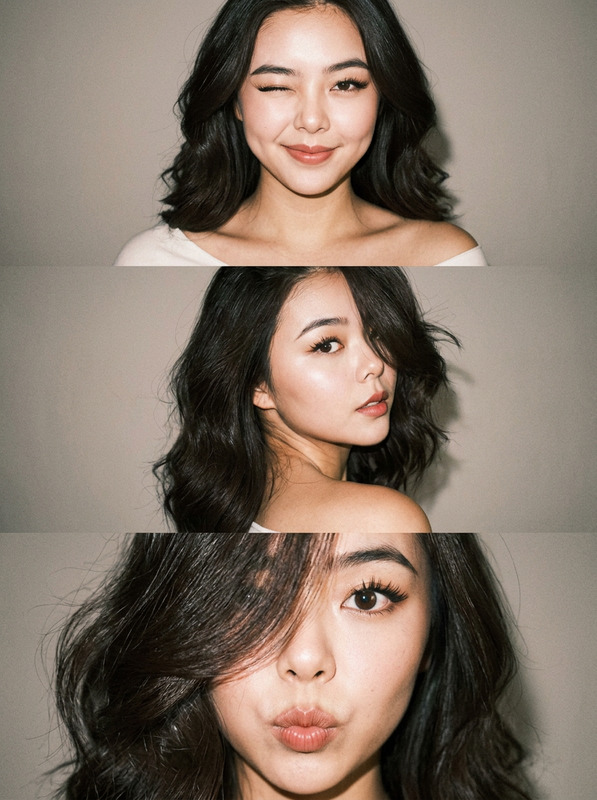
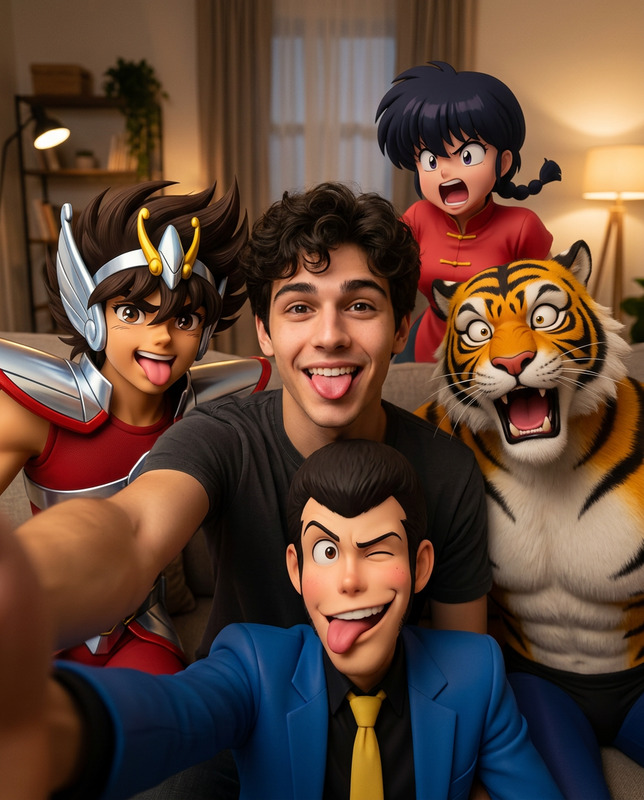
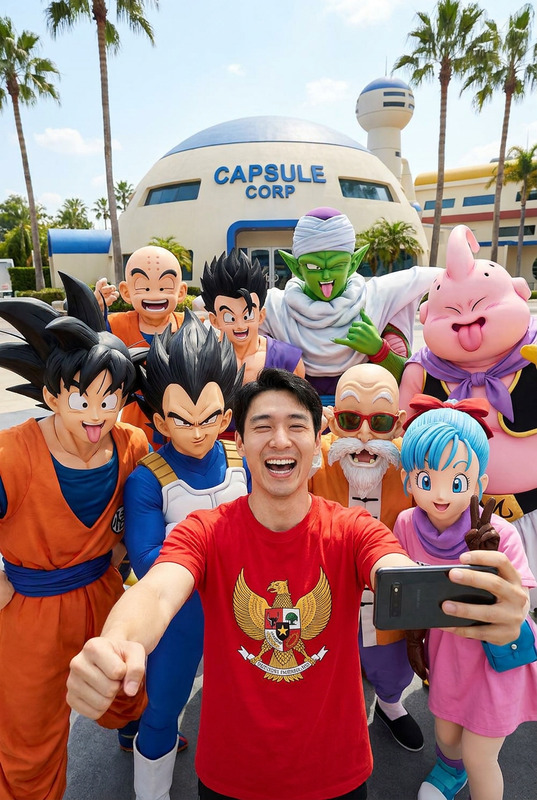
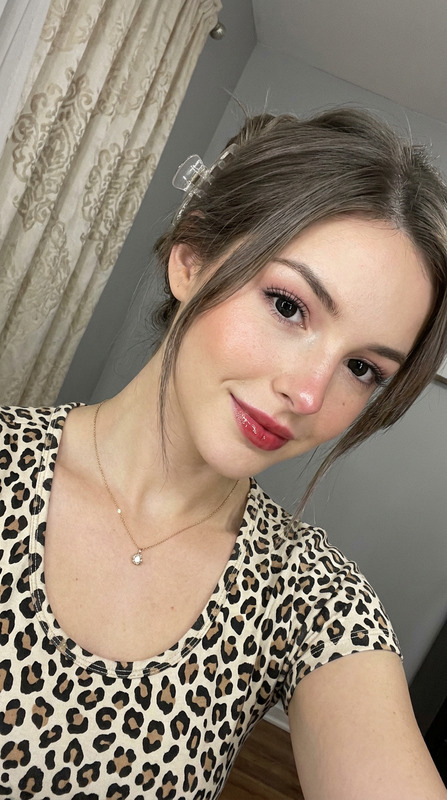
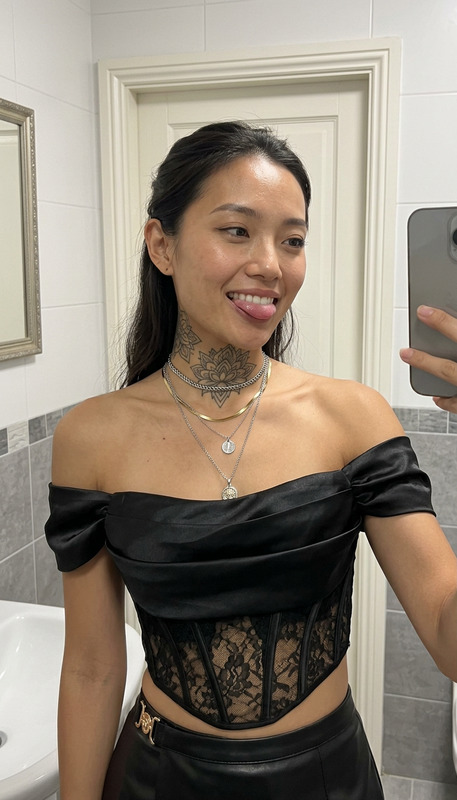
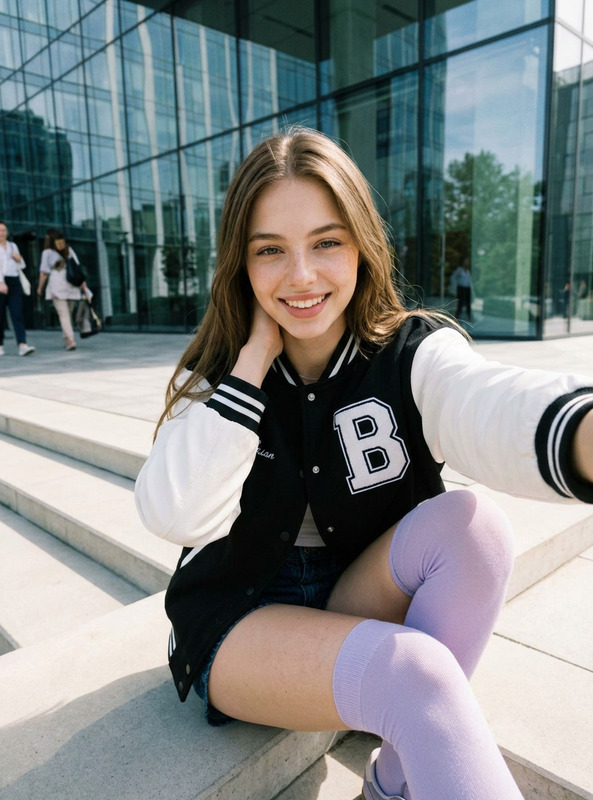
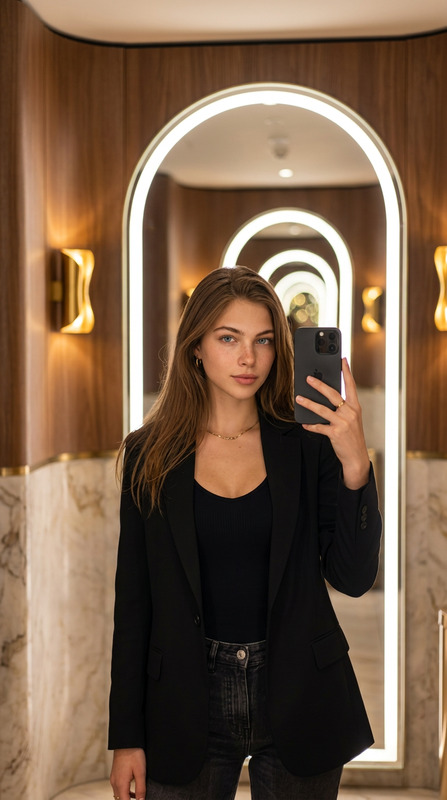
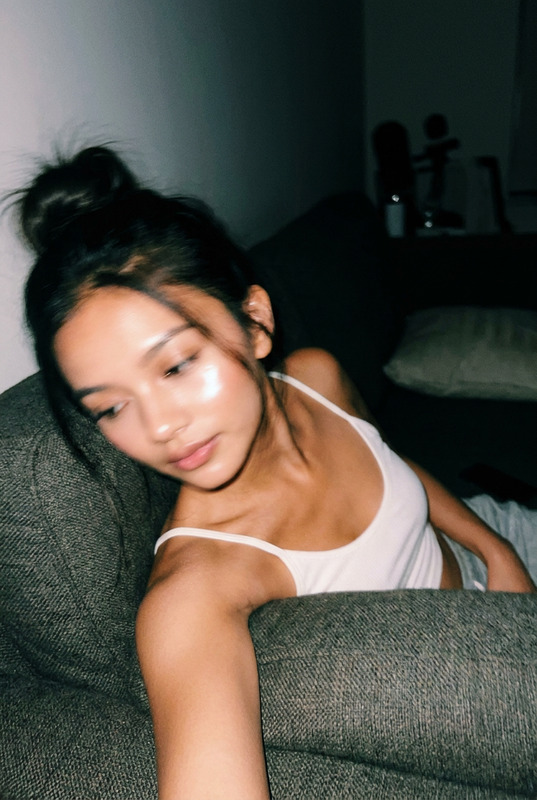
Create a photorealistic smartphone selfie with two characters: the person from uploaded photo 1 is taking the selfie, and the person from uploaded photo 2 is beside them; both must match their original photos as closely as possible in facial features, expression, hairstyle, hair color and texture, skin tone, eyes, accessories, and all recognizable details, without replacing them, mixing their features, adding extra people, or duplicating anyone. The left shoulder of the person from photo 1 is visible in the frame while the phone remains out of frame; close-up casual selfie angle inside a modern clothing store during shopping, with clothing racks, hangers, mirrors, soft warm lighting, a stylish premium boutique interior, possible shopping bags, natural candid moment, photorealistic, highly detailed, 8k.
Any aspect ratio
Overview
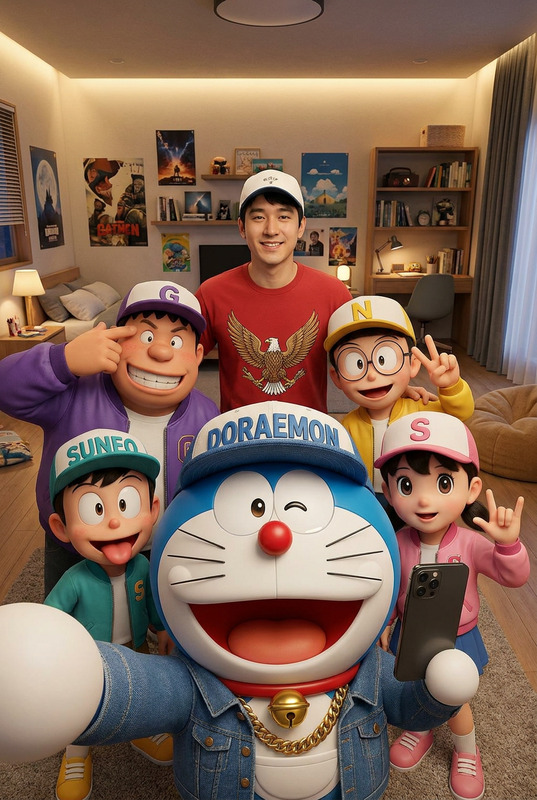
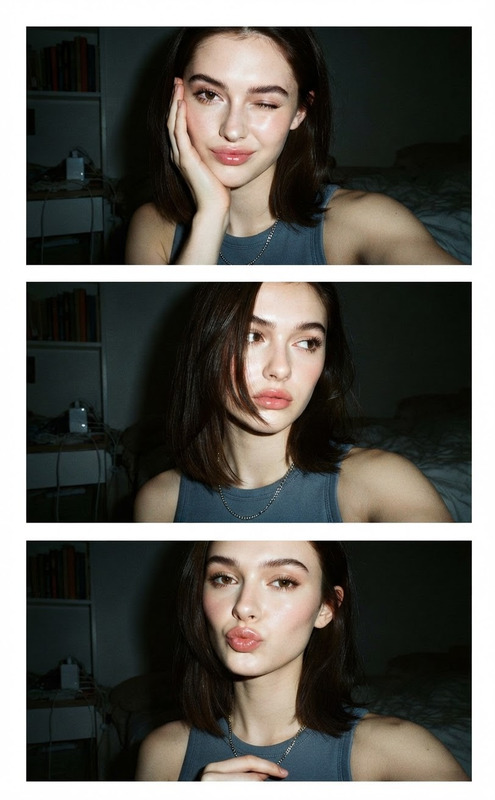
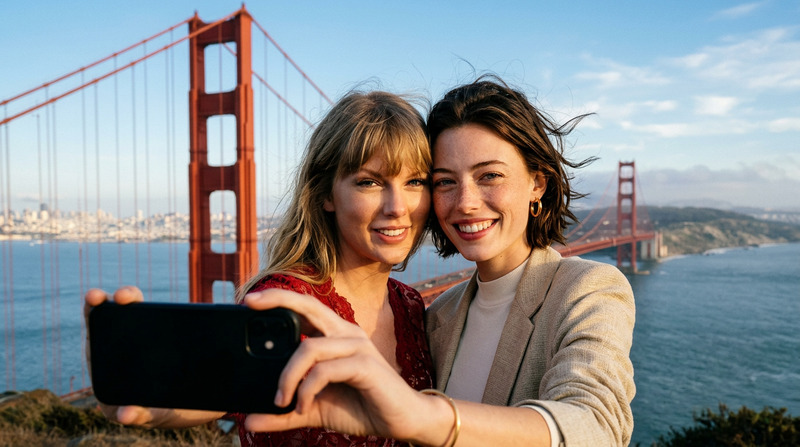
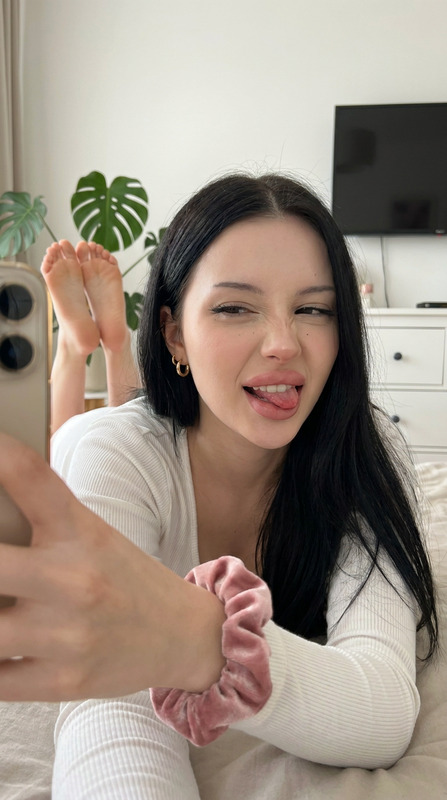
The Idol AI Image Editor template allows you to create stunning, photorealistic smartphone selfies with two characters, blending creativity with technology. Skillfully crafted using the nano-banana-2 model, this template ensures each detail matches the original inputs accurately, resulting in high-quality images suitable for various professional and personal projects.
What It Does
The Idol template excels at generating a selfie featuring two distinct individuals. It ensures that all facial and physical attributes like expressions, hairstyles, and accessories remain true to the original uploaded photos. With its capability of rendering an image in an 8k resolution, every pixel is maximized for detail and accuracy. Experience seamless photo generation without mixing features or duplicating anyone.
Who It's For
This template is ideal for photographers, social media influencers, and designers who wish to incorporate realistic selfies into their product videos or promotional content. It also suits marketing professionals and clothing retailers using imagery to enhance e-commerce platforms or creative agencies handling personalized ads and social media ads campaigns.
Summary
With the Idol template, create engaging, high-resolution selfies that enhance your visual media projects. Preserving original features and settings without compromising on detail, it's a highly versatile tool. Discover more versatile editing options with our AI Image Editor and explore unique capabilities with our AI Background Changer product.
How to Use
Choose the Template

Customize the Inputs

Generate Your Image

Use Cases
Enhanced Social Media Content
- Improve engagement with lifelike imagery
- Boost brand authenticity on platforms like Instagram
E-Commerce Photography
- Showcase clothing in realistic settings
Corporate Marketing
- Strengthen connection with audience
Best Practices
Photo Selection
Select images with clear, full facial features to ensure the generated selfie accurately reflects original appearances.Lighting Considerations
Consider photos taken in good lighting conditions to match the warm, boutique ambience described in the template prompt.Background Consistency
Use backgrounds that align with the described atmosphere to maintain cohesion and authenticity in your final image.