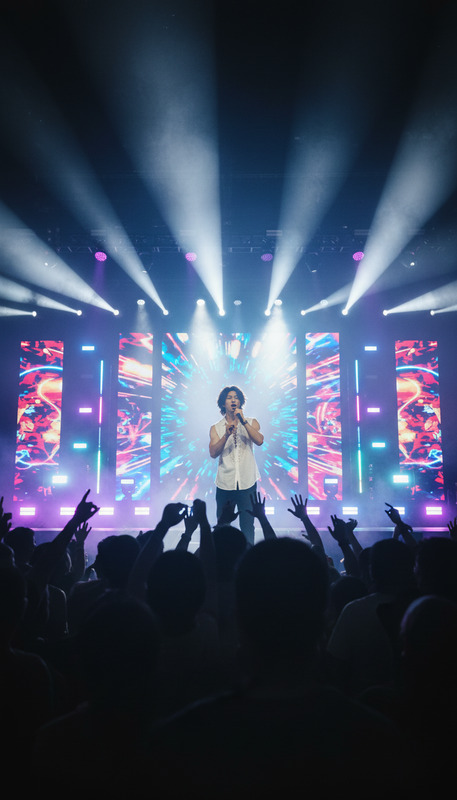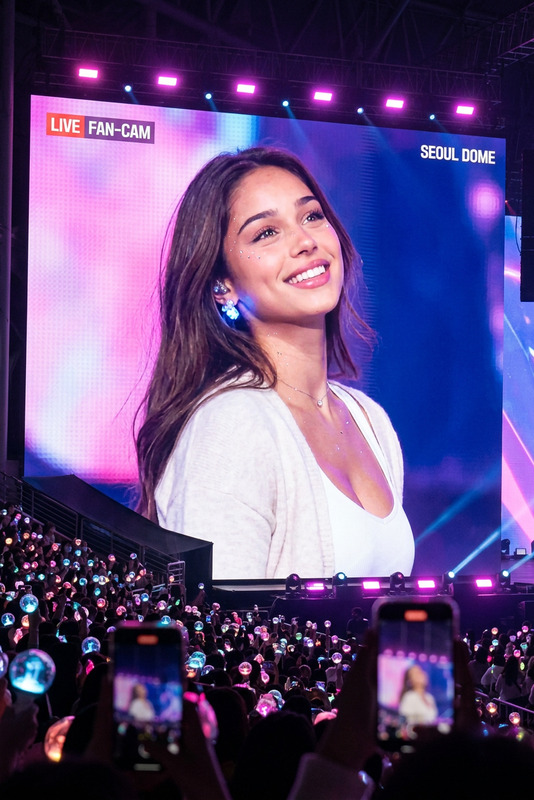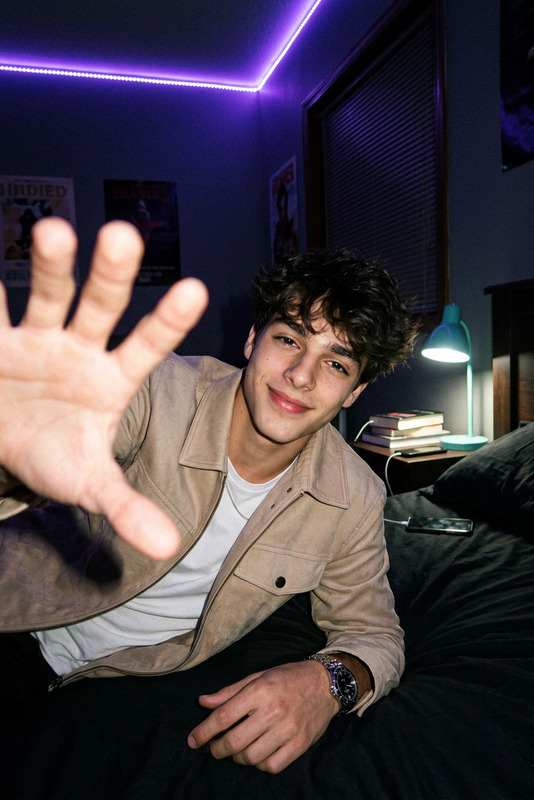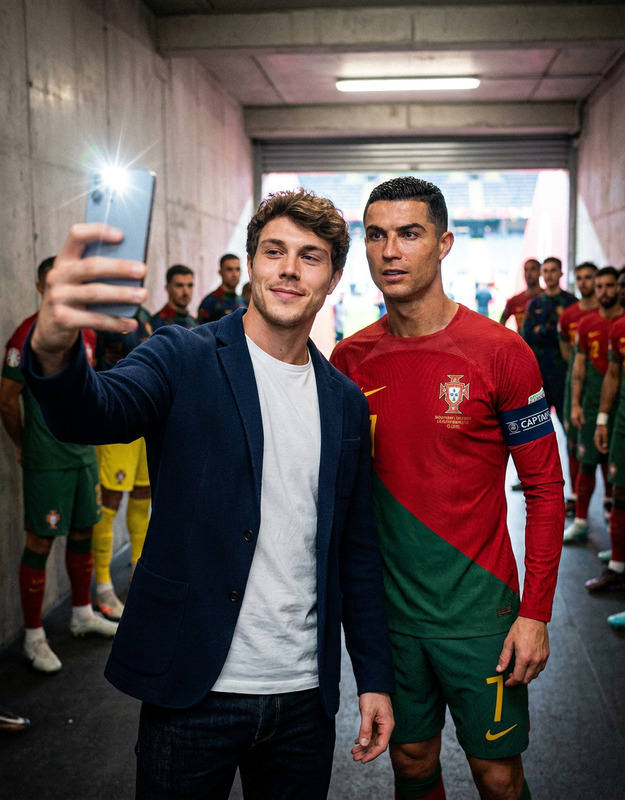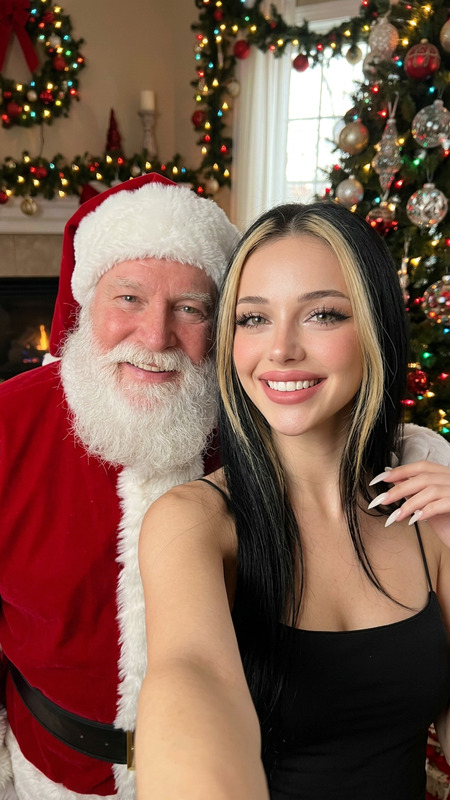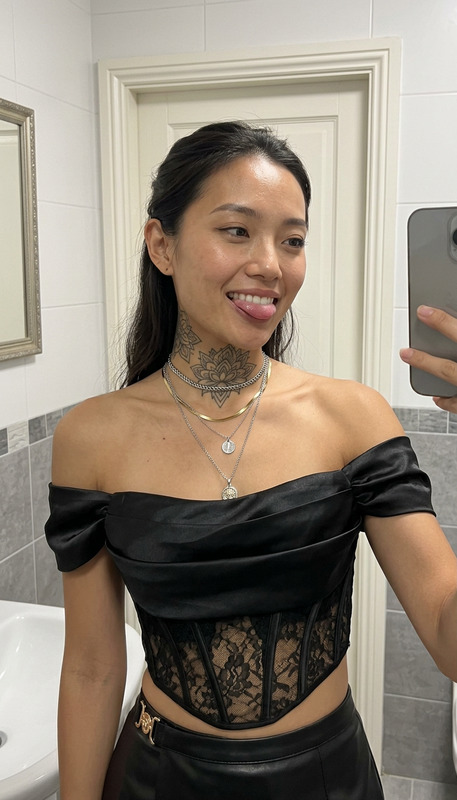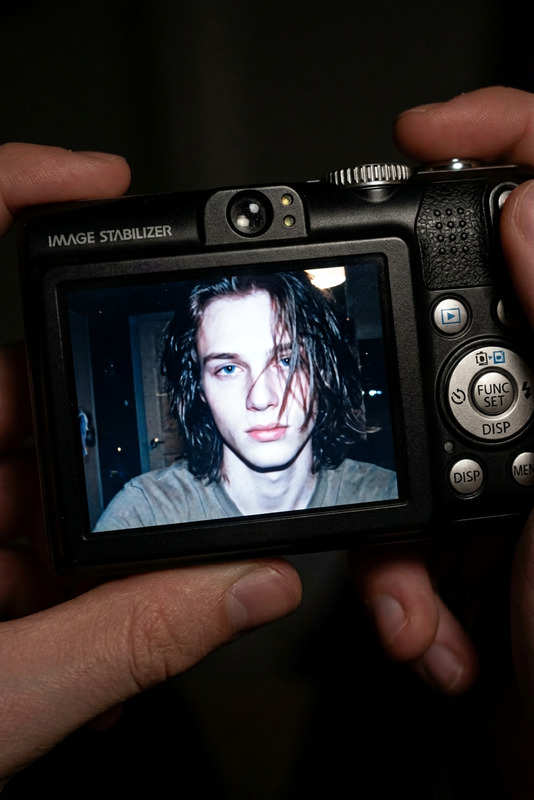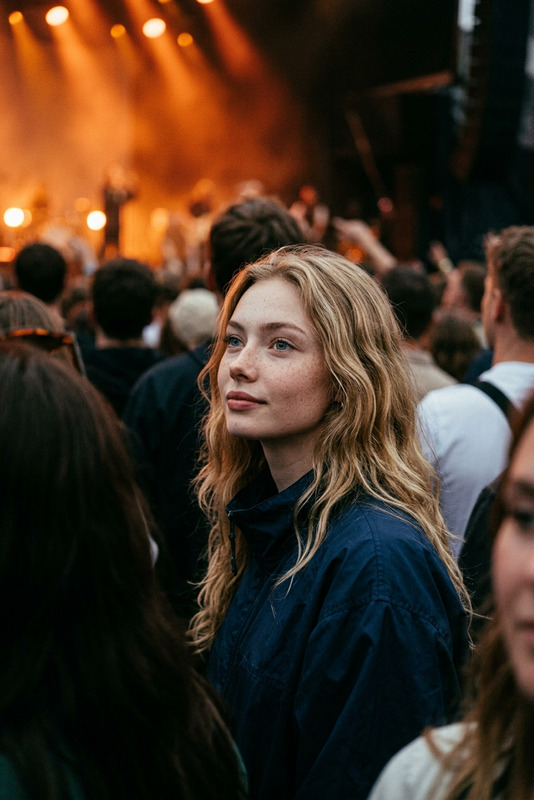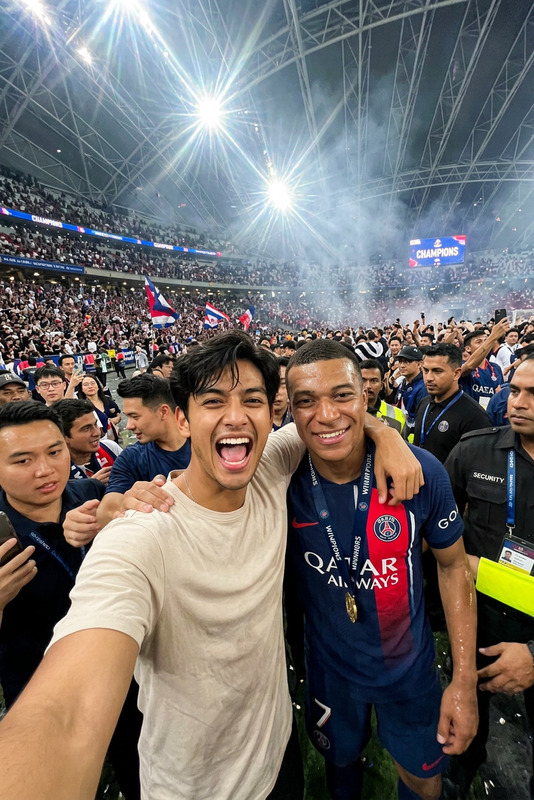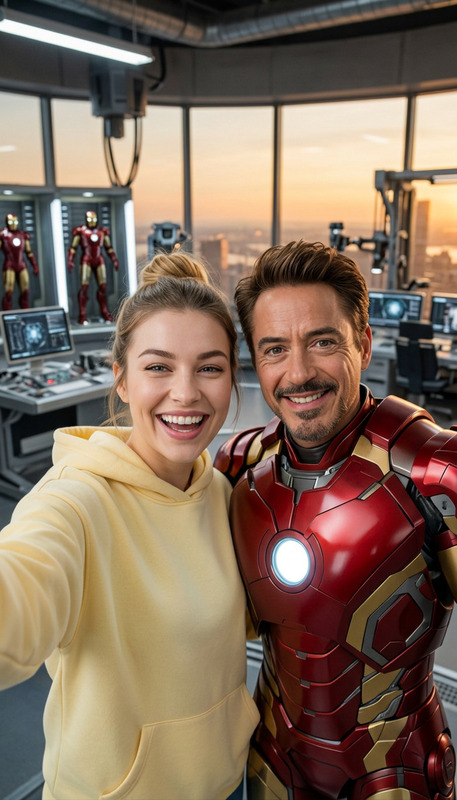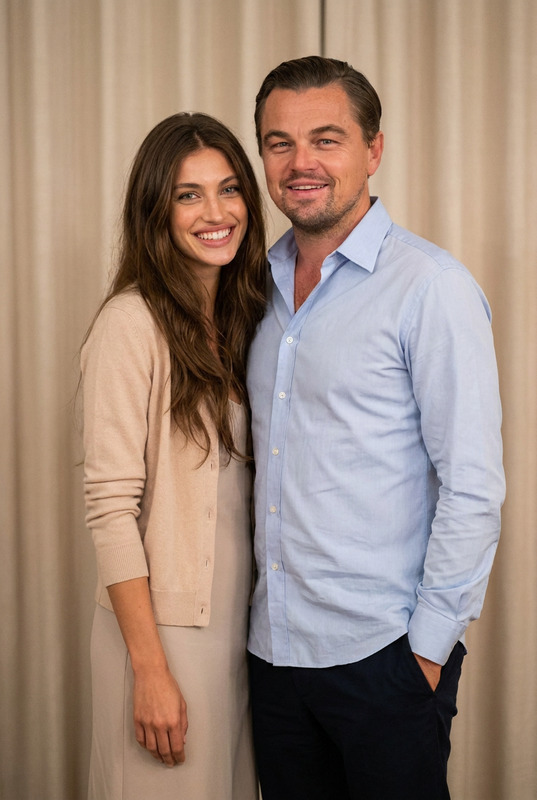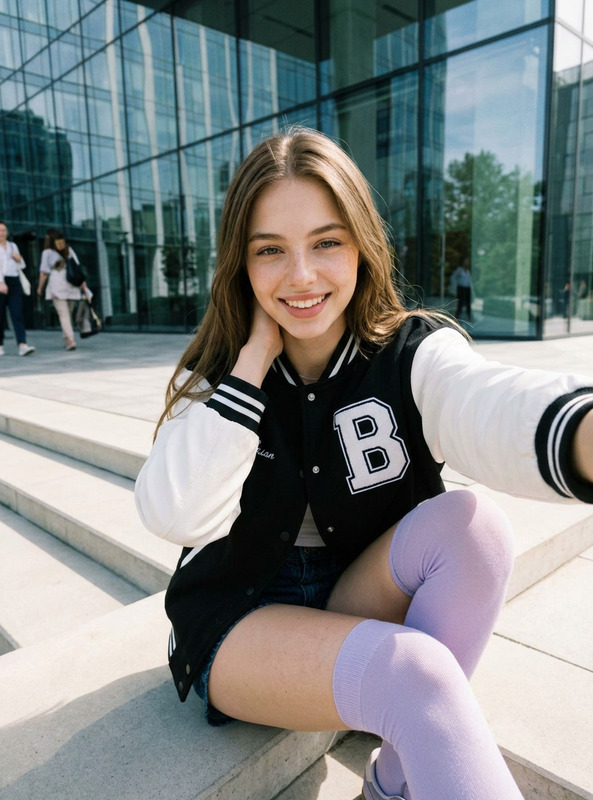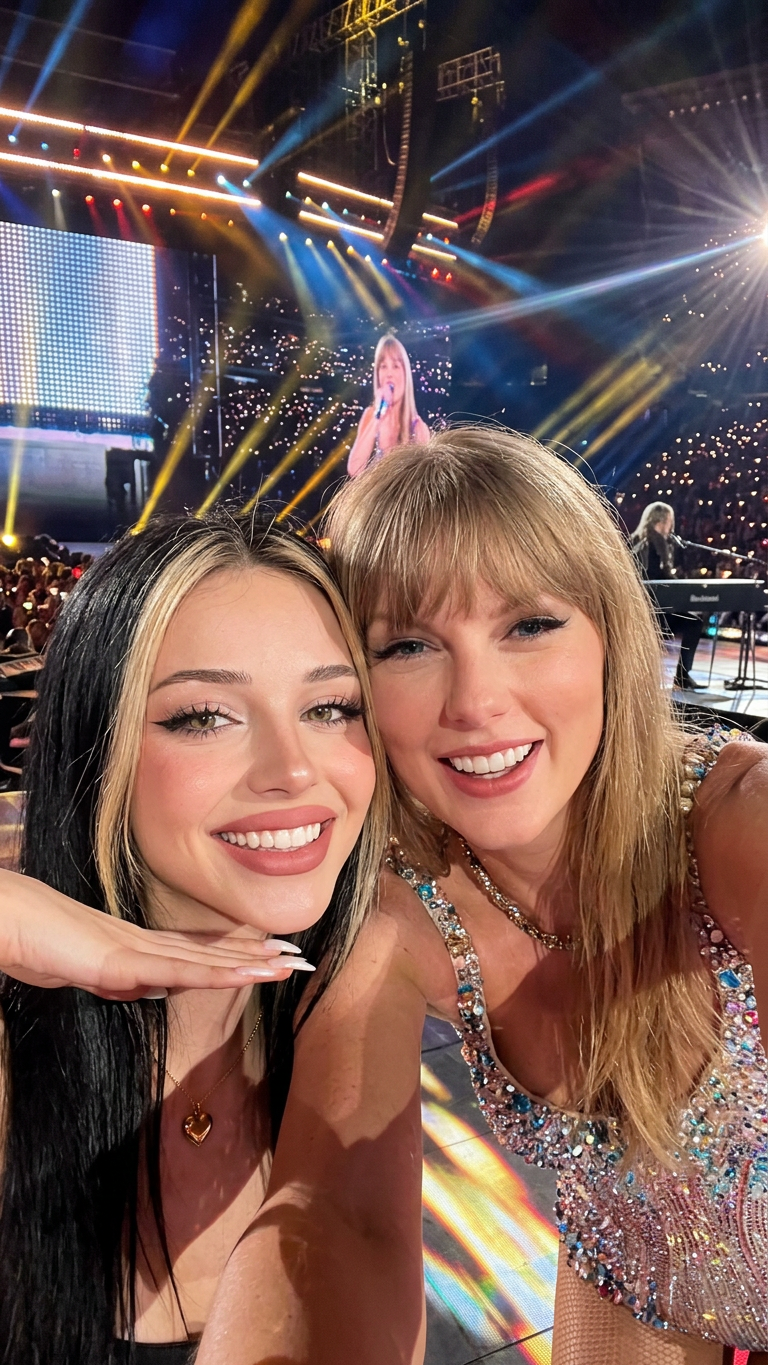
Taylor Cam
- Model
- Nano Banana 2
- Image
- 768 × 1365 px
Prompt
Make the person in the image take a selfie with [Taylor Swift], both smiling and looking directly into the camera. The scene of the photo is in the [concert stage ]. POV perspective as if the viewer is holding the phone, but without showing the phone itself. Bright lighting, natural expressions.
Any aspect ratio
Overview
The Taylor Cam template is designed for creating striking visuals that place anyone next to a famous figure like Taylor Swift on a concert stage. Powered by the nano-banana-2 model, this AI Image Editor generates lifelike images that capture the essence of a spontaneous selfie.
What It Does
This template allows you to insert any person's face into a dynamic scenario where they appear to take a selfie with Taylor Swift during a concert. It leverages advanced visual effects to ensure that both subjects look natural, maintaining appropriate lighting and expressions suited for a concert environment.
It's perfect for social media content creators looking to surprise their audience or for marketers aiming to capture attention with celebrity endorsements in a visually compelling manner.
Who It's For
Perfectly suited for social media managers, content creators, and marketers, this template offers a playful yet powerful way to engage audiences. It's designed for anyone who wants to enhance personal or brand presence by associating it with high-profile personalities.
The template is also useful for event promoters and fan communities who aim to mimic the appeal of celebrity interactions.
Summary
With the Taylor Cam template, you can create images that capture the excitement and fun of taking a selfie with a superstar. Powered by AI Image Editor and integrated with the capabilities of the AI Image Generator, this tool is your go-to for generating buzzworthy content.
How To Structure
Choose the Taylor Cam Template

Customize Your Image

Generate and Download

Use Cases
Social Media Content Creation
- Instagram stories
- Facebook posts
- TikTok videos
Marketing and Promotion
- Ad campaigns
- Brand collaborations
- Event marketing
Fan Engagement
- Fan meetups
- Social media giveaways
- Event promotions
Best Practices
Maintain Realism
Use high-quality images to ensure the final output looks realistic and professional.Leverage Angle and Lighting
Adjust angles and lighting to match the template's setting, keeping in mind the intended concert vibe.Focus on Expressions
Select images where the subject's expression aligns well with the natural, joyful mood intended in the template.