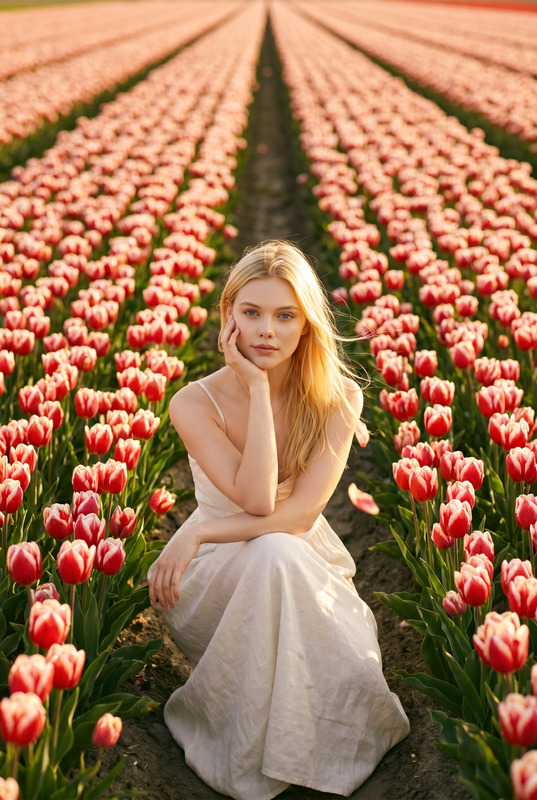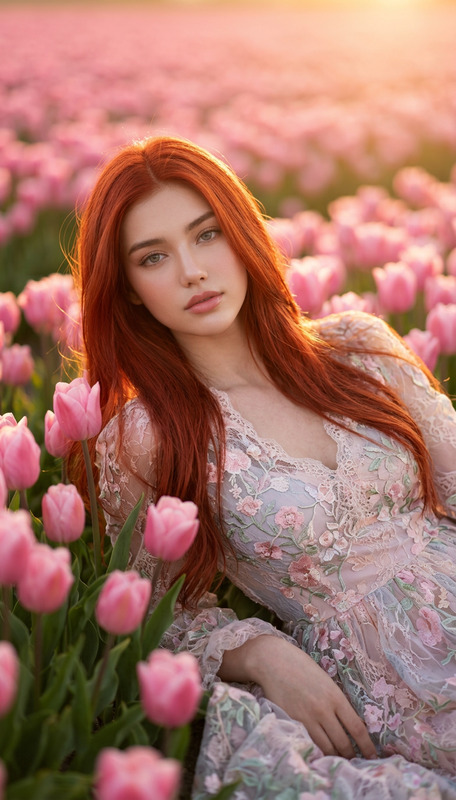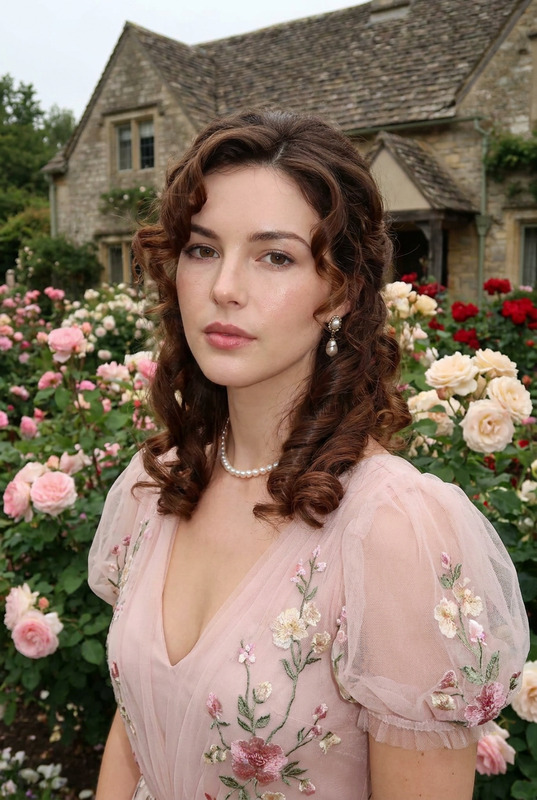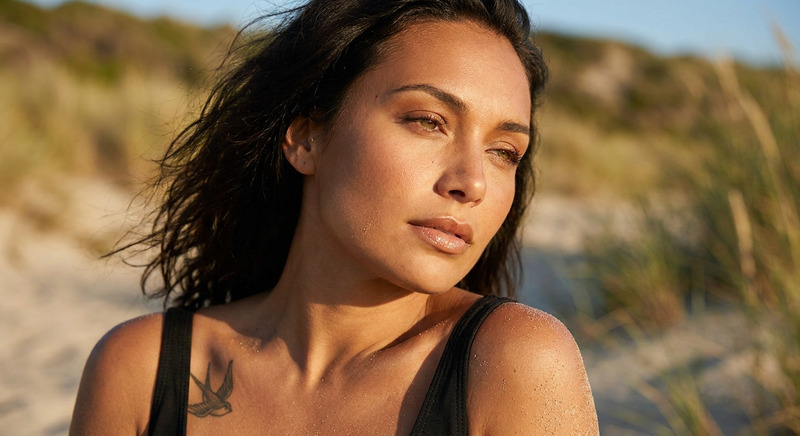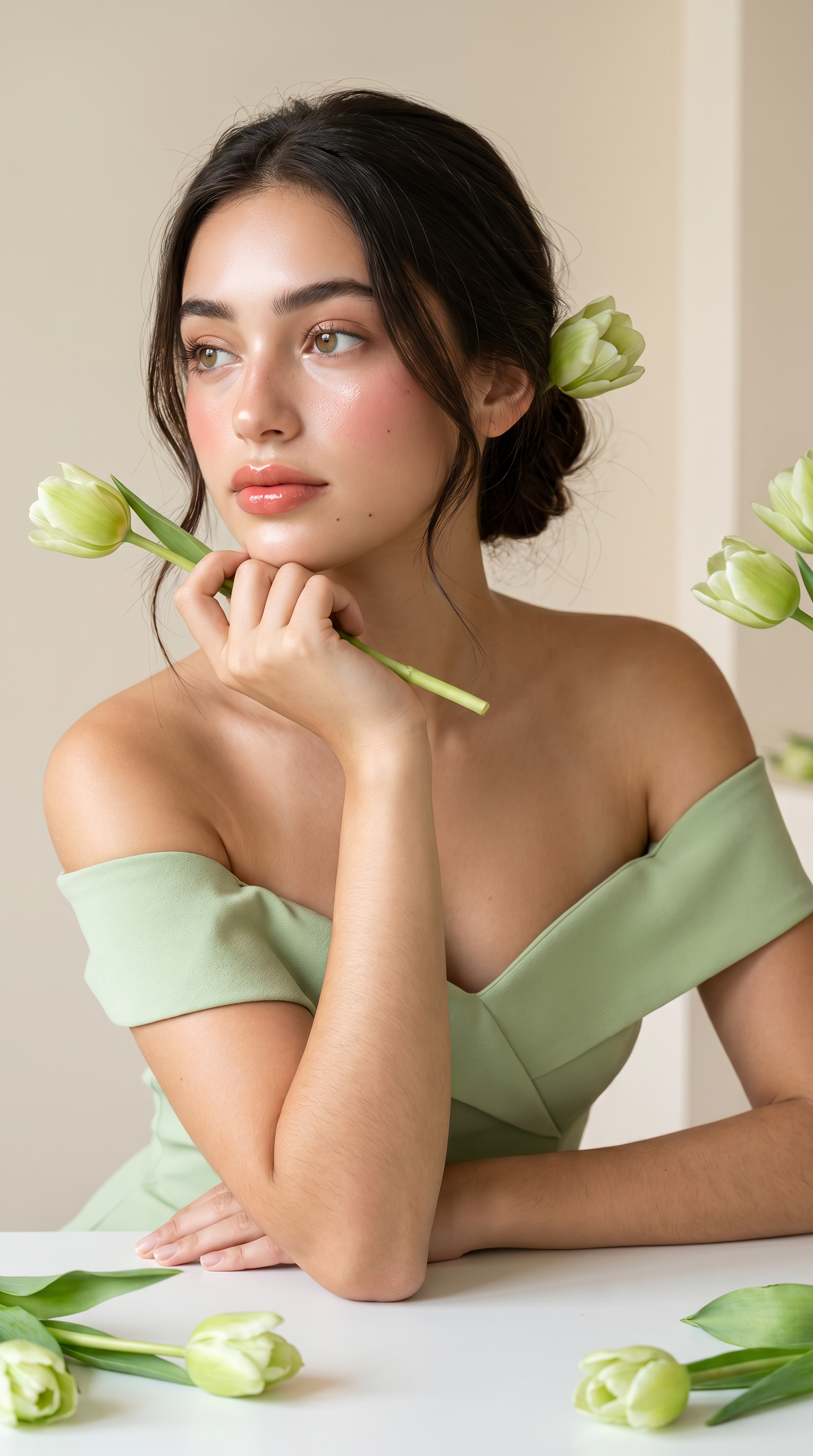
Tulip Muse
- Model
- Nano Banana Pro
- Image
- 1536 × 2752 px
Prompt
Ultra-photorealistic 8K beauty portrait of the young woman from the reference image, maintaining 100% identical facial structure and features (strict face lock). She has luminous porcelain glass skin, delicate facial features, and elegant Douyin makeup with glossy peach-pink lips. Dreamy emotional expression, eyes gazing slightly away from camera. Silky dark brown-black hair in a soft low bun with face-framing strands and a pale green tulip. Wearing an elegant pastel matcha green off-shoulder dress with structured neckline. Resting elbow on a white table, supporting chin with her fingers, holding a tulip. Minimalist luxury studio setting, cream-beige background, scattered tulips on a white table. Soft natural studio lighting, warm creamy tones, extremely detailed skin pores and fabric texture. Luxury beauty editorial style
Any aspect ratio
Overview
The Tulip Muse AI Image Editor template is a perfect tool for creating stunning, ultra-photorealistic portraits with an editorial flair. Designed using the advanced nano-banana-pro model, this template captures the subtleties in facial features, skin texture, and styling with an extraordinary level of detail. Ideal for beauty and fashion applications, it ensures the subject's facial structure remains strictly intact while elevating the overall aesthetic.
What It Does
This template transforms reference images into breathtaking beauty portraits. It emphasizes maintaining the facial likeness using a strict face lock while enhancing features through elegant Douyin makeup and luxury elements like a pastel matcha green off-shoulder dress. The template includes a luxurious studio setting with a warm, creamy tone backdrop, ensuring the final image reflects high-end editorial standards. Explore more AI Image Editor capabilities.
Who It's For
Tulip Muse is designed for professionals in the beauty, fashion, and editorial photography industries. It's particularly useful for those seeking high-quality, consistent portrait enhancements without sacrificing natural likeness. This template is also beneficial for content creators focusing on social media, where a polished yet realistic image presentation is crucial. AI Profile Picture Generator users will find its capabilities particularly advantageous.
Summary
Whether you're a photographer or a digital content creator, the Tulip Muse AI Image Editor provides a sophisticated way to produce lifelike beauty portraits with ease. Its precise adherence to face structure and high-quality rendering makes it a preferred choice for detailed image editing. See how others are using AI for creative content.
How-To
Choose

Customize

Generate

Use Cases
Beauty Editorials
- Maintain natural likeness
- Enhance with high-quality makeup effects
Social Media Content
- Enhance images for Instagram and TikTok
- Achieve professional photo quality
Product Promotions
- Align visuals with brand aesthetics
- Highlight product features in use
Best Practices
Select High-Quality Reference Images
Ensure the original photo is clear and well-lit to achieve optimum results.Maintain Consistent Lighting
Use images with uniform lighting to enhance the natural look provided by the template.Leverage Editorial Techniques
Study luxury editorial styles to better adjust prompts and achieve desired aesthetics.