Bloom Within
- Model
- Nano Banana Pro
- Image
- 1696 × 2528 px
Prompt
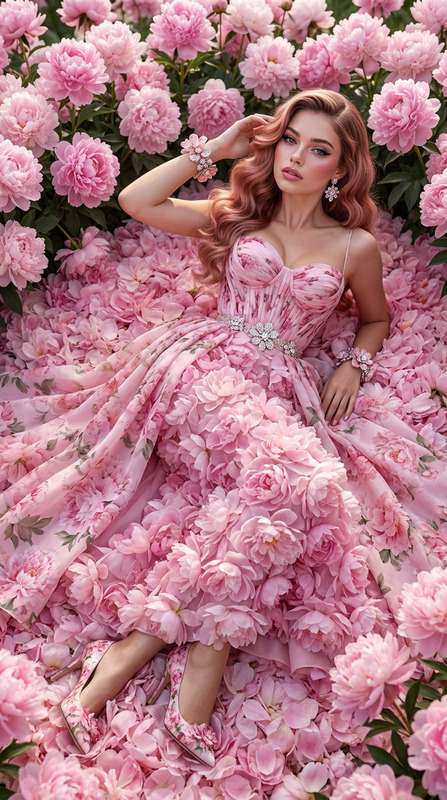
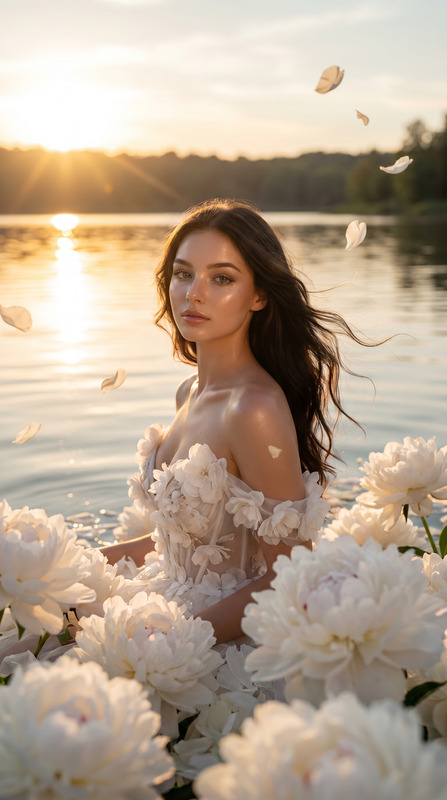
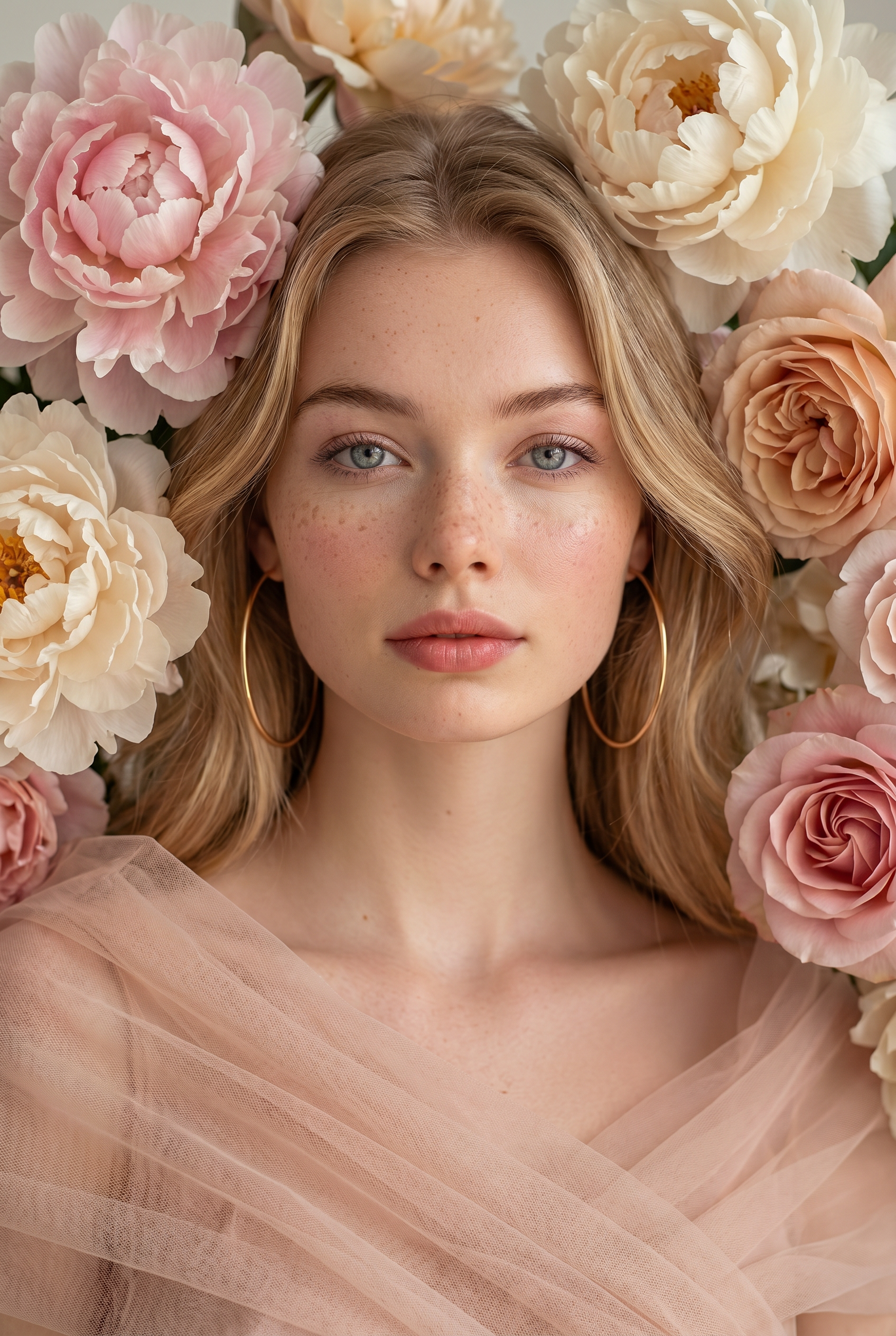
Transform the uploaded face-edited portrait into an ultra-luxury floral beauty editorial portrait. The subject's face fills the center of the composition, surrounded by large blooming peonies in delicate shades of blush pink, ivory cream, champagne, and soft rose. The flowers frame the face symmetrically, creating a luxurious natural floral crown effect around the head and shoulders. The subject has luminous skin with natural texture, subtle freckles, delicate makeup, soft pink lips, bright expressive eyes, and an elegant serene expression looking directly into the camera. Long silky hair blends naturally between the flowers, while oversized minimalist gold hoop earrings add a touch of modern sophistication. A sheer blush-colored couture tulle garment softly wraps around the shoulders and neckline, enhancing the romantic atmosphere. Soft diffused beauty lighting illuminates the face evenly while revealing every petal detail. The flowers appear lush, layered, and incredibly realistic with delicate gradients and rich textures. The composition feels like a luxury beauty advertisement mixed with fine-art botanical photography. Ultra-realistic beauty photography, Vogue Beauty editorial, luxury skincare campaign, medium-format camera, 100mm portrait lens, shallow depth of field, photorealistic peonies, cinematic color grading, flawless skin rendering, museum-quality floral portrait, extraordinary detail, premium magazine cover aesthetic, masterpiece quality. luxury floral beauty editorial, peony flower portrait, botanical fashion photography, Vogue Beauty aesthetic, luxury skincare campaign, soft romantic tones, fine-art floral composition, photorealistic petals, elegant feminine beauty, magazine cover photography, luxury cosmetics advertisement, dreamy floral atmosphere, premium beauty portrait
Any aspect ratio
Overview
The Bloom Within AI Image Editor template allows creators to transform portraits into luxurious floral compositions. Using the advanced nano-banana-pro model, this tool infuses artistic intricacies typical of a high-end editorial. The result is a blend of beauty photography and fine-art botanical imagery that captivates viewers.
What It Does
This template transforms a standard portrait into a floral masterpiece, centered around the subject's face framed by lush peonies. The details extend to luminous skin, natural freckles, and a serene expression, embodying the essence of a luxury beauty editorial. With photorealistic textures and cinematic color grading, it achieves a museum-quality portrait perfect for premium content.
Who It's For
"Bloom Within" is ideal for beauty brands, photographers, and artists aiming to create standout portraits with a luxury touch. It's perfect for those involved in luxury cosmetics advertisements, editorial features for fashion magazines, or anyone interested in producing high-quality artistic imagery.
Summary
The Bloom Within template offers a seamless way to upgrade any portrait with a floral elegance that embodies a high-end editorial vibe. It’s suited for creators looking to add a sophisticated aesthetic to their work, aligning with calls for quality found in premium product photography and high-quality editorial designs.
How-To
Choose

Customize

Generate

Use Cases
Luxury Skincare Campaigns
- Create a graceful, botanical aesthetic
- Add magazine cover-worthy visuals
Fine-Art Portrait Photography
- Achieve photorealistic floral settings
- Feature elegant, feminine beauty
Editorial Fashion Shoots
- Upgrade fashion photography with artistic detail
- Add an editorial feel to social media campaigns
Best Practices
Choose High-Quality Source Material
For best results, use high-resolution portraits as your starting point to benefit from the template's detailed rendering capabilities.Refine Composition
Consider the positional balance of your subject and floral elements for a professional, artistic output.Experiment with Lighting
Adjust lighting settings within the image editor to enhance the natural textures and create a mood that fits your theme.