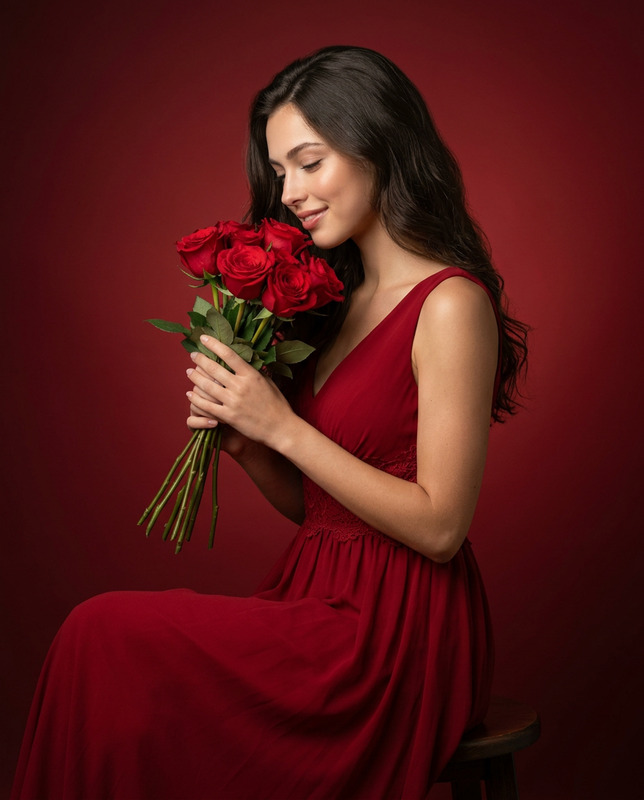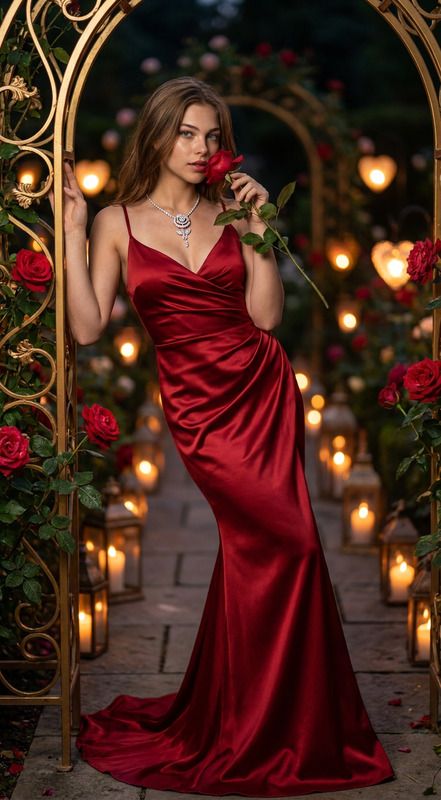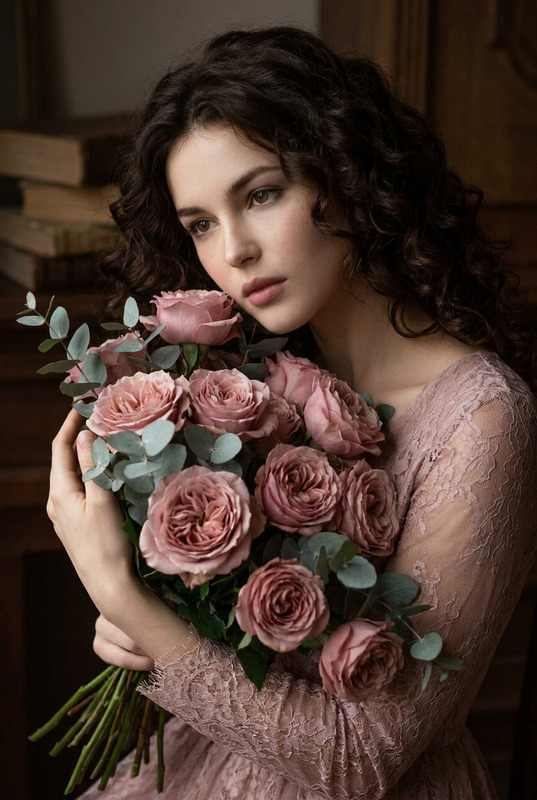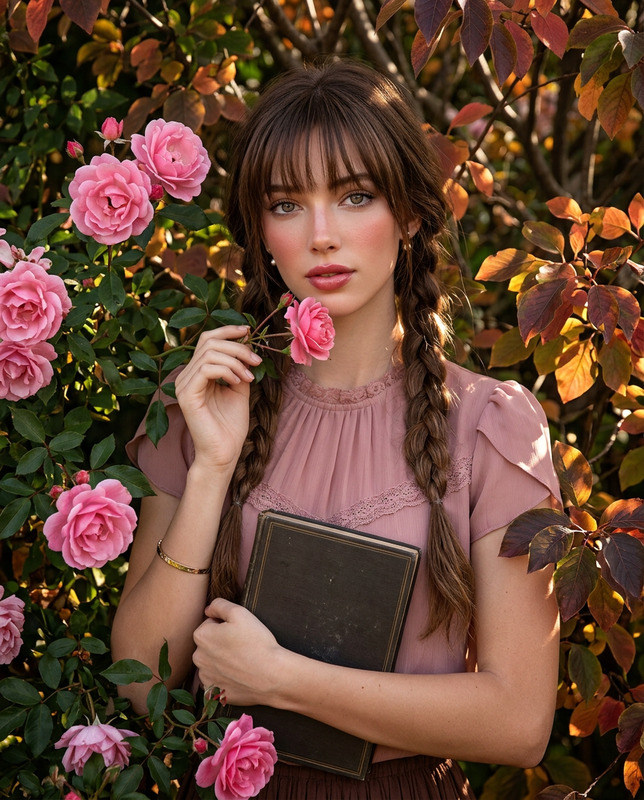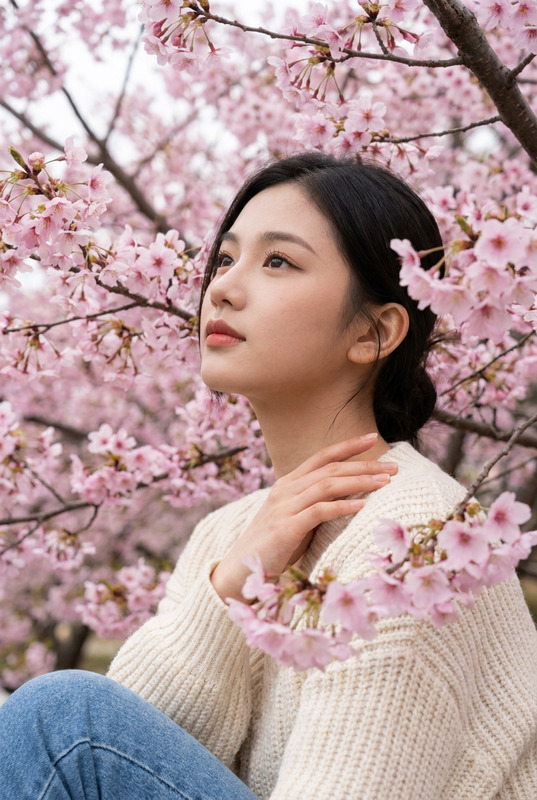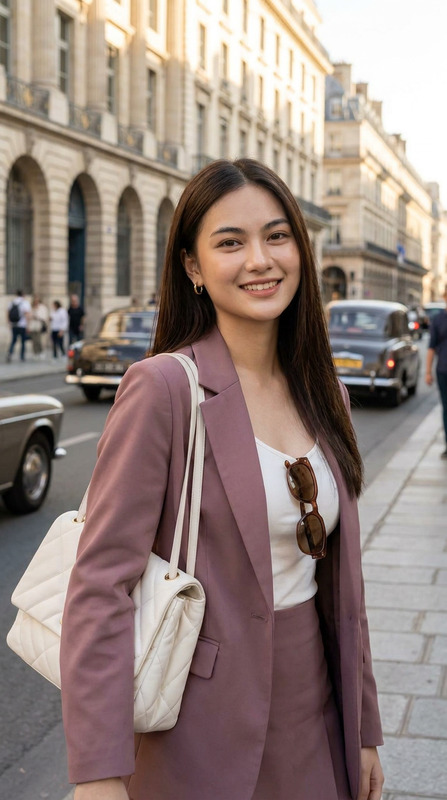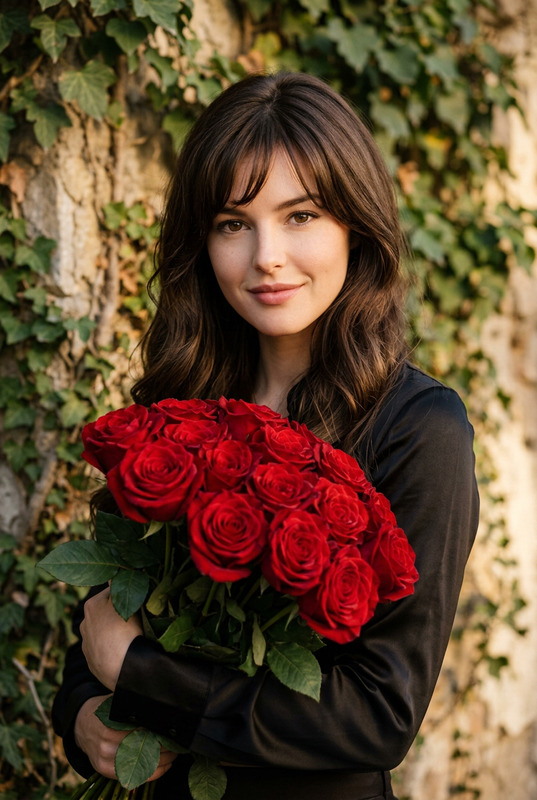
Rose Embrace
- Model
- Nano Banana Pro
- Image
- 848 × 1264 px
Prompt
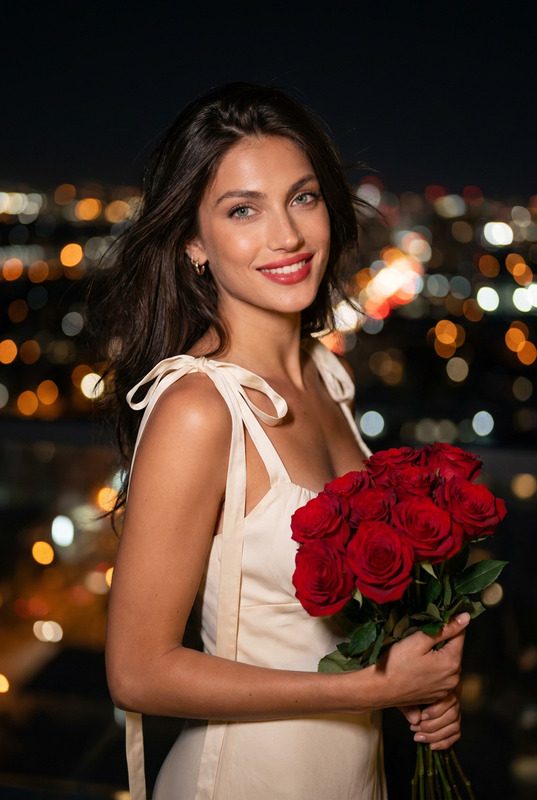
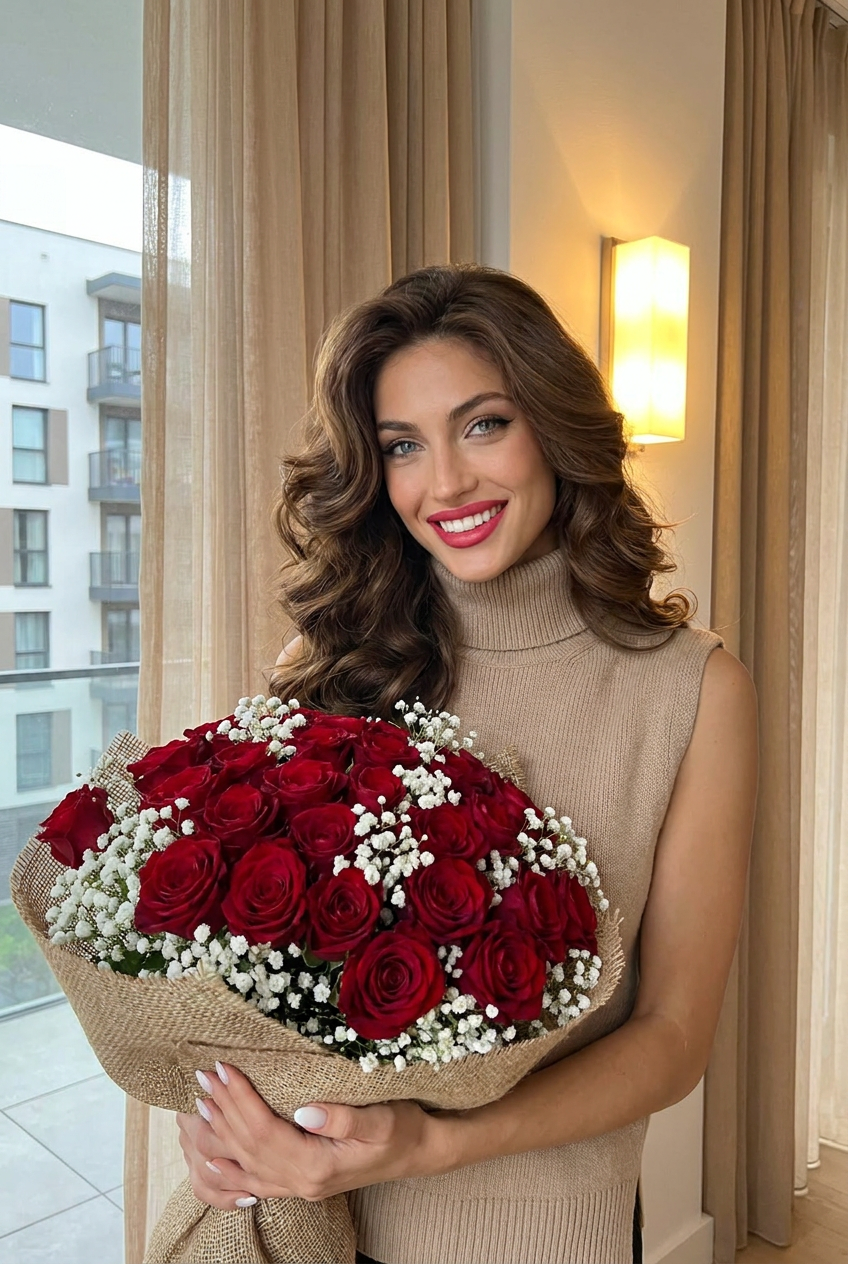
Create a realistic portrait (100% like the face), High-quality, Subject and Expression: The woman is smiling brightly at the camera, holding a large floral arrangement close to her. She has a polished appearance with a confident and happy expression.Attire and Styling:She is wearing a beige or light-colored sleeveless turtleneck sweater.Her hair is a rich brown color, styled in voluminous, bouncy waves that frame her face.Her makeup is glamorous, featuring winged eyeliner, well-defined eyebrows, and a vibrant pinkish-red lipstick that complements the roses. She also has white-manicured nails.The Bouquet: She holds a dense bouquet of deep red roses accented with delicate white baby's breath. The flowers are wrapped in a rustic, burlap-style material.Setting and Lighting:The photo is taken indoors next to a window with sheer tan curtains.Outside the window, a tall, modern apartment or office building is visible.On the wall behind her, a rectangular light fixture glows with warm yellow light, adding a soft ambiance to the scene. Don’t change the face of reference image
Any aspect ratio
Overview
The "Rose Embrace" template offers an advanced AI Image Editor solution, bringing your portrait ideas to life with high detail and precision. Utilizing the powerful nano-banana-pro model, this template allows for an accurate depiction of facial features while enhancing the surrounding elements that define your subject's character and style.
What It Does
"Rose Embrace" focuses on generating captivating portraits by following specific visual narratives. With a focus on realistic skin tones and perfect facial expressions, the AI precisely styles the subject's attire and hair. It also adds an effervescent backdrop of indoor warmth and modernity.
The template is perfect for producing high-quality images that demand attention to detail—from the complexity of a profile picture to a promotional shot. It maintains reference image integrity while injecting artistic elegance into the scene.
Who It's For
This template is ideal for photographers, content creators, and marketing professionals seeking that perfect blend of authenticity and elegance in their imagery. It's also incredibly useful for social media influencers and brands that want visually appealing content to engage their audiences.
Whether you're designing a campaign or enhancing personal photos, this AI Product Photography tool provides the finesse required to make every image truly unforgettable.
Summary
The "Rose Embrace" template transforms conceptual portraits into high-quality visuals by focusing on natural expression and detailed surrounding elements. Its utility ranges from personal projects to commercial endeavors, supported by robust AI technology for image editing and enhancement. Learn more about its applications in AI Product Photography.
How-To
Choose

Customize

Generate

Use Cases
Social Media Content
- Boost follower engagement
- Strengthen personal brand aesthetic
Professional Headshots
- Impress potential employers
- Stand out in professional networking
Advertising Campaigns
- Attract target demographics
- Increase ad recall and click-through rates
Best Practices
Maintain Expression Authenticity
Ensure that the reference image's expression is accurately captured in the final output by fine-tuning the emotion parameters.Coordinate Colors
Choose floral and makeup colors that complement each other to create a cohesive visual experience.Optimal Lighting
Simulate soft indoor lighting by adjusting background settings to create a warm and inviting ambiance in your portrait.