Animalique Splash
- Model
- GPT Image 2
- Image
- 1024 × 1024 px
Prompt
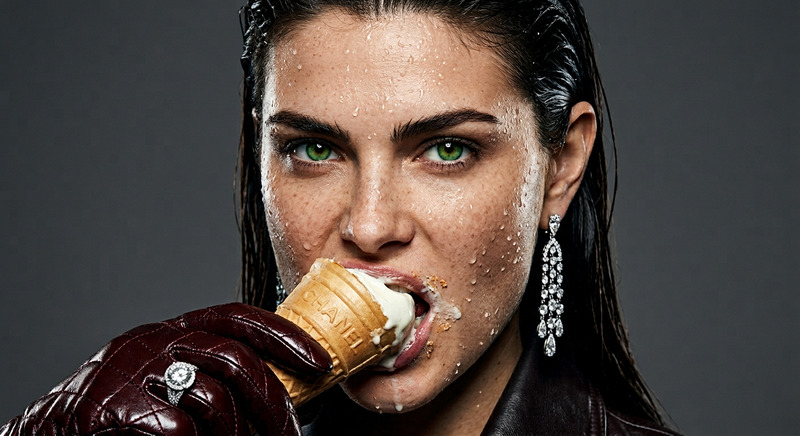
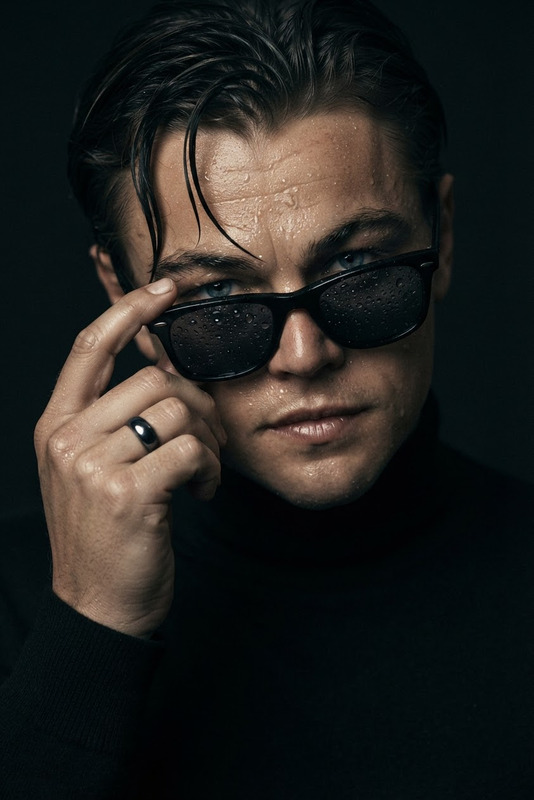
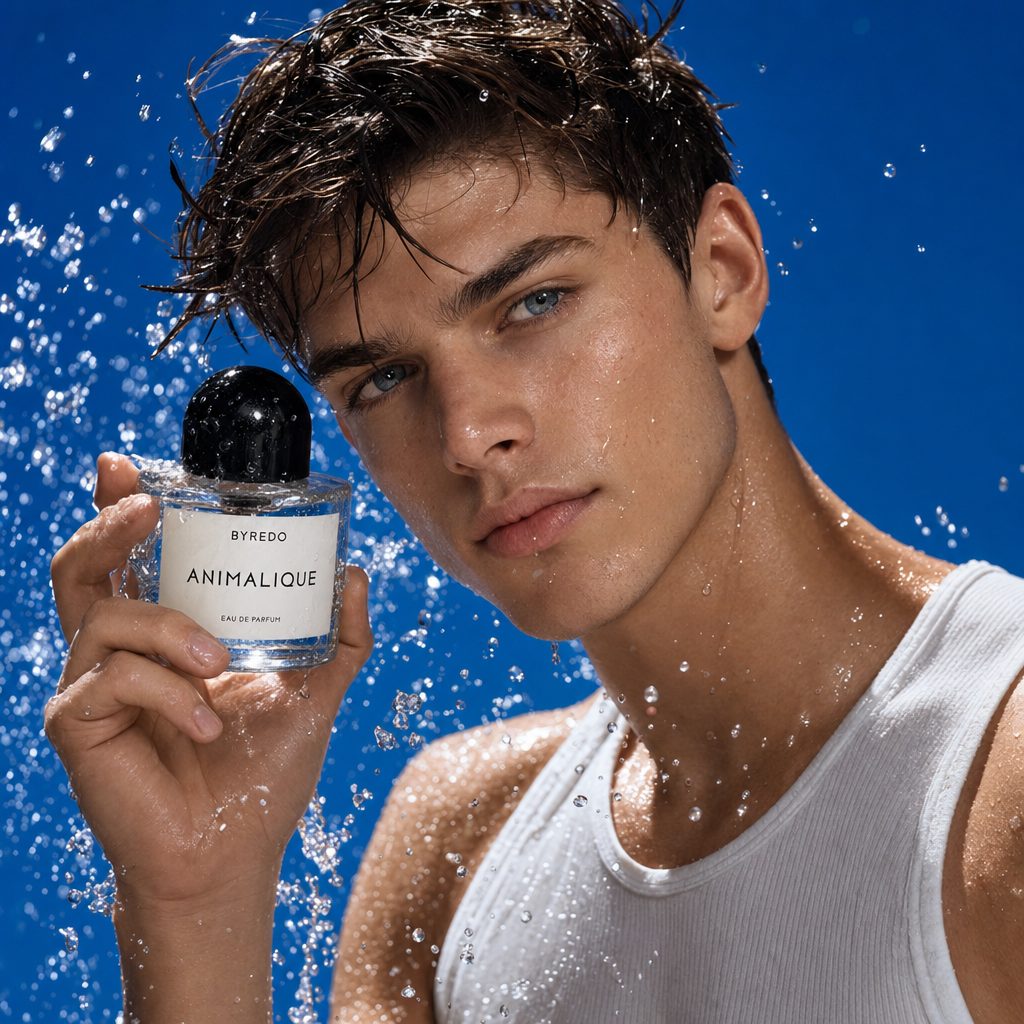
A cinematic close-up editorial portrait of a young male subject with wet dark hair slicked messily across the forehead and naturally flushed cheeks, holding a bottle of Byredo Animalique Eau de Parfum close to the face. Dynamic water droplets and splashes explode around the subject and perfume bottle, frozen sharply in motion to create a refreshing high-energy atmosphere. The subject wears a fitted white ribbed tank top, exposing damp skin with realistic texture and subtle sheen from the water. The background is a bold vibrant cobalt-blue backdrop with a clean minimal studio aesthetic, making the skin tones, water droplets, and perfume bottle stand out dramatically. Strong directional lighting highlights the reflective water texture, glossy glass bottle surfaces, and natural skin detail while creating crisp shadows and luminous highlights. Luxury fragrance campaign mood, ultra-realistic beauty photography, refreshing clean energy, sharp editorial composition, subtle film grain, high contrast, photorealistic 8K detail.
Any aspect ratio
Overview
The Animalique Splash template offers a high-energy, cinematic close-up portrait creation tool within the AI Image Editor lineup. Engineered with the gpt-image-2 model, this template delivers photorealistic beauty photography in stunning 8K detail, ideal for high-impact campaigns and editorial content.
What It Does
Animalique Splash artfully captures a young male subject set against a bold cobalt-blue backdrop. It features stunning water droplet effects around both the subject and a Byredo Animalique Eau de Parfum bottle, delivering unmatched realism. The precision of water textures, skin details, and lighting makes it perfect for luxury fragrance campaigns.
Who It's For
This template is ideal for visual creators, marketers, and beauty brands aiming to enhance their fragrance and lifestyle campaigns. It's perfect for those looking to incorporate high-quality image-to-video transitions or social media professionals seeking to create eye-catching ads with a touch of elegance and sophistication.
Summary
Elevate your campaign visuals with Animalique Splash, as it provides a vivid, ultra-realistic platform for generating luxurious and engaging content. Explore other compatible tools like the AI Clothes Changer to add even more creative elements to your compositions.
How To
Choose the Template

Customize Your Inputs

Generate Your Image

Use Cases
Luxury Fragrance Promotions
- Feature dynamic water effects and textural details.
- Highlight brand elements with clarity and style.
Social Media Ad Campaigns
- Create attention-grabbing posts.
- Enhance storytelling through realistic imagery.
Editorial Photography
- Convey a story or theme through visual detail.
- Utilize water and lighting effects for dramatic emphasis.
Best Practices
Experiment with Lighting and Shadows
Tweak lighting settings to achieve the desired mood, creating emphasis where needed.Focus on Detail
Pay attention to small details like water droplets and reflections to enhance realism.Test Different Backgrounds
Consider trying background variations to further complement the subject and scene composition.