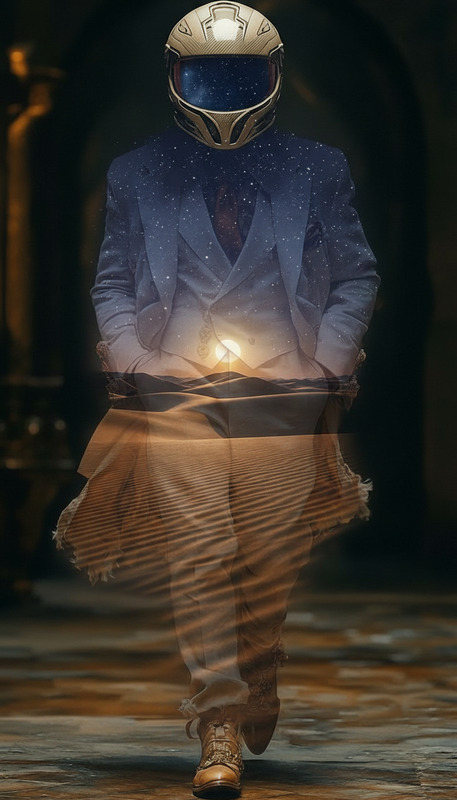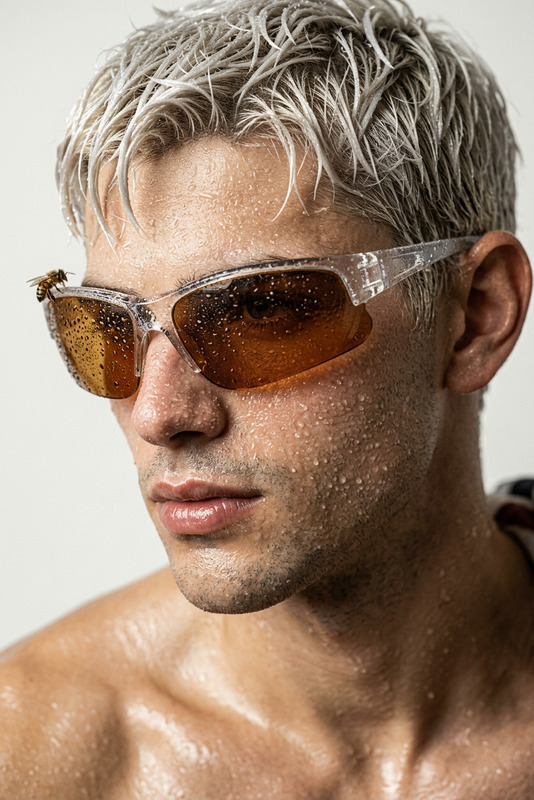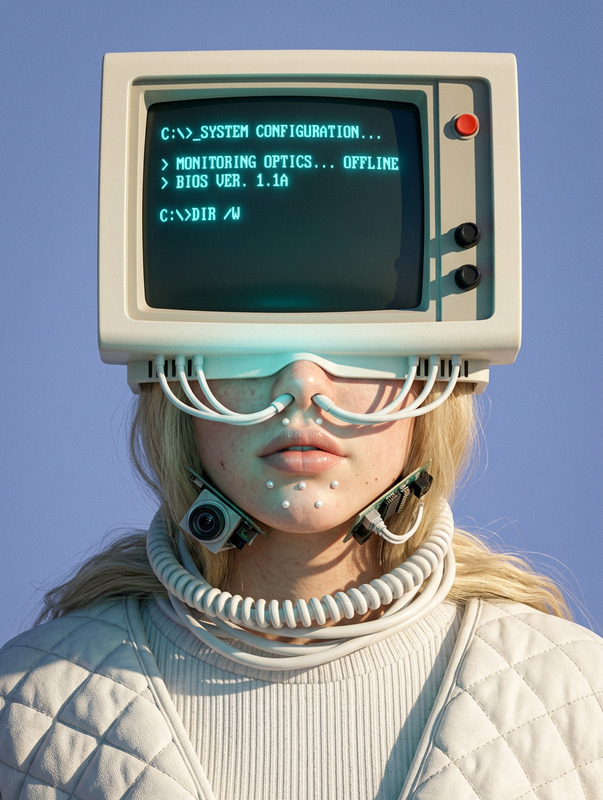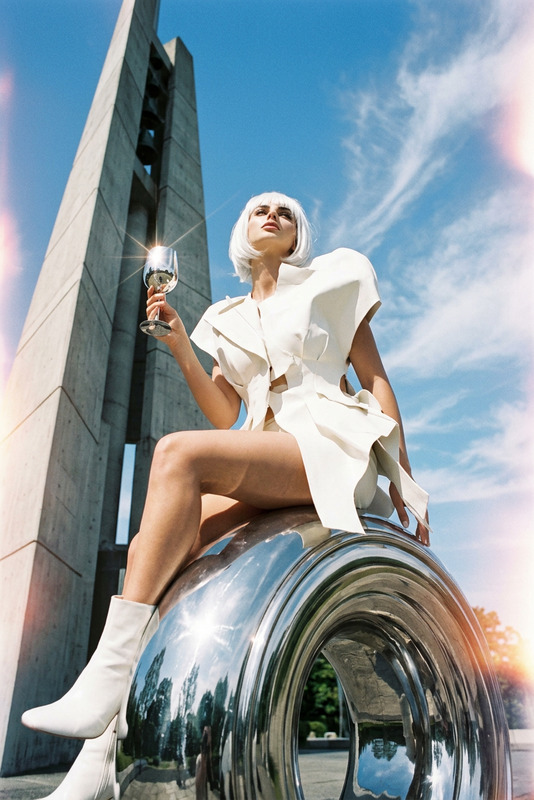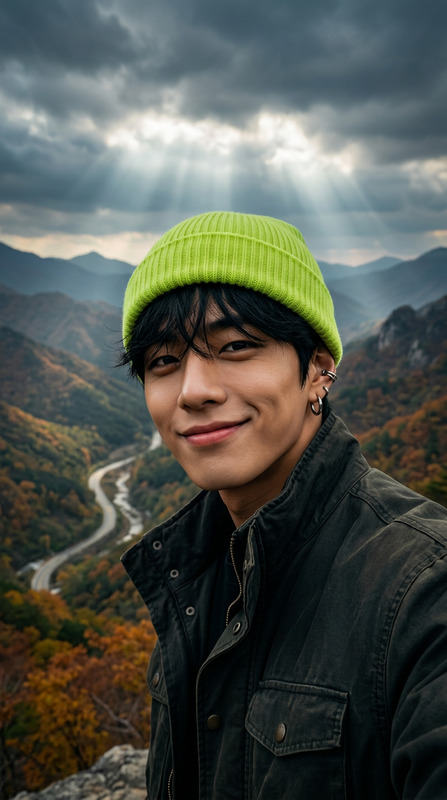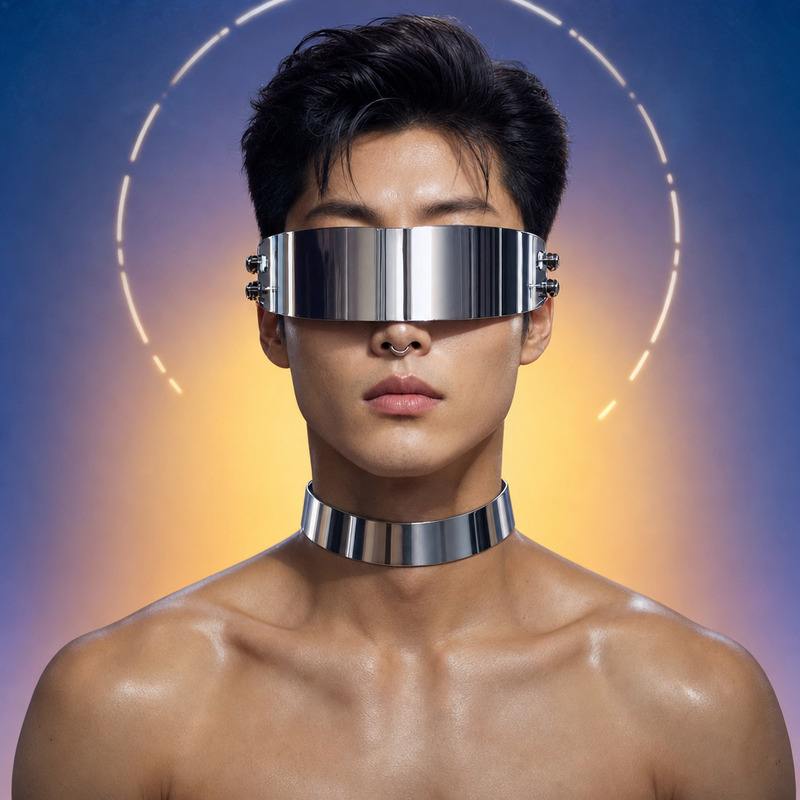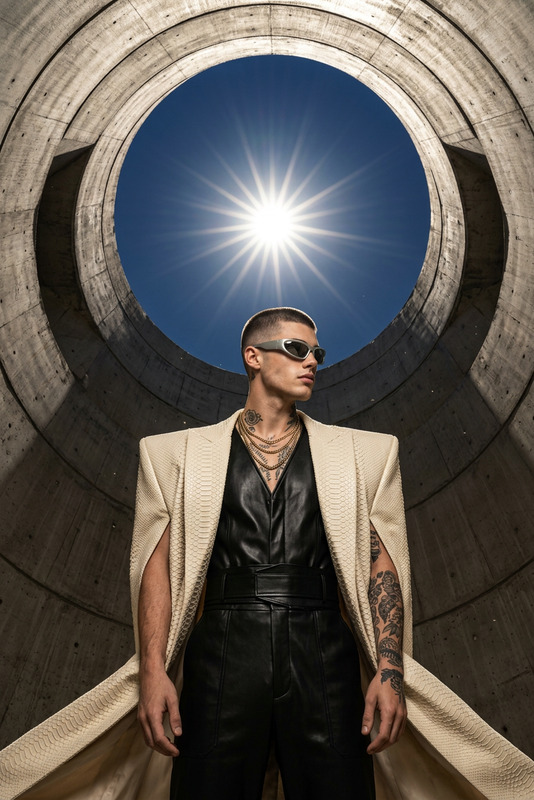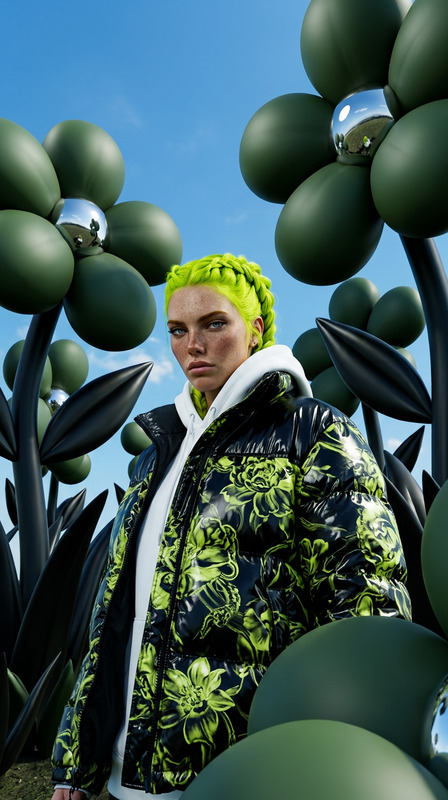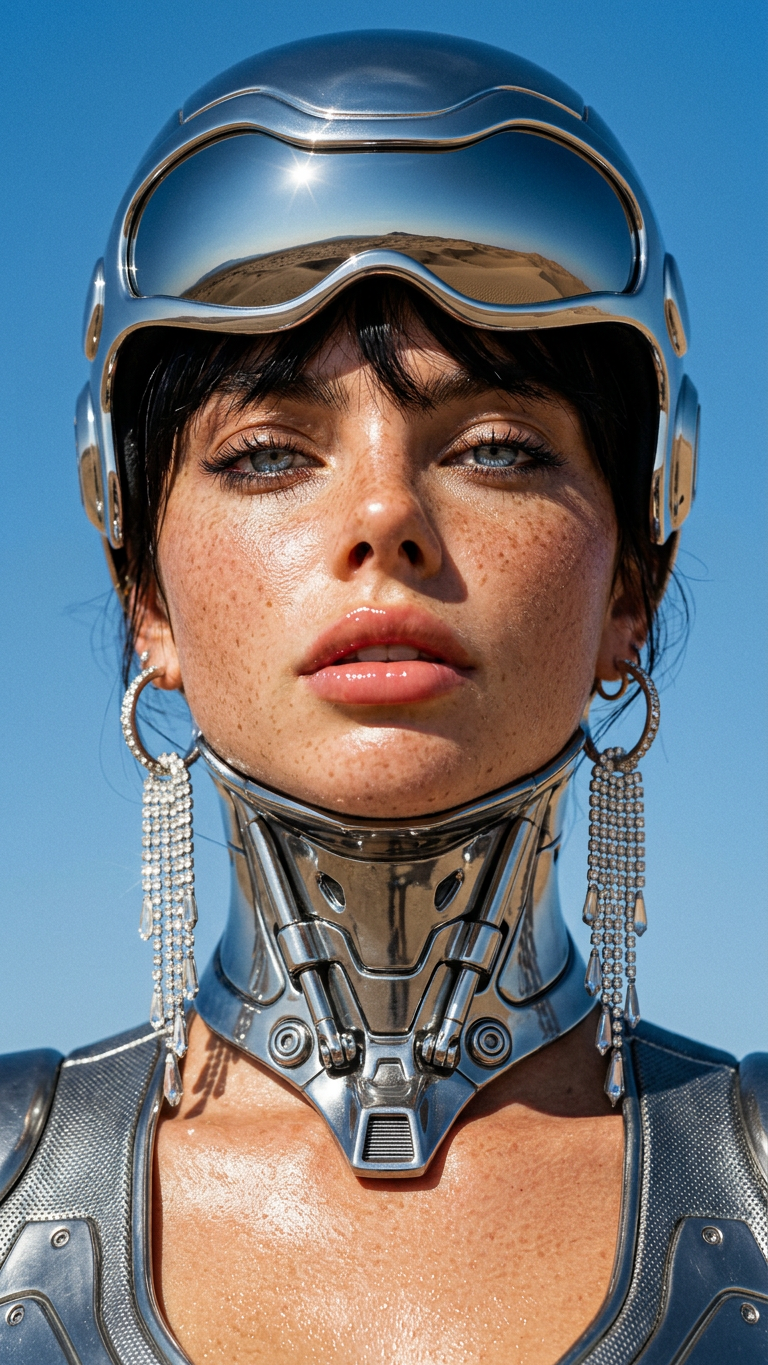
Chrome Desert Helmet

Chrome Desert Helmet

ai-image-editor

1 clip
3 uses

Any aspect ratio

Prompt

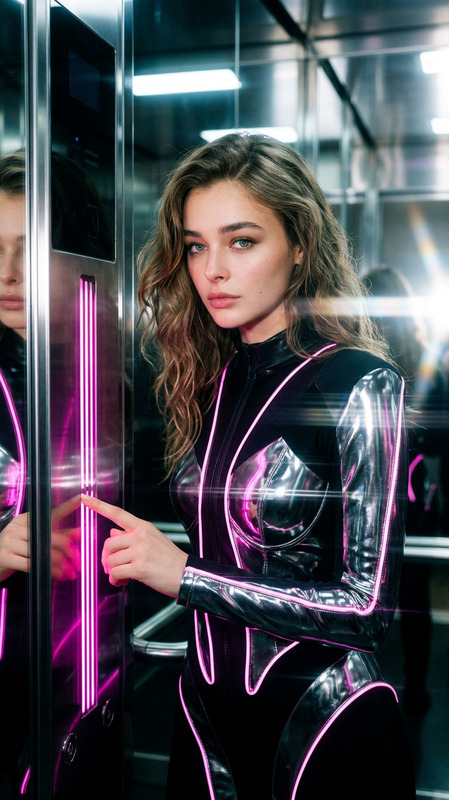
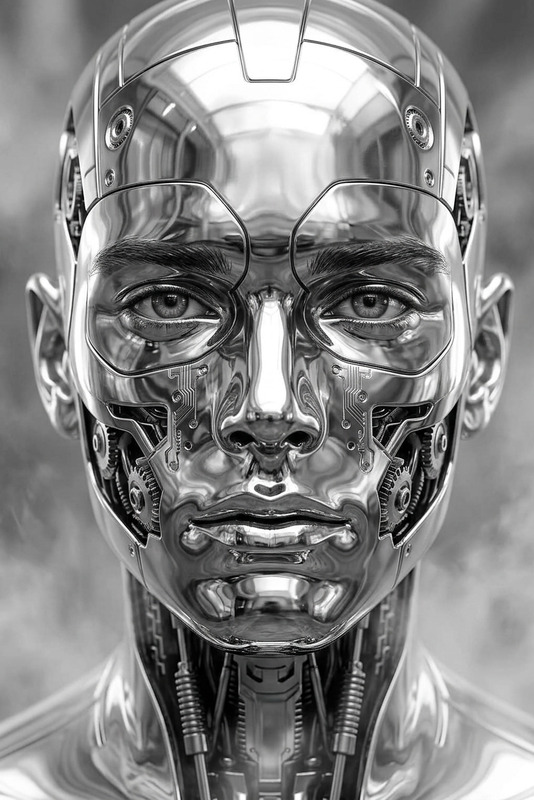
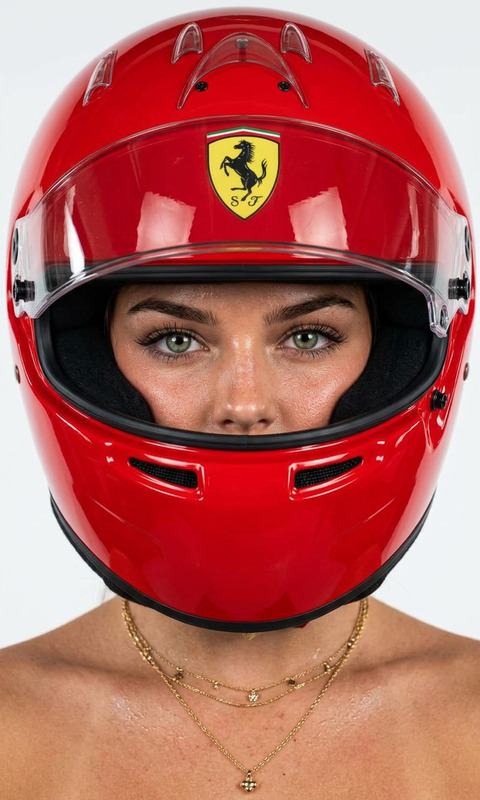
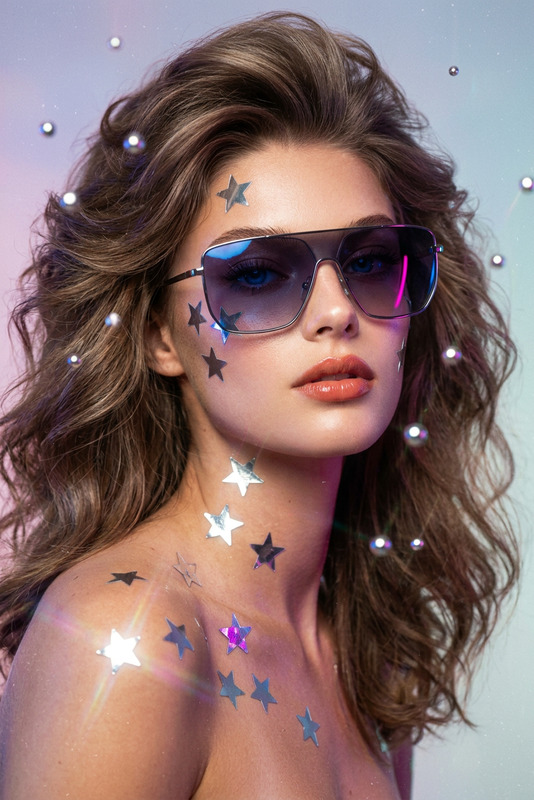
Extreme close-up low-angle of a subject with dewy sun-kissed skin, visible pores, glossy lips, head slightly tilted back, confident expression. Wearing a liquid chrome aerodynamic helmet with mirrored visor reflecting blue sky and desert, connected to a metallic suit and chrome neck piece. Long crystalline silver earrings catching light. Clear vibrant blue sky background. Harsh sunlight mixed with flash creating sharp highlights and deep shadows, strong reflections on chrome, cinematic composition, 35mm Kodachrome aesthetic, hyper-realistic, 8K, sharp focus.

AI Image Editor Template: Clean Product Photo Background

Create studio-quality product photos in seconds by automatically removing busy backgrounds and replacing them with clean, on-brand backdrops. This template uses the AI Image Editor to turn ordinary shots into polished, ecommerce-ready images—without manual retouching.


What this template does

This template is designed for:

  • Ecommerce product photos (Shopify, Amazon, Etsy, WooCommerce)
  • Marketing creatives (social ads, landing pages, email banners)
  • Catalogs & pitch decks (clean, consistent visuals)
  • Marketplace listings (Poshmark, Depop, eBay, Facebook Marketplace)

With one workflow, you can:

  • Remove cluttered or distracting backgrounds
  • Replace them with solid colors, gradients, studio-style scenes, or brand-themed environments
  • Clean up edges and artifacts around objects
  • Prepare assets for design tools (Figma, Canva, Webflow, Framer)

How to use or remix this template in Magic Hour

You can use this template as-is, or quickly remix it into your own branded variant.

  1. Open this template in Magic Hour

    • Start from the template page in Magic Hour.
    • Duplicate or remix it to create your own version.
  2. Upload your product image

    • Use any standard product shot—phone photos are fine.
    • Works best when the product is clearly visible and not heavily motion-blurred.
  3. Apply background cleanup and replacement

    • The workflow uses the AI Image Editor to:
      • Detect the main subject
      • Remove the original background
      • Generate a clean replacement background
  4. Export and reuse anywhere

    • Download the final image to use in your store, ads, presentations, or social posts.
    • You can then enhance it further with:

How to build your own variant with AI Image Editor

If you want a customized workflow instead of using the template directly, you can recreate a similar flow with:

A typical remix pattern:

  • Step 1: Remove the original background using AI Image Editor.
  • Step 2: Generate a new background with AI Background Generator or AI Art Generator (e.g., “minimal white studio with soft shadows” or “warm wooden tabletop near a window”).
  • Step 3: Composite your product on top and refine edges with AI Image Editor.
  • Step 4: Upscale with AI Image Upscaler if you need large hero images or print-quality assets.

Use cases and practical workflows

Ecommerce & marketplaces

  • Standardize product photos across a catalog
  • Create separate versions for:
    • White-background marketplace compliance (e.g., Amazon-style)
    • Brand-specific landing pages with color or texture
  • Combine this template with:

Marketing & growth teams

  • Rapidly generate multiple visual variants for A/B testing
  • Localize creatives for different markets by switching backgrounds (e.g., different environments, seasons, or cultural context)
  • Pair with:

Creators & startups


Related Magic Hour tools to extend this template

Once you have clean, high-quality product images, you can turn them into richer assets:


Inspiration: creative directions you can test

Because this template is built on the AI Image Editor, you can remix it into many niche workflows:

  • Brand-colored backdrops
    Use your primary brand color (or a soft gradient) behind products for instant brand recognition.

  • Lifestyle mockups
    Generate subtle context: desk setups, kitchens, fitness spaces, or living rooms using AI Background Generator or AI Interior Design Generator.

  • Themed campaigns
    Create seasonal or campaign-specific variants:

    • Holiday backdrops
    • Minimal monochrome campaigns
    • Dark / cinematic scenes with Dark Fantasy AI
  • Stylized visuals for social
    Blend realism with stylization using:


How this template fits with other Magic Hour template flows

If you’re building a full content pipeline around your product visuals, this template pairs well with other Magic Hour template-based products:

  • Face Swap Video – for UGC-style “someone using the product” content
  • Lip Sync – sync product explainers or short scripts to a talking face
  • Video-to-Video – restyle your product video into different aesthetics while keeping structure
  • Animation – bring your product mascot or brand character to life for campaigns

Using these together, you can go from raw product photo → clean background shot → animated creative → voiced, captioned video, all inside the Magic Hour ecosystem.


Tips for best results

  • Capture reasonably clear source images
    AI tools work best when the main subject is sharp, well-lit, and not heavily occluded.

  • Keep compositions simple
    Single main subject against moderate contrast backgrounds typically yields better cutouts.

  • Standardize angles and framing
    If you’re shooting a catalog, maintain similar angles and distances—this makes your edited images look intentional and professional.

  • Iterate quickly
    Create multiple remixed branches of this template to test:

    • Different background types (solid, gradient, lifestyle, abstract)
    • Alternative aesthetics (photo vs illustration)
    • Varying levels of visual complexity

Use this template as your base, then remix it to match your brand, product category, and channels. The AI Image Editor plus the surrounding Magic Hour tools give you a full stack for taking a single product shot and turning it into an entire library of production-ready visuals.

More Like This

Insufficient credits