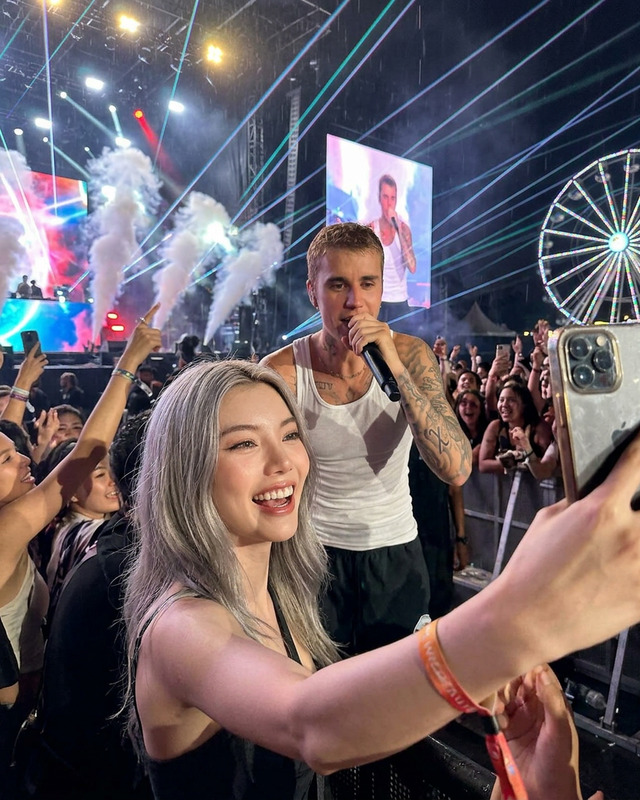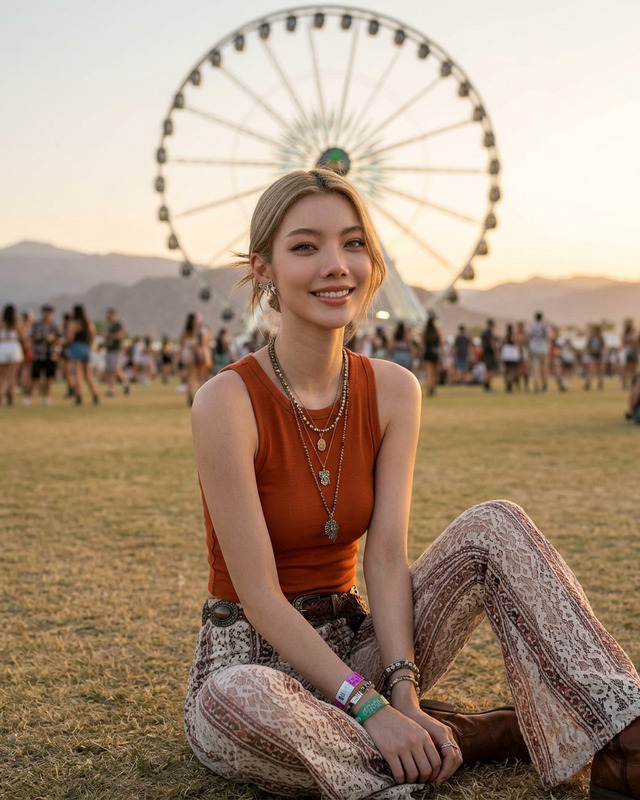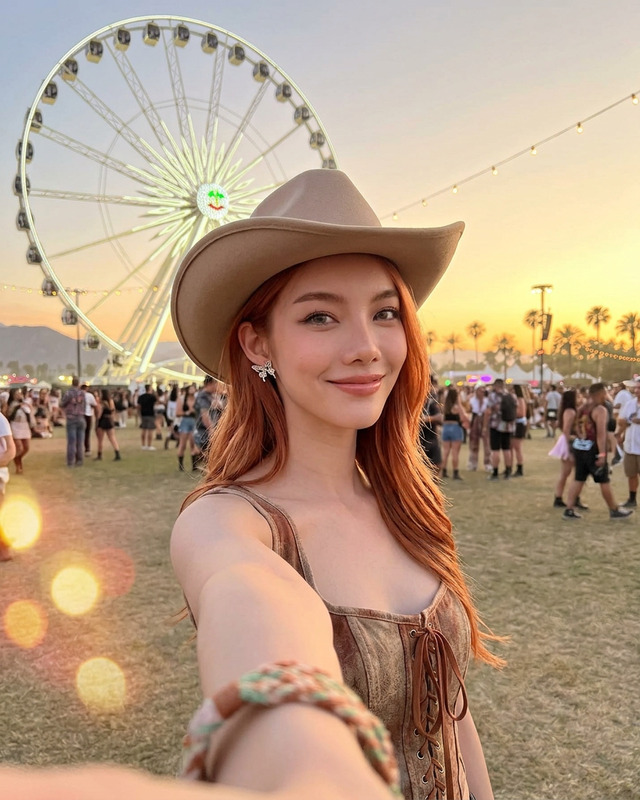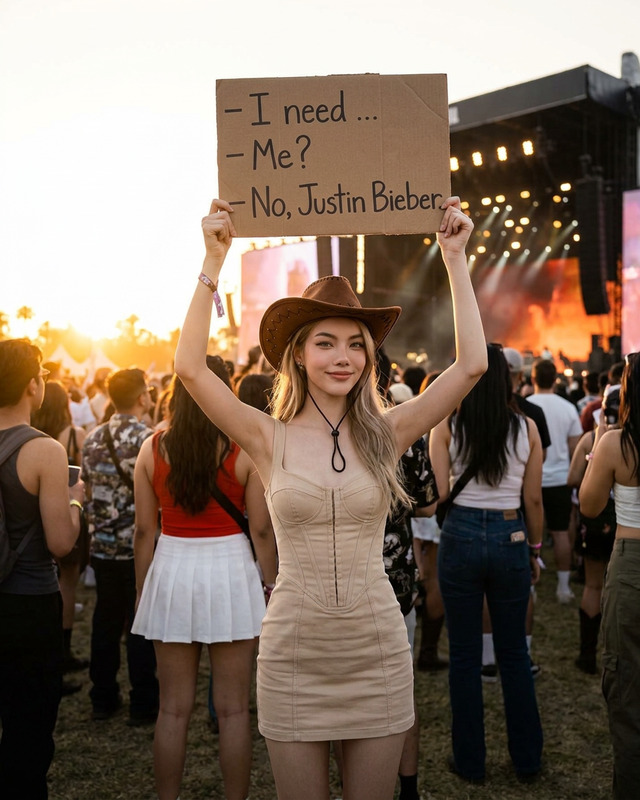
Bieber Fan
- Model
- Nano Banana 2
- Image
- 922 × 1152 px
Prompt
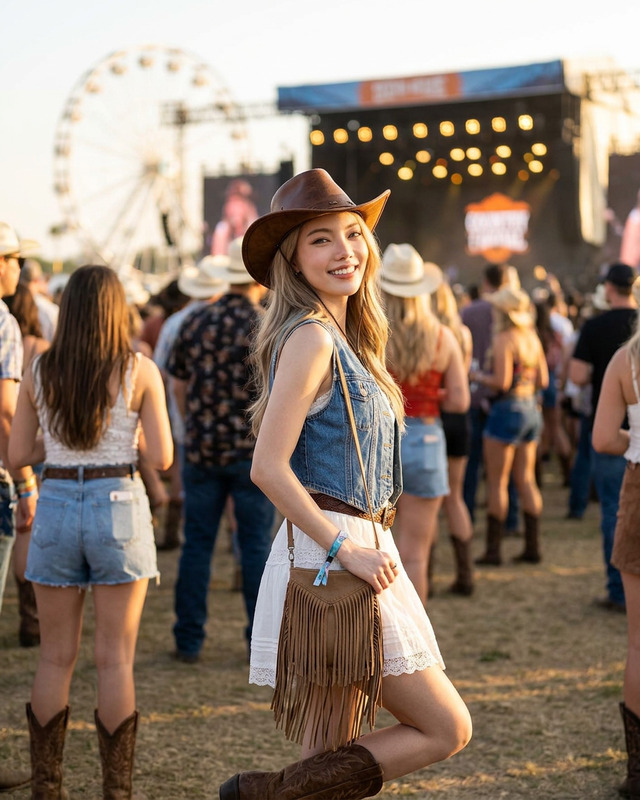
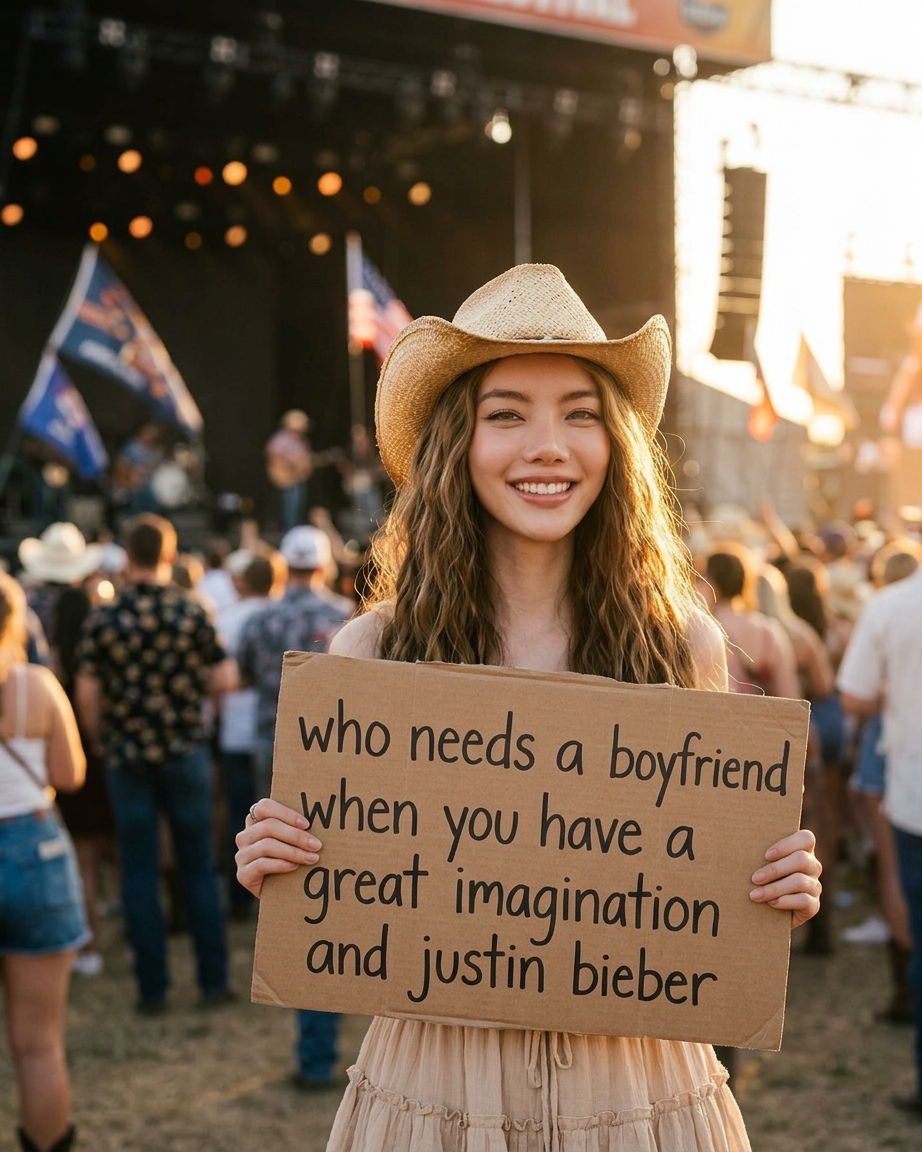
Beautiful young woman at an outdoor country music festival, wearing a beige cowboy hat, long natural brown hair, soft cute smile, holding a handmade cardboard sign with handwritten text saying: “who needs a boyfriend when you have a great imagination and justin bieber”, standing in front of a large concert stage during golden hour, warm sunset backlight creating glowing rim light on her hair, boho country festival aesthetic, light beige outfit, blurred crowd background with bokeh lights, candid photography style, cinematic warm lighting, ultra realistic, photorealistic skin texture, shallow depth of field, youthful playful vibe, editorial photography, Kodak film tones, 85mm lens, highly detailed, 4k
Any aspect ratio
Overview
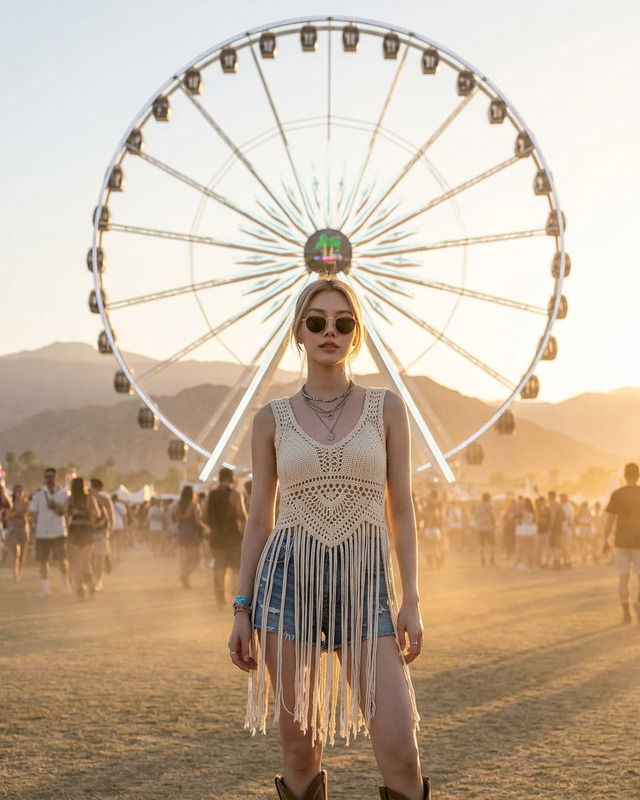
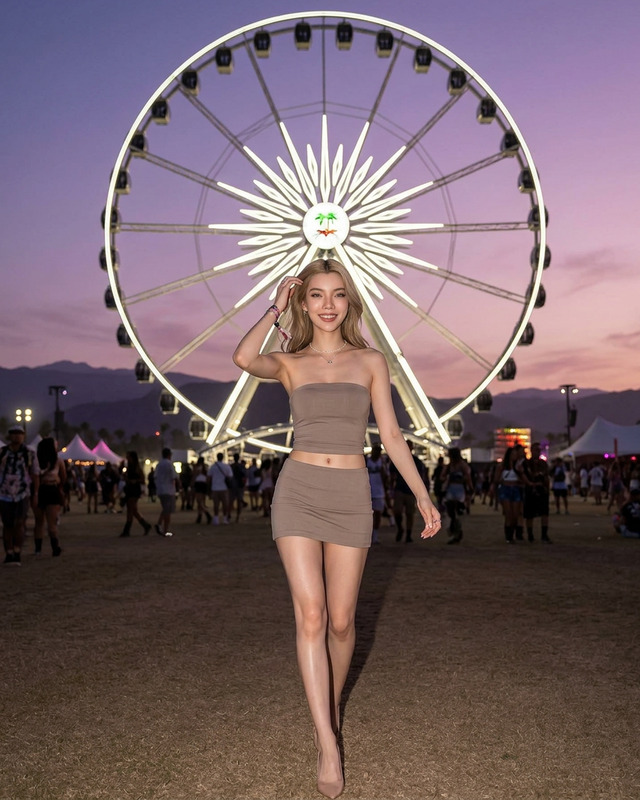
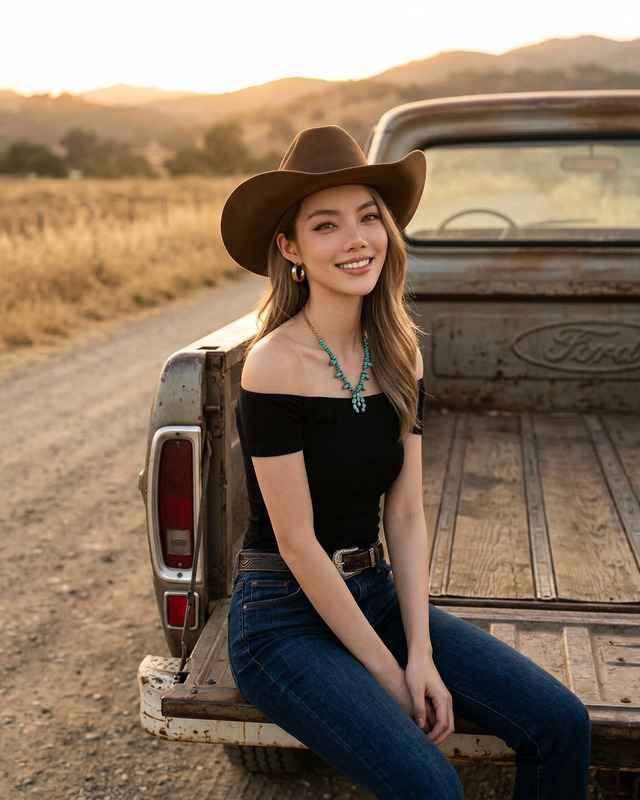
Unveil your festival moments with the Bieber Fan template using the AI Image Editor. Capture the unique style and vivid details of your favorite festival experiences, highlighted by the photorealistic quality powered by the nano-banana-2 model. Perfect for those looking to add a professional touch to their captures.
What It Does
This template empowers you to transform your photos with a detailed boho country festival aesthetic. It employs advanced AI tools to enhance textures, lighting, and overall image quality, giving your festival portraits a cinematic, editorial feel. It ensures that every photo is worthy of a professional portfolio.
Who It's For
If you're a die-hard Belieber or a festival fanatic, this template is perfect for you. It's designed for photographers and social media enthusiasts who want to highlight their event experiences with distinction. Whether you're an influencer crafting content or a music lover capturing memories, the outcomes will captivate your audience.
Summary
With the AI Image Editor, you can turn candid festival moments into stunning visuals. The AI GIF Generator can also be utilized to create dynamic displays of your edited images. Elevate your content by combining these tools for maximum effect, making your festival photos unforgettable.
How-To
Choose Your Template

Customize Your Inputs

Generate Your Image

Use Cases
Social Media Boosts
- Create eye-catching posts
- Develop engaging stories
- Showcase festival fashion
Artist Portfolios
- Highlight event photography experience
- Showcase editing skills
- Attract potential clients
Content for Beliebers
- Generate fan art with flair
- Produce photorealistic images
- Capture concert vibes
Best Practices
Opt for High-Resolution Images
Start with the highest quality images to ensure the final output is clear and detailed.Fine-tune Lighting Settings
Experiment with lighting effects to achieve the perfect golden hour look.Leverage Other Tools
Combine with the AI Video Generator for animated festival memories.