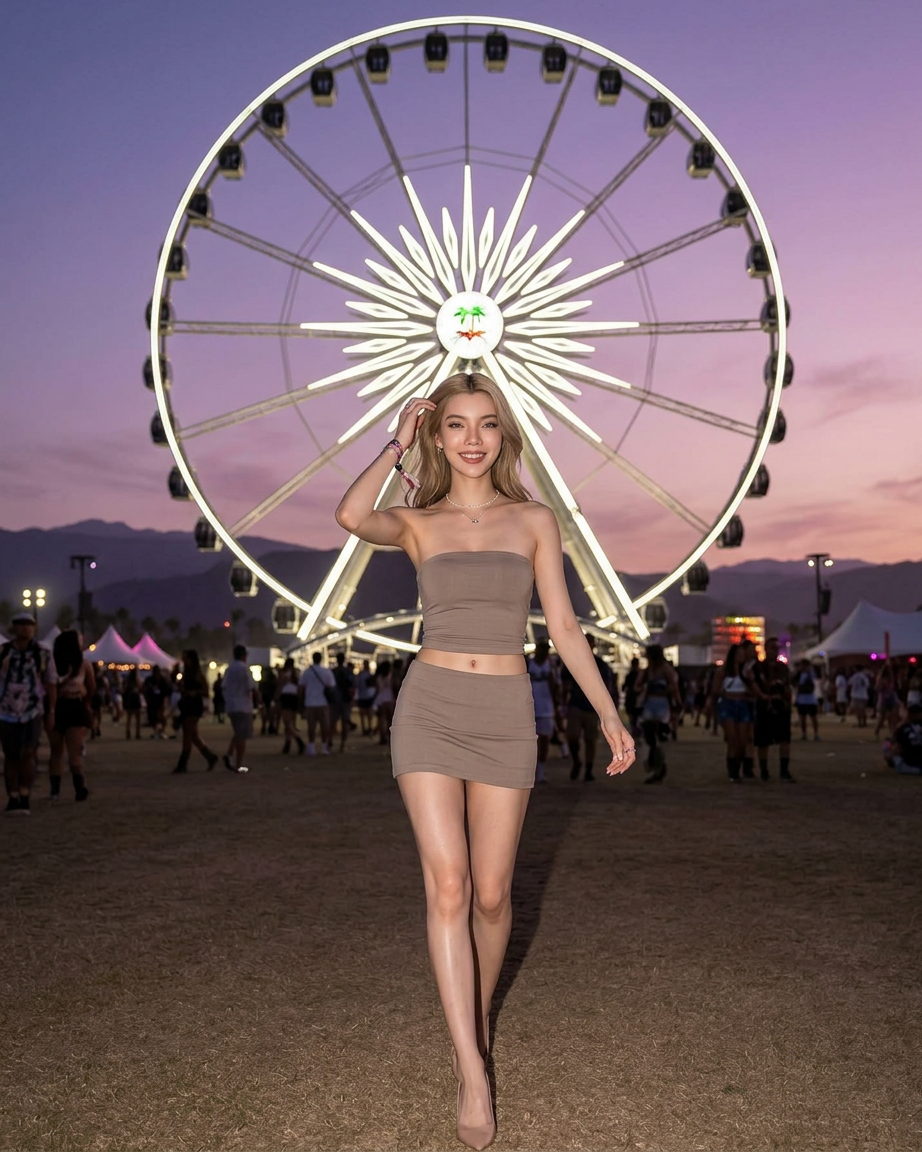
Festival Walk
- Model
- Nano Banana 2
- Image
- 922 × 1152 px
Prompt
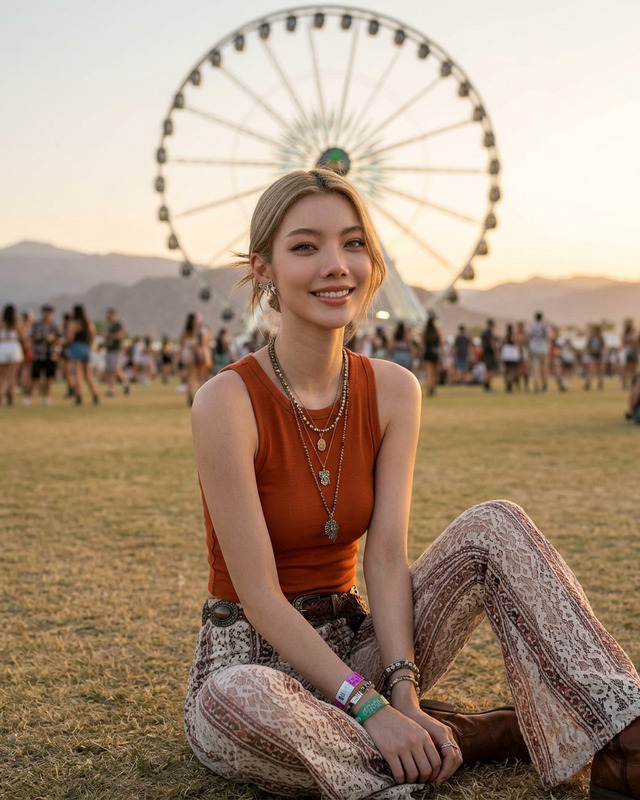
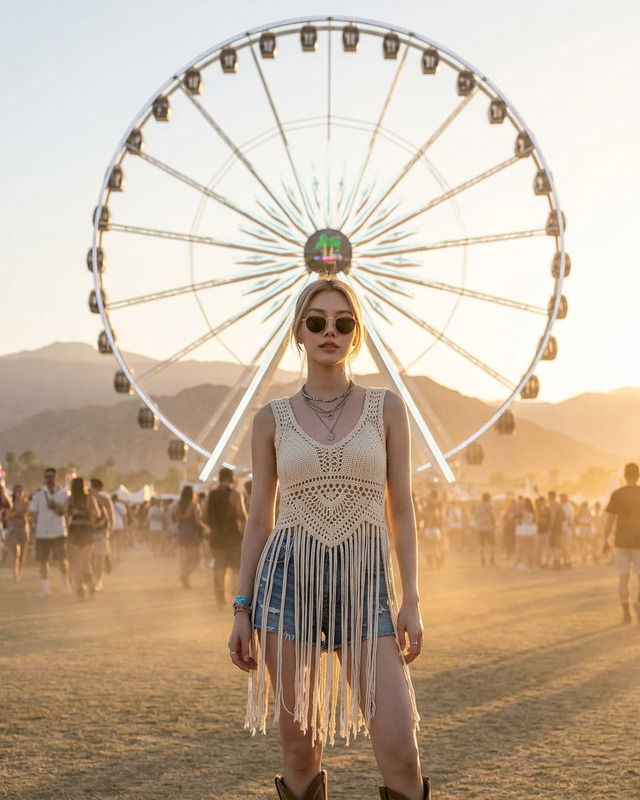
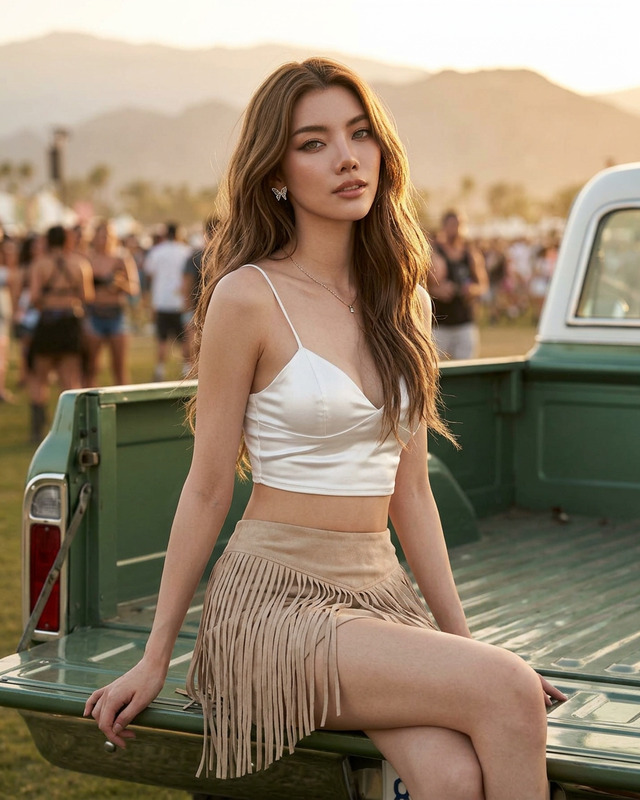
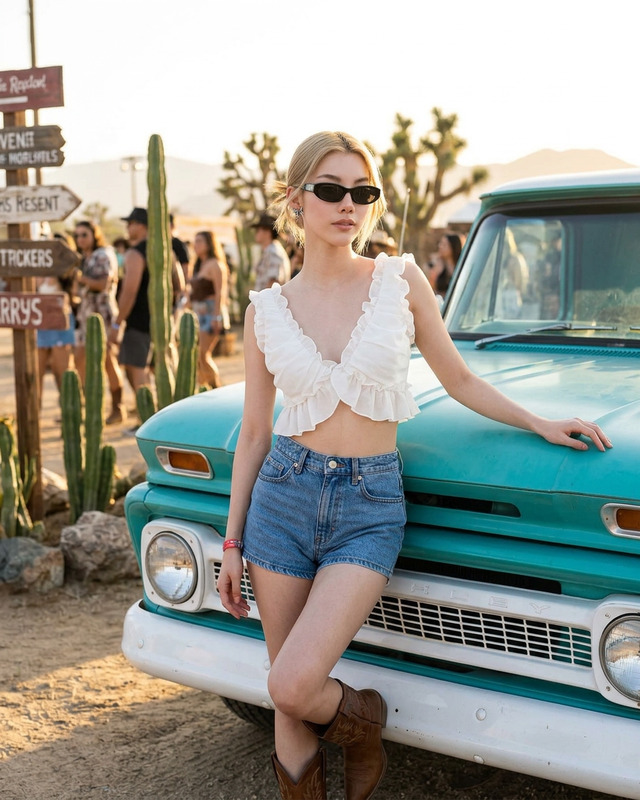
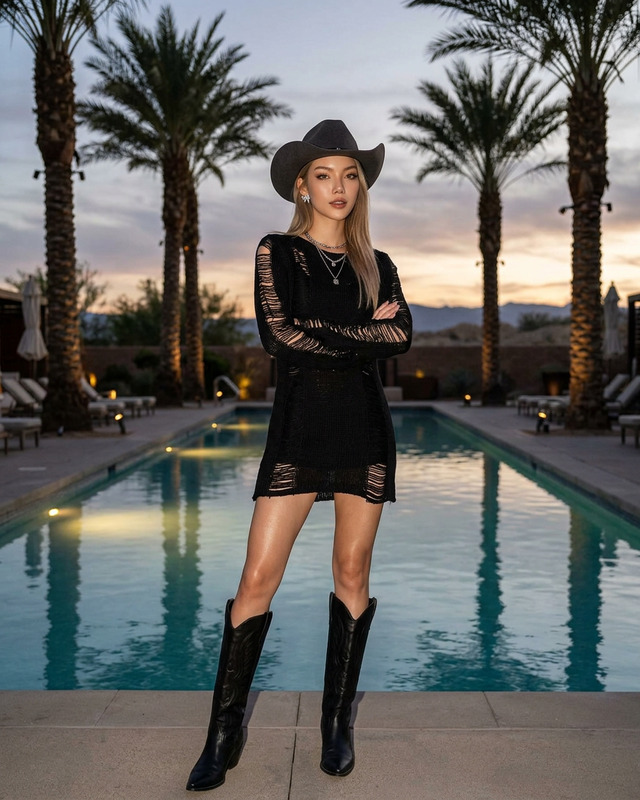
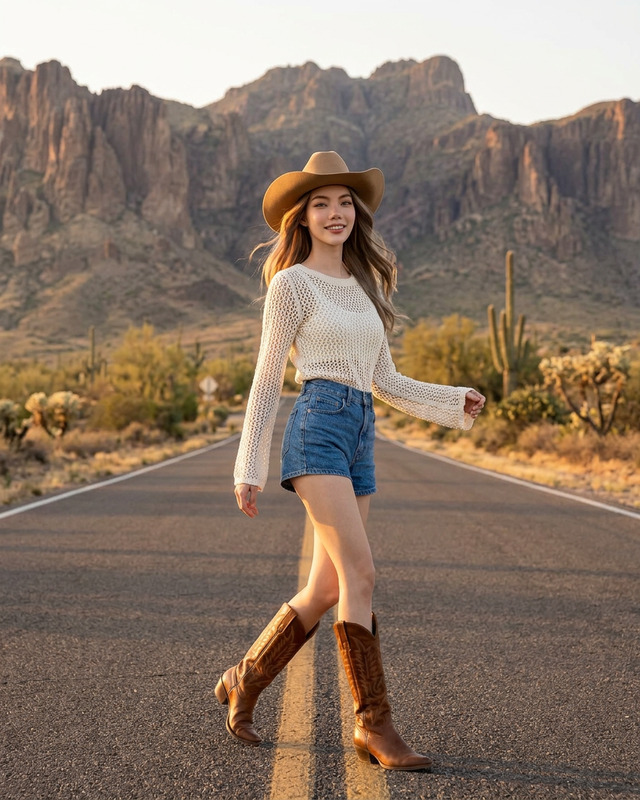
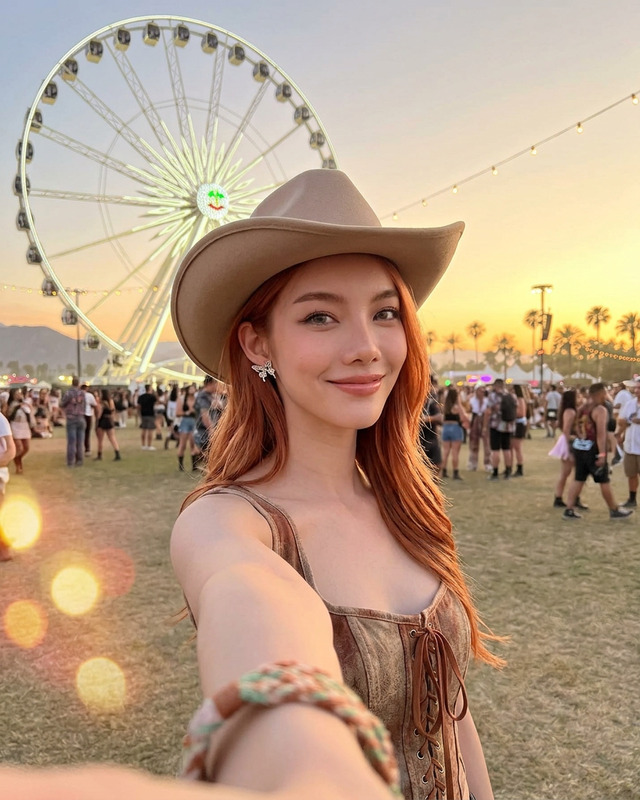
Ultra-realistic nighttime festival fashion editorial of a stunning young woman walking confidently through a desert music festival at dusk, with a giant illuminated ferris wheel perfectly centered behind her. She wears a fitted strapless taupe bandeau top and a matching low-rise mini skirt with subtle metallic embellishments, paired with delicate nude heels and minimal jewelry. glowing skin, defined cheekbones, and soft glam makeup with glossy lips. One hand running through her hair while walking toward the camera with a confident runway-style pose. Festival crowd, flags, and tents softly blurred in the background under a pastel twilight sky. Cinematic flash photography aesthetic, Coachella-inspired vibe, warm earthy tones, editorial fashion campaign, shallow depth of field, ultra detailed, photorealistic, 85mm lens, luxury boho desert atmosphere.
Any aspect ratio
Overview
The Festival Walk template is a powerful tool within our AI Image Editor suite, utilizing the advanced capabilities of the nano-banana-2 model. It enables you to produce ultra-realistic nighttime festival scenes with specific fashion vibes, perfect for creating captivating visual narratives.
What It Does
This template transforms your images into stunning festival editorials, focusing on lush, photorealistic details and a cinematic flash photography aesthetic. It captures the essence of luxury bohemian atmospheres with AI Image Editor tools and is tailored for editorial fashion campaigns with a Coachella-inspired vibe.
Who It's For
Fashion photographers, marketers, and content creators seeking to produce high-quality, festival-themed images will find this template invaluable. Ideal for those working on social media ads or editorial pieces, this tool caters to professionals who require detailed and atmospheric visuals.
Summary
Utilize the Festival Walk template to bring elegance and realism to your nighttime festival photoshoots, by leveraging the precision of the AI Image Editor. Its ability to generate high-detail and realistic outputs makes it a vital asset for any fashion campaign or social media presentation.
How-To
Choose the Template

Customize Your Design

Generate Your Image

Use Cases
Fashion Editorial Campaigns
- Coachella-inspired fashion shoots
- Luxury boho aesthetic visual content
Social Media Content
- Enhanced visual appeal
- Attract more followers
Brand Marketing
- Highlight fashion trends
- Create memorable brand images
Event Promotions
- Banner and poster creation
- Engage festival-goers
Best Practices
Focus on Lighting
Ensure your source images have good lighting to maximize the editor's ability to add the desired nighttime ambiance.Detail Orientation
Use the customization options to shift focus onto fine details like metallic embellishments and makeup to enhance realism.Background Elements
Adjust background elements like tents or crowd focus to maintain the narrative and avoid clashing with the main subject.