AI Image Editor · 7732e71413af130246e0579d35abcb
- Model
- Nano Banana 2
- Image
- 922 × 1152 px
Prompt
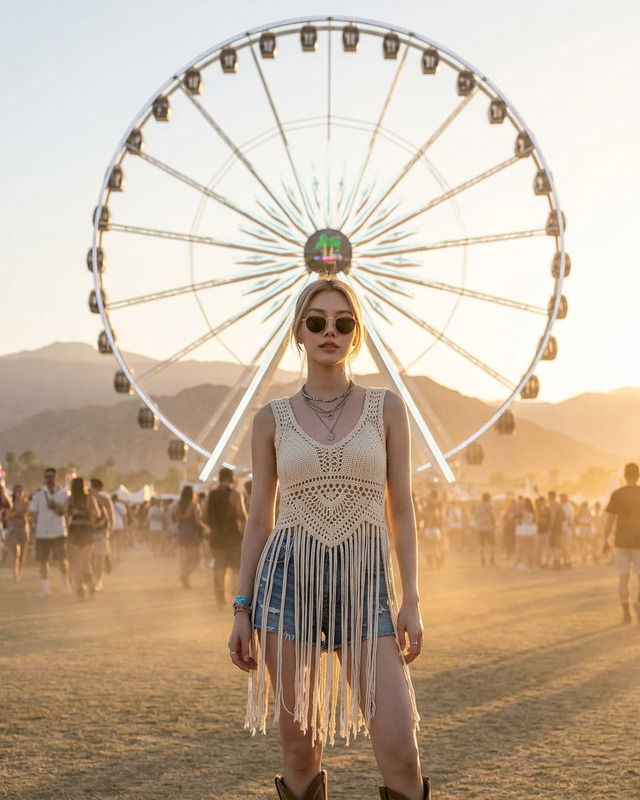
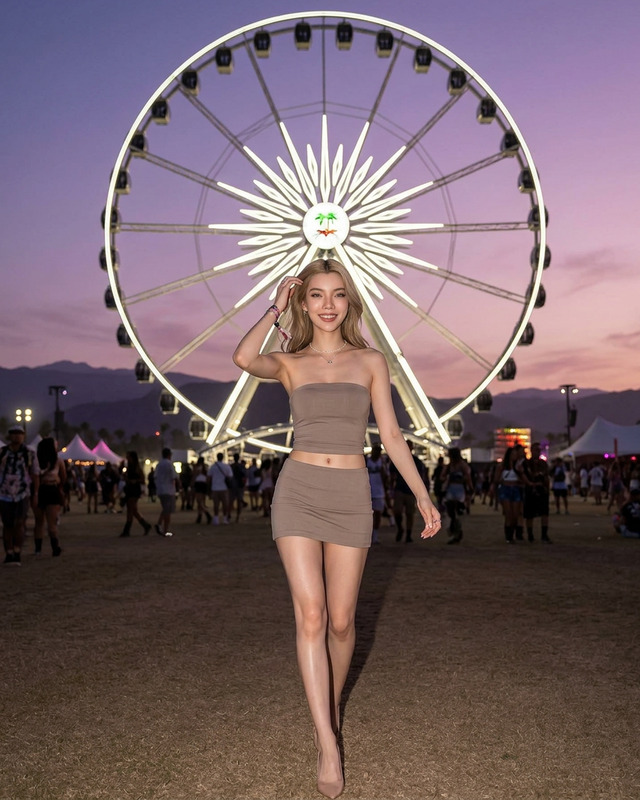
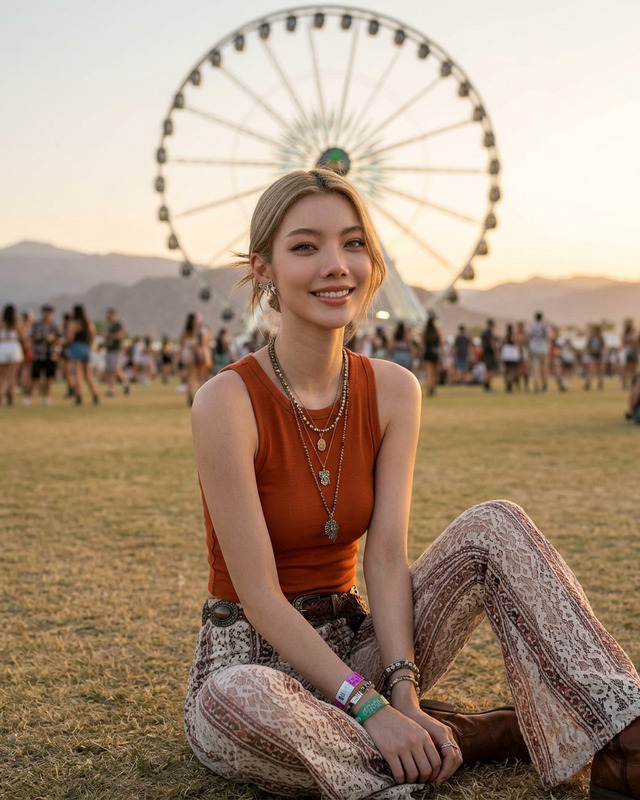
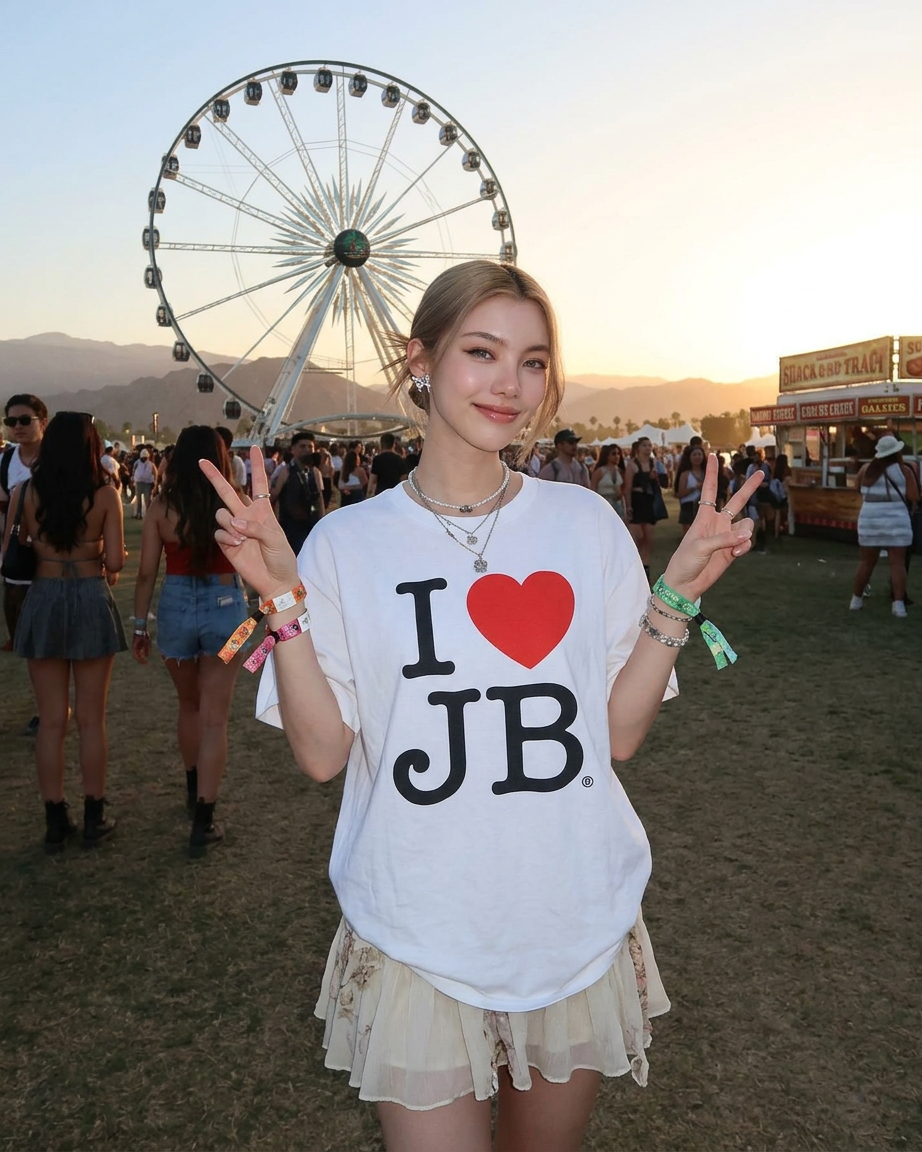
A stylish festival portrait of a confident young woman standing in front of a large ferris wheel at an outdoor music festival during sunset. She wears an oversized vintage graphic t-shirt reading “I ♥ JB” paired with a soft layered mini skirt and festival wristbands. She poses facing the camera while holding up peace signs with both hands, surrounded by a lively blurred festival crowd and distant desert mountains. Warm golden hour lighting, soft cinematic shadows, dreamy atmosphere, shallow depth of field, candid editorial fashion photography, youthful carefree energy, natural skin texture, vibrant earthy tones, ultra realistic detail, 35mm film aesthetic, high-end lifestyle campaign, boho festival vibe, centered composition.
Any aspect ratio
Overview
The AI Image Editor template is an advanced tool designed for those looking to enhance images with creative flair. Built on the nano-banana-2 model, it gives you the ability to transform photos with high-end adjustments and ultra-realistic details, perfect for lifestyle campaigns and personal photography projects.
What It Does
With this AI Image Editor, users can make precise image edits such as adjusting lighting, enhancing details, and applying stylistic effects. It offers an array of options tailored to photo refinement, making it ideal for creating editorial-quality images that capture the essence of unique moments like festivals or lifestyle campaigns.
Who It's For
The AI Image Editor is perfect for photographers, digital marketers, and content creators who need to refine images for high-impact visual storytelling. Whether you are preparing content for social media, adverts, or personal portfolios, this tool helps in achieving professional-grade results with ease. It complements other tools like the Photo Colorizer and the AI Profile Picture Generator.
Summary
Boost your creative potential with the AI Image Editor template. Ideal for fashion photography or lifestyle imagery, this tool brings the dynamic aspects of festival settings alive with vibrant tones and editorial precision. Ideal for enthusiasts of high-end aesthetics and candid, carefree photography.
How To
Choose Your Image

Customize Enhancements

Generate and Save

Use Cases
Fashion Photography
- Enhance natural lighting effects
- Refine wardrobe details
- Add an editorial finish
Lifestyle Campaigns
- Highlight natural skin textures
- Emphasize atmospheric backgrounds
- Capture candid moments
Social Media Content
- Create scroll-stopping images
- Maintain a cohesive aesthetic
- Optimize for platform specifications
Best Practices
Focus on Composition
Pay attention to the composition of your images, ensuring the subject is well-centered and elements like the background complement the focal point.Adjust Lighting Thoughtfully
Use the lighting adjustments to match the desired ambiance, such as the warm glow of golden hour or the soft shadow effects you envision.Experiment with Textures
Try different texture enhancements to bring out the underlying details of clothing or skin to add depth to your images.