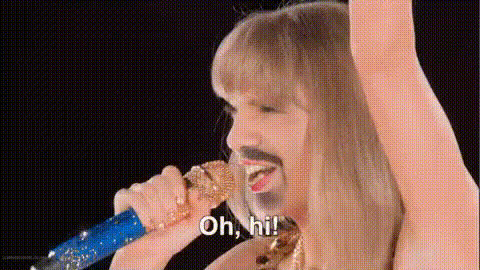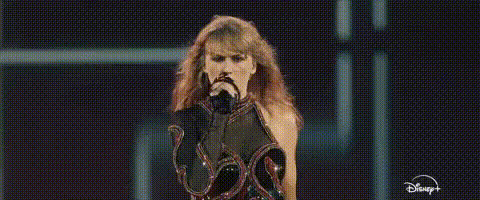
Template preview

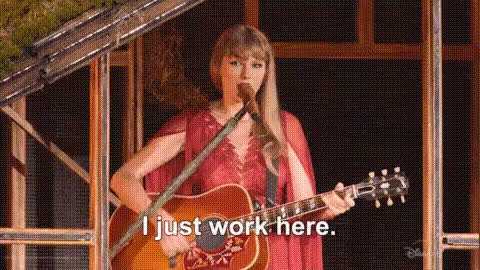
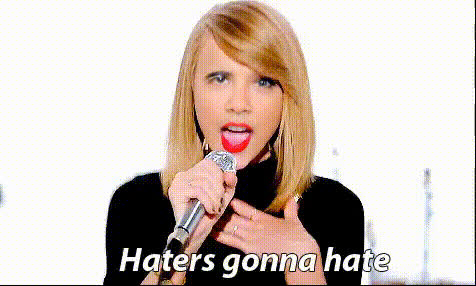
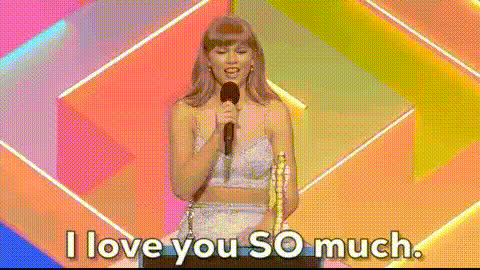
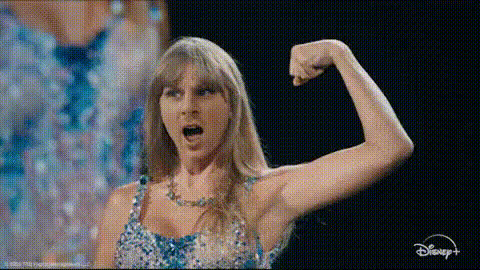
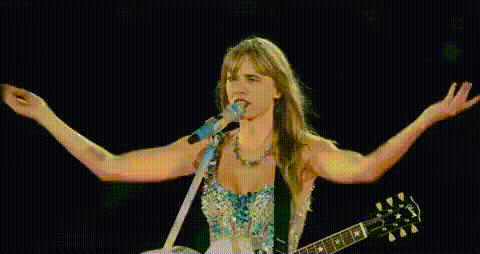
taylor-swift-singing-performance

Video Face Swap
1 clip
0 uses

Any aspect ratio

Tags

transformations

Overview

The Taylor Swift Singing Performance template revolutionizes your video creation by letting you swap faces into iconic Taylor Swift performances. Whether crafting a fun clip for social media or experimenting with AI transformations, transform your footage into show-stopping performances.

What It Does

This template employs advanced Video Face Swap technology, allowing you to insert any face into a Taylor Swift performance video. The result is a seamless integration that maintains performance authenticity while providing a fun twist. Export the final video in common formats supported by Magic Hour.

Who It's For

Ideal for creators and fans looking to celebrate their love for Taylor Swift through personalized content. Perfect for TikTok videos, social media posts, and creative projects aiming to engage audiences with unique, entertaining content.

Summary

The Taylor Swift Singing Performance template offers a unique opportunity to merge your creativity with advanced AI. Swap faces convincingly into Taylor's performances and leave a mark on your audience. Learn more about our Text-to-Video and AI Video Generator tools to further enhance your projects.

How To

Follow these steps to create your own Taylor Swift face swap video.
    01

    Choose the Template

    Find the Taylor Swift Singing Performance template in the Video Face Swap section of Magic Hour's template library.
    02

    Customize Your Video

    Upload the photo of the face you want to swap into Taylor Swift's performance. Adjust the facial points for accurate mapping.
    03

    Generate and Download

    Click the 'Generate' button to process your video. After processing, download the video file to enjoy and share with others.

Use Cases

Explore how the Taylor Swift Singing Performance template can add value to various projects.
📱

Social Media Engagement

Stand out on platforms like TikTok or Instagram by featuring a personalized performance video.
🎤

Fan Content Creations

Create fun, interactive fan videos that incorporate beloved songs and performances.
📈

Marketing and Promotions

Use face-swapped Taylor Swift videos to create buzz around events or campaigns.

Best Practices

Optimize your results by following these best practices.
  • High-Quality Photos

    Use high-resolution images for the best match and face swap accuracy.
  • Lighting Matching

    Ensure the lighting in the source image closely matches the video for a more realistic swap.
  • Facial Expression Consideration

    Choose photos with neutral expressions to adapt better with the dynamic movements in the video.

Frequently asked questions

High-resolution images with frontal perspectives and neutral expressions yield the most realistic swaps.

This template is primarily for personal and non-commercial use. For commercial inquiries, further licensing may be needed.

Adjust the facial points during the customization phase to improve alignment and integration.

Yes, explore our Popular templates section for other performer options.

More Like This

taylor-swift-in-music-video
taylor-swift-singing-guitar
taylor-swift-singing-mic
1
taylor-swift-singing-mic
taylor-swift-singing-shocked
taylor-swift-smiling-1
taylor-swift-smiling-on-stage
3
taylor-swift-smiling-on-stage
taylor-swift-on-tv
1
taylor-swift-on-tv
taylor-swift-performing-on-stage
taylor-swift-singing-performance-1
3
taylor-swift-singing-performance-1
taylor-swift-singing-with-guitar
taylor-swift-singing-with-mic
taylor-swift-talking

Face Swap Video