taylor-swift-singing-mic
Overview
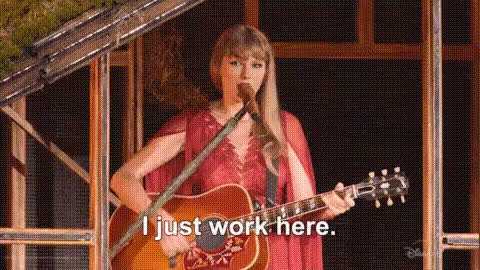
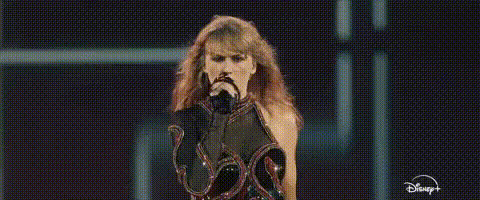
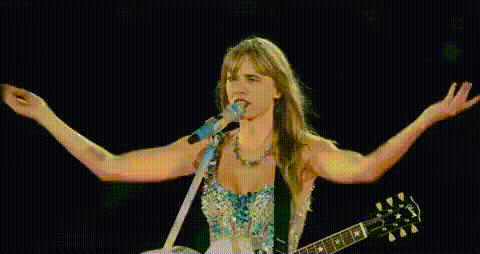
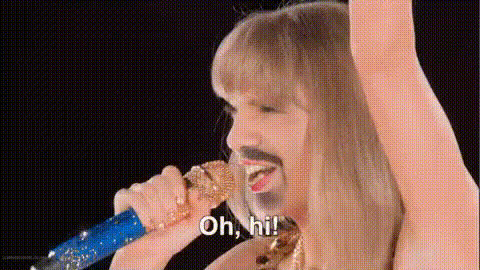
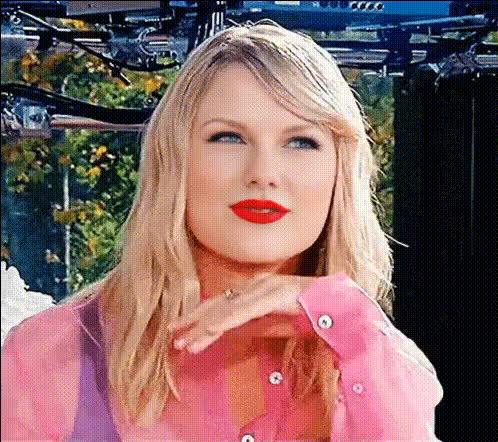
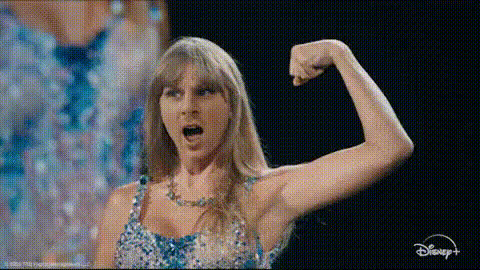
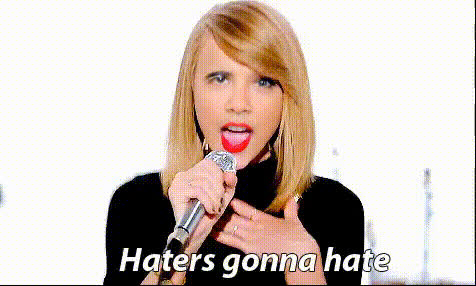
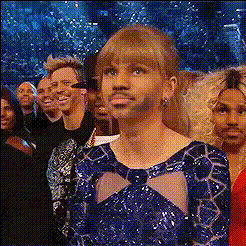
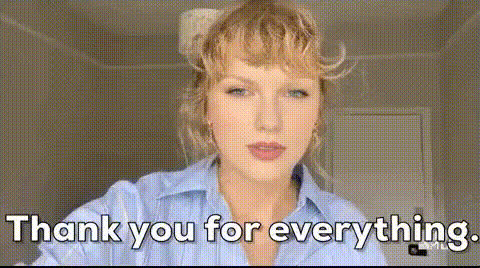
Experience the thrill of performing like Taylor Swift with our Video Face Swap template. This tool lets you swap faces in videos, transforming your subject into Taylor as she sings into a mic. Ideal for both creative projects and fun sharing opportunities, this template brings a touch of celebrity magic to your videos.
What It Does
Our Taylor Swift Singing Mic template utilizes advanced face-swapping technology to meld your chosen face onto Taylor Swift's in a singing scenario. The process is simple—integrate your subject into high-quality video clips of Taylor performing into a mic. Leverage this with other tools like the Video Face Swap and AI Image Editor to enhance and customize your output further.
Who It's For
This template is perfect for content creators, social media enthusiasts, and anyone looking to inject some star power into their videos. Whether you're crafting a viral TikTok, creating marketing materials, or just having fun with friends, the Taylor Swift singing mic face swap offers a playful and engaging way to elevate your video content.
Summary
Step into the spotlight and share videos with Taylor Swift's flair using the Video Face Swap template. It's an inventive way to create eye-catching media content. Combine this with other advanced tools available at Magic Hour, such as the AI Image Generator and Image to Video conversions, to expand your creative possibilities.
How To
Choose Your Template

Customize Your Inputs

Generate Your Video

Use Cases
Social Media Content
- Instagram Reels
- Viral TikTok videos
- Facebook Stories
Creative Projects
- Music video parodies
- School projects
- Personal art videos
Marketing Campaigns
- Product launch teasers
- Promotional events
- Social media ads
Best Practices
High-Quality Photos
Use clear, high-resolution photos for the best face swap results. This ensures better alignment and detail matching.Adjust Lighting
Align the lighting of the face being swapped with the video to make the integration seamless. Consider using the AI Photo Relighting tool.Review Before Sharing
Always review the final output for any tweaks that might be needed. You can use the AI Image Upscaler to enhance video quality if necessary.