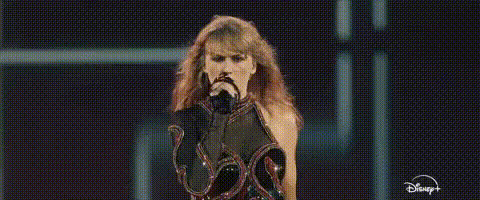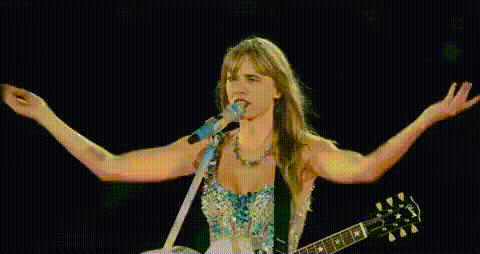
taylor-swift-singing-guitar
Overview
This Video Face Swap template allows you to swap your face with Taylor Swift's as she performs a song with her guitar. Whether you're looking to have fun or create engaging content for your audience, this template is designed for dynamic transformations. Get more creative with Face Swap technology that prioritizes realistic results.
What It Does
By using this template, you can place your face over Taylor Swift's in a live performance video. The advanced features of Video Face Swap technology ensure facial expressions, angles, and lighting are seamlessly integrated for a realistic outcome. This template supports a variety of file formats, ensuring broad usability in different projects.
Who It's For
This template is perfect for social media influencers, content creators, and fans of Taylor Swift who want to share unique, personalized videos. It's also tailored for marketers looking to create engaging content that resonates with a pop culture audience. Explore more with our Social Media Ads use case possibilities.
Summary
Take your videos to a new level by swapping your face onto Taylor Swift's during a music performance. With the AI Talking Photo and other advanced tools, you'll captivate viewers with immersive and interactive content. Stay ahead in content creation with innovative transformation tools.
How-To
Choose Template

Customize Your Face

Generate Video

Use Cases
Social Media Fun
- TikTok challenges
- Instagram stories
Event Promotions
- Concert promotions
- Music festival ads
Fan Engagement
- Fan club activities
- Celebrity look-alike contests
Best Practices
Select High-Quality Images
Ensure your photo is high-resolution for the best integration results.Adjust Lighting
Match the lighting of your input image with the source video to improve the final appearance.Experiment with Expressions
Use different facial expressions to see how changes affect the overall video quality.