taylor-swift-singing-with-mic
Overview
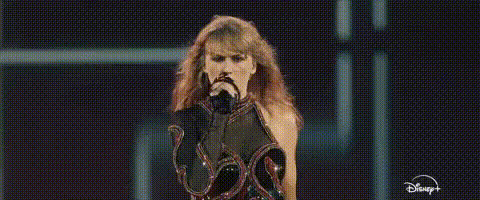
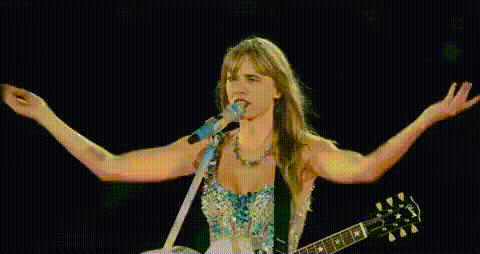
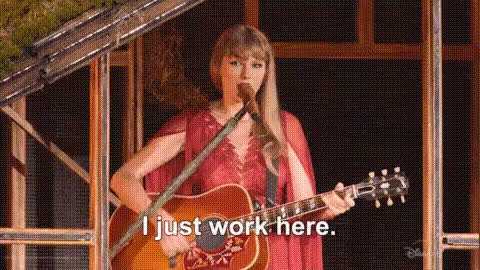
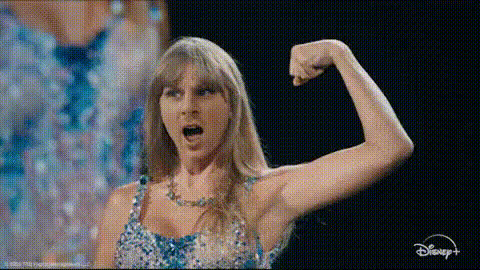
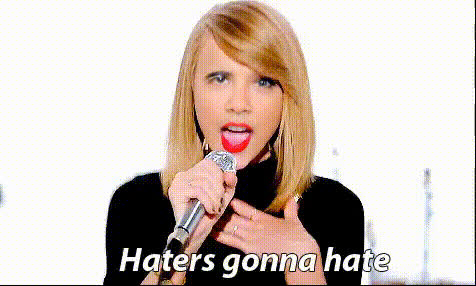
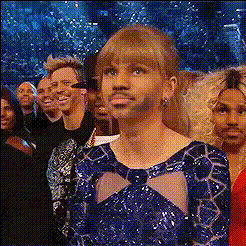
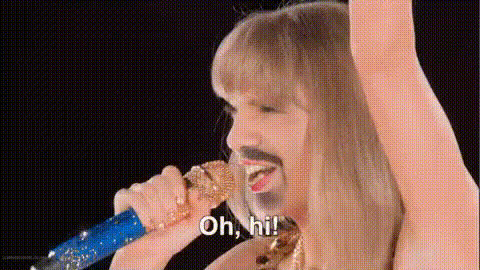
Ever wanted to star in your own Taylor Swift concert? With the Taylor Swift Singing with Mic template, you can step into the spotlight. This Video Face Swap tool is perfect for altering concert footage to feature your face, creating a personalized render ready for fan videos and social media sharing.
What It Does
This template utilizes advanced Video Face Swap technology to replace Taylor Swift's face with yours in a concert video. It provides a unique way to become the star of a performance. This tool works by analyzing facial features and seamlessly integrating them into the original video, maintaining lifelike expressions and movements.
Who It's For
Fans of Taylor Swift will love this template, especially those who enjoy creative meme videos and personalized content for social sharing. Additionally, content creators on platforms like TikTok and Instagram can use it to engage audiences in fun and innovative ways.
Summary
Transform any concert footage into a personalized experience with the Taylor Swift Singing with Mic template. Perfect for fans and creators alike, this Video Face Swap tool enables anyone to share engaging, custom videos on their favorite social media platforms.
How-To
Choose Your Template

Customize Your Inputs

Generate Your Video

Use Cases
Fan Engagement Videos
- Connect with fellow fans through shared experiences.
- Use on fan pages to promote events and collaborations.
Social Media Content
- Stand out on platforms like Instagram and TikTok.
- Use in video campaigns to attract more views.
Personalized Memes
- Share on meme pages for humor and relatability.
- Create viral content by integrating trending challenges.
Best Practices
Choose a Clear Image
For best results, upload a clear and frontal photo. This helps the software accurately map your facial features onto the video.Adjust Lighting
Ensure the lighting in your photo matches the video lighting to maintain consistency and realism.Preview Before Finalizing
Use the preview option to check the integration of your face on the video. Make adjustments if necessary to improve the outcome.