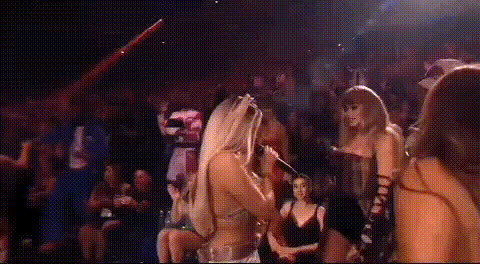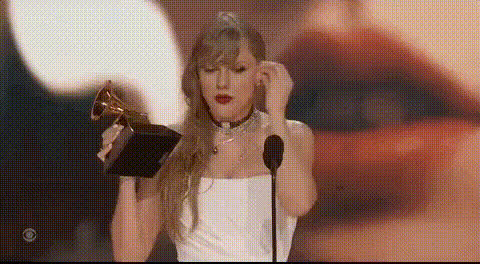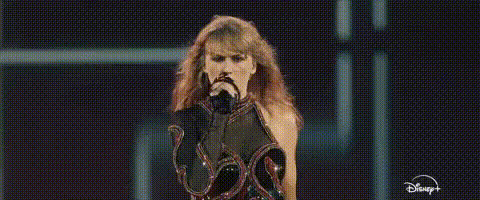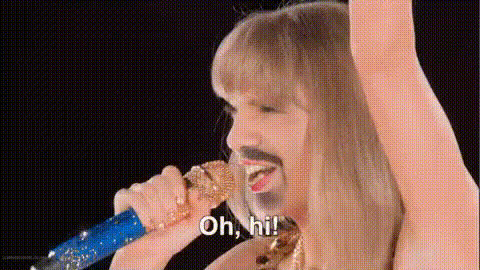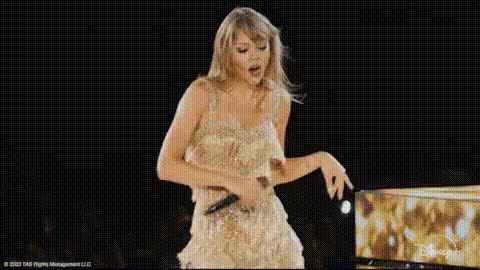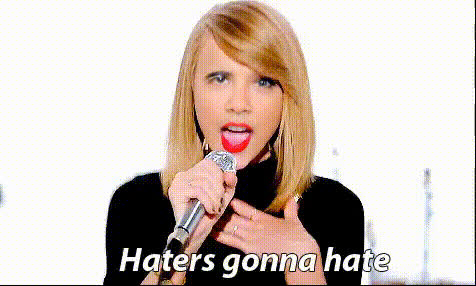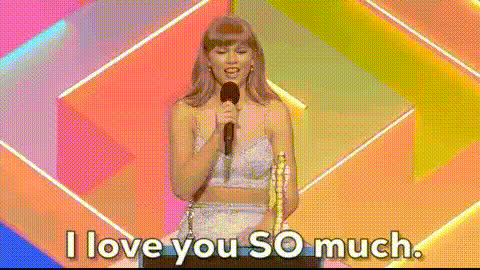
taylor-swift-performing-on-stage
Overview
Experience the thrill of seeing yourself or your favorite personality performing like Taylor Swift on stage. Our Video Face Swap template allows you to replace the face in a dynamic stage performance scene, bringing performance art to a personal level.
What It Does
This template leverages advanced Video Face Swap technology to seamlessly integrate your face or anyone else's into a live performance clip. This transforms ordinary footage into a tailored performance experience that feels both personalized and professional.
Utilizing AI Video Generator capabilities, the template ensures smooth motion and realistic facial expressions. It's more than just a swap; it intelligently adapts to the nuances of lighting, angle, and expression present in the stage footage.
Who It's For
This tool is perfect for creators, influencers, or fans who want to explore the world of performance art. Whether you're creating personalized fan videos, promotional content, or just for fun, this template offers a wide appeal.
Particularly useful for content creators aiming for viral content on platforms like TikTok, consider pairing this with our AI Talking Photo for engaging social media posts.
Summary
The Taylor Swift Performing on Stage video template offers a unique way to engage with audience and fans through personalization. By embedding familiar faces into exciting live performances, creators can produce high-quality, engaging content that resonates.
For broader applications that incorporate dialogue or singing, combining this with the Lip Sync tool expands the creative possibilities significantly.
How-To
Choose Your Template

Customize Your Video

Generate Your Video

Use Cases
Social Media Engagement
- Viral fan engagement
- Unique promotional content
Event Promotion
- Custom event teasers
- Fan interaction boosters
Personal Entertainment
- Fun video messages
- Personalized content creation
Best Practices
Select High-Quality Images
Ensure clarity by using high-resolution images with even lighting. This aids the AI in creating a realistic swap.Use Complementary Tools
Combine with AI Voice Changer to add customized audio for a fully immersive experience.Preview Before Finalizing
Make use of preview options to fine-tune facial alignment and expressions before generating the final output.