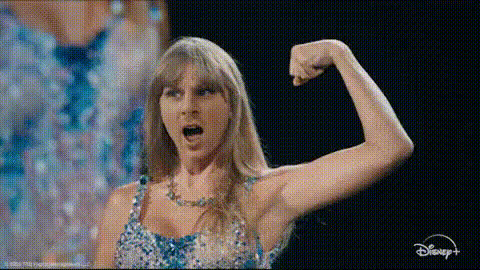
taylor-swift-singing-performance-1
Overview
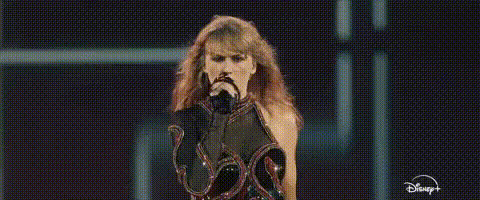
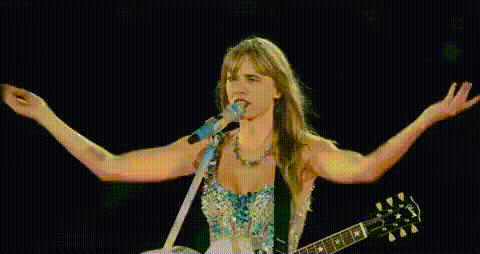
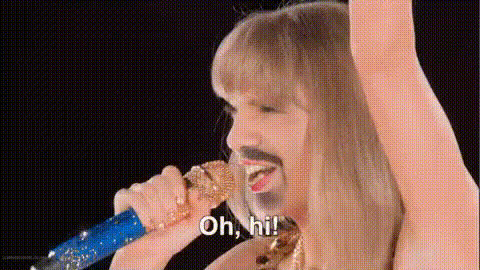
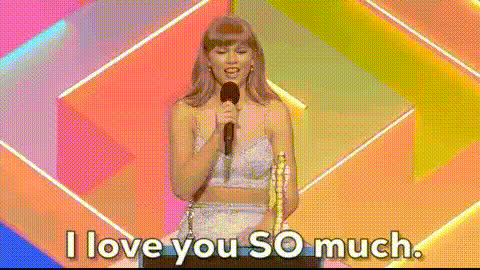
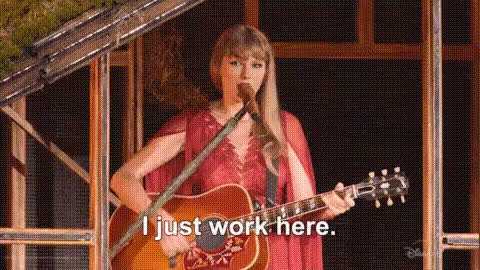
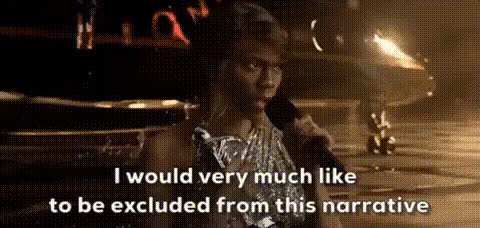
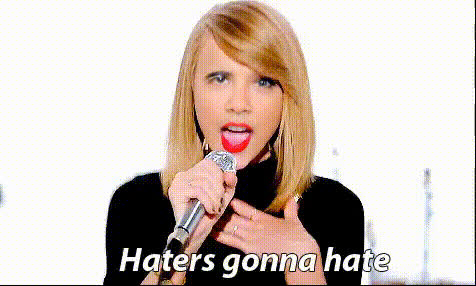
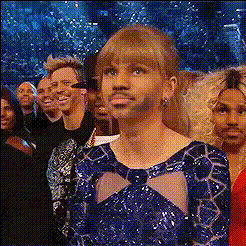
Turn your creative ideas into reality with the Taylor Swift Singing Performance Video Face Swap template. This template allows you to substitute a face in an existing video with precision, offering a unique way to create viral content. Ideal for both personal and promotional use, this template adds a layer of fun and excitement to your projects.
What It Does
This Video Face Swap template is designed to replace a face in a Taylor Swift performance video, enabling you to create hilarious and shareable content. By utilizing cutting-edge AI technology, this template ensures a seamless transition, making it a perfect fit for those looking to spice up their social media presence or engage audiences in new ways.
Pair it with our AI Voice Changer to mimic Taylor Swift's voice, or explore other creative possibilities using the AI GIF Generator for animated sequences.
Who It's For
Whether you are a content creator, marketer, or just someone who loves having fun with videos, this template caters to a wide audience. It's particularly useful for social media managers looking to boost engagement with eye-catching content, as well as enthusiasts eager to experiment with face swap technology.
Combine with our AI Image Editor to further refine your visual content, ensuring each frame looks just the way you envision it.
Summary
The Taylor Swift Singing Performance Video Face Swap template leverages AI to revolutionize how you approach video content creation. By offering a precise face replacement tool, it allows for a host of possibilities, from engaging social media content to unique marketing materials. For those exploring creative transformations, check out our AI Clothes Changer for further customization options.
How To
Select Your Template

Customize Your Input

Generate and Download

Use Cases
Viral Social Media Content
- Use for fun challenges
- Enhance engagement rates
Creative Marketing Campaigns
- Brand promotion
- Product launches
Entertainment and Parody
- Generate comedy sketches
- Fan-made tribute videos
Best Practices
Choose High-Quality Images
For the best results, source high-resolution images that match the lighting and angle of the template video.Test Different Angles
Experiment with various face angles to determine which yields the most natural-looking swap.Pair with AI Tools
Enhance your output by integrating with complementary tools like the AI Product Photography tool for seamless design.